To fix dead zones quickly, place your primary mesh unit in a central, open spot near your modem, elevated on a shelf for strong coverage. Keep secondary nodes within 30-50 feet of the primary, avoiding thick walls and large appliances. Experiment with different locations using signal strength features, and walk through your home with a device to identify weak spots. Want to learn more tips on perfecting your setup? Keep going to optimize your Wi-Fi coverage!

Get the latest gadgets delivered free — and shop member deals
- Fast, free delivery on millions of items
- Access to Prime Big Deal Days deals on October 6–7
- Prime Video, Amazon Music and more included
Key Takeaways
- Position the primary mesh unit centrally near the modem, elevated and free of obstructions for optimal signal start.
- Keep secondary nodes 30-50 feet apart, avoiding too close or too distant placements to ensure strong coverage.
- Avoid placing nodes behind thick walls or large appliances; aim for line-of-sight or open spaces.
- Use signal strength indicators in the app to fine-tune node placement for maximum coverage.
- Conduct coverage checks by walking through your home, repositioning nodes to eliminate dead zones.
Ever wondered how to get the most out of your mesh Wi-Fi system? The secret lies in smart placement. Your goal is to create a seamless network that blankets your entire home with strong, reliable internet. To do that, you need to focus on optimizing your router signal and coverage. Proper placement of your mesh nodes is essential for achieving maximum coverage and avoiding those frustrating dead zones.
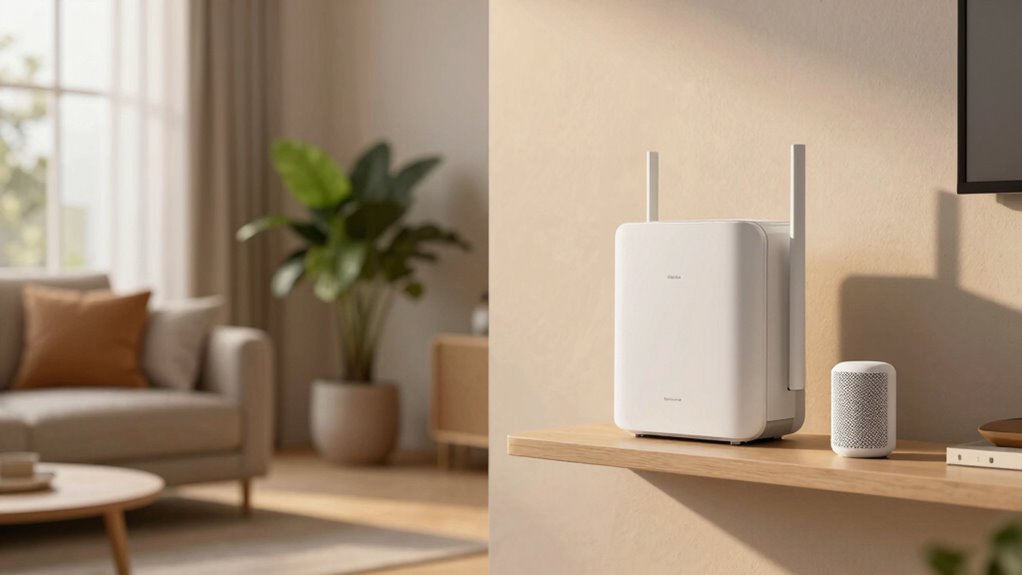
Start by placing your primary mesh unit in a central location, ideally near your modem. This ensures a strong router signal right from the start, which is vital for coverage optimization. Keep it out in the open, not tucked away in a closet or behind furniture, because obstructions weaken the signal. Elevate it if possible—placing it on a shelf or high surface can improve signal strength and distribution. The goal is to minimize interference from walls, metal objects, and appliances that can disrupt your mesh network. Understanding mesh Wi-Fi laws and regulations in your area can help you avoid compliance issues and optimize your network setup.
Next, position your secondary nodes thoughtfully. They shouldn’t be placed too far from the primary unit, or the signal will weaken, causing slow speeds or dropped connections. On the other hand, placing them too close together doesn’t maximize coverage. A good rule of thumb is to keep nodes within a reasonable range—usually about 30 to 50 feet—while avoiding obstacles that reduce signal strength. If you notice dead zones, experiment with different locations until you find the sweet spot where coverage is strongest and most consistent. Utilizing the mesh Wi-Fi performance features of your app can help you fine-tune placement and ensure optimal coverage. Proper planning can also help prevent issues caused by physical barriers, which are a common cause of weak signals and connectivity problems.
Keep in mind that the router signal is strongest when nodes are directly in line of sight, so avoid placing nodes behind thick walls or large appliances. If you must place a node behind a wall, try to position it near a window or an open space to improve signal penetration. You can also use your mesh app’s signal strength indicator to test different placements quickly and identify areas with weaker coverage. Additionally, a properly planned layout can significantly improve overall network performance and reduce the need for frequent adjustments. Moreover, performing a site survey helps identify physical barriers and interference sources that could affect signal quality.
Finally, don’t forget to perform a quick coverage check. Walk through your home with a device connected to your mesh network and note where the connection drops or slows down. Adjust your nodes accordingly, aiming for a balanced network where every area gets a solid, consistent signal. With a little trial and error, you’ll maximize coverage, eliminate dead zones, and enjoy fast, reliable internet everywhere in your home. Proper mesh Wi-Fi placement isn’t just about convenience; it’s the key to unlocking your network’s full potential.
As an affiliate, we earn on qualifying purchases.
Frequently Asked Questions
How Many Mesh Nodes Do I Need for a Large House?
For a large house, you’ll typically need three to five mesh nodes to guarantee full coverage. Place nodes strategically to minimize signal interference and maximize device compatibility. Start with a main node near your modem and add others in areas with weak signals. Keep nodes spaced evenly, avoiding thick walls or metal appliances. This setup helps eliminate dead zones, providing seamless Wi-Fi access throughout your home.
Can I Use Existing Routers as Mesh Points?
You can sometimes use existing routers as mesh points, but it depends on their compatibility. Check your router’s specifications for mesh extension options or support for standards like Wi-Fi 5 or 6. If they’re incompatible, you might create more dead zones than you fix. For a seamless experience, consider dedicated mesh nodes designed for easy integration, ensuring your network remains strong and reliable throughout your large house.
What Is the Optimal Distance Between Mesh Nodes?
You should place mesh nodes about 30 to 50 feet apart, depending on your home’s layout. Proper mesh node placement guarantees strong Wi-Fi signal strength and seamless coverage. Avoid placing nodes behind thick walls or large metal objects, as they can weaken the signal. Test your connection after placement and adjust if you notice dead zones or weak signals, maintaining ideal distances for consistent mesh Wi-Fi performance.
How Does Furniture Affect Mesh Wi-Fi Performance?
Furniture can greatly impact your mesh Wi-Fi performance. While some believe it blocks signals, research shows that router placement is more critical. Large, dense furniture might cause signal interference, especially if placed directly behind or near your mesh nodes. To optimize, position your routers in open areas, avoiding bulky furniture around nodes. This way, you minimize signal interference and guarantee a strong, stable connection throughout your home.
Is Mesh Wi-Fi Secure Against Hacking Threats?
Yes, mesh Wi-Fi is generally secure against hacking threats if you enable strong encryption protocols like WPA3. You should also regularly update your firmware and use unique passwords. Additionally, implementing network monitoring helps you detect unusual activity early. These steps make your mesh network more resilient, protecting your personal data and devices from potential cyber threats. Stay vigilant, and you’ll keep your Wi-Fi safe and secure.
Conclusion
So, why struggle with dead zones when a simple mesh Wi-Fi placement can fix everything? With strategic positioning, you’ll enjoy seamless coverage throughout your home, eliminating frustrating interruptions. Don’t wait for connectivity issues to worsen—act now and enjoy fast, reliable internet wherever you go. Isn’t it time you took control of your Wi-Fi experience? A few well-placed nodes could make all the difference, ensuring you’re always connected when it matters most.
Fall Picks
fall essentials
As an affiliate, we earn on qualifying purchases.