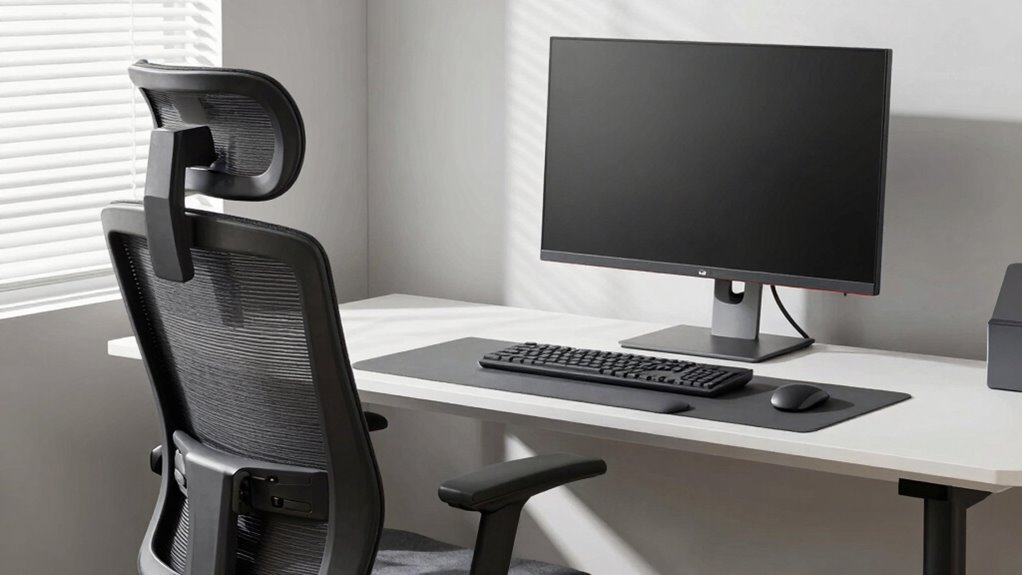

To fix your chair and monitor today, start by adjusting your chair so your feet rest flat on the floor and your knees are at a 90-degree angle. Keep your back supported and close to the chair’s backrest. Position your monitor directly in front of you at eye level, with the top of the screen roughly at eye height. Make certain your wrists stay straight while typing, and adjust lighting to reduce glare. Keep exploring for more tips to improve your workspace.

Get the latest gadgets delivered free with Prime
- Fast, free delivery on millions of items
- Prime Video, Amazon Music and more included
- Member-only deals all year
Key Takeaways
- Adjust your chair height so your feet are flat on the ground and knees are at a 90-degree angle.
- Position the monitor at eye level to prevent neck strain and reduce eye fatigue.
- Ensure the monitor is perpendicular to windows and glare is minimized with proper angle adjustments.
- Maintain proper keyboard and mouse placement with wrists straight and elbows close to your sides.
- Incorporate regular breaks and stretches to support posture and reduce repetitive strain.
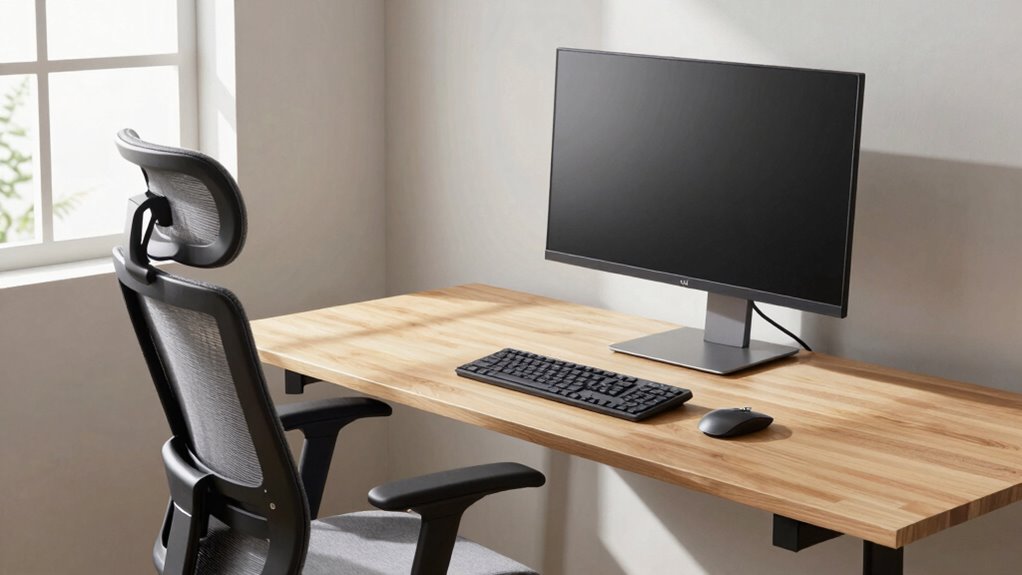
Are you sitting comfortably at your desk? If not, it’s time to make some quick adjustments to improve your posture and boost your productivity. Your desk setup plays a vital role in preventing discomfort and long-term health issues, so paying attention to details like keyboard placement and lighting conditions is essential. Start by ensuring your keyboard is positioned correctly: it should be directly in front of you, with your elbows close to your sides and your wrists straight. Avoid reaching forward or angling your wrists upward, as this can cause strain and repetitive stress injuries. A slight tilt or flat position is best, depending on what feels most natural. Also, make sure your keyboard is at a height where your forearms are parallel to the ground or slightly declined, allowing for a comfortable typing experience. Proper keyboard positioning helps reduce fatigue and minimizes the risk of repetitive strain injuries.
Lighting conditions are just as important as positioning. Proper lighting reduces eye strain and helps you stay focused. Aim for a well-lit workspace with a mix of natural and artificial light. Place your desk near a window if possible, but avoid glare on your screen by positioning your monitor perpendicular to the window. Use adjustable task lighting or a desk lamp to fill in any shadows, especially during evenings or in rooms with limited natural light. The goal is to create an even, soft light that illuminates your workspace without causing reflections or flickering on your screen. Avoid harsh overhead lighting or direct sunlight, which can cause glare and make it difficult to see your monitor clearly. Also, keep your monitor free of reflections by adjusting its angle or using an anti-glare screen if needed. Ensuring your work environment is ergonomically optimized can significantly enhance comfort and productivity. Incorporating ergonomic principles into your setup can help prevent discomfort and promote long-term health. Additionally, paying attention to posture awareness can further support your overall well-being during long hours at your desk. Regularly taking short breaks to stretch and reset your posture is also an effective way to maintain comfort throughout the day.
Products Worth Considering

Logitech MX Master 4 Ergonomic Wireless Mouse with Haptic Feedback, Graphite

Logitech MX Keys Combo for Business Keyboard and Mouse – Graphite

LG UltraGear 32GS60QC-B 32-inch Curved QHD Gaming Monitor (180Hz, 1ms, 1000R, AMD FreeSync, HDR10)
As an affiliate, we earn on qualifying purchases.
Frequently Asked Questions
How Often Should I Adjust My Desk Ergonomics?
You should adjust your desk ergonomics whenever you notice discomfort or after several weeks of use. Regular posture correction is key, so check in daily to guarantee your chair, monitor, and desk accessories support proper alignment. Keep an eye on your posture and make small adjustments often. This proactive approach prevents strain, boosts comfort, and assures your workspace remains ergonomic, ultimately helping you stay productive and injury-free.
What Are Signs of Poor Ergonomic Setup?
If you notice persistent aches, discomfort, or fatigue, it might be a gentle nudge to check your posture correction and equipment alignment. Signs of a poor ergonomic setup include slouching, neck strain, or wrist pain. Your body often whispers when things aren’t right, so pay attention to these cues. Adjust your chair and monitor height to make certain your posture stays aligned, making your workspace more comfortable and reducing strain.
Can Ergonomic Adjustments Prevent Back Pain?
Yes, ergonomic adjustments can prevent back pain. By focusing on posture correction and ensuring proper lumbar support, you reduce strain on your lower back. Adjust your chair so your feet rest flat, knees are level, and your lumbar region is well-supported. This promotes better alignment and reduces discomfort. Regularly fine-tuning your setup helps maintain good posture, preventing long-term back issues and making your workspace more comfortable.
Are Ergonomic Chairs Suitable for Short-Term Use?
Are ergonomic chairs suitable for short-term use? Absolutely. Their chair comfort and ergonomic materials make them a great choice even if you only plan to sit for a little while. They support proper posture and reduce strain, which benefits your back. Plus, their adjustable features guarantee you can customize your sitting experience quickly. So, whether for a quick task or a longer session, ergonomic chairs help keep you comfortable and healthy.
How Do I Customize Monitor Height for Different Tasks?
You can customize monitor height by adjusting the monitor placement for each task. For detailed work, position the monitor so the top of the screen is at eye level to avoid neck strain. For quick tasks, lower or raise it slightly as needed. Use adjustable stands or mounts to make task-specific adjustments easily, ensuring your monitor is at a comfortable height, reducing fatigue, and improving overall ergonomics during different activities.
Conclusion
Remember, small adjustments today can gently steer your daily routine toward greater comfort and well-being. By subtly refining your chair and monitor positioning, you’re not just fixing a setup—you’re nurturing your health and productivity in quiet, meaningful ways. Embrace these gentle changes as a way to honor your body’s needs, creating a workspace that supports you effortlessly. Sometimes, the tiniest shifts can lead to the most lasting comfort, so start today and enjoy the subtle benefits tomorrow.