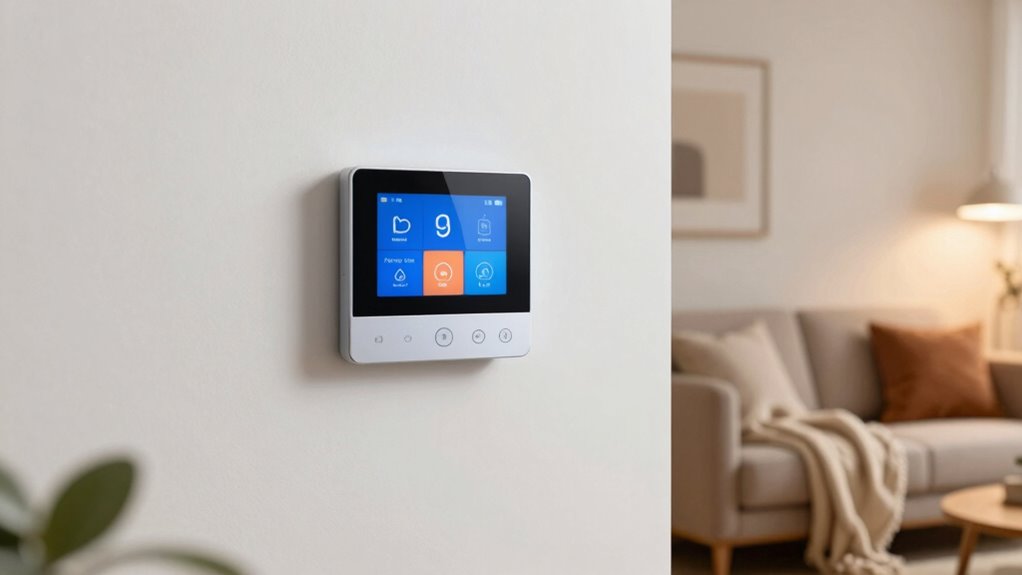

To cut bills without freezing, set your smart thermostat to lower the temperature when you’re away and raise it just before you return. Use scheduling features to match your daily routine, and enable learning algorithms that adapt to your habits over time. For extra savings, turn on geofencing so your home adjusts based on your phone location. With these settings, you stay comfortable and save energy—there’s more tips to optimize your system further as you explore.

Get the latest gadgets delivered free with Prime
- Fast, free delivery on millions of items
- Prime Video, Amazon Music and more included
- Member-only deals all year
Key Takeaways
- Set personalized schedules to lower temperatures during away times and boost comfort when home.
- Use smart features like geofencing to automatically adjust settings based on your phone’s location.
- Regularly review energy reports to identify and modify high-usage patterns.
- Program seasonal temperature adjustments to optimize efficiency without sacrificing comfort.
- Enable learning algorithms that adapt to your routines for smarter temperature control over time.
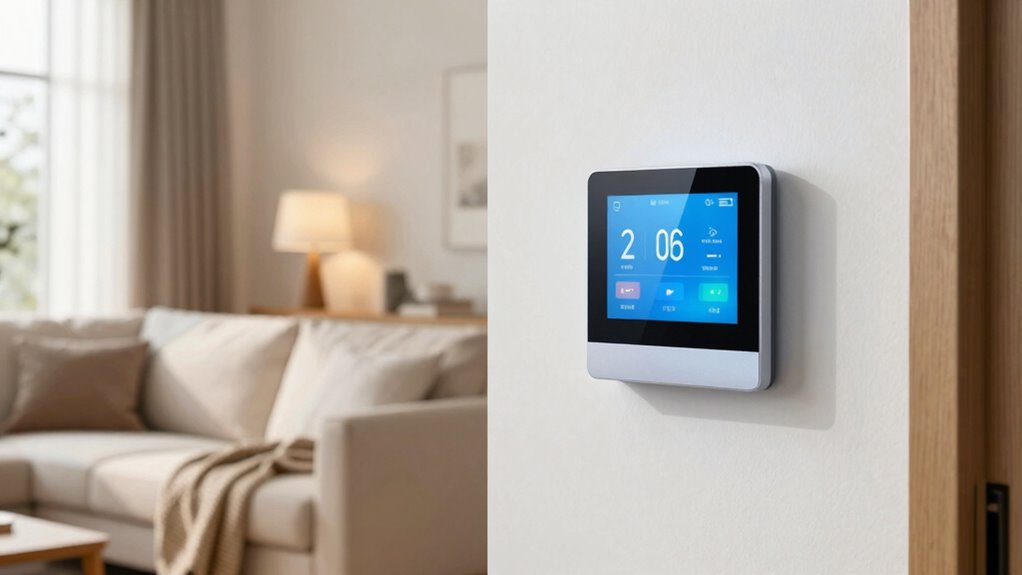
Smart thermostats have revolutionized how you control your home’s heating and cooling systems, making it easier to save energy and optimize comfort. With their intuitive features and programmable settings, you can fine-tune your climate control to fit your schedule and reduce unnecessary energy use. To get the most out of your device, start by exploring energy saving tips—like setting your thermostat a few degrees lower in winter or higher in summer when you’re not home. These small adjustments can lead to significant savings over time, especially when combined with the smart scheduling capabilities most models offer.
Smart thermostats help you save energy and stay comfortable with customizable schedules and intuitive controls.
Installation guidelines are straightforward but important to follow to assure your smart thermostat functions correctly. Before installation, turn off your HVAC system to prevent any electrical issues. Remove your old thermostat, taking note of the wiring and labeling each wire to match the new device. Most smart thermostats come with detailed instructions and wiring diagrams, but if you’re unsure, consulting a professional can prevent errors that might affect performance or safety. Once installed, connect your thermostat to your Wi-Fi network and download the associated app. This app becomes your control hub, allowing you to set schedules, adjust temperatures remotely, and monitor energy usage.
When configuring your smart thermostat, consider setting temperature schedules that align with your daily routines. For example, programming the thermostat to lower heat during work hours and increase it before you arrive home ensures comfort without wasting energy. Many models also feature learning algorithms that adapt to your habits over time, automatically optimizing settings for maximum efficiency. Utilize these features to cut bills without sacrificing comfort, especially during seasons when heating or cooling isn’t needed constantly. Additionally, understanding home automation concepts can help you integrate your smart thermostat seamlessly with other devices for even greater efficiency.
Another essential tip is to leverage geofencing capabilities, which detect your phone’s location and adjust the temperature accordingly. When you’re away, the system can automatically lower energy consumption, then warm up or cool down before you return. This minimizes waste and keeps your home comfortable at all times. Regularly reviewing your energy reports through the app helps you identify patterns and refine your settings further. Also, exploring energy management strategies can provide further insights into maximizing your savings. Incorporating smart technology can further enhance the overall efficiency of your home climate control. Furthermore, staying informed about energy-saving features can help you make the most of your smart thermostat’s capabilities.
smart thermostat with scheduling and geofencing
As an affiliate, we earn on qualifying purchases.
As an affiliate, we earn on qualifying purchases.
Frequently Asked Questions
How Do Smart Thermostats Learn My Heating Preferences?
Smart thermostats learn your heating preferences through advanced learning algorithms that analyze your daily routines and temperature adjustments. As you set your preferred temperatures, the device observes these patterns and gradually automates your heating schedule for maximum comfort and efficiency. You can also customize settings to suit your lifestyle, helping the thermostat refine its understanding and optimize energy use, saving you money without sacrificing warmth or comfort.
Are Smart Thermostats Compatible With All Home HVAC Systems?
Yes, smart thermostats are compatible with most home HVAC systems, but device compatibility varies. You need to check whether your system supports Wi-Fi connectivity and whether the thermostat is designed for your heating and cooling setup. When compatible, you can maximize energy savings by customizing settings and remotely controlling your system. Always verify compatibility before purchasing to guarantee you get the most out of your device and avoid unnecessary expenses.
Can I Control My Smart Thermostat Remotely?
Ever wonder if you can control your smart thermostat remotely? You definitely can! With voice command features or the app on your phone, you can adjust your settings from anywhere. Whether you prefer manual adjustment on the device or a quick voice prompt, remote control makes managing your home’s temperature super convenient. So, yes, you have full control, no matter where you are, ensuring comfort and saving energy effortlessly.
What Security Measures Protect My Data With Smart Thermostats?
Your smart thermostat protects your data with robust security measures like data encryption, ensuring your information stays private. It also prioritizes user privacy by limiting data sharing and providing control over what info you share. Additionally, regular firmware updates patch vulnerabilities and strengthen security. By choosing reputable brands and enabling two-factor authentication, you add extra layers of protection, keeping your personal data safe from unauthorized access.
Do Smart Thermostats Require Professional Installation?
You don’t need to summon an expert to install your smart thermostat; the installation process is so simple, you might feel like a DIY hero. However, for maximum energy savings and to guarantee everything’s wired perfectly, some people prefer professional help. While most models come with step-by-step instructions, a pro can save you time and avoid potential mishaps, making your energy-efficient upgrade smoother and more dependable.
Conclusion
By embracing smart thermostats, you gain control over your comfort and your budget. While they keep your home warm or cool, they also keep your bills in check. It’s the perfect balance—technology that saves you money without sacrificing coziness. Imagine enjoying a cozy house and lower expenses, all at once. With smart thermostats, you don’t have to choose between comfort and savings; you get both, effortlessly.
Halloween Picks
halloween
As an affiliate, we earn on qualifying purchases.