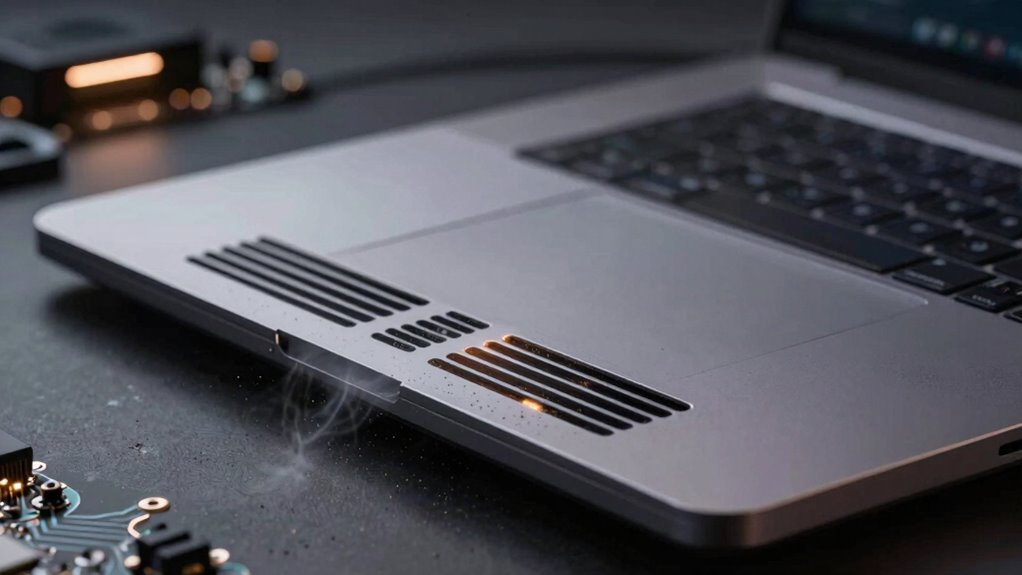

Proper ventilation is key to preventing overheating and extending your device’s lifespan. When airflow is good, heat is effectively carried away from internal components, reducing thermal stress and risk of failure. Dust buildup hampers cooling, trapping heat inside, which can damage circuits over time. Regular cleaning and positioning your device in well-ventilated areas helps maintain peak operation. If you want to understand how cooling solutions and maintenance boost durability, keep exploring these essential topics.

Get the latest gadgets delivered free with Prime
- Fast, free delivery on millions of items
- Prime Video, Amazon Music and more included
- Member-only deals all year
Key Takeaways
- Proper ventilation prevents heat buildup, reducing the risk of component degradation and failure.
- Adequate airflow ensures effective removal of excess heat, maintaining optimal device temperatures.
- Regular cleaning of vents and fans prevents dust insulation, preserving cooling efficiency.
- Effective thermal management minimizes thermal stress on circuits and solder joints.
- Extended device lifespan results from consistent temperature regulation and prevention of overheating damage.
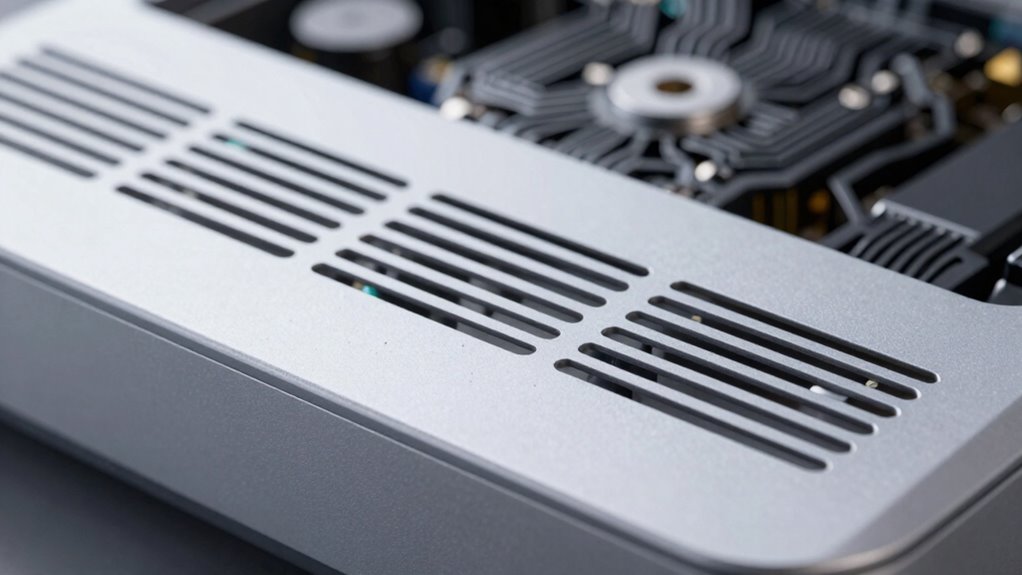
Heat plays a critical role in the performance and longevity of electronic devices. When your gadgets operate, they generate heat, which if not properly managed, can cause components to degrade faster or even fail entirely. That’s why effective thermal management is vital. It involves using various cooling solutions to keep temperatures within safe limits. Without proper ventilation and cooling, heat builds up quickly, reducing your device’s efficiency and lifespan.
You might notice that your laptop or gaming console becomes noticeably hotter during intensive use. That’s because high workloads produce more heat, and if it’s not dissipated efficiently, it can lead to overheating. Cooling solutions such as fans, heat sinks, and liquid cooling systems are designed to address this problem. Fans help circulate air, removing warm air from inside your device, while heat sinks absorb and disperse heat away from critical components. Liquid cooling, often used in high-performance systems, transfers heat more effectively, allowing your device to run at ideal temperatures even under heavy loads.
Good ventilation is crucial to effective thermal management. When your device has proper airflow, it allows heat to escape and fresh air to enter, preventing the internal temperature from rising too high. You should position your device in a well-ventilated area, avoid blocking air vents, and regularly clean dust from cooling fans and filters. Dust accumulation can greatly impair cooling solutions, trapping heat and reducing airflow. Maintaining a clean environment ensures your cooling methods work as intended, extending the device’s lifespan. Additionally, dust buildup can act as an insulator, further trapping heat inside your device. Proper ventilation not only prevents immediate overheating but also contributes to the overall health of your device’s electronic components. Regularly inspecting and maintaining your cooling system helps prevent thermal stress, which can cause permanent damage over time. Implementing effective airflow strategies can significantly improve heat dissipation and reduce the risk of overheating.
Implementing proper thermal management isn’t just about preventing immediate shutdowns or slowdowns; it’s about safeguarding the long-term health of your electronics. Overheating accelerates wear on delicate circuits and can cause solder joints to weaken or fail. That’s why understanding thermal management is essential for responsible device care. Consistent high temperatures also degrade battery life, especially in portable devices. By ensuring your devices have adequate ventilation and effective cooling solutions, you actively preserve their performance and prevent premature breakdown.
In essence, understanding the importance of heat and how to control it empowers you to care for your electronics better. Adequate ventilation combined with strategic cooling solutions forms the backbone of good thermal management. When you prioritize these practices, you’ll notice your devices run smoothly for longer periods, with fewer interruptions and less risk of costly repairs. Proper heat dissipation isn’t just a technical necessity; it’s a smart way to extend the life of your electronics and get the most out of your investment.
As an affiliate, we earn on qualifying purchases.
Frequently Asked Questions
How Does Dust Accumulation Affect Electronic Device Heat Management?
Dust buildup causes airflow obstruction, which hampers your device’s ability to dissipate heat effectively. When dust accumulates inside, it blocks vents and fans, trapping heat and raising internal temperatures. This overheating stresses components, accelerates wear, and shortens your device’s lifespan. Regular cleaning removes dust buildup, ensuring proper airflow. Keeping vents clear helps maintain ideal cooling, so your electronics stay cooler, perform better, and last longer.
Are Certain Materials Better for Heat Dissipation in Electronics?
Certain materials excel at heat dissipation due to their high thermal conductivity. For example, copper has excellent thermal conductivity, making it ideal for heat sinks. When selecting materials, consider their thermal conductivity and how they fit your device’s design. Good material selection helps disperse heat efficiently, preventing overheating and extending device lifespan. Using materials like copper or aluminum improves heat dissipation, ensuring your electronics stay cooler longer.
Can Improper Ventilation Cause Permanent Damage to Devices?
Yes, improper ventilation can cause permanent damage to your devices. When airflow isn’t optimized, heat builds up, overwhelming thermal insulation and leading to overheating. This excess heat can damage sensitive components permanently, reducing device lifespan. To prevent this, guarantee proper airflow, keep vents unobstructed, and use cooling solutions. Regular maintenance helps maintain airflow optimization, protecting your devices from the risks of heat-related damage.
How Often Should I Clean My Device’s Cooling System?
You should clean your device’s cooling system every 3 to 6 months for ideal performance. Coincidentally, this schedule also matches when dust and debris tend to accumulate, which can hinder airflow. Regular cooling system maintenance prevents overheating and prolongs your device’s lifespan. Keep an eye on temperature signs, and if you notice increased heat, consider more frequent cleaning. Consistent maintenance ensures your device runs smoothly and lasts longer.
What Are the Signs of Overheating in Electronic Devices?
You’ll notice overheating signs like your device slowing down, sudden shutdowns, or strange noises. If the thermal paste between the CPU and heat sinks dries out, it reduces heat transfer, causing overheating. Overworked heat sinks may feel unusually hot or become dusty, impairing cooling. Keep an eye on these signs, clean your heat sinks regularly, and guarantee thermal paste is fresh to prevent damage and extend your device’s lifespan.
Conclusion
By ensuring proper ventilation, you’re acting like a diligent gardener pruning a thriving tree—removing excess heat to let your device flourish. When you keep your electronics cool, you prevent overheating, extending their lifespan and maintaining peak performance. Think of heat as an unwelcome storm; ventilation is your shield, guiding the storm away. Embrace good habits, and your devices will stand strong and resilient, weathering the years with grace and efficiency.
Fall Picks
fall essentials
As an affiliate, we earn on qualifying purchases.