
As a beginner, you might think a NAS automatically secures all your data, but that’s a misconception. While NAS devices with RAID protect against drive failures, they don’t guard against accidental deletion, malware, or physical damage. Regular backups and choosing the right RAID level are essential for true security. To understand how to optimize your setup, including tips on backups and avoiding common pitfalls, explore the next sections carefully.
Key Takeaways
- RAID improves data redundancy but is not a substitute for regular backups.
- Backups protect against data loss from deletion, malware, or corruption, beyond hardware failures.
- The biggest misconception is that NAS automatically makes data completely safe—additional security and backups are necessary.
- Choosing the right RAID level depends on balancing performance, redundancy, and drive longevity.
- Regular updates, encryption, and secure access controls are essential for maintaining NAS security and data integrity.

TERRAMASTER D2-320 USB RAID Enclosure – USB 3.2 Gen 2 10Gbps Type C 2Bay Direct Attached Storage Supports RAID 0, 1, Single, JBOD (Diskless)
High Speed: The D2-320 hard drive enclosure (a DAS, NOT a NAS) adopts USB 3.2 Gen2 protocol for…
As an affiliate, we earn on qualifying purchases.
As an affiliate, we earn on qualifying purchases.
What Is NAS and Why Do Beginners Need It?
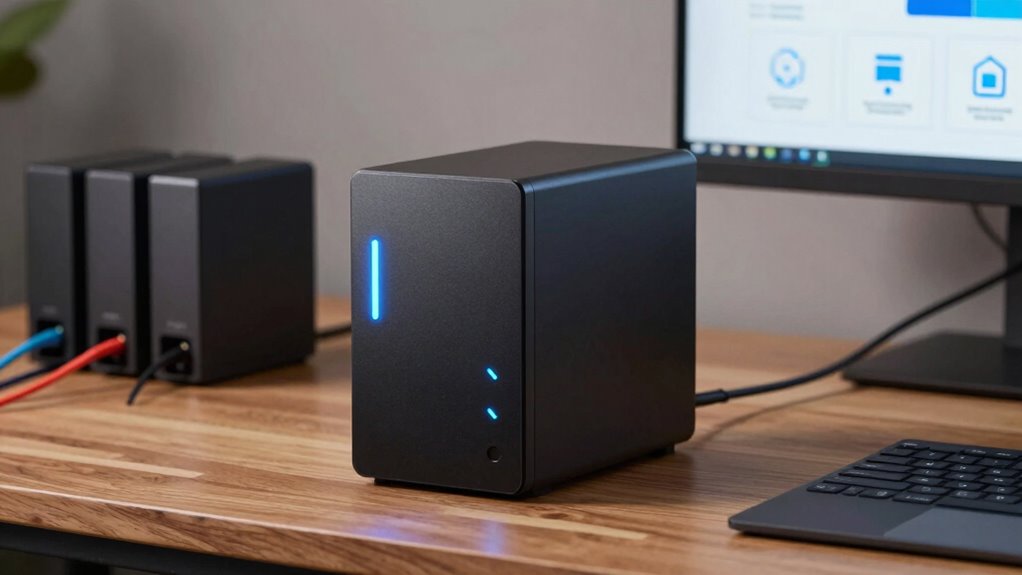
Have you ever wondered how to easily access and share your files across multiple devices? That’s where NAS comes in. A Network-Attached Storage device acts as a central hub for all your data, making it simple to retrieve files from any connected device. For beginners, NAS is a game-changer because it offers reliable storage without complex setup. When choosing a NAS, consider network speed—faster connections mean quicker file transfers. Hardware compatibility is also crucial; ensure the device works seamlessly with your existing computers, smartphones, and tablets. This compatibility reduces headaches and allows smooth integration into your current system. Additionally, understanding storage capacity and how it affects your data management can help you select the right device for your needs. Overall, NAS provides a straightforward, efficient way to manage your data, making it an ideal solution for those just starting out. Knowing how network infrastructure impacts performance can help you optimize your setup for the best experience.

WD 20TB Elements Desktop External Hard Drive, USB 3.0 drive for plug-and-play storage – WDBWLG0200HBK-NESN
High-capacity add-on storage.Compatibility : Windows 10 plus, Reformatting required for use with MacOS.
As an affiliate, we earn on qualifying purchases.
As an affiliate, we earn on qualifying purchases.
How Does RAID Protect Your Data?
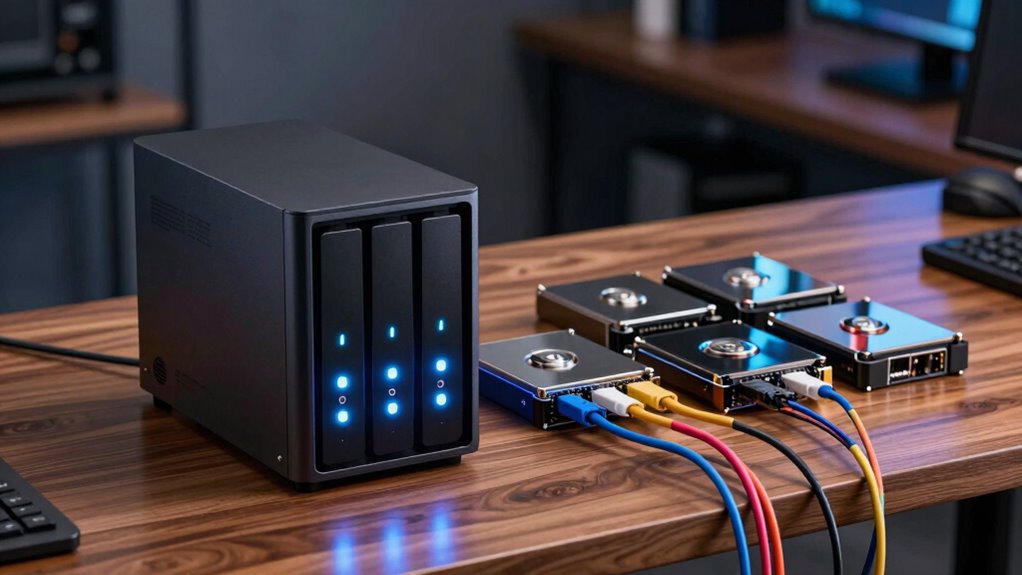
Ever wonder how RAID keeps your data safe even if one drive fails? It does this by distributing your data across multiple hard drives, often with redundancy built in. For example, in RAID 1, data is mirrored, so if one hard drive crashes, the other has an exact copy. This means your data remains accessible without immediate data recovery efforts. RAID doesn’t prevent hard drive failure, but it minimizes data loss and downtime. If a drive does fail, you can replace it without losing access to your files. The system rebuilds the data onto the new drive, making recovery quick and straightforward. While RAID provides protection, it’s not a substitute for backups, but it does give you a safety net during hard drive failures. Effective Home Soundproofing Tips for Quiet Living can help reduce noise disturbances during system rebuilds and maintenance. Understanding RAID configurations helps you choose the best setup for your needs.

UGREEN NAS DH4300 Plus 4-Bay Desktop NASync, Support Capacity 128TB (Diskless), Remote Access, AI Photo Album, Beginner Friendly, 8GB LPDDR4X RAM, 2.5GbE, 4K HDMI, Network Attached Storage (Diskless)
Entry-level NAS Home Storage: The UGREEN NAS DH4300 Plus is an entry-level 4-bay NAS that's ideal for home…
As an affiliate, we earn on qualifying purchases.
As an affiliate, we earn on qualifying purchases.
Which RAID Level Is Right for You?
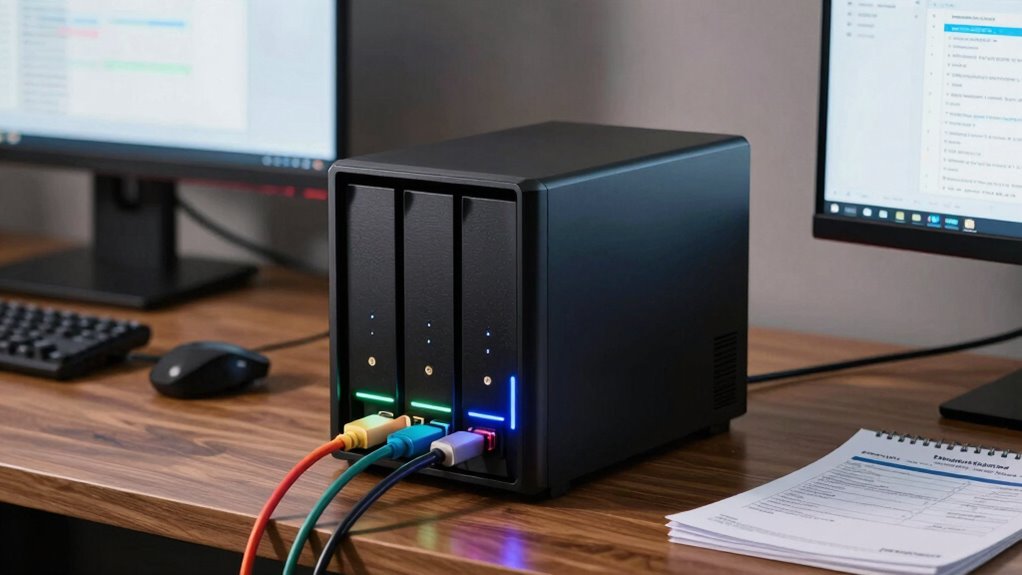
Choosing the right RAID level depends on your specific needs for performance, redundancy, and storage capacity. If you prioritize speed and efficiency, RAID 0 offers improved performance but no redundancy. For better data protection, RAID 1 mirrors your data across two drives, extending hard drive longevity by reducing wear. RAID 5 balances storage and redundancy, requiring at least three drives, and can handle a single drive failure. Keep in mind, RAID isn’t a substitute for backups—regular firmware updates are essential for maintaining stability and security. If maximizing hard drive longevity is important, consider RAID levels that distribute workload evenly. Additionally, understanding hard drive wear can help you choose a RAID configuration that extends your drives’ lifespan. In high-usage environments, selecting a RAID level that minimizes drive stress can be beneficial. Recognizing the impact of mental wellbeing on overall system performance can also guide your setup choices. Ultimately, your choice hinges on how much risk you’re willing to accept versus your need for speed and capacity.

Synology DS223 Home & Office Backup Hub – Centralize Files, Protect Data & Monitor Property (2-Bay Diskless NAS)
One Place for All Your Data – Consolidate scattered files from multiple computers, phones and external drives into…
As an affiliate, we earn on qualifying purchases.
As an affiliate, we earn on qualifying purchases.
Why Regular Backups Are Essential Even With RAID
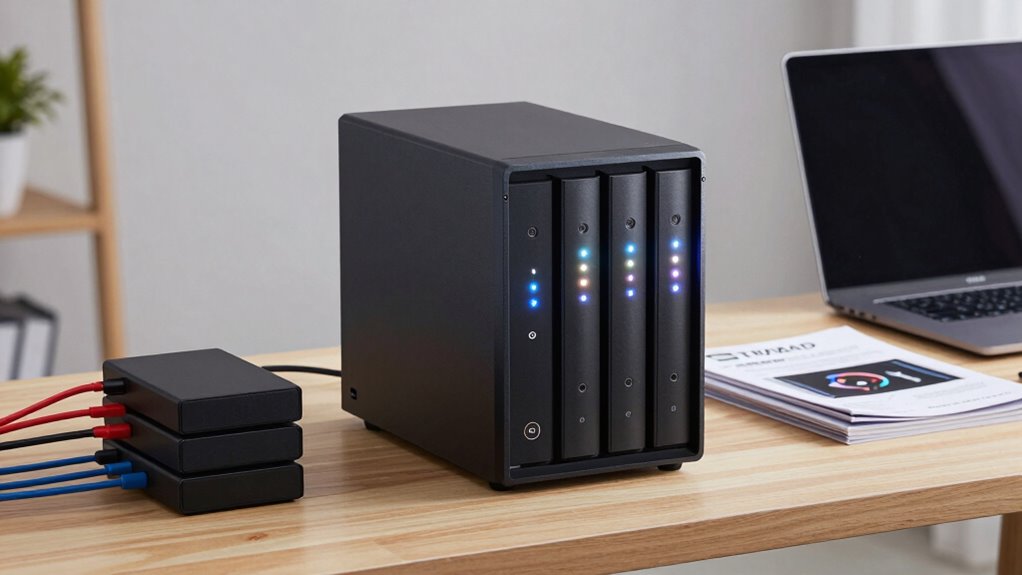
While RAID levels improve performance and protect against certain types of hardware failure, they don’t prevent data loss caused by accidental deletion, malware, or software corruption. That’s why regular backups are vital, even with hardware redundancy. Relying solely on RAID creates a false sense of security; it’s not a backup. Cloud syncing offers an extra layer of protection by storing copies off-site, reducing risk from physical damage or cyber threats. Combining hardware redundancy with consistent backups safeguards your data thoroughly. Here’s a quick comparison:
| Method | Protects Against | Best For |
|---|---|---|
| RAID | Hardware failure | Hardware issues |
| Cloud Syncing | Malware, accidental deletion | Remote data protection |
| Regular Backup | All forms of data loss, including corruption | Complete security |
Stay proactive—regular backups ensure your data’s safety beyond hardware failures.
How to Set Up Your NAS for Reliable Data Protection
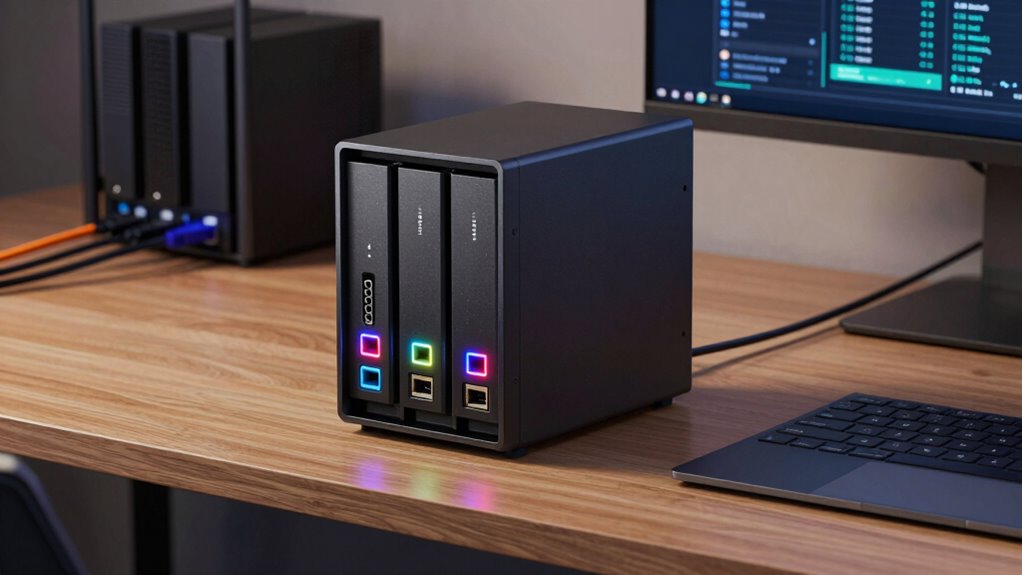
Setting up your NAS for reliable data protection begins with planning your storage and backup strategy. Start by configuring user permissions carefully, granting access only to those who need it to prevent accidental or malicious data loss. Enable remote access securely, using strong passwords and two-factor authentication, so you can manage your files from anywhere without compromising security. Regularly update your NAS firmware and software to patch vulnerabilities. Implement RAID configurations suited to your needs, ensuring redundancy. Schedule automatic backups to an external drive or cloud service to safeguard against hardware failures or disasters. Test your backup and restore processes periodically to confirm everything works smoothly. With proper permissions, secure remote access, and consistent backups, you’ll considerably enhance your data protection.
Common Myths About NAS and Data Safety: Debunked
Many people believe that a NAS device makes their data completely safe, but that’s a myth. Backup isn’t the same as security, and relying solely on RAID can give you a false sense of protection. Understanding these myths helps you take better steps to truly safeguard your data. Incorporating requirements traceability into your data management processes ensures you can verify compliance and identify vulnerabilities effectively. It’s also important to recognize that Free Floating concepts like data recovery strategies play a crucial role in comprehensive data safety. Additionally, exploring Crochet Styles for Locs can inspire creative ways to personalize your storage solutions, making data protection both functional and visually appealing. Moreover, understanding the horsepower of electric dirt bikes can help you choose the right equipment for safe and efficient off-road adventures, just as selecting the right solar panels ensures reliable and sustainable energy solutions.
NAS Is Not Immune
Despite what some myths suggest, NAS devices aren’t invincible when it comes to data safety. Many believe that a NAS automatically protects their data, but security misconceptions and hardware vulnerabilities can still lead to data loss. NAS devices are vulnerable to hacking, malware, and physical failures just like any other hardware. Relying solely on a NAS without proper security measures leaves you exposed. Additionally, vetted hardware and software are essential to minimize risks to data integrity and ensure data security. It’s also important to recognize that air quality considerations, such as dust and microplastics, can affect hardware longevity and performance over time. Ensuring proper hardware maintenance and environment can significantly reduce these risks and prolong device lifespan. Moreover, understanding security best practices is crucial to protect your data from potential threats.
Backup Not Equals Security
While having a backup of your data on a NAS is important, it doesn’t automatically mean your information is secure. A backup simply copies your data; it doesn’t protect against cyber threats or unauthorized access. Cloud security plays a vital role here—storing backups offsite or in the cloud can add an extra layer of protection. However, if you don’t use strong encryption methods, your data remains vulnerable even if it’s backed up. Encryption ensures that, even if hackers access your files, they can’t read the information without the proper keys. Relying solely on backups gives a false sense of security. To truly protect your data, combine regular backups with robust security measures, including encryption and secure access controls. For example, understanding digital preservation can help you implement strategies that maintain your data’s integrity over time. Additionally, implementing access controls can limit who can view or alter your backups, reducing potential vulnerabilities. Implementing secure authentication protocols is also essential to prevent unauthorized access to your backup systems. Backup is just one part of a thorough data safety strategy. Moreover, staying informed about emerging cybersecurity threats can help you adapt your defenses proactively.
RAID Is Not Foolproof
Have you been told that setting up RAID makes your data completely safe? That’s a common misconception. While RAID can protect against drive failures, it doesn’t prevent hardware vulnerabilities or data corruption. Firmware updates are essential to fix security flaws, but delaying or neglecting them leaves your system vulnerable. RAID doesn’t guard against accidental deletion, malware, or physical disasters like fire or theft. It also can’t prevent hardware vulnerabilities from being exploited if firmware isn’t kept current. Relying solely on RAID gives a false sense of security. To truly protect your data, combine RAID with regular backups and keep your system’s firmware updated. Remember, RAID is a useful tool, but it’s not a foolproof shield against all data loss risks. Additionally, understanding hardware vulnerabilities can help you take more comprehensive security measures, including implementing security best practices to mitigate potential threats. Regularly reviewing your system vulnerabilities and staying informed about emerging threats are critical steps in comprehensive data protection.
Choosing the Best NAS for Your Home or Small Business
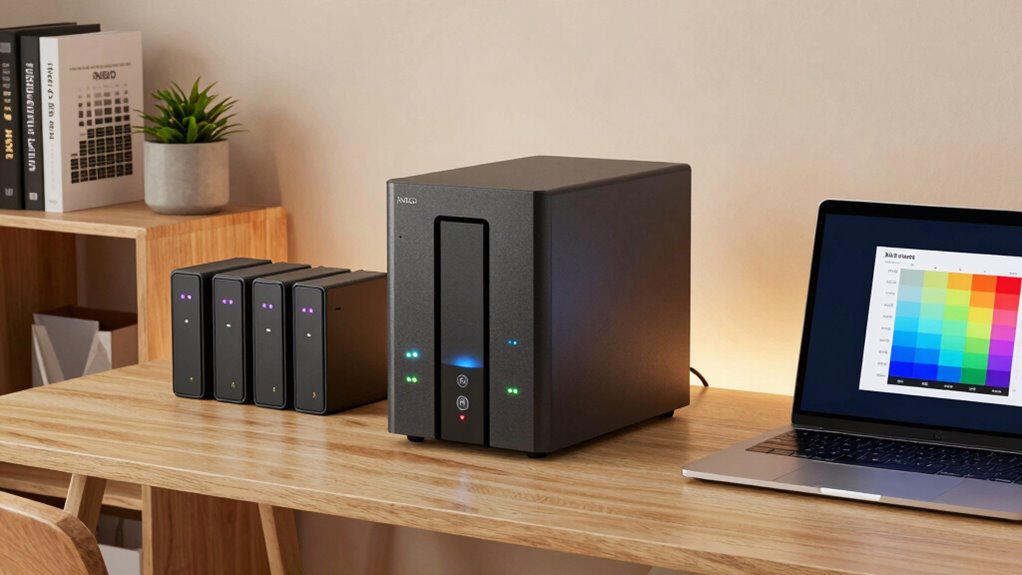
Choosing the right NAS for your home or small business starts with understanding your specific needs and budget. Consider the level of network security you require to protect sensitive data and ensure safe remote access. Hardware compatibility is also crucial—check if the NAS supports your existing devices and drives to avoid future headaches. Think about storage capacity, performance, and features like remote management or multimedia streaming. If you plan to expand, select a model with scalable options. Budget constraints may influence your choice, but don’t sacrifice essential security or compatibility features. Doing thorough research helps you find a device that fits your current needs while accommodating future growth. A well-chosen NAS keeps your data safe, accessible, and secure without overspending.
Best Practices for Setting Up and Maintaining Your NAS

Setting up your NAS properly lays the foundation for reliable and secure data management. To do this, follow these best practices:
- Enable disk encryption to protect sensitive data from unauthorized access.
- Set up user access controls, assigning permissions based on roles to prevent accidental or malicious data breaches.
- Regularly update firmware and security patches to fix vulnerabilities.
- Monitor system logs and performance metrics to catch issues early and guarantee smooth operation.
How to Create an Effective Backup Strategy Using NAS and Cloud
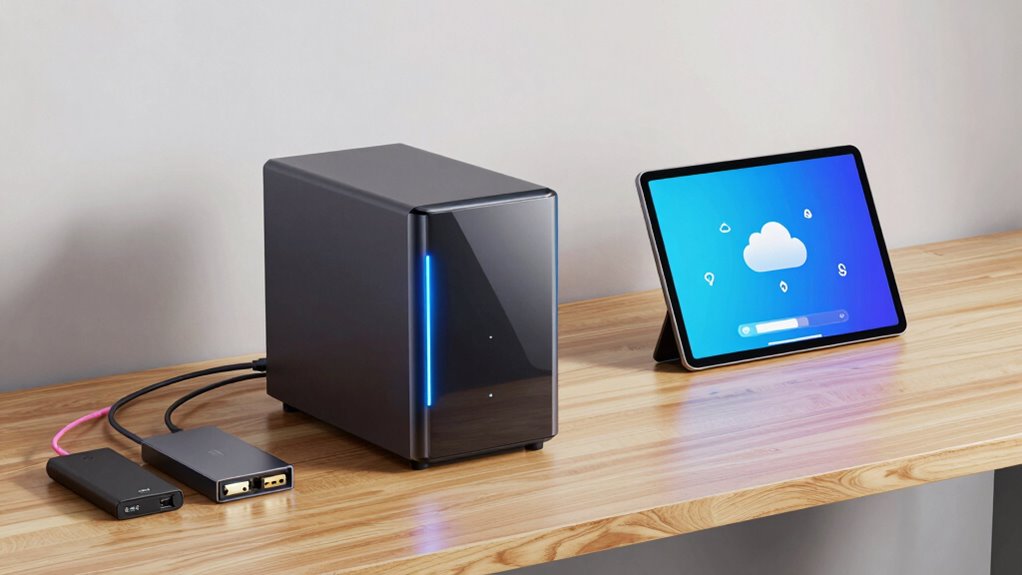
To safeguard your data effectively, you need to synchronize it seamlessly between your NAS and cloud storage. Managing your cloud space ensures you avoid unnecessary costs and keep backups organized. By balancing these elements, you create a reliable and efficient backup strategy that safeguards your files.
Synchronize Data Effectively
Ever wondered how to guarantee your data stays safe and accessible across different devices? Effective data synchronization is key. It ensures your files stay current everywhere you access them. To achieve this, consider these steps:
- Use NAS software that supports automatic sync and real-time updates.
- Enable file versioning to keep historical copies and prevent accidental overwrites.
- Connect your cloud storage for seamless data flow between local and remote locations.
- Regularly verify sync status and resolve conflicts promptly.
Manage Cloud Storage
Are you making the most of your cloud storage for backups? Effective management of cloud storage involves seamless cloud integration with your NAS, ensuring your data is protected across multiple locations. Set up automated backups to your cloud service, so your files stay current without manual effort. This approach provides an extra layer of security and simplifies data recovery, especially if your local storage faces issues. Additionally, leverage remote access features to retrieve or restore files from anywhere, giving you flexibility and peace of mind. Combining NAS with cloud storage creates a robust, versatile backup strategy that protects your data from hardware failure, theft, or disasters. By managing cloud storage wisely, you guarantee your data remains accessible, secure, and easy to restore when needed.
The Biggest Mistake Beginners Make With Data Protection: and How to Avoid It

One of the biggest mistakes beginners make with data protection is believing that relying solely on a single backup method is enough to keep their data safe. This mindset leaves you vulnerable to threats like hardware failure, theft, or malware. To avoid this, consider these steps:
- Implement data encryption to secure sensitive information from unauthorized access.
- Limit user access with strong authentication, ensuring only trusted individuals can modify or view data.
- Use multiple backup locations—local NAS, cloud, and offsite storage—for redundancy.
- Regularly test backups to confirm data can be recovered quickly and completely.
Frequently Asked Questions
Can a NAS Replace a Traditional External Hard Drive?
A NAS can replace an external hard drive for many uses, but it depends on what you need. Unlike external drives, NAS offers larger capacity and better data management, though it’s less portable. If you prioritize portability, a simple external drive is ideal. But if you want ongoing access, shared storage, and scalability, a NAS is a smarter choice, providing more capacity and network access than a typical external drive comparison.
How Often Should I Perform NAS Firmware Updates?
You should perform a firmware update on your NAS as part of your maintenance schedule, ideally every few months or whenever the manufacturer releases a new version. Regular updates improve security, fix bugs, and add features. Check your NAS manufacturer’s website or admin interface regularly, and apply updates promptly to keep your device running smoothly and securely. Don’t delay updates—they’re essential for peak performance and data protection.
Is It Necessary to Use Encryption on NAS Devices?
Think of your NAS like a safe for your data—you wouldn’t leave the door unsecured, right? Using data encryption is essential for protecting your privacy concerns and preventing unauthorized access. If you store sensitive information or personal files, encryption acts as a shield. While not always mandatory, it’s a smart step to guarantee your data stays private, especially if your NAS is network-connected or accessible remotely.
What Are the Power Consumption Considerations for NAS?
Power consumption is a key consideration when choosing a NAS, so you should prioritize energy efficiency and power management features. Look for devices with low wattage and automatic sleep modes that reduce energy use during idle times. Efficient power management helps lower your electricity bills and minimizes environmental impact, making your NAS setup more sustainable. By selecting a device with these features, you guarantee reliable performance without unnecessary energy waste.
How Do I Recover Data From a Failed NAS Drive?
Think of your failed NAS drive as a broken puzzle piece. To recover data, you first assess if drive recovery is possible with specialized tools or data recovery services. If you’re using RAID, avoid reassembling it yourself; instead, let it rebuild automatically or consult experts. Patience is key during RAID rebuilds, and always have backups ready to prevent future data loss.
Conclusion
Remember, even the strongest armor can falter without proper maintenance. Your NAS is your digital fortress, but it’s only as secure as your habits. Don’t assume RAID or backups alone will shield you from every storm. Like a wise sailor watches the horizon, stay vigilant and proactive. By mastering these tools and practices, you’ll safeguard your data’s future—because in the end, prevention is the greatest safeguard against the unexpected.