Understanding smart lock basics means knowing about deadbolt grades, keypad features, and battery care. Higher-grade deadbolts, like Grade 1, offer better resistance and durability, ideal for strong security. Mechanical keypads are simple and weather-resistant, while electronic ones provide extra features like activity logs. Battery choices, such as lithium or alkaline, impact longevity and reliability. Proper maintenance guarantees your smart lock stays secure and functional—exploring these details helps you choose the best setup for your home.
Key Takeaways
- Deadbolt grades (Grade 1, 2, 3) indicate lock strength, security level, and durability; higher grades offer better protection.
- Smart lock keypads feature encryption, anti-peep functions, and temporary codes to enhance security and user convenience.
- Mechanical keypads are durable and weather-resistant; electronic keypads provide advanced features like activity logs but rely on batteries.
- Battery life is crucial; use high-quality batteries, replace them promptly, and troubleshoot common issues like dead batteries or connectivity problems.
- Proper maintenance of physical parts, including cleaning and lubrication, ensures reliable operation of smart locks and their keypads.

BRINKS Commercial – Single Cylinder Deadbolt Lock, Satin Chrome Finish – Meets ANSI Grade 1 Standards and has 3-Hour UL Fire Rating
FEATURES – This single cylinder deadbolt is designed for interior or exterior applications where security is important.
As an affiliate, we earn on qualifying purchases.
As an affiliate, we earn on qualifying purchases.
What Are Deadbolt Grades and Why Are They Important?
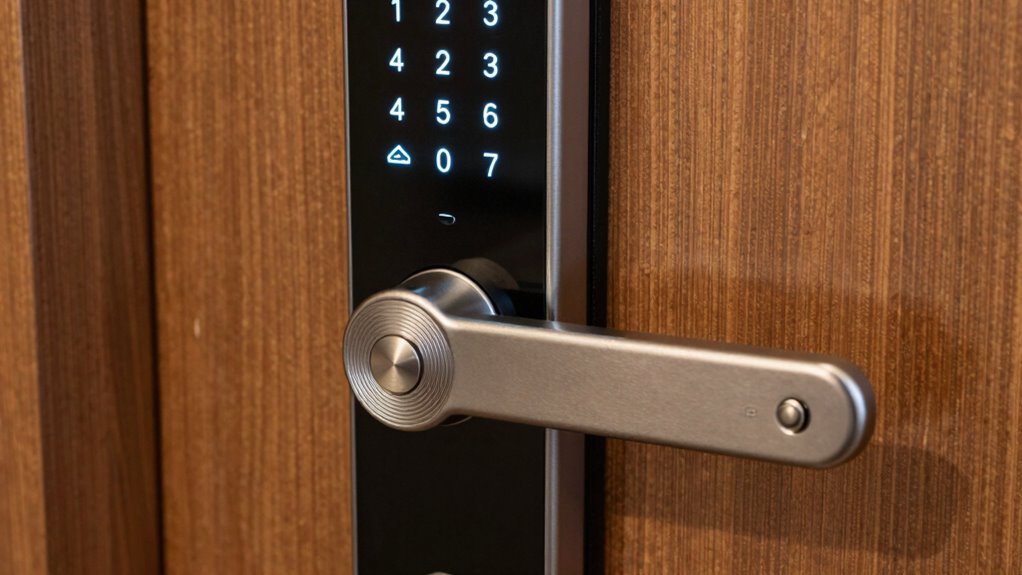
Have you ever wondered how to tell if a deadbolt is secure enough for your home? Deadbolt grades help you assess their strength and durability, making sure you choose the right one. Grade ratings, such as Grade 1, 2, or 3, indicate the level of security they provide. Higher grades, like Grade 1, are best for residential and commercial use, offering better resistance against forced entry. When selecting a deadbolt, check for hardware compatibility to ensure it fits your lockset and door. Installation tips include verifying the strike plate’s strength and positioning it properly to maximize security. Proper installation guarantees your deadbolt performs as intended, safeguarding your home effectively. Knowing these grades helps you make informed decisions for reliable security. Additionally, understanding deadbolt construction can guide you toward choosing more durable and long-lasting lock options. Recognizing lock standards ensures that your chosen hardware meets recommended safety benchmarks. Being aware of battery life and maintenance in electronic deadbolts can also prevent unexpected security issues. Stay informed about AI detection methods to ensure your smart lock technology remains secure against tampering.

TEEHO TE001 Keyless Entry Door Lock with Keypad – Smart Deadbolt Lock for Front Door with 2 Keys – Auto Lock – Easy Installation – Satin Nickel
Passcode Entry: This keypad lock offers 20 access codes for family use and a temporary code for single-use…
As an affiliate, we earn on qualifying purchases.
As an affiliate, we earn on qualifying purchases.
How to Read and Interpret Deadbolt Grade Ratings
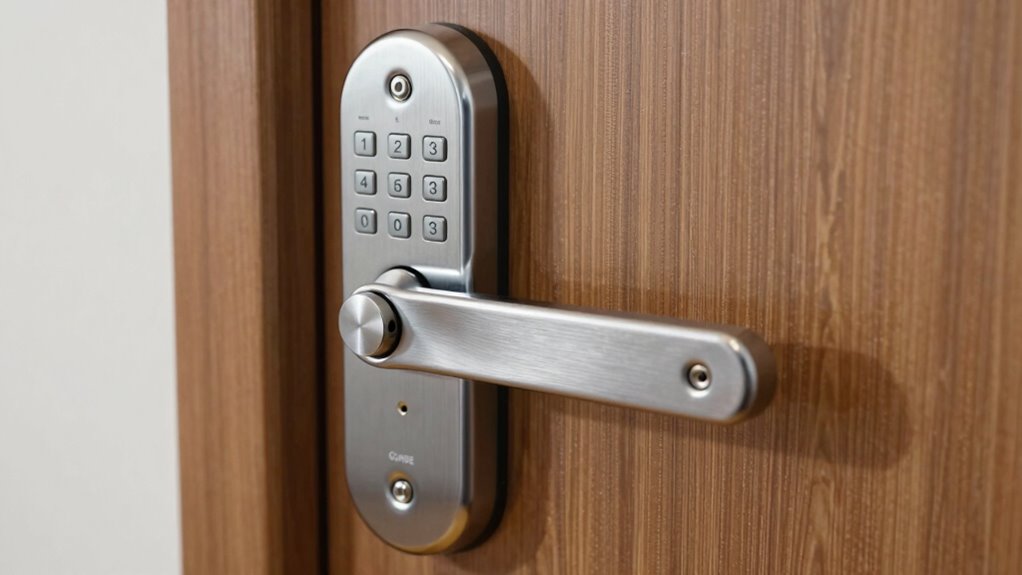
Understanding deadbolt grade levels helps you choose the right lock for your home. You’ll learn what each rating signifies and how to compare key features like durability and security. This knowledge guarantees you pick a deadbolt that meets your safety needs effectively. Additionally, higher-grade locks often feature improved resistance to tampering, ensuring better protection against forced entry. Recognizing the different lock grades can also help you determine the appropriate cost and installation requirements for your security needs. Being aware of manufacturing standards can further guide you in selecting reliable and certified locks that uphold safety and quality. Moreover, understanding how contrast ratios influence image quality can help you assess the effectiveness of security display panels or screens used in surveillance systems. A thorough understanding of security certifications can also provide assurance of a lock’s compliance with industry benchmarks.
Understanding Grade Levels
Ever wondered how to tell if a deadbolt is truly secure? Understanding deadbolt classification and security ratings helps you make an informed choice. Grade levels, like Grade 1, Grade 2, and Grade 3, indicate the strength and durability of the lock according to standardized testing. Grade 1 offers the highest security, suitable for commercial or high-traffic areas, while Grade 3 is designed for residential use with lower security demands. These ratings evaluate factors such as force resistance, cycle durability, and construction quality. When comparing deadbolts, always check the security ratings and classification to ascertain you’re choosing a lock that meets your security needs. Recognizing these grade levels empowers you to select the right deadbolt for your home or business. Understanding Grade Levels helps ensure you choose a lock that offers optimal protection. Additionally, being aware of security standards can further inform your decision-making process to enhance overall safety, especially considering the construction quality of the lock components. For example, material strength plays a crucial role in a lock’s durability and resistance to tampering. Being familiar with lock testing procedures can also provide insights into a lock’s real-world performance.
Key Features of Ratings
To interpret deadbolt grade ratings accurately, focus on the key features that define each classification. These ratings indicate durability, security, and suitability for different applications, affecting both lock installation and user access. Higher grades, like Grade 1, offer superior strength and resistance, ideal for commercial or high-traffic areas. Lower grades, such as Grade 3, are sufficient for residential use but may not withstand heavy force. Here’s a quick comparison:
| Feature | Grade 1 | Grade 2 | Grade 3 |
|---|---|---|---|
| Durability | Very high | Moderate | Basic |
| Resistance to force | Excellent | Good | Sufficient |
| Typical use | Commercial, high traffic | Residential, moderate traffic | Light residential use |
| Recommended for | Heavy-duty lock installation | Everyday user access | Basic security |
Understanding these features helps you choose the right deadbolt grade for your security needs. Additionally, considering backyard transformation essentials can improve your overall home security and outdoor convenience. Knowledge of lock ratings can also guide you in making informed security choices. Being aware of security standards ensures you select the most appropriate lock grade for your specific requirements. For example, piercing quality is an important aspect to consider when assessing the durability of body jewelry, especially for high-sensitivity areas. Moreover, exploring electric lock technology can enhance your home security system with modern advancements.

Aurosmart Heavy Duty Fingerprint Padlock with Key, Smart Gate Lock with Keypad, Keyless Entry Digital Combination Lock for Outdoor Fence, Gate, Shed, Storage Unit, Pool, Locker, Tuya App
【6 Ways to Access】Our fingerprint padlock has 6 unlocking ways: fingerprint, RFID card, passcode,NFC,mobile App and spare key….
As an affiliate, we earn on qualifying purchases.
As an affiliate, we earn on qualifying purchases.
Choosing the Right Deadbolt Grade for Your Home Security

When selecting a deadbolt, understanding the difference between Grade 1 and Grade 2 helps match security to your needs. Grade 1 offers higher durability and strength, ideal for maximum protection, while Grade 2 suits standard residential security. Assess your home’s security risks to choose the right grade and guarantee your home stays safe. Additionally, consider the Rhythm Failure rhythm pattern and its impact on your perception of security, as a stable rhythm can psychologically enhance feelings of safety. Recognizing the Lock Grade Standards can further inform your decision-making process in selecting the most appropriate lock for your security needs. Knowing the Material Durability of locks can also influence their longevity and resistance to tampering. Being aware of the Security Features integrated into different deadbolt grades can help you select a lock that offers comprehensive protection against common break-in methods.
Grade 1 vs. Grade 2
Are you unsure which deadbolt grade is best for your home security? Grade 1 deadbolts offer superior durability and strength, making them ideal for high-traffic or exposed areas. They’re built to withstand more force, providing better deadbolt durability against forced entry. Grade 2 locks are suitable for residential use, offering decent security without the higher cost or complexity of Grade 1. When considering keypad security, a Grade 1 deadbolt typically features more advanced features and better resistance to tampering. If you prioritize top-tier protection, especially for exterior doors that face frequent use or threats, Grade 1 is the way to go. For standard residential needs, Grade 2 provides reliable security without overinvestment. Choose based on your specific security concerns and the level of durability you require.
Security Needs Assessment
Determining the right deadbolt grade for your home starts with evaluating your specific security needs and the level of protection you require. Consider whether your home is in a high-crime area or a quieter neighborhood, as this influences the grade you should choose. If you’re integrating home automation and access control systems, higher-grade deadbolts offer enhanced security features compatible with smart locks. Assess your risk factors, such as frequent visitors or potential break-in attempts, to decide if a Grade 1 or Grade 2 deadbolt is sufficient. Remember, a higher-grade deadbolt provides better durability and resistance, especially when connected to your home’s access control system. Additionally, understanding deadbolt grades can help you make informed decisions that match your security needs. This assessment ensures your security setup aligns with your lifestyle and protection requirements.
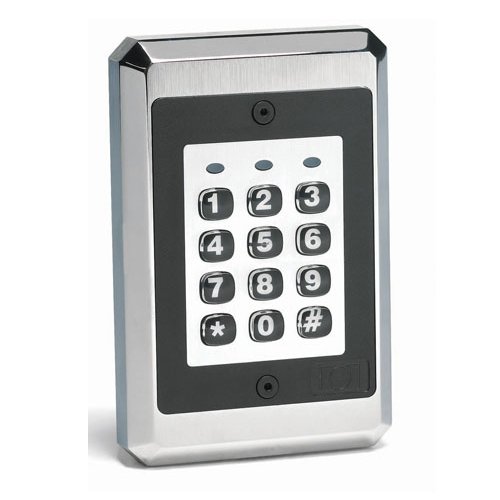
iEi Electronics / Linear IEI 212iLW Style Architectural Weather Resistant Backlit Keypad (0-230722)
Durable Design: Built to withstand harsh outdoor conditions, this keypad features a heavy-duty chrome-plated trim ring and hardened…
As an affiliate, we earn on qualifying purchases.
As an affiliate, we earn on qualifying purchases.
Key Features of Modern Smart Lock Keypads
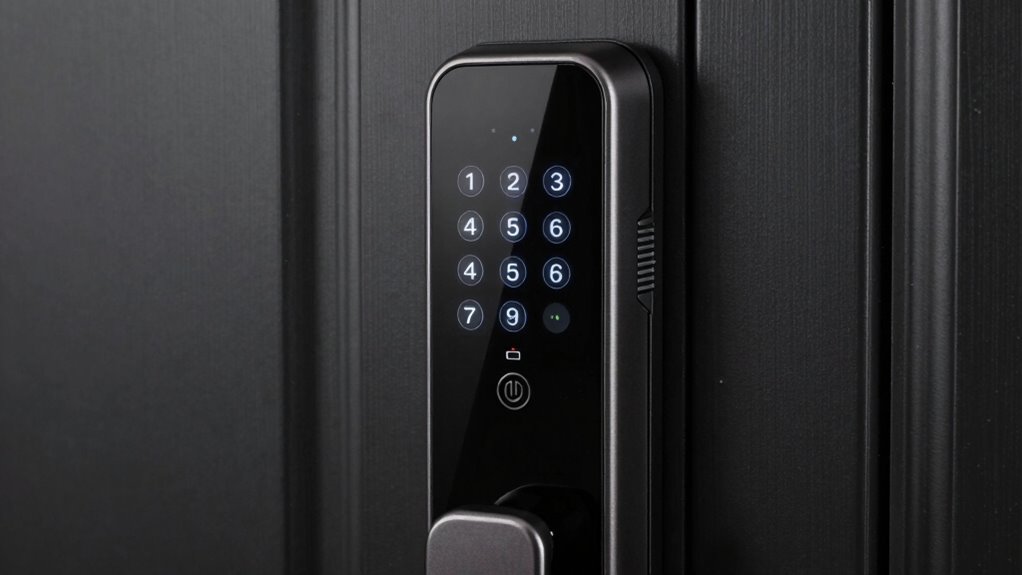
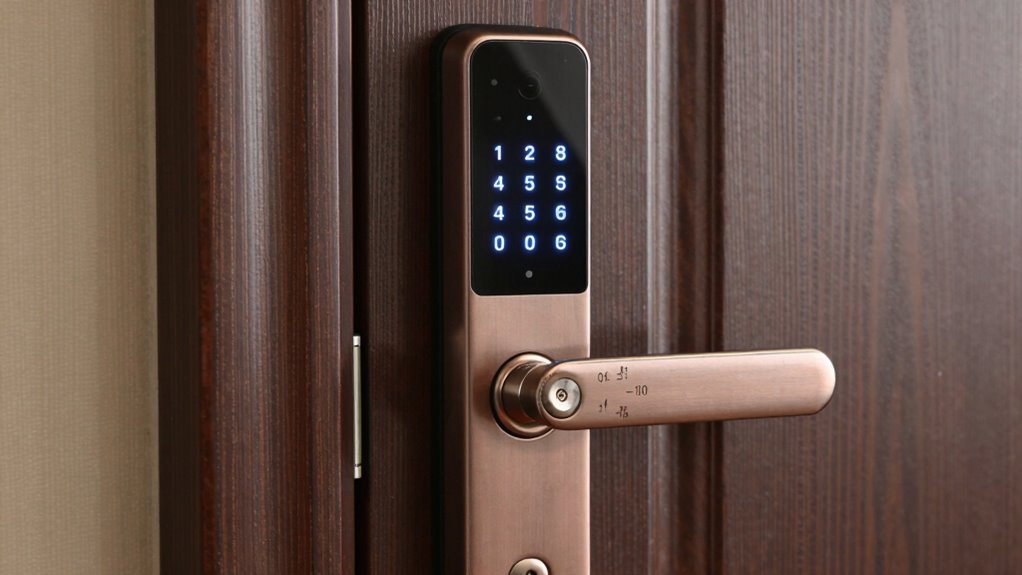
Modern smart lock keypads are designed with several key features that enhance security and convenience. When you’re considering smart lock installation, understanding these features helps guarantee your home stays protected. Keypad security features include encryption, anti-peep functions, temporary codes, and tamper alerts. Encryption protects your codes from hacking, while anti-peep allows you to enter random digits before or after your code to prevent shoulder surfing. Temporary or one-time codes are useful for guests or service providers, and tamper alerts notify you of forced entry attempts. These features make your smart lock more secure and user-friendly, giving you peace of mind. By focusing on these keypad security features, you can select the right smart lock that offers both protection and ease of access.
How Do Mechanical and Electronic Keypads Compare?
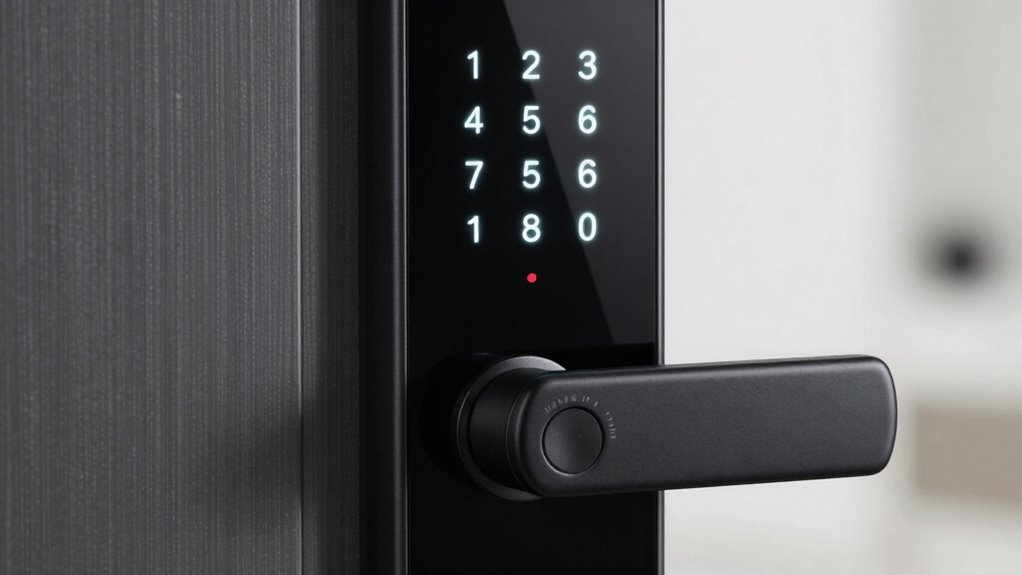
When choosing between mechanical and electronic keypads for your smart lock, understanding their differences can help you make an informed decision. Mechanical keypads are simple, with no electronics, making them highly durable and resistant to weather or power failures. They typically have high keypad durability, meaning they can withstand frequent use and harsh conditions. Electronic keypads, on the other hand, rely on power sources like batteries and incorporate digital features such as backlit keys or access logs. While they offer convenience and advanced security options, they can be more vulnerable to battery issues or electronic malfunctions. In the mechanical vs electronic debate, your choice depends on your priorities: durability and simplicity with mechanical, or added features and convenience with electronic keypads.
How Long Do Batteries Last in Smart Locks, and How Can You Make Them Last Longer?
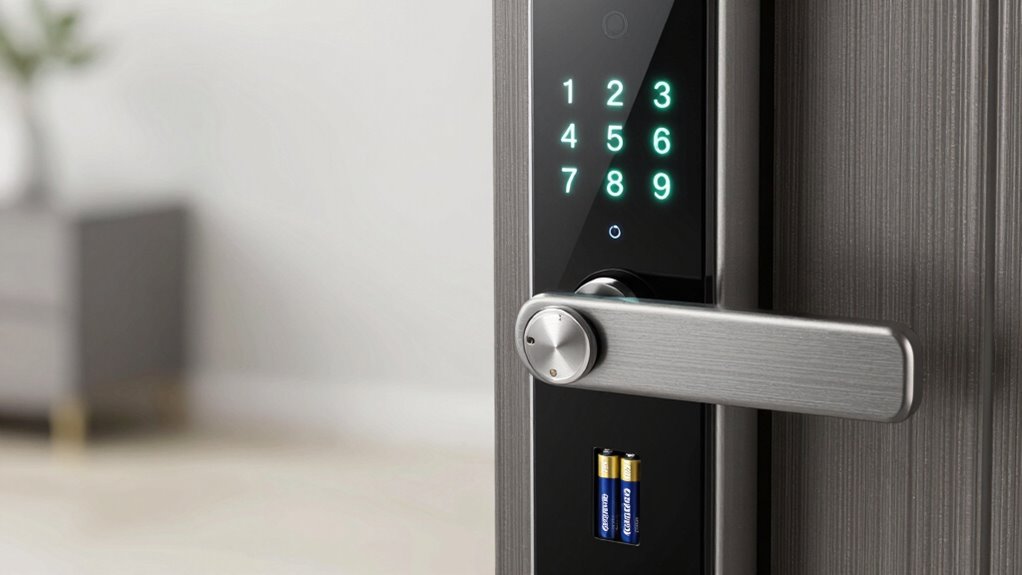
Batteries in smart locks typically last anywhere from several months to a year, depending on usage and the type of lock you have. To maximize battery longevity, consider implementing power saving tips. You can:
Smart lock batteries last months to a year; save power by adjusting settings and monitoring usage.
- Reduce unnecessary activity by disabling features you don’t use often
- Use lock settings that limit frequent wireless communication
- Keep firmware updated for peak energy efficiency
- Replace batteries proactively before they completely die
These small adjustments can substantially extend battery life and prevent unexpected lockouts. Regularly checking battery status through your lock’s app or keypad helps you stay ahead of power depletion. By managing usage and staying vigilant, you ensure your smart lock remains reliable without frequent battery replacements.
What Are the Common Battery Types in Smart Locks and Their Benefits?
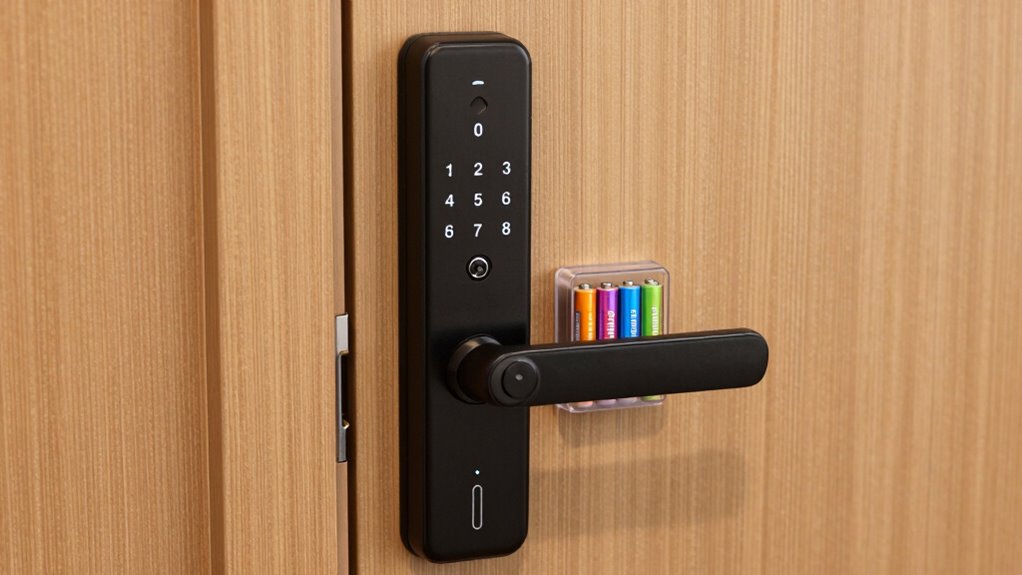
Smart locks commonly use alkaline, lithium, or NiMH rechargeable batteries, each offering distinct advantages. Alkaline batteries are affordable and widely available, making them a popular choice for basic models. Lithium batteries provide longer life and better performance in cold temperatures, ideal for outdoor or high-usage smart locks. NiMH rechargeable batteries are eco-friendly and cost-effective over time, allowing you to recharge instead of replacing them frequently. The choice of smart lock batteries impacts overall battery benefits, such as longevity, reliability, and ease of maintenance. Lithium batteries, for instance, often last longer between replacements, reducing inconvenience. Understanding these common battery types helps you select the best option for your needs, ensuring your smart lock stays powered and secure without unexpected interruptions.
How to Monitor and Replace Batteries in Your Smart Lock
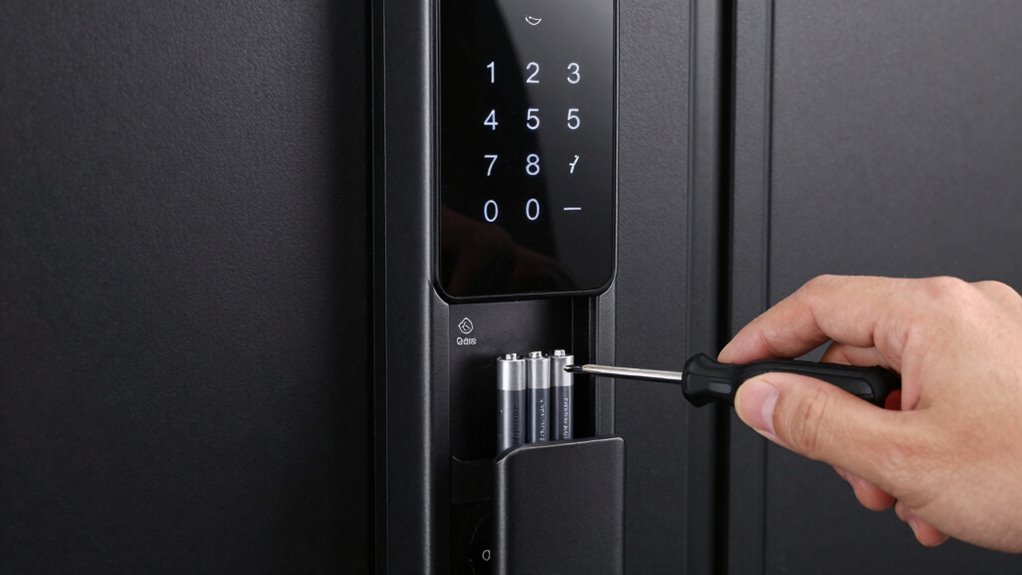
To keep your smart lock functioning smoothly, you need to regularly check its battery life. When the power gets low, replacing the batteries safely is essential to avoid lockouts or damage. Follow these steps to monitor and replace your batteries confidently and securely.
Checking Battery Life
Wondering if your smart lock’s batteries are running low? Checking the battery status regularly is key to effective power management. Most smart locks provide easy ways to monitor battery life, such as app notifications or LED indicators. Be proactive by:
- Opening the app to view current battery levels
- Noticing any warning lights or sounds
- Checking for low battery alerts on the lock’s display
- Testing the lock’s response to manual commands
Keeping an eye on these signals helps you avoid lockouts. If the battery level drops below a safe threshold, it’s time to plan for replacement. Proper power management ensures your smart lock stays functional and secure, preventing surprises when you need it most. Regular checks help maintain smooth operation and peace of mind.
Replacing Batteries Safely
Monitoring and replacing your smart lock’s batteries safely is essential to keep your lock functioning smoothly. To maximize battery longevity, check the battery status regularly and replace them before they completely drain. Power management is key—using high-quality batteries can extend your lock’s operation time and prevent unexpected lockouts. When replacing batteries, turn off the lock if possible to avoid electrical shorts or damage. Use the correct battery type recommended by the manufacturer, and insert them properly, ensuring correct polarity. Handle batteries carefully, avoiding contact with metal objects that could cause a short circuit. Dispose of old batteries responsibly, following local regulations. Regularly maintaining your batteries ensures reliable performance and prolongs your smart lock’s overall lifespan.
How Smart Lock Features Improve Convenience and Security
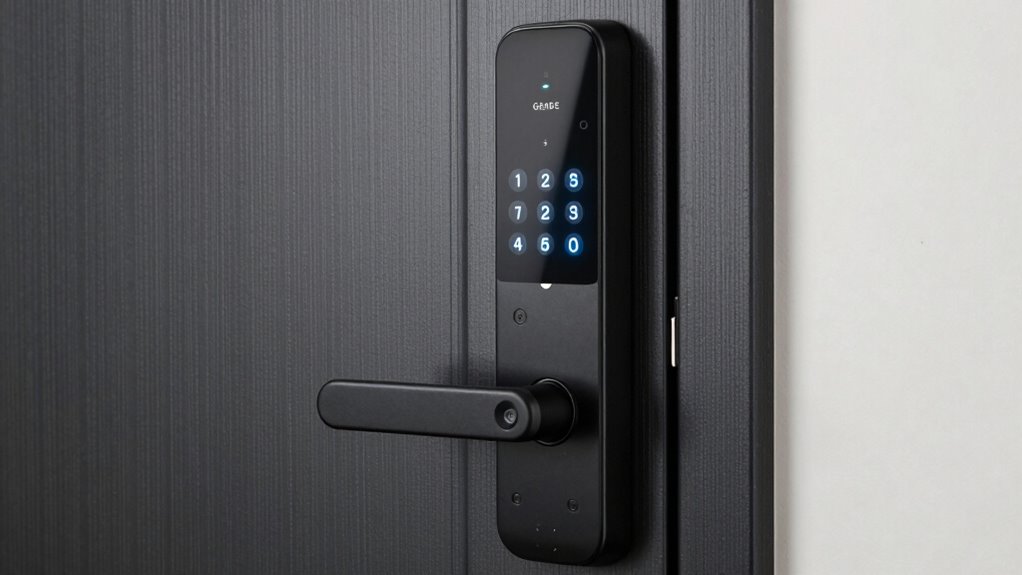
Smart lock features markedly enhance both convenience and security by giving you more control over access to your home. With keyless convenience, you no longer need traditional keys, reducing the risk of lockouts or lost keys. Smart locks also improve access control by allowing you to remotely grant or revoke permissions for family, guests, or service providers. Additionally, features like auto-locking ensure your door secures itself after a set time, while activity logs provide insight into who entered and when. You can also set temporary or unique access codes for visitors, enhancing overall security. These capabilities make your home more adaptable and safer, giving you peace of mind and simplifying daily routines. In short, smart lock features seamlessly blend convenience with enhanced security.
Troubleshooting Battery and Keypad Issues in Smart Locks
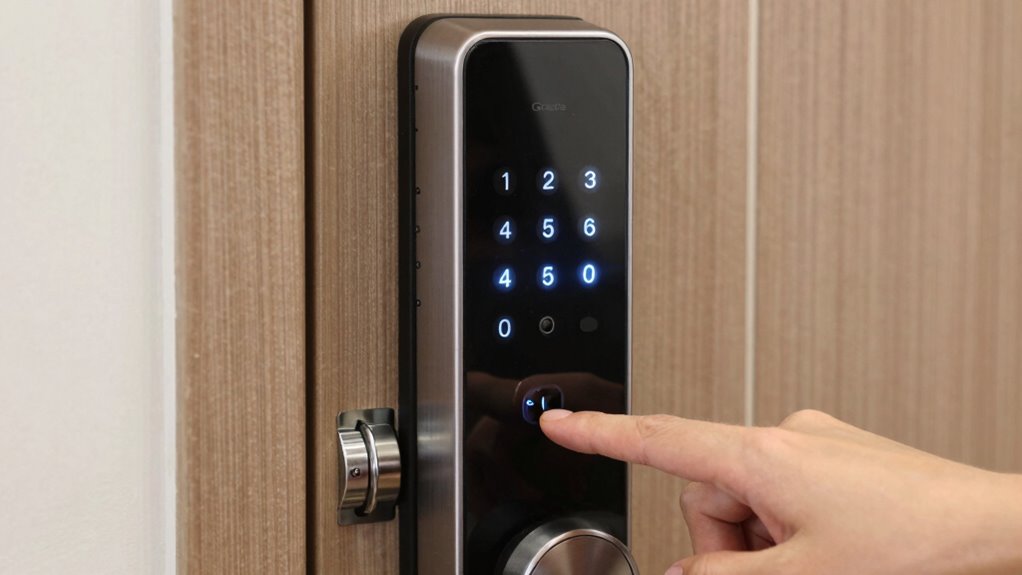
Battery and keypad issues are common hurdles that can prevent your smart lock from functioning properly, but many problems can be resolved quickly with some troubleshooting. If your battery is dead, try replacing it with fresh, high-quality batteries to ensure reliable power. For keypad problems, clean the keypad surface and check for stuck or unresponsive keys; keypad repair might involve recalibrating or replacing the keypad module. Use this table to understand your options:
| Issue | Solution | When to Seek Help |
|---|---|---|
| Dead battery | Replace batteries, perform battery troubleshooting | If lock remains unresponsive |
| Unresponsive keypad | Clean keypad, reset, or replace keypad | If keypad repair doesn’t work |
| Connectivity issues | Reconnect lock to app or hub | Persistent connection failures |
| Mechanical jam | Lubricate or contact support | Physical damage suspected |
Address issues promptly to keep your smart lock functioning smoothly.
Frequently Asked Questions
Can Smart Locks Function During Power Outages Without Batteries?
During power outages, your smart lock can still work if it has a battery backup, ensuring power outage functionality. Without batteries, it won’t operate since smart locks rely on power sources to function. To stay secure, always check that your lock has fresh batteries or a backup system installed. This way, you maintain access and security even during outages, and your smart lock continues to serve its purpose seamlessly.
Are There Security Risks Associated With Wi-Fi or Bluetooth Connectivity?
Like a fortress vulnerable to unseen foes, your smart lock’s Wi-Fi or Bluetooth can face risks. Wireless hacking and signal interference are real threats, potentially allowing intruders to bypass security or disrupt your lock’s operation. Stay vigilant by updating firmware regularly, using strong, unique passwords, and avoiding crowded Wi-Fi channels. While convenient, these wireless connections require cautious handling to guarantee your home stays protected from digital intruders.
How Do Smart Lock Grades Affect Insurance Premiums?
Your smart lock’s grade influences your insurance premiums through potential discounts. Higher lock grade standards, like Grade 1, demonstrate better security, making your home less risky to insurers. Many insurance companies offer discounts if your smart lock meets certain standards, especially if it’s rated for durability and security. By choosing a lock with an approved grade, you could lower your premiums and improve your home’s overall safety.
What Are the Best Practices for Securing Keypad Access Codes?
You should create complex, unique codes for keypad access to enhance security and protect user privacy, even if it seems inconvenient. Avoid simple or repeating combinations, and change codes regularly. Never share codes via insecure channels, and consider using multi-factor authentication if available. This way, you reduce the risk of unauthorized entry and ensure your access codes remain confidential, keeping your home safe and your information secure.
Can Smart Locks Be Integrated With Existing Home Automation Systems?
Yes, you can integrate smart locks with your existing home automation system. Check the smart lock’s compatibility to confirm it works seamlessly with your setup, like Alexa, Google Assistant, or Apple HomeKit. By doing so, you gain centralized control over your locks, schedules, and access management. Just verify compatibility beforehand, and you’ll enjoy the convenience of home automation integration, making your smart lock part of your connected home ecosystem.
Conclusion
Many believe smart locks can replace traditional deadbolts entirely, but the truth is, combining the two offers the best security. By choosing the right deadbolt grade and understanding your keypad options, you guarantee both reliability and convenience. Regularly monitoring batteries keeps your smart lock functioning smoothly. Remember, technology enhances safety—just don’t depend solely on it. A smart lock is a smart choice, but always stay proactive about your home’s security.