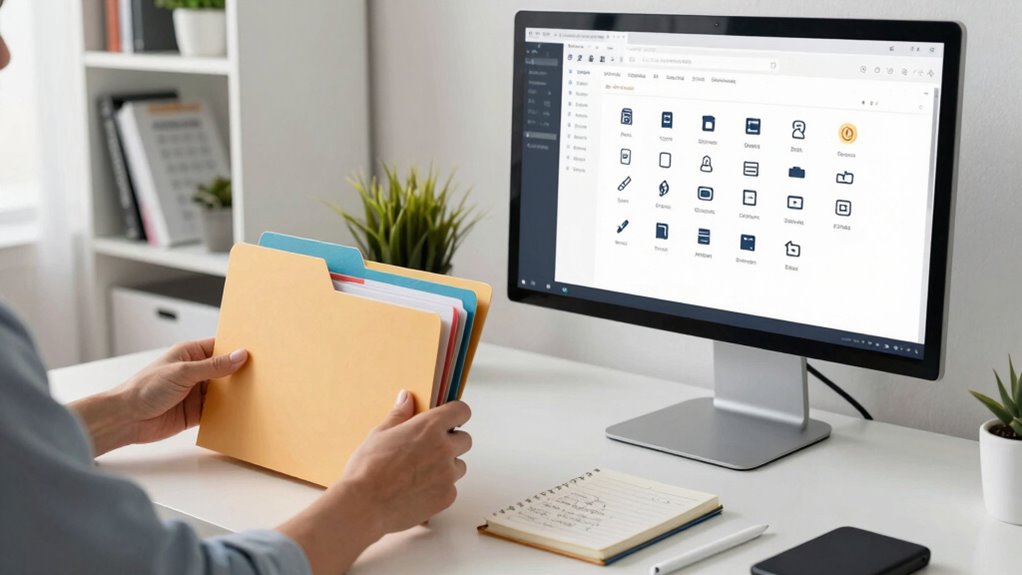

To organize your digital files once and for all, start by choosing a reliable cloud storage service for easy access and automatic backups. Use clear, consistent naming conventions with relevant details like dates or projects. Create a logical folder structure for main categories and subfolders, and keep everything tidy by regularly cleaning and merging duplicates. Incorporate tools and habits to maintain organization over time. If you follow these steps, you’ll create a sustainable system that keeps clutter at bay.

Get the latest gadgets delivered free with Prime
- Fast, free delivery on millions of items
- Prime Video, Amazon Music and more included
- Member-only deals all year
Key Takeaways
- Implement a clear folder hierarchy aligned with your workflow and categorize files logically for easy navigation.
- Adopt consistent naming conventions with relevant details like dates and project names for quick identification.
- Utilize cloud storage for centralized access, automatic backups, and efficient search capabilities.
- Schedule regular cleanup sessions to delete outdated files and merge duplicates, maintaining organization.
- Use automation tools and develop habits to save files correctly and uphold a sustainable digital management system.
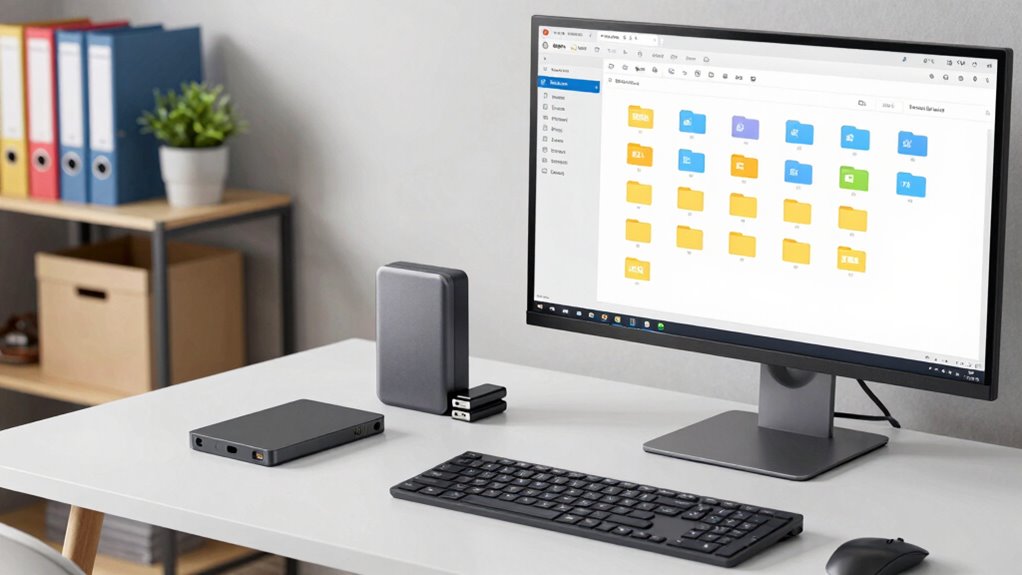
Have you ever felt overwhelmed trying to find a specific file on your computer? It’s a common frustration, especially when your digital clutter has grown uncontrollably. The good news is, organizing your files once and for all is entirely possible with a few strategic steps. First, consider leveraging cloud storage services. They not only provide a central location for all your files but also make access easy from any device. When you store files in the cloud, you reduce clutter on your local drives, helping you stay focused and efficient. Plus, cloud services often come with built-in search functions, which can save you time when you’re trying to locate that one document. But, to make the most out of cloud storage, you need a solid system for file naming. Clear, consistent naming conventions are the backbone of an organized digital space. Instead of vague titles like “Document1” or “Untitled,” use descriptive names that include relevant details—such as dates, project names, or categories. For example, “2023_Quarterly_Report_Q1” instantly tells you what the file contains and when it was created. This way, when you search later, you find what you need without sifting through dozens of similar files. As you develop your file naming system, stick to it. Consistency is key because it helps your brain recognize patterns, making future searches faster and more accurate. You might also want to adopt a folder structure that mirrors your workflow or projects. Create main folders for broad categories like “Work,” “Personal,” or “Finance,” then add subfolders for specific topics or years. This layered approach keeps everything neatly compartmentalized. Regular maintenance is crucial, too. Dedicate a few minutes weekly to delete outdated files, merge duplicates, and reorganize misplaced documents. This ongoing effort helps prevent clutter buildup and keeps your system streamlined. Incorporating automated tools or file management software can further simplify this process and maintain consistency over time. When saving new files, always choose the correct folder and apply your naming conventions immediately—don’t save them randomly or forget to rename. Additionally, understanding file organization principles can provide you with a broader perspective on structuring your digital space efficiently. Incorporating cloud storage into your system ensures your files are accessible and backed up, reducing the risk of data loss and making organization easier. Over time, these habits will make your digital space more intuitive and less stressful to navigate. Remember, the goal isn’t just to tidy up temporarily but to establish a sustainable system. By integrating cloud storage, adopting consistent file naming, and maintaining your structure, you’ll find your files effortlessly. Soon, you’ll spend less time hunting for documents and more time focusing on what truly matters. Organizing your digital files isn’t a one-time task; it’s a habit that, once set, will serve you for years to come.
cloud storage service with automatic backup
As an affiliate, we earn on qualifying purchases.
As an affiliate, we earn on qualifying purchases.
Frequently Asked Questions
How Often Should I Back up My Organized Files?
You should back up your organized files regularly, ideally following a consistent backup schedule—weekly or bi-weekly works well for most. Keep your file naming system clear and consistent to make backups easier. Frequent backups protect against data loss, so adjust the frequency based on how often you add or modify files. Automate backups when possible to guarantee your files stay safe without extra effort.
What Tools Are Best for Digital File Organization?
You’ll want tools like cloud storage services—Google Drive, Dropbox, or OneDrive—because they keep your files accessible anywhere and protect them from disasters. Pair these with file tagging apps or features to categorize everything efficiently. These tools act like a digital clutter-busting army, transforming chaos into order. Use them to streamline your organization, making finding and managing files effortless, saving you hours of frustration.
How Can I Organize Files Shared Across Multiple Devices?
You can organize files shared across multiple devices by using cloud storage services like Dropbox or Google Drive, ensuring your files sync automatically. Adopt consistent file naming conventions to make searching easier. Regularly clean up and categorize your files into clearly labeled folders. This way, no matter which device you’re on, you’ll access organized, up-to-date files effortlessly, reducing confusion and saving time.
What’s the Best Way to Handle Duplicate Files?
To handle duplicate files effectively, start by implementing clear file naming conventions that make duplicates obvious. Use folder hierarchy strategies to organize files systematically, making it easier to spot and delete duplicates. Regularly review your files, merging or removing redundancies. Consider using duplicate finder tools for automation. This approach keeps your digital space streamlined, prevents confusion, and guarantees you always access the most current version of your files.
How Do I Maintain My Digital Organization System Over Time?
Maintaining your digital organization system is like tending a garden—you need regular care. Stick to consistent file naming conventions and update your folder hierarchy strategies as needed. Set a recurring schedule for cleaning and reorganizing files, and stay disciplined in deleting outdated documents. This ongoing effort prevents clutter from taking over, ensuring your system remains efficient and easy to navigate over time.
Conclusion
Now that you’ve set up a system, keep it tidy by regularly reviewing and deleting unnecessary files. Think of it like tending to a garden—you’ll enjoy the vibrant, organized space more when you give it consistent care. Remember, the key to digital order is discipline, not a magic wand. With your files neatly in place, you’ll avoid the chaos of a digital tornado, making your life smoother—kind of like having a personal assistant in your pocket, ready at a moment’s notice.
Halloween Picks
halloween
As an affiliate, we earn on qualifying purchases.