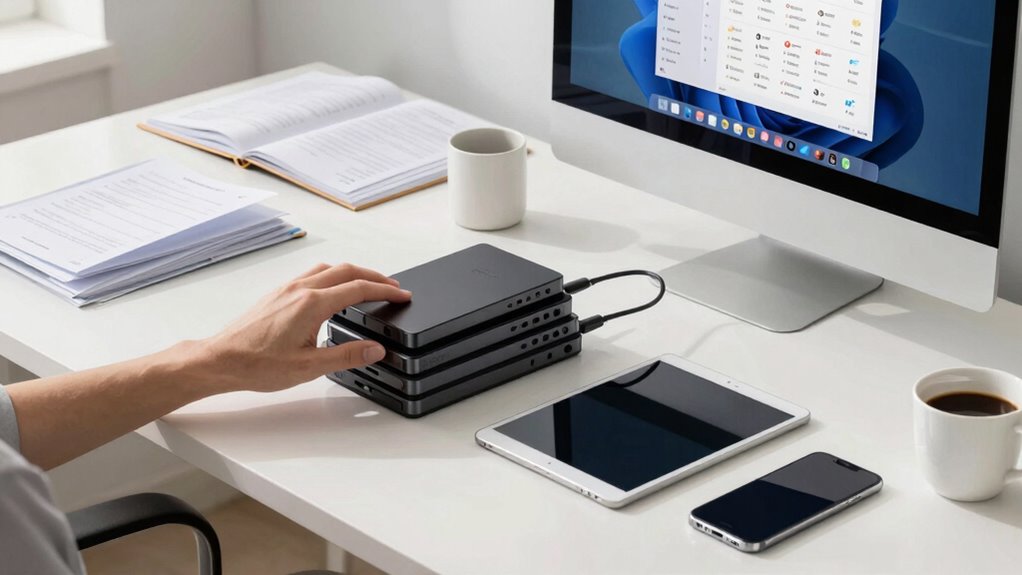

To declutter your digital life in a weekend, start by setting aside dedicated time and breaking tasks into manageable steps. Gather all your files, photos, and messages in one spot, then delete duplicates and irrelevant content. Organize your files into logical folders, clear out social media accounts, and unsubscribe from unnecessary newsletters. Regular maintenance like backups and automated tools will keep things manageable. Want to discover more tips to stay organized? Keep going for a deeper guide.

Get the latest gadgets delivered free — and shop member deals
- Fast, free delivery on millions of items
- Access to Prime Big Deal Days deals on October 6–7
- Prime Video, Amazon Music and more included
Key Takeaways
- Set aside dedicated time from Saturday morning to Sunday afternoon and create a clear plan to stay focused.
- Gather all digital assets into a central location and categorize them with folders or tags.
- Delete duplicates, blurry images, old emails, and unnecessary files to free up storage space.
- Review social media and subscriptions, unfollow or mute irrelevant accounts, and archive or delete old posts.
- Establish ongoing habits like regular backups and routine maintenance to keep your digital space organized.

In today’s digital world, clutter can quickly pile up, making it harder to focus and find what you need. Whether it’s an overflowing email inbox, countless files, or an endless stream of social media posts, a cluttered digital space hampers productivity and causes unnecessary stress. The good news is that you can tackle this mess in just one weekend with a strategic plan. Start by setting aside dedicated time, perhaps Saturday morning through Sunday afternoon, and commit to the process. Break it into manageable steps to avoid feeling overwhelmed.
Begin by gathering all your digital assets—photos, videos, documents, and messages—into one central location, like your desktop or a specific folder. This helps you see the full scope of what needs sorting. When it comes to photo organization, delete duplicates and blurry or unimportant images. Use tagging or albums to categorize photos by events, dates, or people, making future access easier. This step not only clears space but also streamlines your memory-keeping. As for social media management, review your accounts and unfollow or mute pages that no longer serve you or contribute to clutter. Clear out old posts, and consider archiving meaningful ones rather than keeping everything visible. This way, your social media feeds stay relevant and less overwhelming.
Next, organize your files systematically. Create a folder structure that makes sense to you—by year, project, or topic—and move your files into these folders. Delete any files you no longer need. Use search tools to locate large or duplicate files quickly, and remove them to free up storage. Regularly performing digital maintenance can help prevent clutter from accumulating again and keep your digital environment manageable. Additionally, adopting digital organization habits can make maintaining your system easier over time. Once your files are organized, focus on your email inbox. Unsubscribe from newsletters you no longer read and delete or archive old messages. Keep only what’s essential or actionable. This step reduces mental clutter and streamlines your workflow. Additionally, understanding digital decluttering can help you maintain this organized environment over time.
Finally, utilize tools and apps that can help maintain your digital space. Consider cloud storage solutions for backups, and use apps that automate photo organization or social media management, so your digital life stays tidy going forward. Once you’ve completed these steps, take a moment to back up your organized files and photos. A clean, well-structured digital environment doesn’t just make your devices run smoother; it also clears your mind and boosts efficiency. With a focused, one-weekend effort, you’ll come out with a digital space that’s orderly, manageable, and far less stressful.
As an affiliate, we earn on qualifying purchases.
Frequently Asked Questions
How Often Should I Repeat My Digital Declutter?
You should repeat your digital declutter every three to six months to maintain digital minimalism effectively. Regularly reassess your cloud storage choices and delete unnecessary files or apps to prevent clutter from piling up. This routine keeps your digital space organized, improves productivity, and guarantees you’re only keeping what truly matters. Setting reminders can help you stay consistent and make decluttering a manageable part of your digital habits.
What Tools Can Help Automate Digital Organization?
Think of digital organization tools as your digital assistants, quietly tidying up behind the scenes. You can automate file sorting with tools like Hazel or File Juggler, which help enforce consistent file naming conventions and move files into appropriate folders. Cloud storage services like Google Drive or Dropbox also sync your files, making backups effortless. These tools free up your mental space, turning chaos into clarity and helping you maintain an organized digital life.
How Do I Handle Sentimental Digital Files?
When handling sentimental digital files, start with digital file categorization to organize your cherished memories. Carefully review each file, keeping only those that truly hold sentimental value, and consider creating a dedicated folder for preservation. For particularly meaningful files, back them up securely. Be selective, and don’t feel obliged to keep everything—focusing on quality over quantity will help you preserve your most treasured memories efficiently.
Can Digital Decluttering Improve Mental Health?
Yes, digital decluttering can boost your mental health. Think of it as a digital detox that clears mental clutter, making space for mindfulness practices. When you organize your files and reduce digital noise, you’ll feel calmer and more in control. This simple act helps lower stress, improve focus, and foster a sense of well-being. Embrace the chaos to find peace, and your mind will thank you.
What’s the Best Way to Back up My Cleaned Files?
The best way to back up your cleaned files is to choose reliable storage options like external hard drives or cloud services. Organize your files into clear folders for easy access and implement backup strategies such as automatic backups or scheduled manual ones. This guarantees your data stays safe, accessible, and well-organized, making it simple to restore files if needed and keeping your digital space decluttered and secure.
Conclusion
Spending just a weekend on your digital declutter can profoundly boost your productivity and mental clarity. Did you know that the average person spends over 3 hours daily on their devices? By freeing up space, deleting unnecessary files, and organizing your apps, you’ll create a more focused digital environment. Remember, a cleaner digital space isn’t just about tidiness — it’s about reclaiming your time and reducing stress for a more balanced life.
Fall Picks
fall essentials
As an affiliate, we earn on qualifying purchases.