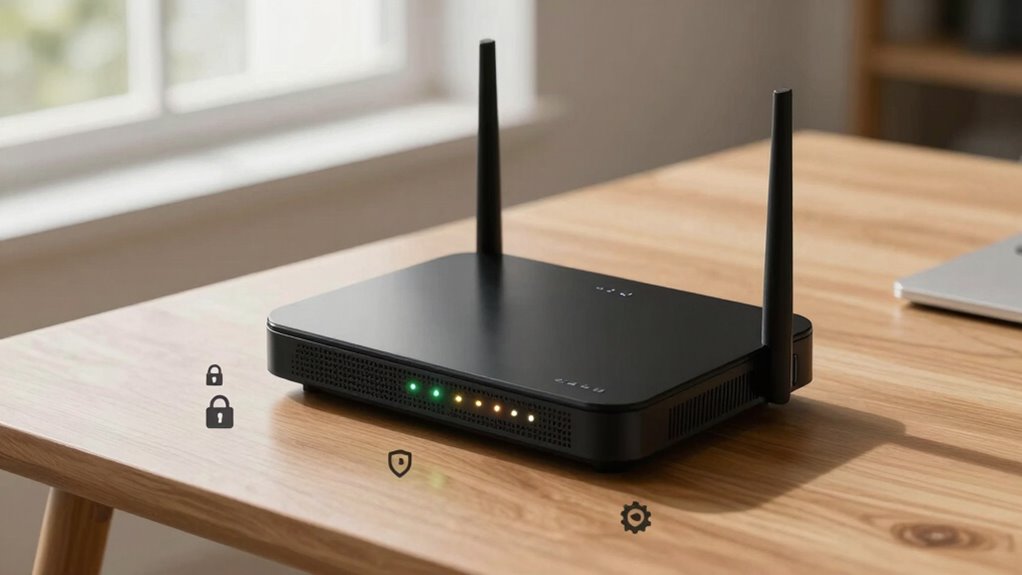

To secure your router, start by enabling the highest encryption, like WPA3, to protect your wireless traffic. Change default admin credentials to strong, unique passwords, and disable remote management to prevent outside access. Create a separate guest network with a strong password and restrict file sharing. Regularly update your router’s firmware, disable unnecessary features like WPS and UPnP, and monitor network activity for suspicious behavior. If you keep exploring, you’ll discover even more tips to defend your network better.
Key Takeaways
- Change default admin credentials to strong, unique passwords and disable remote management access.
- Enable WPA3 or the highest available encryption standard for wireless security.
- Create a separate guest network with a strong password, isolating guest devices from the main network.
- Regularly update router firmware to patch security vulnerabilities.
- Disable unnecessary features like WPS, UPnP, and remote access to reduce attack surfaces.
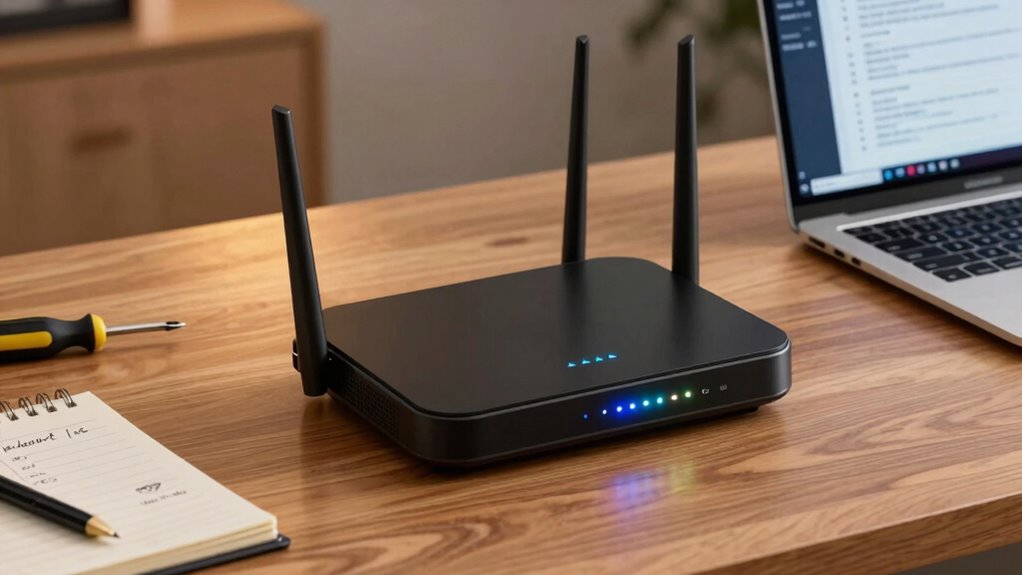
Your router is the gateway to your home or business network, making its security essential to protect sensitive information and prevent unauthorized access. The first step in securing your device involves enabling advanced encryption protocols. Modern routers support WPA3, which offers stronger security than older standards like WPA2. If your router doesn’t support WPA3, ensure you’re using the highest available encryption to safeguard your wireless traffic from eavesdroppers. This encryption is crucial because it encrypts data transmitted between your devices and the router, making it much harder for hackers to intercept and decipher your information.
Enable WPA3 or the highest encryption available to protect your wireless traffic from eavesdroppers.
Next, consider setting up a guest network. A guest network acts as a separate Wi-Fi connection specifically for visitors, keeping their devices isolated from your main network. This simple step reduces the risk of malware spreading from guest devices to your personal or business systems. When configuring your guest network, give it a strong, unique password and disable file sharing or network discovery to prevent guests from accessing your private files. By segregating your network traffic, you also limit potential damage if a guest device becomes compromised. Regularly monitoring your network helps identify unusual activity and ensure your security measures are effective. Implementing network segmentation further enhances security by isolating different device groups within your network.
Beyond encryption and guest networks, it’s vital to change the default administrator credentials. Many routers come with generic usernames and passwords that are widely known, making it easy for cybercriminals to gain control. Choose a complex, unique password and update the admin username if possible, as this adds an extra layer of security. Additionally, disabling remote management features prevents outsiders from accessing your router’s settings over the internet, reducing the chance of remote attacks. If remote management is necessary, restrict access to specific IP addresses or enable VPN access for added security. Regular firmware updates are essential because they often address known vulnerabilities and can be an effective security layer to protect your device.
Updating your router’s firmware is another critical step. Manufacturers regularly release patches to fix vulnerabilities and improve performance. Check for updates regularly and apply them promptly. This process not only enhances security but also ensures your router runs efficiently. Setting a strong, unique Wi-Fi password is equally important; avoid common or easily guessed phrases. Incorporate a mix of letters, numbers, and special characters to create a robust password that’s difficult to crack. Ensuring your router’s security settings are correctly configured helps protect against known threats and exploits.
Finally, review your router’s security settings periodically. Disable unnecessary features like UPnP, WPS, or remote access if you don’t need them, as these can introduce vulnerabilities. Regularly monitoring your network and adjusting your security settings helps prevent potential breaches and maintains a strong defense against evolving cyber threats, keeping your network safe for everyone who relies on it.

TP-Link AXE5400 Tri-Band WiFi 6E Router (Archer AXE75), 2025 PCMag Editors' Choice, 2.5Gbps WAN Port for Gaming & Streaming, 6GHz Band, 160MHz, OneMesh, Dual-Core CPU, VPN & WPA3 Security
- Tri-Band WiFi 6E Router: Up to 5400 Mbps for fast connectivity
- New 6 GHz Band: More bandwidth and near-zero latency
- Enhanced Device Capacity: Supports more devices simultaneously
As an affiliate, we earn on qualifying purchases.
As an affiliate, we earn on qualifying purchases.
Frequently Asked Questions
How Often Should I Update My Router Firmware?
You should update your router firmware as often as possible, ideally every few months or when a security update is released. Regular firmware updates help patch vulnerabilities and improve performance. While updating, also strengthen your password to prevent unauthorized access. Ensuring your firmware is current and your password is strong keeps your network more secure. Don’t wait—staying proactive with firmware updates and password strength is key to protecting your data.
Can I Disable Remote Management on My Router?
Yes, you can disable remote management on your router, and you should. Leaving remote access enabled can expose your network to hackers, especially if default passwords are still in place. Turning off remote management adds a layer of security, preventing outsiders from gaining control. It’s a simple step that greatly reduces your vulnerability, but beware—if you need remote access later, you’ll need to re-enable it carefully and change default passwords to strong, unique ones.
What Is the Best Password for My Router?
The best password for your router combines high password complexity with regular expiration. Use a mix of uppercase and lowercase letters, numbers, and special characters to strengthen it. Avoid common words or easily guessable info. Set a password expiration policy so you change it periodically, reducing the risk of unauthorized access. This way, you’ll keep your network safer and prevent potential breaches from lingering passwords.
Should I Enable Guest Network Access?
Yes, you should enable guest network access to improve your network segmentation. A guest network creates a separate space for visitors, preventing them from accessing your main devices and sensitive data. This enhances security by isolating your primary network from potential threats introduced by guest devices. By enabling a guest network, you control who connects and maintain better overall router security, reducing risks of unauthorized access or malware spread.
How Do I Secure Iot Devices Connected to My Router?
Imagine this: your IoT devices are like tiny, modern knights in a digital age. To secure them, enable network segmentation so they stay isolated from your main devices. Turn on device authentication on each IoT gadget, ensuring only trusted devices connect. Regularly update firmware, and disable unnecessary features. These steps help prevent hackers from gaining access and protect your network from potential breaches.
Conclusion
By following these essential router security settings, you greatly reduce your vulnerability to cyber threats. For instance, imagine a small business that neglected these updates and suffered a data breach, costing thousands. Conversely, by implementing these safeguards—like changing default passwords and enabling encryption—you protect your network and sensitive information. Take action now; your digital safety depends on proactive security measures. Don’t wait for an attack to realize you should’ve secured your router better.