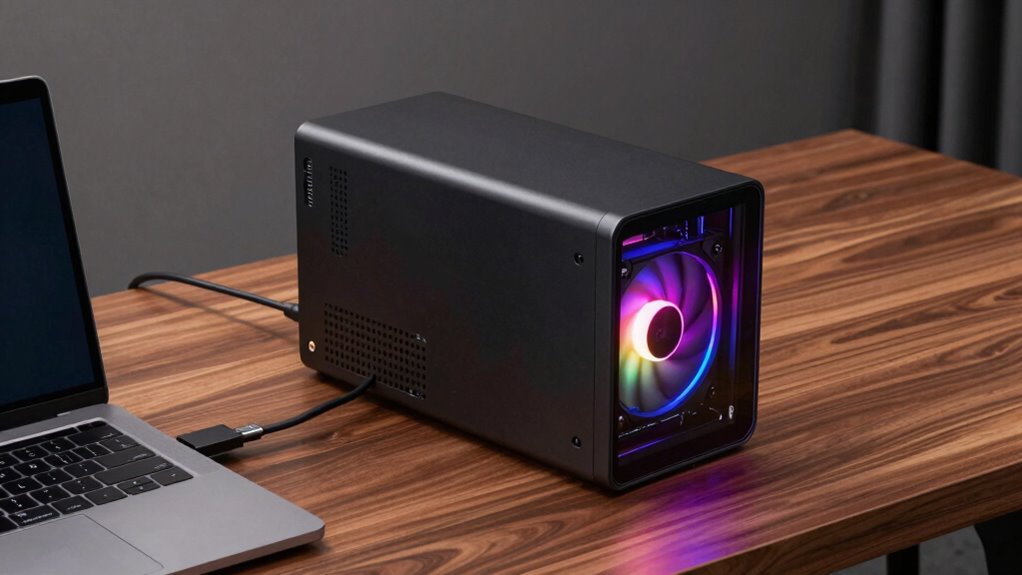

If you travel often, use a lightweight laptop, or work with demanding software like 3D rendering or video editing, an eGPU enclosure can markedly boost your graphics performance. Gamers seeking high-quality visuals without sacrificing portability will also benefit. Keep in mind that compatibility and connection type are essential for maximum results. Curious about whether an eGPU fits your needs? Keep exploring for more details on how this tech can upgrade your setup.

Get the latest gadgets delivered free with Prime
- Fast, free delivery on millions of items
- Prime Video, Amazon Music and more included
- Member-only deals all year
Key Takeaways
- Frequent travelers and users of portable laptops who need high graphics performance on the go.
- Professionals working with demanding software like 3D rendering, video editing, or CAD.
- Gamers seeking enhanced visuals and higher frame rates without sacrificing portability.
- Users with laptops that struggle with graphics-intensive tasks and need a performance boost.
- Those looking for scalable, cost-effective upgrades to improve gaming or creative workflows.
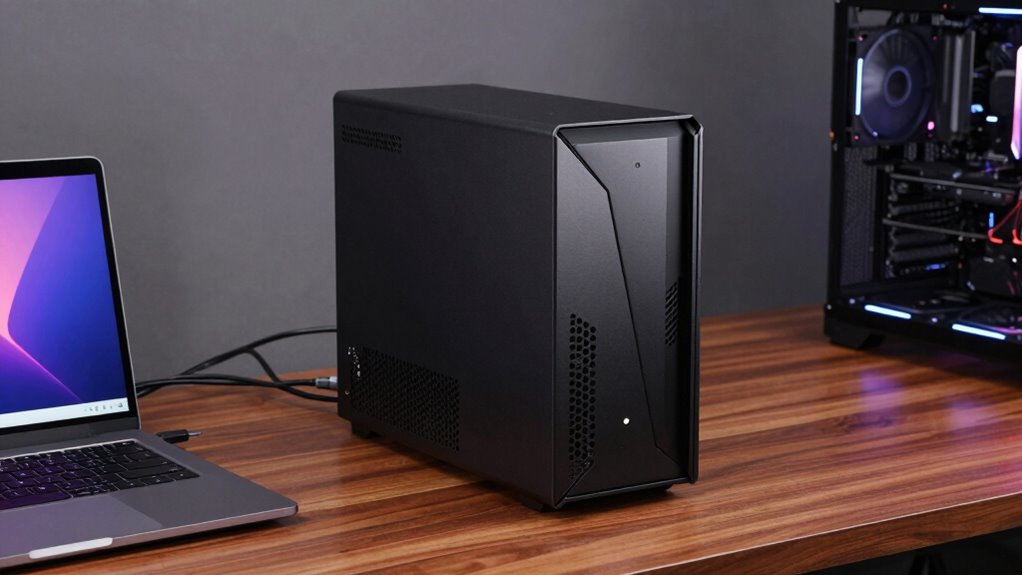
External GPU enclosures offer a practical solution. These devices allow you to connect a powerful desktop-grade graphics card to your laptop or compact PC, markedly enhancing gaming performance and visual rendering capabilities. If gaming is a priority for you, an eGPU can turn a modest laptop into a capable gaming machine, delivering high frame rates and smooth visuals that would otherwise require a dedicated gaming desktop. This upgrade can be especially beneficial if you already own a laptop that’s portable but struggles with demanding titles or graphics-intensive tasks.
One of the main benefits of an external GPU enclosure is that it preserves your laptop’s portability. Unlike replacing your entire system or investing in a bulky gaming desktop, an eGPU provides a portable way to boost performance when needed. You can easily disconnect it when on the go and connect it back when you want to game or do serious creative work. This flexibility makes it ideal for those who travel frequently or prefer a lightweight setup for daily use. The convenience means you don’t have to compromise on power or portability—your laptop remains lightweight and easy to carry, but you gain desktop-level graphics power when plugged into the eGPU enclosure.
An eGPU keeps your laptop portable while providing desktop-level graphics power when needed.
However, it’s worth considering that an external GPU isn’t for everyone. If your primary need is casual gaming or basic graphics work, you might not see enough improvement to justify the investment. For hardcore gamers or professionals working with 3D rendering, video editing, or CAD, an eGPU can be a game-changer, providing the extra horsepower needed to handle demanding software and high-resolution displays. Keep in mind that the performance boost depends on the quality of the enclosure and the graphics card you choose, as well as your laptop’s compatibility and connection options, typically Thunderbolt 3 or 4 ports. Additionally, understanding compatibility requirements is crucial to ensure your setup will work smoothly and deliver the desired performance. It’s also important to consider the performance limitations that might be present due to connection interfaces or hardware constraints, which can affect the overall benefit of using an eGPU. For example, bandwidth constraints of certain connection types can limit how much graphics processing power is effectively transmitted between the enclosure and your laptop.
Furthermore, hardware constraints can influence the maximum potential of an eGPU setup, making it essential to choose components wisely. Also, evaluating cost-effectiveness is key, especially when considering high-end enclosures and graphics cards that can significantly increase the overall investment. In addition, think about how often you’ll use the enhanced graphics capability. If you primarily use your laptop for work that doesn’t require high-end graphics, an eGPU might be overkill. But if you’re looking to maximize gaming performance without sacrificing portability or investing in a new machine, an external GPU enclosure is a smart choice. It offers a flexible, scalable upgrade path that keeps your setup adaptable to your evolving needs, whether gaming, content creation, or other graphics-intensive tasks.
external GPU enclosure for gaming
As an affiliate, we earn on qualifying purchases.
As an affiliate, we earn on qualifying purchases.
Frequently Asked Questions
Can I Upgrade My GPU Inside an eGPU Enclosure Later?
You can often upgrade your GPU inside an eGPU enclosure later, but GPU compatibility and upgrade limitations vary. Check if the enclosure supports the new GPU’s size and power requirements. Some enclosures have proprietary connections or limited space, making upgrades tricky. Always verify if the enclosure’s firmware supports newer GPUs. If compatible, upgrading can boost performance, but if not, you might need a new enclosure altogether.
Are eGPU Enclosures Compatible With Macbooks?
Yes, eGPU enclosures are compatible with MacBooks, but you need to check Mac compatibility first. Most MacBooks with Thunderbolt 3 or 4 ports support eGPUs, offering improved graphics performance. Make sure your Mac’s OS is up-to-date, and verify the enclosure’s compatibility with macOS. Using an eGPU can greatly enhance your MacBook’s graphics, especially for gaming, video editing, or 3D work.
How Does eGPU Performance Compare to Internal GPUS?
Your eGPU generally offers better graphics performance than your MacBook’s internal GPU, especially for demanding tasks like gaming or 3D rendering. However, you might notice some latency impact due to data transfer between your laptop and the eGPU, which can slightly reduce responsiveness. Overall, an eGPU greatly boosts graphics power, but keep in mind that performance can vary depending on the connection type and specific hardware used.
What Is the Average Cost of a High-End eGPU Enclosure?
A high-end eGPU enclosure typically costs between $300 and $700, depending on brand reliability and features. When doing a price comparison, consider reputable brands like Razer, Sonnet, and Akitio, which offer reliable performance and build quality. While some cheaper options exist, investing in a trusted brand guarantees better durability and compatibility, making your investment worthwhile for enhanced graphics performance and future-proofing your setup.
Do eGPU Enclosures Require Additional Power Sources?
Imagine the days of dial-up internet—now, eGPU enclosures do require additional power sources. You need to take into account power requirements and compatible power supply options to guarantee smooth performance. Most enclosures come with their own power supply, but some might need an external one. Make sure to check your eGPU’s specifications to avoid any hiccups, and choose a reliable power source for ideal gaming or creative work.
Conclusion
If you’re craving desktop-level gaming or demanding creative work on your laptop, an eGPU enclosure is your ticket to unleashing hidden power. It’s like giving your device a turbo boost, transforming your portable setup into a powerhouse. But if portability is your top priority or your tasks don’t require heavy graphics, sticking with your current setup might be enough. Ultimately, an eGPU is the key for those ready to turn their laptop into a true performance beast.
Halloween Picks
halloween
As an affiliate, we earn on qualifying purchases.