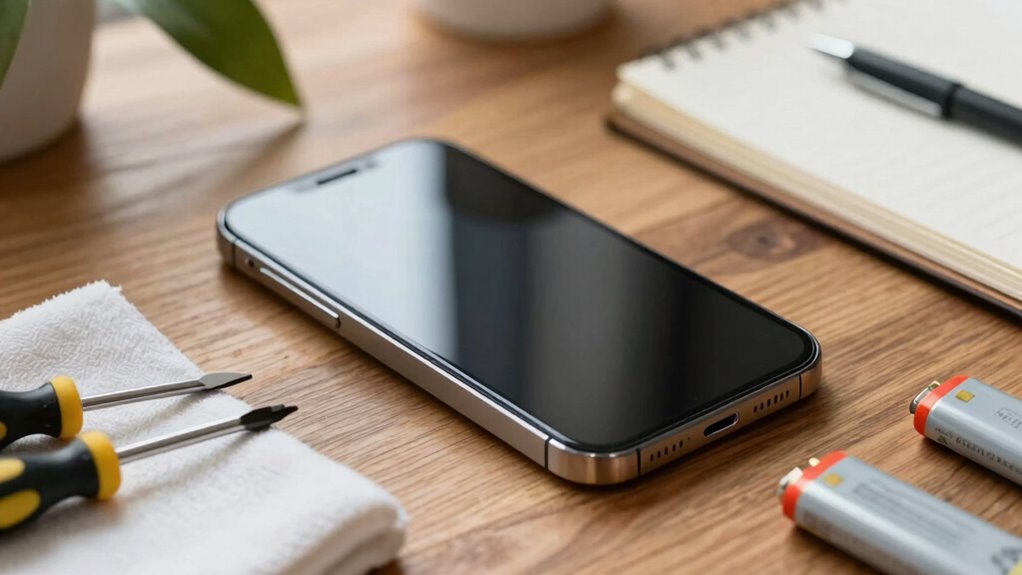
To make your tech last longer, you should keep your device well-maintained by avoiding complete battery drains and maintaining charge between 20-80%. Regularly update your software and remove unused apps to improve performance. Protect your device with cases, keep it clean, and avoid extreme temperatures. Practice good habits like managing background apps and disabling unnecessary features. For more tips to extend your device’s life and keep it running smoothly, stay with us.

Get the latest gadgets delivered free with Prime
- Fast, free delivery on millions of items
- Prime Video, Amazon Music and more included
- Member-only deals all year
Key Takeaways
- Regularly update software to fix bugs, improve performance, and optimize battery life.
- Maintain battery health by avoiding full drains and keeping charge between 20-80%.
- Clean and inspect hardware components to prevent overheating and hardware failures.
- Use protective accessories and handle devices with care to prevent physical damage.
- Practice good usage habits, such as avoiding extreme temperatures and unnecessary background processes.
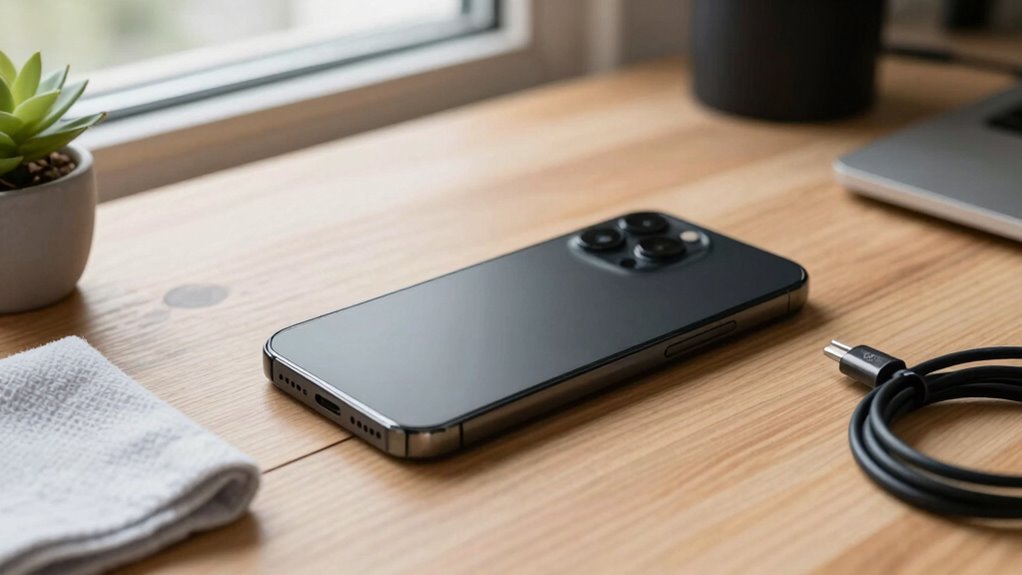
Understanding how long your devices last is essential for maximizing their value and planning for replacements. No one wants to upgrade their smartphone or laptop sooner than necessary, and maintaining your devices can significantly extend their usability. One key factor in prolonging device lifespan is proper battery optimization. Over time, batteries degrade, reducing your device’s performance and runtime. To combat this, avoid letting your battery drain completely or stay at 0% for long periods. Instead, aim to keep the charge between 20% and 80%. Using features like battery saver modes or turning off unnecessary background processes can also help conserve power. Additionally, removing unused apps and disabling location services when not needed reduce strain on your battery, slowing down its decline.
Proper battery management and regular updates extend your device’s lifespan and maintain optimal performance.
Another crucial element is staying current with software updates. Manufacturers release updates not only to introduce new features but also to fix bugs and security vulnerabilities. These updates often include optimizations that improve battery life and overall device performance. Ignoring software updates can leave your device vulnerable to issues that may cause it to slow down or even malfunction prematurely. Always install updates promptly, and if your device offers options for automatic updates, enable them to ensure you’re consistently running the latest version. This proactive approach helps your device operate efficiently and prevents problems that could shorten its lifespan. Regularly checking for software updates and applying them is a simple yet effective way to extend your device’s longevity. Keeping your device free from dust or debris can also prevent overheating and hardware issues over time. Proper device maintenance can further help avoid hardware failures and preserve overall functionality. Incorporating routine cleaning and inspection can also help identify potential issues early before they become costly repairs.
Physical care also plays a significant role in how long your device lasts. Protect your device from physical damage by using cases or screen protectors, especially if you tend to drop or bump your devices often. Keep your device clean and free from dust or debris, which can cause overheating or hardware issues over time. Regularly inspecting charging ports and connectors ensures they stay free of dirt and corrosion, which can affect charging efficiency and battery health. Additionally, avoiding exposure to extreme temperatures is vital as it can accelerate hardware deterioration and battery capacity loss.
Finally, practice good habits like avoiding excessive heat or cold, which can damage internal components. When not in use, store your devices in a cool, dry place. If your device supports it, perform factory resets or clear cache data periodically to keep the software running smoothly. By combining battery optimization, timely software updates, physical care, and mindful usage, you can significantly extend your device’s lifespan. This not only saves you money but also ensures your devices remain reliable and efficient for years to come.
Products Worth Considering

Kindle Paperwhite Signature Edition 32GB (2024) – Auto-adjusting front light, wireless charging, weeks of battery life – Metallic Black

Apple Watch Ultra 2 GPS + Cellular, 49mm Natural Titanium Case with Natural Titanium Milanese Loop, Large

LG UltraGear 34GX90SA-W 34-inch WQHD Curved OLED Gaming Monitor
As an affiliate, we earn on qualifying purchases.
Frequently Asked Questions
How Can Software Updates Extend Device Lifespan?
Software updates extend your device’s lifespan by guaranteeing software compatibility with new apps and features. Regular updates fix bugs, improve security, and optimize performance, preventing slowdowns and vulnerabilities. By keeping up with update frequency, you make sure your device stays current and runs smoothly longer. Skipping updates can lead to compatibility issues and security risks, shortening your device’s life. So, stay consistent with updates to maximize your device’s longevity.
Is It Better to Repair or Replace a Failing Device?
It’s often better to repair a failing device, especially if it’s still under warranty, saving you money and extending its life. Repairing can also preserve its resale value, as a well-maintained device typically fetches a higher price. However, if repairs are costly or the device is outdated, replacing it might be more practical. Consider warranty coverage and resale prospects to make the smartest choice for your tech.
What Are the Signs of Impending Device Failure?
A stitch in time saves nine, so watch for signs of impending device failure. If your device’s battery degradation causes shorter usage times or unexpected shutdowns, it’s a warning sign. Hardware wear, like sluggish performance, freezing, or strange noises, also signals trouble. Keep an eye on these symptoms, and addressing issues early can extend your device’s life and save you money before problems worsen.
How Do Environmental Factors Affect Device Longevity?
Environmental hazards like extreme temperatures, humidity, and dust can considerably shorten your device’s lifespan. Poor storage conditions, such as placing your tech in damp or overly hot areas, accelerate wear and tear. To make your device last longer, keep it in a cool, dry, and clean environment. Avoid exposing it to direct sunlight or moisture, and store it properly when not in use to protect against environmental damage.
Can Third-Party Accessories Harm My Device’s Lifespan?
Yes, third-party accessories can harm your device’s lifespan if they’re incompatible or poorly made. Compatibility issues may cause hardware malfunctions or damage, especially with chargers, cases, or screen protectors. Always verify that third-party accessories are designed for your device model and buy from reputable brands. Using incompatible or low-quality accessories might lead to overheating, battery damage, or physical harm, reducing your device’s overall longevity.
Conclusion
Think of your device as a garden; with proper care, it flourishes and blooms longer. Regular updates, gentle handling, and mindful usage are your watering can, nurturing its life. Neglect or harsh treatment is like weeds choking the plants—stunting growth. By tending to your tech with patience and respect, you guarantee it remains vibrant and productive for years to come. Your device’s lifespan depends on how well you nurture this digital garden.