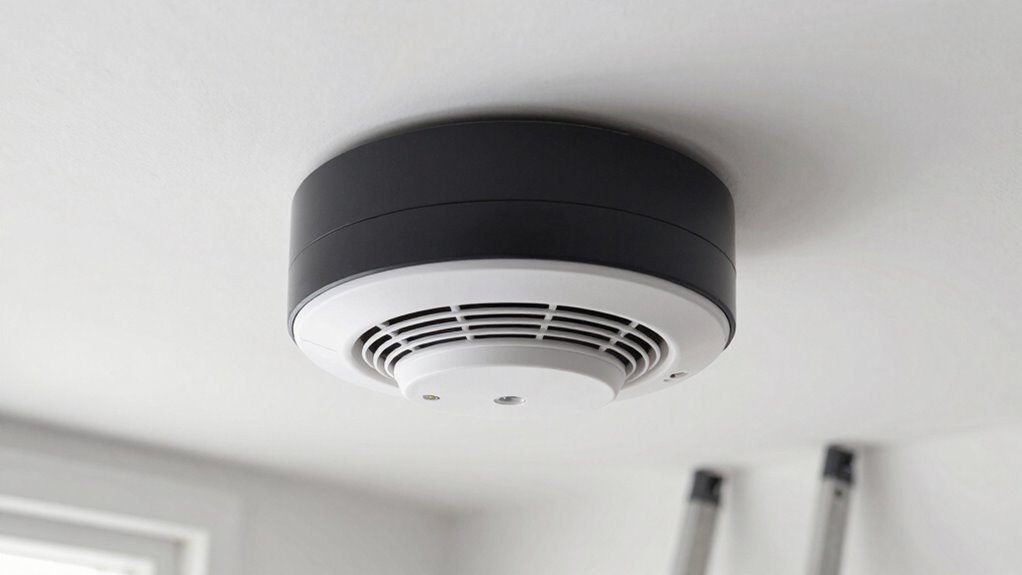
To guarantee your smart smoke and CO detectors work effectively, place them on every level, especially near bedrooms and potential fire or CO sources. Keep them away from weak Wi-Fi spots like basements or far corners. Regularly check and replace batteries, and test your devices to confirm they’re working properly. Stay on top of firmware updates and secure your network to keep them running smoothly. For detailed tips on placement and maintenance, continue exploring how to stay safest.
Key Takeaways
- Regularly check and replace batteries, and test detectors to ensure proper function during emergencies.
- Place detectors on each level and near bedrooms, avoiding weak Wi-Fi areas like basements and far corners.
- Ensure detectors are within Wi-Fi range for reliable connectivity and prompt alerts.
- Keep firmware updated to enhance security, performance, and access to new features.
- Position detectors away from cooking or humid areas to reduce false alarms and improve responsiveness.
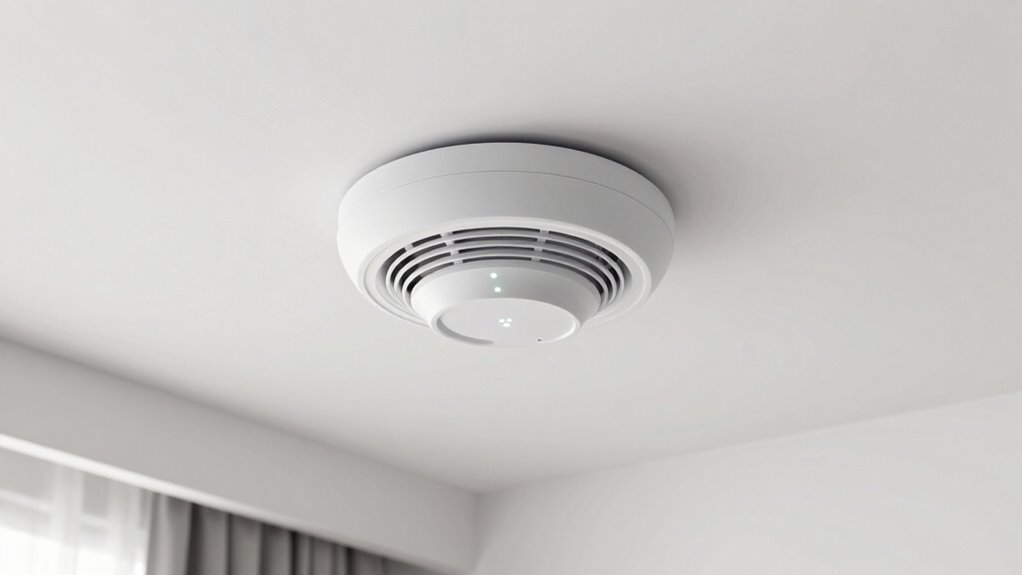
With advancements in home safety technology, smart smoke and CO detectors have become essential tools for protecting your family. Proper placement and regular maintenance guarantee these devices function effectively when you need them most. One of the most critical aspects of maintenance is understanding the importance of battery life. Even though many smart detectors come with long-lasting batteries or rechargeable options, it’s essential to check and replace batteries as recommended by the manufacturer. Many models send you alerts through their wireless connectivity systems when the battery runs low, so you don’t have to remember every few months. Regularly testing your detectors also helps confirm that they’re working correctly, giving you peace of mind that your family is protected. Ensuring the placement of detectors is optimal can improve their responsiveness and reliability in emergencies. Wireless connectivity plays a significant role in the ease of maintaining your smart detectors. These devices often sync with your smartphone or home security system, providing real-time alerts if smoke or carbon monoxide is detected. To keep this system running smoothly, verify your detectors are within range of your Wi-Fi network and that your internet connection is stable. When placing detectors, avoid locations with weak wireless signals, such as basements or far corners of your home, to prevent connectivity issues that could delay alerts. Many smart detectors also offer firmware updates via wireless connectivity, which improve performance and security. Making sure your home network is secure can help prevent potential hacking attempts that could compromise your safety devices. Additionally, keeping the device firmware up to date ensures you have the latest security patches and features. Making sure your devices are regularly updated helps maintain optimal functionality. Proper placement, combined with effective wireless connectivity, ensures your detectors can communicate promptly and reliably during an emergency.
As an affiliate, we earn on qualifying purchases.
Frequently Asked Questions
How Long Do Smart Smoke/Co Detectors Typically Last?
Smart smoke and CO detectors typically last about 8 to 10 years, depending on their battery life and sensor longevity. You should regularly check the device’s indicator lights and replace batteries annually if needed. Over time, sensors can become less effective, so it’s crucial to replace the entire unit once it reaches its expiration date. Staying on top of maintenance ensures your detectors keep you safe.
Are Smart Detectors Compatible With All Home Automation Systems?
Smart detectors aren’t compatible with all home automation systems, so you might face some compatibility issues. Coincidentally, many models work seamlessly with popular platforms like Alexa, Google Home, or Apple HomeKit, but others may require specific hubs or apps. To avoid frustration, check your system’s compatibility before purchasing. Ensuring your smart detector integrates smoothly helps you monitor your home efficiently and keeps safety one step ahead.
Can Smart Detectors Detect Smoke and CO Simultaneously?
Yes, smart detectors can detect smoke and CO simultaneously. They are designed with adjustable alarm sensitivity to reduce false alerts and guarantee quick detection of both hazards. You’ll find that their battery lifespan varies, but regular maintenance helps keep them functioning properly. By monitoring both smoke and CO levels, these detectors provide thorough safety, giving you peace of mind knowing you’re protected from different types of danger in your home.
What Should I Do if My Smart Detector Gives a False Alarm?
If your smart detector gives a false alarm, first silence it using the app or the device’s button. Then, perform false alarm troubleshooting by checking for dust, insects, or steam near the sensor. To prevent future issues, adjust the sensor sensitivity if possible. Regularly clean the detector and guarantee it’s placed correctly. If problems persist, consider resetting or replacing the unit to maintain reliable safety monitoring.
Do Smart Detectors Require Regular Software Updates?
Yes, smart detectors do require regular software updates to guarantee they stay effective and secure. These updates often improve battery life, enhance wireless connectivity, and add new features. You should regularly check the manufacturer’s app or website for updates and install them promptly. Keeping your smart detector updated helps maintain peak performance, reduces false alarms, and ensures you’re protected with the latest technology.
Conclusion
Don’t wait until it’s too late—properly placing and maintaining your smart smoke and CO detectors can save lives. Some might think these devices are unnecessary or overly complicated, but the truth is, they’re simple to install and vital for safety. Regular testing and battery checks ensure they’re always ready to alert you. Trust me, investing a few minutes now could prevent a tragedy later. Stay safe, stay vigilant—your peace of mind is worth it.