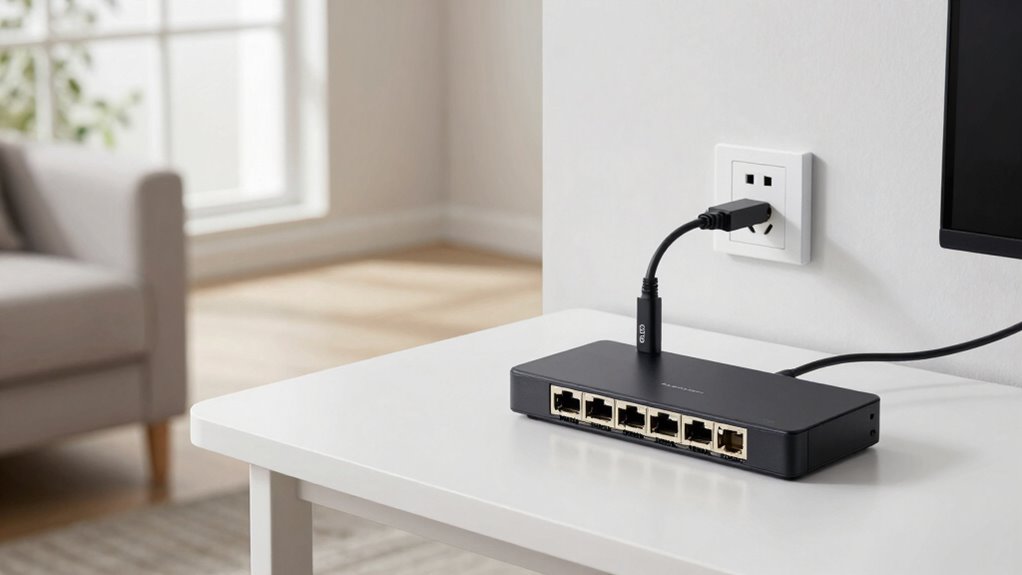

You can upgrade to 2.5GbE or 10GbE speeds without rewiring by utilizing your existing wiring, such as coaxial or Ethernet cables, and adding fiber optic modules or media converters at key points. Wireless bridging with high-speed access points or dedicated bridges can extend your network seamlessly across rooms or floors. Combining fiber with wireless links offers flexible, high-performance setups. Keep exploring to discover more ways to optimize your network effortlessly.

Get the latest gadgets delivered free with Prime
- Fast, free delivery on millions of items
- Prime Video, Amazon Music and more included
- Member-only deals all year
Key Takeaways
- Utilize existing wiring or conduit with fiber optic modules or media converters to upgrade network speeds.
- Implement fiber optic connections from your modem to a central point to support high-speed data transfer.
- Use wireless bridging solutions like access points or dedicated bridges to extend 2.5GbE/10GbE without new cables.
- Combine fiber optic infrastructure with wireless technology for flexible, high-performance network setup.
- Enhance network security and performance by optimizing settings and minimizing physical modifications.
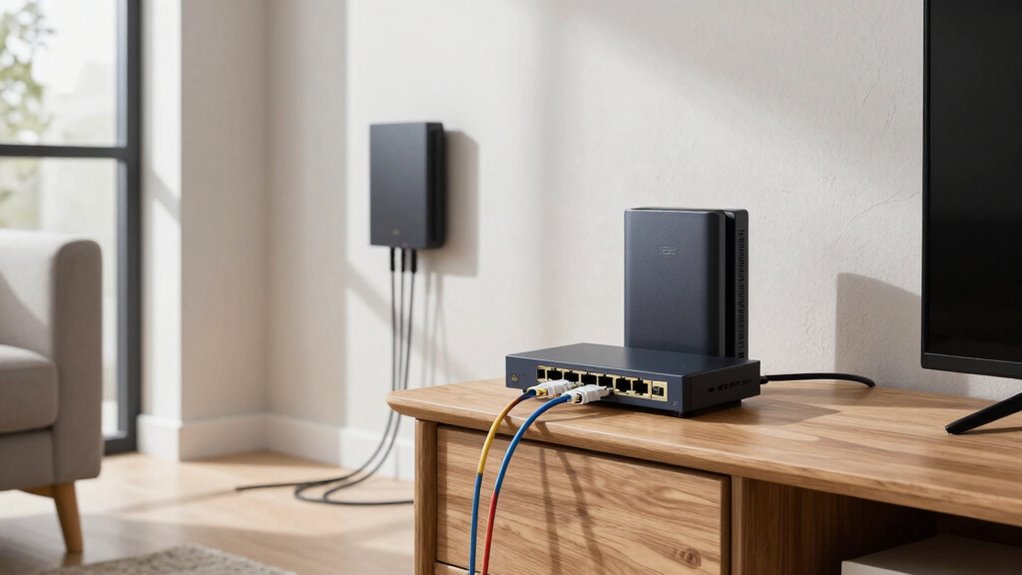
Upgrading your network to 2.5GbE or 10GbE doesn’t necessarily mean you have to tear apart your walls. You can boost your internet speed and network performance without the hassle of rewiring by leveraging existing infrastructure and smart solutions. One effective approach is fiber optic integration, which allows you to connect high-speed networks over longer distances with minimal signal loss. Instead of running new Ethernet cables, you can use fiber optic modules or media converters that link your current setup to fiber lines, providing faster, more reliable connections for your devices.
In many cases, your home already has some wiring or conduit that can accommodate fiber or high-speed Ethernet adapters, especially if you’re working with a multi-room setup or a home office. Installing fiber optic transceivers at strategic points can help you reach your desired speeds without disrupting your walls or flooring. This method is especially useful if your internet provider offers fiber services or if you’re connecting multiple floors or remote areas within your house. Understanding network infrastructure can help you identify the best points for integration and avoid unnecessary modifications.
Another way to upgrade your network without rewiring is through wireless bridging. This technology uses wireless access points or dedicated bridges to extend high-speed connections between different parts of your home. Instead of running Ethernet cables across rooms or floors, you set up a wireless bridge that creates a seamless, high-bandwidth link between your main router and secondary network areas. Wireless bridging is particularly useful when you want to connect a media server or gaming PC in a different room without the clutter of cables.
Combining fiber optic integration with wireless bridging gives you a flexible, high-performance network without invasive modifications. For example, you can run fiber from your modem to a central point in your home and then use wireless bridges to connect to distant devices or rooms. This setup maintains a clean appearance while delivering the speeds you need for streaming, gaming, or large data transfers.
Ultimately, your goal is to optimize your home network without the inconvenience of rewiring. Smart use of fiber optic integration and wireless bridging lets you tap into the benefits of 2.5GbE or 10GbE, ensuring faster data flow, better connectivity, and a more streamlined setup—all without tearing apart your walls. Incorporating network security strategies can further safeguard your high-speed connections from potential vulnerabilities.
fiber optic media converter for home network
As an affiliate, we earn on qualifying purchases.
As an affiliate, we earn on qualifying purchases.
Frequently Asked Questions
Can Existing Ethernet Cables Support 2.5gbe or 10GBE Speeds?
Your existing Ethernet cables might support 2.5GbE or 10GbE speeds if they meet certain standards. Ethernet limitations depend heavily on cable quality and category. Cat5e cables generally support up to 1GbE, but higher categories like Cat6 or Cat6a are needed for suitable faster speeds. Inspect your cables’ specs; if they’re lower quality or older, upgrading might be necessary for ideal faster speeds.
What Is the Cost Comparison Between Upgrading and Rewiring?
Imagine upgrading your network without tearing down walls—sounds tempting, right? The cost analysis shows rewiring can be expensive, especially for extensive homes, potentially costing thousands. Rewiring alternatives, like using existing cables with network adapters, often cost markedly less, saving you money and hassle. You get faster speeds without the upheaval, making the choice clear: upgrade smartly with existing infrastructure or spend more on rewiring.
Will My Current Router Handle Higher-Speed Ethernet Connections?
Your current router likely won’t handle higher-speed Ethernet connections like 2.5GbE or 10GbE. Upgrading is crucial for peak performance and network security. Also, if you plan to use Power over Ethernet (PoE), make sure your router supports PoE features. Upgrading your equipment improves data transfer speeds, maintains network security, and allows seamless integration of PoE devices, making your network future-proof without rewiring your house.
Are There Compatibility Issues With Different Network Hardware?
You might face hardware compatibility issues when upgrading to 2.5GbE or 10GbE, especially if your existing devices aren’t designed for these speeds. Check if your network hardware supports the new standards and verify firmware updates are available, as they can improve compatibility. Upgrading your switches, network cards, and routers to compatible models can help guarantee smooth performance without major rewiring.
How Do I Troubleshoot Connection Problems With New Equipment?
To troubleshoot connection problems with your new equipment, start by checking your network security settings to make sure nothing blocks the connection. Next, confirm that firmware updates are installed on your devices, as outdated firmware can cause issues. Restart your router and devices, then test the connection again. If problems persist, verify compatibility and reset your hardware if necessary, guaranteeing all software and security protocols are correctly configured.
Conclusion
So, there you have it—your house, now secretly a high-speed data haven, all without a single new wire. Who knew upgrading to 2.5GbE or 10GbE could be this easy? Just imagine throwing away those bulky rewiring plans, tossing out your old Ethernet cables, and reveling in blazing speeds while your neighbors still wrestle with their outdated setups. Now, go ahead—sit back, relax, and enjoy your wireless wonderland, all while your house secretly boasts the fastest internet known to mankind.
Fall Picks
fall essentials
As an affiliate, we earn on qualifying purchases.