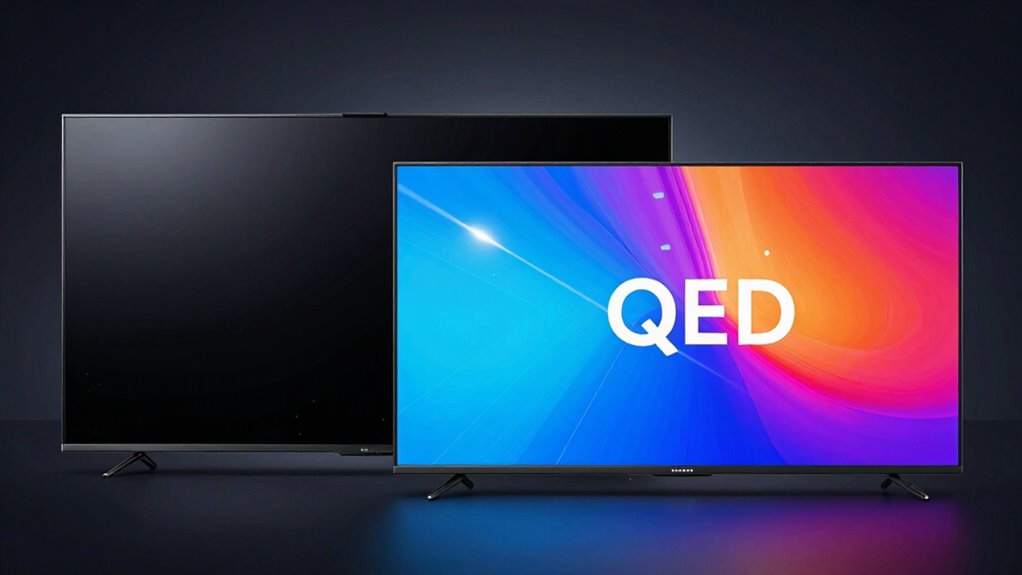

If you’re choosing between OLED, Mini‑LED, and QLED, consider your viewing environment and priorities. OLED offers deep blacks and precise colors, making it ideal for dark rooms and professional work, but it’s usually more expensive. Mini‑LED and QLED provide brighter images, better for well-lit spaces, and are more budget-friendly. They also deliver vivid colors and high contrast, though sometimes with blooming effects. Want to know which suits your needs best? Keep exploring for all the details.
Key Takeaways
- Choose OLED for superior color accuracy, deep blacks, and better contrast, ideal for dark-room viewing and professional editing.
- Opt for Mini-LED or QLED if brightness and visibility in bright environments are priorities.
- Consider OLED if energy efficiency in dark scenes is important; choose LED-based options for brighter, colorful content.
- Budget-conscious buyers should prefer Mini-LED or QLED due to lower costs; OLEDs tend to be pricier.
- For the best overall picture quality with deep blacks and high contrast, OLED is the top choice, despite higher cost.
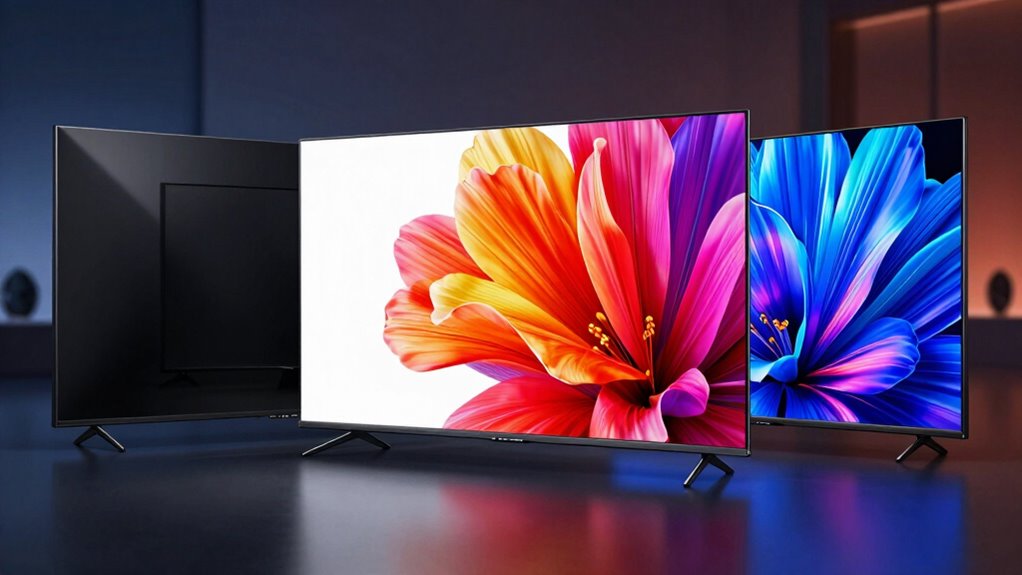
When choosing a high-quality display, understanding the differences between OLED, Mini‑LED, and QLED technology can help you make an informed decision. Each technology offers unique advantages that cater to different viewing preferences and priorities. If color accuracy is your top concern, OLED screens often stand out because they can produce more precise and vibrant colors. Since each pixel in an OLED panel emits its own light, they can achieve deeper blacks and more accurate color representation, especially in darker scenes. This makes OLED displays ideal for professional photo editing, graphic design, or simply enjoying movies with rich, true-to-life visuals. On the other hand, Mini‑LED and QLED screens, which use backlit technology, might not match OLED’s color fidelity in all scenarios but still deliver impressive color volumes suitable for general entertainment. They tend to produce brighter images, which enhances color saturation and makes visuals pop, though sometimes at the expense of subtlety in color gradation. Additionally, the backlighting technology used in Mini‑LED and QLED displays influences their overall performance and viewing experience. Energy efficiency is another important aspect to consider. OLED panels are generally more energy-efficient when displaying darker images because individual pixels can turn off completely, consuming less power in dark scenes. However, if you frequently watch bright, colorful content, OLEDs might consume more energy than LED-based screens. Mini‑LED and QLED displays, which rely on backlighting, tend to be less efficient in dark scenes because the entire backlight may need to be active, even if parts of the screen are dark. Yet, their brighter output makes them suitable for viewing in well-lit rooms and can be more energy-efficient when displaying bright content. Another factor to weigh is contrast and overall picture quality. OLED’s ability to turn off pixels individually results in near-perfect black levels and exceptional contrast ratios, elevating the viewing experience. Meanwhile, Mini‑LED and QLED displays can achieve high contrast by controlling local dimming zones, but they might still struggle with blooming effects around bright objects on dark backgrounds. This impacts how sharp and clean the images appear, especially during dark scenes. Moreover, advancements in display technology continue to improve the performance of Mini‑LED and QLED screens, narrowing the gap with OLEDs in some areas. The production complexity of OLEDs can lead to higher costs, which is an important consideration for many buyers. Additionally, the ongoing development in manufacturing processes aims to reduce these costs over time. Understanding the cost differences between these technologies can also influence your decision, especially when budget considerations are involved. Ultimately, your decision hinges on your viewing environment and what matters most to you. If you prioritize absolute color accuracy, deep blacks, and energy efficiency during dark scenes, OLED is often the best choice. If you prefer a display that’s brighter, offers vibrant colors even in well-lit rooms, and provides a robust viewing experience at potentially lower costs, then Mini‑LED or QLED might be better suited. Understanding these differences helps you choose a display that aligns with your specific needs and viewing habits.

Samsung 55-Inch Class OLED 4K S85F Series, Vision AI Smart TV (2025 Model, 55S85F) Object Tracking Sound Lite w/Dolby Atmos, NQ4 AI Gen2 Processor, Contour Design, Color Booster Pro, Alexa Built-in
- AI-Enhanced 4K Clarity: Upscales content with 20 neural networks
- Stunning 4K Content Upscaling: Enhances shows and videos to 4K resolution
- Dynamic Brightness and Contrast: Improves scene brightness and contrast for detail
As an affiliate, we earn on qualifying purchases.
As an affiliate, we earn on qualifying purchases.
Frequently Asked Questions
Which Technology Has the Longest Lifespan?
You’ll find that QLED panels generally have the longest lifespan because of their robust panel durability. They tend to resist burn-in and degradation better over time. OLEDs, while offering superior image quality, have shorter lifespans due to organic material wear. Mini-LEDs sit in between, with decent durability. Considering manufacturing sustainability, QLEDs often use less environmentally sensitive materials, making them a more eco-friendly choice for long-term use.
How Do These Displays Perform in Bright Sunlight?
In bright sunlight, your screen’s readability and glare resistance become critical. QLEDs excel here, thanks to their high brightness levels and anti-reflective coatings, making them ideal for outdoor viewing. Mini-LEDs perform well too, offering bright images with less glare. OLEDs, however, struggle with sunlight, as their lower peak brightness and susceptibility to screen glare can make outdoor use frustrating. Choose wisely based on where you’ll be watching most.
Are There Any Environmental Impacts of Manufacturing These Displays?
Environmental concerns are significant when it comes to manufacturing these displays, as they contribute to the manufacturing footprint. You should be aware that producing OLEDs, Mini-LEDs, and QLEDs involves energy-intensive processes and the use of rare materials, which can impact ecosystems. While manufacturers are working on greener methods, your awareness helps you make more environmentally conscious choices, encouraging the industry to adopt sustainable practices.
Which Technology Is Most Energy-Efficient for Daily Use?
Did you know OLED displays use up to 25% less energy than QLEDs during typical use? For daily use, OLEDs are generally more energy-efficient, especially when displaying darker scenes. They excel in color accuracy and wide viewing angles, making them ideal for immersive viewing. By choosing OLED, you enjoy vibrant visuals while saving energy, which benefits your power bill and reduces environmental impact.
How Do These Screens Handle Motion Blur During Fast Scenes?
You’ll notice that OLED screens excel in motion clarity thanks to their quick response time, which reduces motion blur during fast scenes. Mini-LED and QLED displays might struggle more with ghosting or smear, especially if their response times are slower. For smooth, crisp motion during action-packed scenes, OLEDs generally provide the best experience, while Mini-LED and QLEDs might need higher refresh rates or motion processing features to improve motion clarity.
Conclusion
Choosing between OLED, Mini-LED, and QLED is like picking the perfect paintbrush for your masterpiece. OLED offers deep blacks and vibrant colors, painting scenes with intimacy. Mini-LED brings bright, detailed vistas, illuminating every corner. QLED delivers a broad horizon of bold, lively hues. Your decision shapes your viewing landscape—whether you want the rich tapestry of OLED, the luminous clarity of Mini-LED, or the vivid dance of QLED. Immerse yourself and let your screen tell your story.