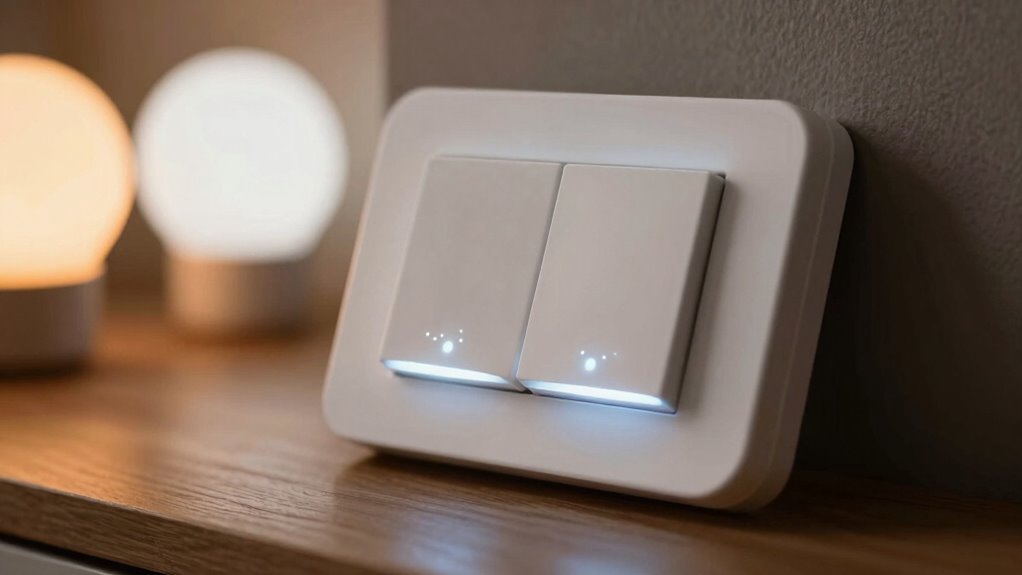

Flickering in your smart lighting often happens when dimmers, switches, and bulbs aren’t fully compatible. Power management issues or mismatched electrical loads can also cause instability, especially during brightness or color temperature changes. Voice control and smart features need properly matched hardware to prevent flickering during adjustments. Using compatible devices guarantees smooth operation and a better lighting experience. Keep exploring to uncover how proper setup can eliminate flickering for good.

Get the latest gadgets delivered free with Prime
- Fast, free delivery on millions of items
- Prime Video, Amazon Music and more included
- Member-only deals all year
Key Takeaways
- Compatibility issues between dimmers, switches, and smart bulbs often cause flickering in smart lighting systems.
- Using incompatible hardware for color temperature adjustments can lead to unstable flickering during transitions.
- Voice control integration may cause flickering if devices are not rated or designed for seamless voice command operation.
- Modern LED-compatible dimmers and switches improve performance and reduce flickering by supporting smart lighting features.
- Ensuring hardware compatibility and matching electrical load requirements enhances overall stability and minimizes flickering.
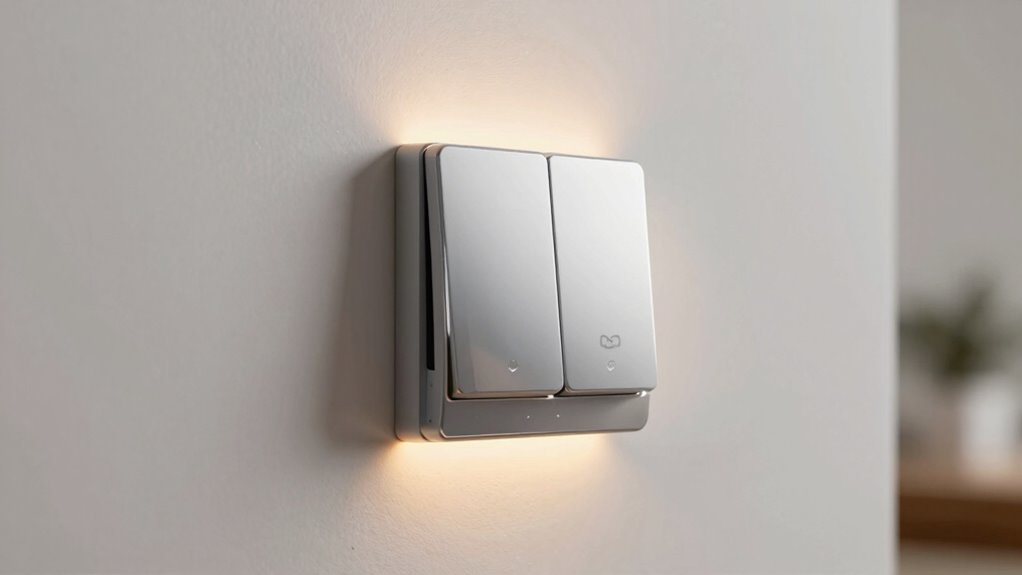
Have you ever noticed a flicker in your smart lighting? It’s a common annoyance that can stem from several issues, but one key factor is often the compatibility between your bulbs, switches, and dimmers. When your smart lights flicker, it might be related to how the device manages power, especially if it struggles with certain features like adjusting color temperature or responding to voice control commands. Understanding these elements can help you troubleshoot and improve your lighting experience.
Color temperature plays a significant role in how your smart lighting performs. If your bulbs are designed to change color temperature—from warm to cool white—they require a compatible dimmer or switch that can handle these dynamic settings. Incompatible hardware might cause flickering whenever you try to adjust the color temperature, particularly if the switch isn’t optimized for such features. Ensuring your switches and dimmers support adjustable color temperature can eliminate flickers and provide smoother progressions, giving you better control over the ambiance in your space. Compatibility between components is essential for a seamless lighting experience.
Voice control is another aspect that can influence flickering issues. When you command your smart lighting through voice assistants like Alexa or Google Assistant, the system sends signals to adjust brightness or color settings. If your switches or bulbs aren’t fully compatible with voice commands, you might notice flickering during these adjustments. Some switches may not interpret commands accurately or may not be able to handle rapid changes in light levels, leading to inconsistent flickering. To mitigate this, check that your smart switches, dimmers, and bulbs are rated for voice control compatibility, ensuring seamless operation when you speak. This also helps prevent conflicts between manual and voice-activated adjustments, which can sometimes cause flickering.
Additionally, compatibility issues between different components can cause flickering and inconsistent performance in your smart lighting setup. An understanding of electrical load requirements can also help prevent flickering, as mismatched loads can cause unstable operation. Furthermore, the type of dimmer or switch you choose matters a lot. Traditional dimmers designed for incandescent bulbs may not work well with LED or smart bulbs, causing flickers or buzzing sounds. Look for modern, LED-compatible dimmers that explicitly support smart lighting systems. Many smart switches also come with built-in features to optimize compatibility with various bulb types and functions like adjusting color temperature or responding to voice commands. When your hardware is suited for your specific smart lighting setup, you’ll notice less flickering and more consistent performance. Properly matching your components and understanding their compatibility requirements can significantly improve your overall lighting experience.
LED compatible smart dimmer switch
As an affiliate, we earn on qualifying purchases.
As an affiliate, we earn on qualifying purchases.
Frequently Asked Questions
Can Smart Dimmers Be Used With All Types of Bulbs?
Smart dimmers can’t be used with all types of bulbs because bulb compatibility varies. Some dimmer types work well only with LED or incandescent bulbs, while others support a broader range. Always check the dimmer’s specifications for compatible bulb types before installing. Using incompatible bulbs can cause flickering, poor performance, or damage. So, guarantee your bulbs match the dimmer’s compatibility to enjoy smooth, flicker-free lighting.
How Do I Troubleshoot Flickering Issues With Smart Lighting?
To fix flickering, start by ensuring your smart lighting system isn’t playing hide-and-seek with wireless interference—try moving your router or reducing obstructions. Next, check for firmware updates, as they often include bug fixes that can smooth out flickering. If issues persist, verify your bulbs are compatible with your dimmer or switch. These steps help you restore a steady glow and enjoy seamless lighting.
Are Smart Switches Compatible With Voice Assistants?
Yes, smart switches are generally compatible with voice assistants like Alexa, Google Assistant, and Apple HomeKit. You should check the switch’s specifications for voice assistant integration to guarantee smooth compatibility. Be aware of potential compatibility challenges, especially with older or non-standard setups. Once connected, you can control your lighting hands-free, making your smart home more convenient. Always verify the switch’s compatibility before purchasing to avoid any integration issues.
What Safety Precautions Are Necessary for Installing Smart Switches?
Installing smart switches is as vital as defusing a bomb—safety first! You must guarantee grounding safety and wiring compatibility before starting. Turn off the power at the breaker, double-check that your wiring matches the switch’s requirements, and use a voltage tester. If you’re unsure or uncomfortable, it’s best to hire a professional. This way, you avoid sparks, shocks, and potential fire hazards, keeping everyone safe.
Do Smart Lighting Flickers Affect Energy Efficiency?
Smart lighting flickers can slightly reduce energy savings because flicker perception might cause you to turn lights off sooner or adjust dimming settings more frequently. If flickering is noticeable, it can lead to inconsistent energy use. To maximize efficiency, guarantee your smart switches and dimmers are compatible and properly installed. Addressing flicker issues helps maintain ideal energy consumption, preventing unnecessary power waste and improving overall smart lighting performance.
Conclusion
As you embrace smart lighting, remember that flicker is like a whisper from your home’s soul—a subtle reminder to tune into its harmony. When your dimmers and switches work seamlessly together, they become the heartbeat of your space, casting a gentle glow that reflects your vibe. By choosing compatible devices, you’re not just avoiding flicker—you’re orchestrating a symphony of light that nurtures comfort and peace, turning your house into a sanctuary of serenity.
Columbus Day / Indigenous Peoples' Day Picks
long weekend sales
As an affiliate, we earn on qualifying purchases.