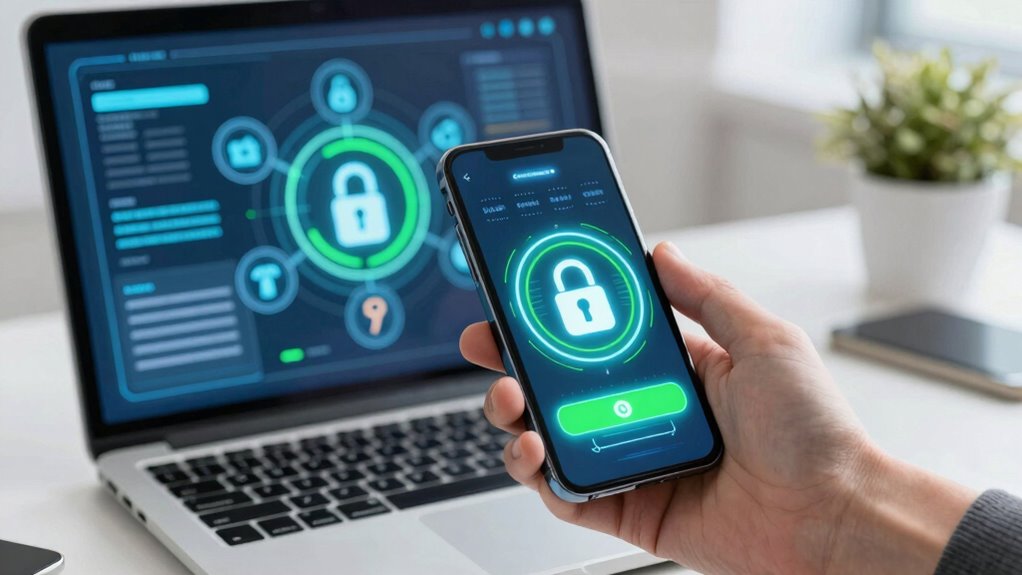

You’re moving toward more secure online login methods, with passkeys replacing traditional password managers. Password managers store and encrypt your passwords, but they can be vulnerable if your master password is weak or cloud storage is compromised. In contrast, passkeys use cryptographic key pairs, making phishing and credential theft much harder. As industry trends shift, understanding these changes can help you stay ahead in safeguarding your digital identity—continue for deeper insights into this evolving landscape.

Get the latest gadgets delivered free with Prime
- Fast, free delivery on millions of items
- Prime Video, Amazon Music and more included
- Member-only deals all year
Key Takeaways
- Passkeys offer a passwordless, cryptographic approach that reduces phishing and credential theft risks compared to traditional password managers.
- Password managers rely on master passwords and can be vulnerable if compromised, while passkeys store private keys securely on devices.
- Industry trends favor widespread adoption of passkeys as part of the move toward more secure, user-friendly, passwordless authentication.
- Both solutions are evolving with advancements in encryption and multi-factor authentication to enhance login security.
- Future security landscape emphasizes reducing reliance on passwords, with passkeys leading the shift toward more resilient, seamless authentication methods.
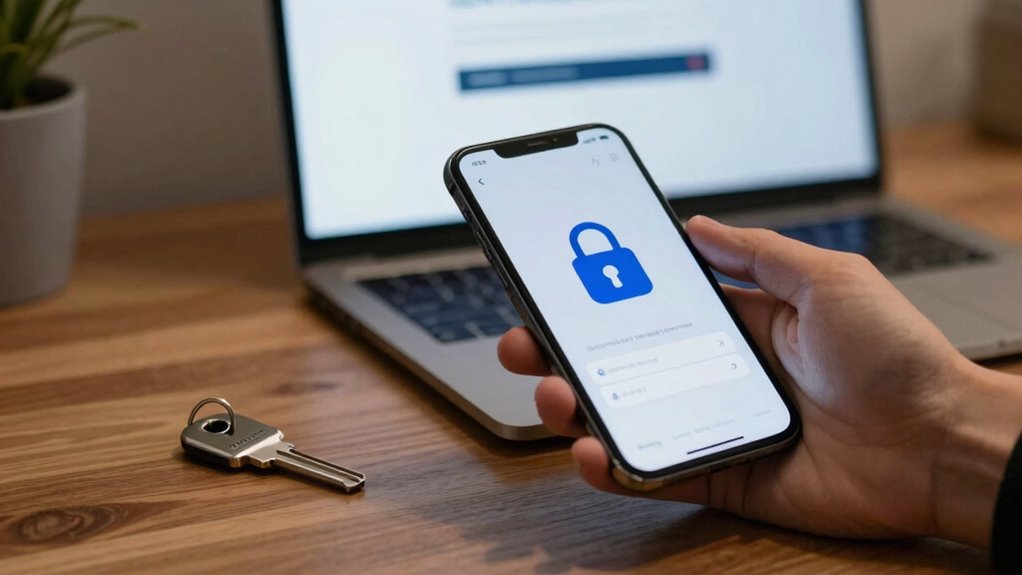
As cybersecurity threats continue to grow, understanding the differences between password managers and passkeys becomes essential for protecting your online accounts. Both aim to improve security but do so using different methods. Password managers store and encrypt your passwords, making it easier to generate and recall complex ones across various sites. They often use biometric authentication, like fingerprint or facial recognition, to grant you quick access to your stored credentials. Many password managers also leverage cloud storage, syncing your data across devices so you can securely log in anywhere. This convenience means you don’t have to remember a multitude of passwords, reducing the risk of weak or reused ones. However, relying solely on password managers introduces a single point of failure; if someone gains access to your master password or the cloud storage, they could potentially release all your accounts. That’s why strong master passwords and multi-factor authentication are vital. Implementing secure storage solutions can further enhance the safety of your stored data. Additionally, ongoing advancements in encryption technology are making these solutions even more resilient against emerging threats.
Moreover, as technology advances, authentication methods are evolving to provide even more secure ways to verify identities without passwords. Passkeys, on the other hand, represent a newer, more streamlined approach to login security. They’re based on public key cryptography, eliminating the need for passwords altogether. When you set up a passkey, your device creates a unique cryptographic key pair—one public, stored on the server, and one private, kept securely on your device. During login, your device proves your identity using this private key, often through biometric authentication, such as fingerprint or facial recognition, making the process both secure and user-friendly. Passkeys sync across devices via trusted platforms, often using secure cloud storage, but the private keys remain safely stored on your device or within secure hardware like a TPM or Secure Enclave. Because there’s no password to steal, phishing attacks become considerably less effective. Plus, since the private key never leaves your device and isn’t stored in the cloud in a way that can be compromised, your login process becomes inherently more secure. Additionally, passkeys are designed to be resistant to common attack vectors, including credential stuffing and man-in-the-middle attacks. This approach aligns with the broader movement toward passwordless authentication, which aims to eliminate many vulnerabilities associated with traditional passwords. As the industry continues to innovate, the adoption of advanced security protocols is expected to further bolster online identity verification.
Products Worth Considering

Kindle Paperwhite 16GB (2024) – 7 Glare-Free Display, Weeks Battery Life – Black

Bose QuietComfort True Wireless Earbuds with Active Noise Cancellation, Black

Logitech MX Master 4 Ergonomic Wireless Mouse with Haptic Feedback, Graphite
As an affiliate, we earn on qualifying purchases.
Frequently Asked Questions
How Do Passkeys Improve User Privacy Compared to Password Managers?
Passkeys improve your user privacy more effectively than password managers because they eliminate the need to store or transmit sensitive data. They use cryptographic techniques, ensuring your data remains encrypted and private during authentication. Unlike password managers, which hold encrypted passwords, passkeys minimize data exposure, reducing risks of hacking or data breaches. This approach keeps your login credentials more secure and private, giving you greater control over your personal information.
Are Passkeys Compatible With All Devices and Operating Systems?
Think of passkeys as a universal keychain. They’re designed to work across many devices, but their compatibility depends on device support and operating system support. Some systems embrace passkeys fully, like newer smartphones and updated browsers, while older or less common ones may still rely on traditional passwords. So, your device compatibility and operating system support determine whether passkeys can access your digital world seamlessly or if you’ll need fallback options.
What Are the Cost Differences Between Implementing Passkeys and Password Managers?
Implementing passkeys generally costs less than password managers because they leverage existing device encryption standards, reducing infrastructure needs. You’ll save on licensing fees and ongoing maintenance. However, user adoption can influence costs, as passkeys require users to trust new technology. Password managers may have higher upfront costs but are more familiar, easing adoption. Overall, passkeys tend to be more cost-effective long-term, especially with increasing emphasis on advanced encryption standards.
Can Passkeys Be Compromised Through Phishing Attacks?
No, passkeys are designed to resist phishing vulnerabilities and enhance user authentication. Unlike traditional passwords, passkeys use cryptographic methods that prevent attackers from intercepting or tricking you into revealing your credentials. When you try to authenticate, the system verifies your identity through secure, private keys stored locally, making phishing attacks ineffective. This robust user authentication process considerably improves security, reducing the risk of credential theft.
How Do Password Managers Handle Multi-Factor Authentication?
You might worry that multi-factor authentication (MFA) complicates password storage, but good password managers handle it seamlessly. They securely store your MFA tokens alongside passwords using strong data encryption, ensuring your login info stays protected. When you log in, your manager automatically inputs the MFA code, making multi-layer security simple and safe. This integration enhances your security without adding extra hassle, keeping your accounts better protected against unauthorized access.
Conclusion
Imagine standing at a fork in the road, with password managers like trusty safes guarding your keys and passkeys as a sleek, modern lock that’s nearly unbreakable. Both paths lead to security, but passkeys aim to make your journey smoother, like a keyless entry that’s quick and effortless. As you choose your route, remember that embracing the latest tech can turn a challenging maze into a walk in the park—secure, simple, and future-ready.