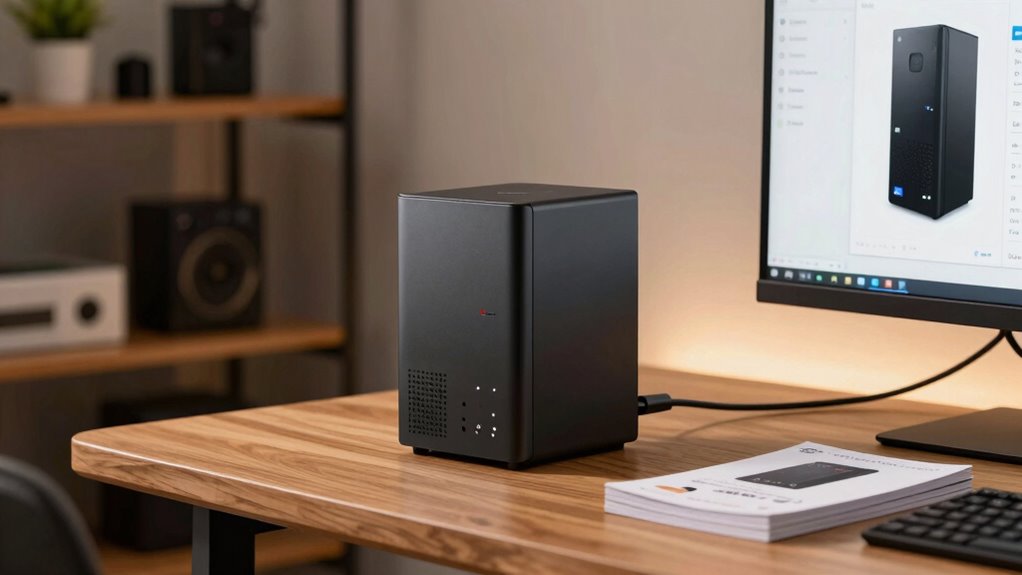

A mini PC can act as a central hub for all your digital needs, managing data, backups, and media in one place. It helps you create a secure, private cloud, so you don’t rely on third-party services or cloud fees. You can stream movies, music, and photos to your devices easily. Plus, it’s simple to set up and customize as your needs grow. Keep exploring to discover how a mini PC can transform your digital life even more.

Get the latest gadgets delivered free with Prime
- Fast, free delivery on millions of items
- Prime Video, Amazon Music and more included
- Member-only deals all year
Key Takeaways
- Acts as a central hub, managing all household devices and data efficiently.
- Creates a private, secure cloud for seamless file access and sharing across devices.
- Stores and streams media like movies, music, and photos to various smart devices.
- Easy to set up and operate, suitable for users without extensive technical knowledge.
- Allows hardware customization and expansion to adapt to evolving digital needs.
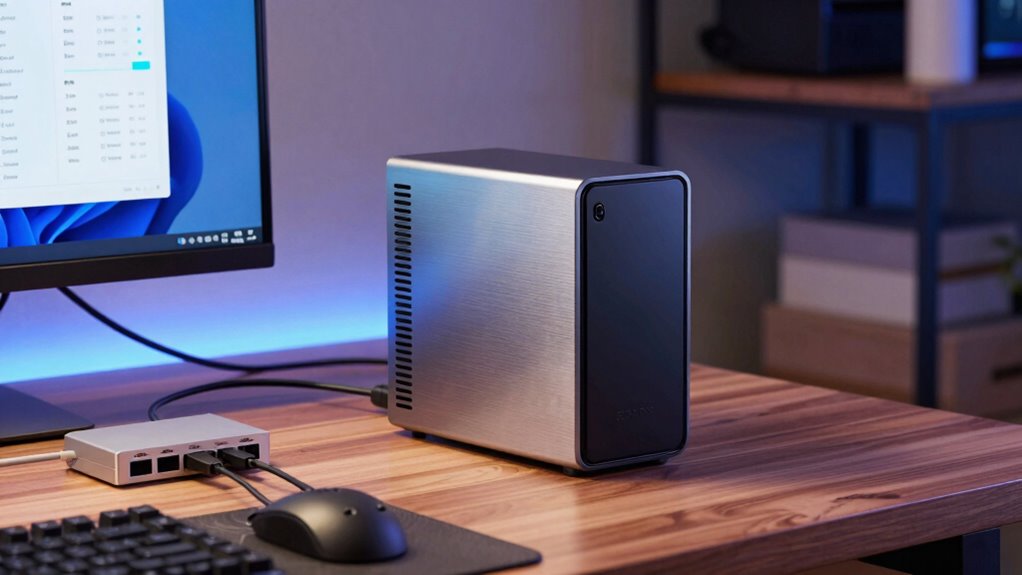
Have you ever wondered how to centralize your digital life at home? A home server, especially a mini PC, can be your answer. It acts as a hub that connects all your devices, making managing your data, media, and backups much easier. Instead of juggling multiple external drives or relying on cloud storage services alone, a home server keeps everything in one place. This setup not only boosts convenience but also enhances security because you control your data directly. With a mini PC serving as your server, you can set up a reliable system that’s always accessible, whether you’re at home or remotely.
Centralize your digital life with a mini PC home server for easy, secure access anytime.
One of the main advantages of having a home server is the ability to efficiently handle cloud storage. You don’t need to rely on third-party services that may charge ongoing fees or have privacy concerns. Instead, you create your own cloud, giving you secure access to your files from any device connected to your network or over the internet. This private cloud solution is especially handy if you work from multiple devices or want to share files seamlessly with family members. Plus, you can configure your mini PC to back up important data automatically, ensuring nothing gets lost in case of hardware failure or accidental deletion. Data management is a crucial aspect of running a home server, and a mini PC can be tailored to optimize this process. Additionally, a mini PC can be configured to run specialized software that enhances its functionality and security. Incorporating customizable hardware options allows you to expand and adapt your server as your needs grow.
Another key feature a mini PC-based home server offers is media streaming. Instead of using multiple gadgets or subscription services, you can store your movies, music, and photos directly on your server. With the right software, such as Plex or Kodi, you can stream your media library to smart TVs, tablets, or smartphones around your house. This setup not only saves storage space on individual devices but also provides a centralized location for all your media. You can enjoy your favorite content anytime, without the need for physical discs or multiple downloads. Plus, you can easily add new content, organize your library, and even share media with friends or family members.
Setting up a mini PC as a home server is more accessible than you might think. It doesn’t require extensive technical knowledge, and many models come with user-friendly interfaces. Once configured, it runs quietly in the background, providing continuous access to your data and media. Whether you want a secure place for your backups, a private cloud, or a media hub for your entertainment system, a mini PC home server offers a flexible, cost-effective solution. It’s all about taking control of your digital life, making everything more organized, accessible, and secure—all from the comfort of your own home.
Additionally, using a mini PC as a home server allows you to optimize hardware resources for your specific needs, making the setup even more efficient and tailored to your digital lifestyle.
As an affiliate, we earn on qualifying purchases.
Frequently Asked Questions
How Much Does Setting up a Home Server Cost?
Setting up a home server can cost anywhere from $200 to $1,000, depending on your hardware choices. You’ll need a mini PC, storage, and possibly a backup system. Keep in mind, a mini PC for your home server reduces power consumption, saving you money long-term. With remote access, you can access your files from anywhere, making the investment worthwhile for convenience and efficiency.
What Security Measures Are Necessary for a Home Server?
You can’t afford to leave the door wide open when securing your home server. Implement robust network encryption and enforce strict user authentication to keep your data safe. Regularly update your server’s software, change default passwords, and restrict access to trusted devices. These measures act as your first line of defense, ensuring your server remains protected from unauthorized access and potential breaches. Think of it as locking all the windows before leaving home.
Can a Mini PC Handle High Data Transfer Speeds?
Yes, a mini PC can handle high data transfer speeds if it has a fast network interface, like Gigabit Ethernet or Wi-Fi 6, matching your network bandwidth. Make certain it supports data encryption to maintain security during transfers. By choosing a mini PC with robust hardware and proper network connections, you can efficiently manage high-speed data transfers, making it suitable for backups, streaming, or shared storage in your home network.
How Much Technical Knowledge Is Required to Maintain a Home Server?
You don’t need to be a tech wizard to maintain a home server. With a bit of familiarity in network configuration and understanding hardware compatibility, you can keep things running smoothly. Picture yourself adjusting settings like tuning an instrument, ensuring everything harmonizes. Basic troubleshooting and regular updates are your tuning tools, making the process approachable. As you gain confidence, managing your server becomes second nature, like a melody you’ve played before.
What Are the Best Mini PCS for Home Server Use?
You should consider mini PCs like the Intel NUC or ASUS PN series for your home server. They offer reliable wireless connectivity for seamless access and have low power consumption, saving energy and reducing costs. These mini PCs are compact, easy to set up, and powerful enough to handle media streaming, backups, and file sharing. Their efficiency and connectivity make them ideal choices for a home server that fits your needs.
Conclusion
So, there you have it—your mini PC isn’t just a tiny box gathering dust. It’s your new best friend, ready to host your favorite movies, back up your precious files, and maybe even run a little server empire. Who knew that a little device could do so much? Just remember, with great power comes great responsibility—and a surprisingly small power bill. Now go on, become the home server hero you were born to be!
Halloween Picks
halloween
As an affiliate, we earn on qualifying purchases.