HDMI 2.1 is the latest standard that boosts your TV and gaming setup with better picture and sound. Features like eARC make it easy to get high-quality audio from your TV to your sound system with just one cable. VRR reduces screen tearing during fast-moving games, and ALLM automatically switches to gaming mode, reducing lag. If you want to optimize your entertainment experience, understanding these features can make a big difference—so keep exploring to get the full picture.
Key Takeaways
- HDMI 2.1 is the latest standard that supports higher resolutions, faster refresh rates, and advanced features for better entertainment quality.
- eARC allows high-quality audio like Dolby Atmos to be sent from TV to sound systems with a single cable.
- VRR synchronizes the display’s refresh rate with the gaming console or PC for smooth, tear-free gameplay.
- ALLM automatically switches your devices to low-latency gaming mode for quicker response times.
- These features work best when all devices and cables are compatible and properly set up.
What Is HDMI 2.1 and Why It Matters for Your TV and Gaming Setup
HDMI 2.1 is the latest standard for high-definition multimedia interfaces, substantially upgrading the capabilities of your TV and gaming setup. It offers improved bandwidth, allowing for higher resolutions and refresh rates, which means smoother gameplay and sharper images. When considering HDMI 2.1, cable compatibility is essential—ensure you use certified Ultra High Speed HDMI cables to get the full benefits. This standard also addresses future proofing considerations, so your setup can handle upcoming gaming consoles, 8K content, and advanced audio formats. Upgrading to HDMI 2.1 helps you stay current with technology trends and minimizes the need for frequent upgrades. Incorporating advanced features and motivation into your setup can also enhance your overall entertainment experience by creating a more immersive environment. Overall, it’s a smart choice for anyone wanting a more immersive and future-ready entertainment experience.
The Key HDMI 2.1 Features: VRR, eARC, ALLM, and More

The key features of HDMI 2.1, such as VRR, eARC, and ALLM, markedly enhance your entertainment experience by enabling smoother gameplay, richer audio, and more responsive controls. With VRR, your video game visuals stay tear-free and fluid, making gameplay more immersive. eARC ensures your audio system delivers high-quality sound, capturing every detail from your favorite movies or games. ALLM automatically switches your TV to gaming mode when needed, reducing input lag. Additionally, bandwidth capacity allows HDMI 2.1 to support higher resolutions and faster refresh rates for an optimal viewing experience. This increased bandwidth also supports advanced video features, providing enhanced picture quality. The increased data transfer rate also enables new interactive content experiences that improve overall media engagement. Here’s a quick overview:
| Feature | Benefit |
|---|---|
| VRR | Eliminates screen tearing during video game play |
| eARC | Supports high-fidelity audio for a richer sound |
| ALLM | Optimizes your TV settings for seamless gaming |
How HDMI 2.1 Enhances Your Gaming and Movie Experience
By leveraging HDMI 2.1, your gaming and movie experiences become more immersive and seamless. This upgrade boosts gaming graphics with higher resolutions and faster refresh rates, reducing lag and tearing for smoother gameplay. It also enhances cinematic sound, delivering richer, more detailed audio that brings scenes to life. HDMI 2.1’s support for features like VRR (Variable Refresh Rate) ensures your visuals stay synchronized, preventing stutter during intense action. Additionally, ALLM (Auto Low Latency Mode) automatically switches your device to gaming or cinematic mode, minimizing input lag and maximizing picture quality. High-quality displays and audio systems can further elevate your entertainment setup. Supported features like VRR and ALLM make a noticeable difference in how smoothly and responsively your content plays. These enhancements contribute to a more seamless entertainment experience, whether you’re battling in a game or watching a movie, transforming your setup into a more vibrant, responsive, and engaging entertainment hub. Incorporating dynamic refresh rate technology can further improve visual smoothness during fast-paced scenes.
What Devices Support HDMI 2.1 and Its Features
Many modern devices now support HDMI 2.1 to take advantage of its advanced features. If you’re upgrading your setup, you’ll find that most new TVs, gaming consoles, and AV receivers are compatible with HDMI 2.1, guaranteeing broad device compatibility. These devices offer extensive feature support, such as higher bandwidth for 8K and 4K at higher refresh rates, as well as eARC for better audio quality. Gaming consoles like the PlayStation 5 and Xbox Series X/S, along with many high-end TVs from brands like Samsung, LG, and Sony, already incorporate HDMI 2.1 support. This compatibility assures you can enjoy smoother gaming, improved audio, and future-proofing for upcoming technology. Always check your device specifications to confirm HDMI 2.1 support and its features. device compatibility is essential to maximize the benefits of HDMI 2.1 features. Additionally, the industry adoption of HDMI 2.1 continues to grow as more manufacturers incorporate these standards into their latest products. Staying informed about HDMI 2.1 device support and technology standards ensures you make the most of your home entertainment upgrades. Furthermore, understanding device interoperability can help prevent compatibility issues when connecting multiple components.
Do You Need HDMI 2.1? Benefits and Considerations Before Upgrading
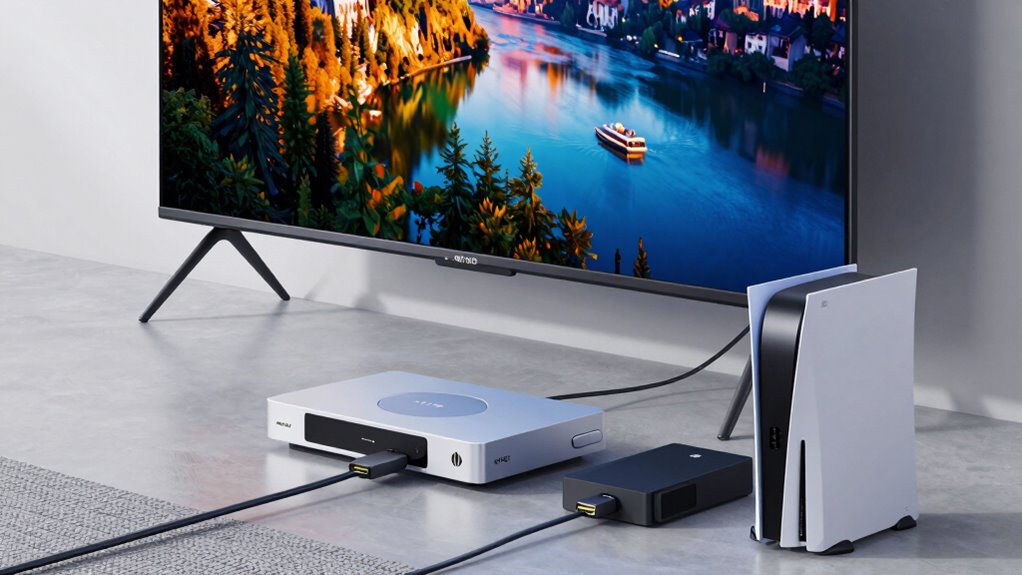
Deciding whether you need HDMI 2.1 depends on your current setup and future plans. If you’re into HDR gaming or want higher resolutions and refresh rates, upgrading offers notable benefits. Additionally, consider cable compatibility; older HDMI cables may not support the full features of HDMI 2.1. Here’s a quick comparison:
| Feature | HDMI 2.0 | HDMI 2.1 | Benefits for You |
|---|---|---|---|
| Max resolution | 4K at 60Hz | 8K at 60Hz / 4K at 120Hz | Better HDR gaming experience |
| Dynamic HDR support | No | Yes | Improved picture quality |
| Cable compatibility | Widely compatible | Requires high-speed cables | Ensures maximum performance |
| VRR (Variable Refresh Rate) | No | Yes | Smoother gameplay |
| eARC support | No | Yes | Better audio quality |
Assess your current equipment and future needs to determine if HDMI 2.1 is suitable for you. Additionally, understanding audio/video standards can help you make an informed choice. For example, eARC can significantly enhance your audio setup if you prioritize high-quality sound. Moreover, staying updated on latest HDMI features can ensure you are leveraging all the advantages offered by newer standards. If your current devices do not support HDMI 2.1, you might need to upgrade other components for full compatibility. Being aware of HDMI version compatibility can prevent potential connectivity issues when upgrading your setup.
How to Enable and Set Up HDMI 2.1 Features for Best Performance
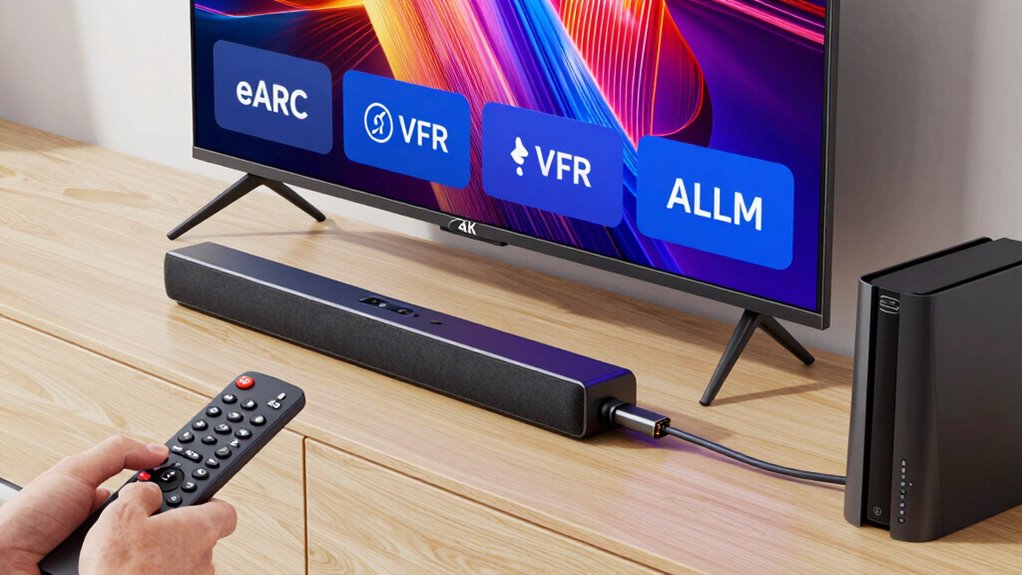
To get the most out of HDMI 2.1, you need to connect your devices correctly and guarantee they support the features you want to use. Next, adjust your display settings to enable high refresh rates, HDR, and other advanced options. Proper setup will help you enjoy the full performance and benefits of HDMI 2.1.
Connect Devices Properly
Connecting your devices properly is essential to access the full potential of HDMI 2.1. Start by choosing the right cable types—look for Ultra High Speed HDMI cables that support HDMI 2.1 features like eARC, VRR, and ALLM. Confirm your devices are compatible with HDMI 2.1; check specifications for your TV, gaming console, or sound system. Using incompatible cables or devices can limit performance or prevent features from working altogether. When connecting, make sure all cables are securely plugged into the correct HDMI ports, typically labeled for high-bandwidth data transfer. This setup guarantees you’re getting the best possible image and sound quality, and that advanced features operate smoothly without issues. Proper connection is the foundation for fully leveraging HDMI 2.1’s capabilities.
Configure Display Settings
Are your display settings optimized to take full advantage of HDMI 2.1? Proper configuration is key to unlocking the full potential of features like VRR and ALLM. Begin with display calibration tips to ensure your screen shows accurate colors, contrast, and brightness. Use built-in calibration tools or professional calibration software for precise adjustments. Enable HDMI 2.1-specific options such as eARC, VRR, and ALLM in your device settings, guaranteeing compatibility across all connected devices. Adjust refresh rates and resolution settings to match your content and hardware capabilities. A well-calibrated display enhances picture quality and responsiveness, giving you smoother gameplay and better visuals. Take the time to fine-tune your display settings for optimal performance and a truly immersive viewing experience.
Common Myths About HDMI 2.1, eARC, VRR, and Allm Debunked
Many myths about HDMI 2.1, eARC, VRR, and ALLM circulate online, but not all are accurate. You might think certain features are incompatible or overhyped, but the facts tell a different story. Let’s clarify these misconceptions and set the record straight. Additionally, understanding the types of appliance testing and compatibility issues can help ensure your devices operate safely and efficiently.
Compatibility Misconceptions Clarified
Despite widespread misconceptions, understanding the true capabilities and limitations of HDMI 2.1 features like eARC, VRR, and ALLM is essential for making informed decisions. Compatibility issues often arise because not all devices support these features fully or at all. Device limitations can prevent you from experiencing the full benefits, even if your equipment claims HDMI 2.1 compatibility. For example, a TV might support VRR but not handle it smoothly due to hardware constraints. Similarly, some soundbars may lack eARC support, limiting audio quality. Visualize trying to connect a new gaming console to an older monitor—expect compatibility issues. Always verify device specifications and firmware updates to guarantee your setup maximizes HDMI 2.1’s potential. Additionally, understanding the environmental impact of tissue paper can help you choose more eco-friendly crafting options.
Speed and Latency Myths
A common misconception is that HDMI 2.1 automatically guarantees faster speeds and lower latency, but that’s not always the case. Your device’s bandwidth limitations and hardware compatibility play vital roles in actual performance. Just because you have an HDMI 2.1 cable doesn’t mean you’ll experience minimal latency or maximum speed if your hardware isn’t designed for it. Many TVs, receivers, and gaming consoles may not support the full capabilities of HDMI 2.1, limiting potential improvements. Additionally, the bandwidth needed for higher resolutions and refresh rates can be constrained by older hardware or insufficient cable quality. To truly benefit from lower latency and faster data transfer, ensure your entire setup—hardware and cables—supports HDMI 2.1 features fully.
Feature Overhype Corrected
While HDMI 2.1 introduces impressive features like eARC, VRR, and ALLM, it’s a mistake to believe they automatically transform your gaming or viewing experience. Many marketing hype claims overstate their impact without considering actual technical accuracy or compatibility. Don’t assume upgrading guarantees perfect results; real benefits depend on your devices and setup. Picture:
- A flashy ad promising instant gaming nirvana, ignoring hardware limits
- A new cable labeled “HDMI 2.1,” but incompatible with your TV or console
- Settings that seem straightforward but require technical tweaks
- Expectations of flawless picture and sound, overlooking the need for proper configuration
Understanding these myths helps you avoid false hopes and focus on what truly enhances your entertainment, rather than falling for exaggerated claims.
How eARC Improves Audio Quality and Simplifies Connections
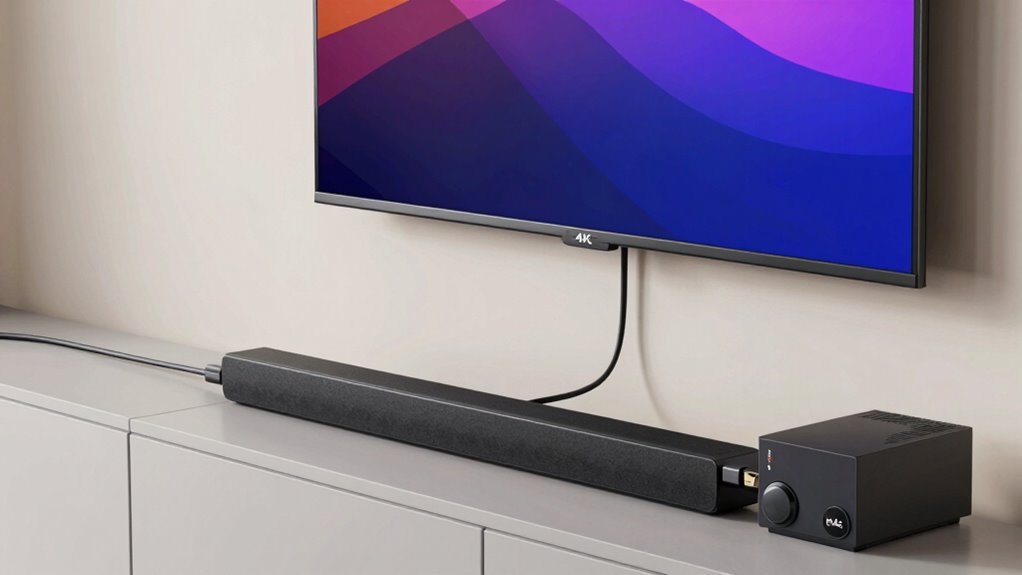
eARC (enhanced Audio Return Channel) considerably boosts audio quality by transmitting high-resolution sound formats like Dolby Atmos and DTS:X directly from your TV to your audio devices. This means you’ll experience richer, more immersive sound without extra equipment or complex setups. eARC also simplifies connections by using a single HDMI cable to handle both video and advanced audio signals, reducing clutter and compatibility issues. You won’t need separate audio cables or adapters, making your home entertainment setup cleaner and easier to manage. With eARC, you enjoy superior sound quality and a streamlined connection process, ensuring your audio devices deliver the best possible experience while keeping your setup simple and hassle-free. Additionally, transaction monitoring/security features in modern HDMI standards help protect your digital content from unauthorized access and ensure secure data transmission. Modern HDMI standards also incorporate content protection mechanisms to safeguard your digital media from piracy and unauthorized copying. Furthermore, compatibility between devices is improved by adhering to these standards, making setup more straightforward. These standards also include interoperability features that help ensure different devices work seamlessly together, simplifying your overall setup process. Moreover, ongoing standard updates continue to enhance security and functionality, adapting to new digital media needs.
How VRR and Allm Make Fast-Paced Gaming Smoother and More Responsive
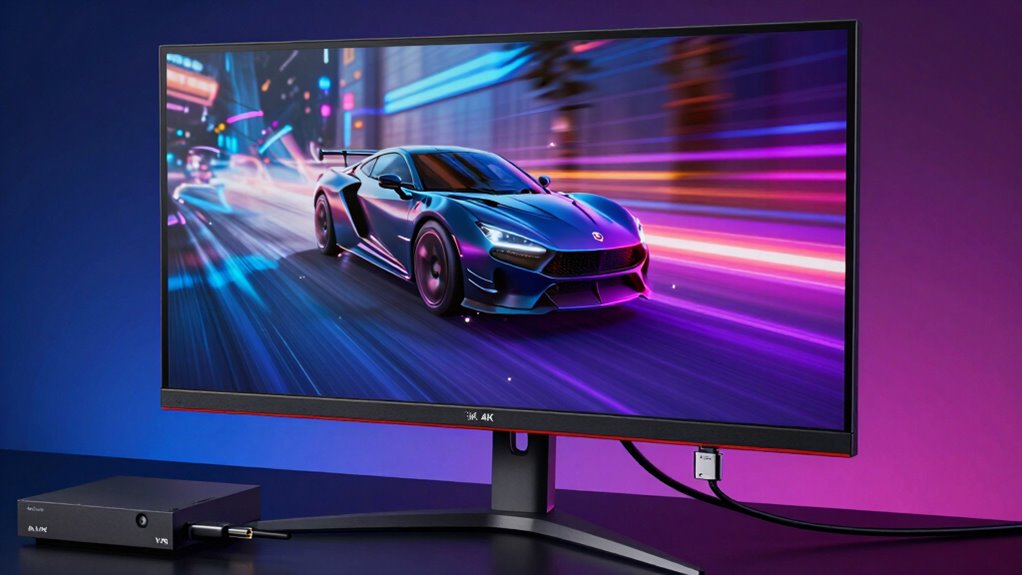
When you’re gaming quickly-paced action, smooth visuals and responsiveness are crucial for an immersive experience. VRR (Variable Refresh Rate) and ALLM (Auto Low Latency Mode) work together to optimize your gameplay. VRR adjusts the frame rate in real-time, syncing your display with your console or PC’s output, reducing screen tearing and stuttering. ALLM automatically switches your TV to low latency mode when gaming, minimizing input lag. Imagine:
Enhance your gaming with VRR and ALLM for smoother, more responsive gameplay.
- Flawless, tear-free images during intense firefights
- Zero delay between your commands and on-screen actions
- Consistent frame rate for smoother motion
- Faster response times, keeping you one step ahead
Together, VRR and ALLM deliver a more responsive, fluid gaming experience, making every move feel immediate and precise.
Is Upgrading to HDMI 2.1 Worth It? Final Tips and Recommendations
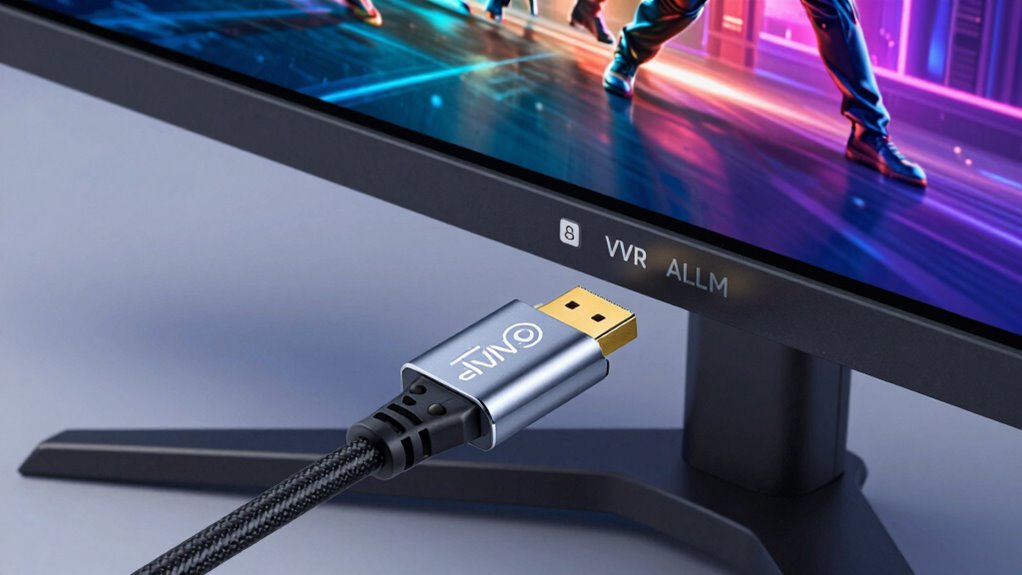
Upgrading to HDMI 2.1 is worth considering if you’re looking to future-proof your home theater or gaming setup, especially as more devices support higher resolutions and refresh rates. This upgrade guarantees better audio synchronization, reducing lag between audio and video for a seamless experience. Additionally, HDMI 2.1 cables tend to be more durable, built to handle increased bandwidth and frequent use without wear or signal loss. If you have a compatible TV, gaming console, or sound system, upgrading can open up features like eARC and VRR that enhance overall performance. However, confirm your cables are high quality to avoid connectivity issues. If you’re invested in high-end entertainment tech and want maximum performance, upgrading to HDMI 2.1 is a smart move.
Frequently Asked Questions
Can Older Devices Be Upgraded to Support HDMI 2.1 Features?
Older devices generally can’t be upgraded to support HDMI 2.1 features through firmware updates alone, as the hardware may lack the necessary capabilities. To access HDMI 2.1 features, you might need hardware upgrades like new cables or compatible receivers and displays. Check your device specifications and manufacturer updates, but be prepared for limitations if the hardware isn’t designed for HDMI 2.1.
Are All HDMI 2.1 Cables Compatible With Previous HDMI Versions?
Think of HDMI cables as bridges—strong enough to support new technology but sometimes built on old foundations. Not all HDMI 2.1 cables are compatible with previous HDMI versions, especially if they don’t meet specific standards. You need to check the cable’s specifications for device support and compatibility. Using an incompatible cable might limit features or cause connection issues, so always choose high-quality, certified HDMI 2.1 cables for peak performance.
How Does HDMI 2.1 Impact Streaming Services Like Netflix or Hulu?
HDMI 2.1 enhances streaming services like Netflix and Hulu by supporting higher streaming quality and increased bandwidth requirements. With HDMI 2.1, you’ll notice better picture clarity, richer colors, and smoother playback, especially on 4K and 8K content. This upgrade guarantees your device can handle the increased data load, providing a more immersive experience. Just make certain your internet connection and streaming device also support these higher bandwidth needs for peak performance.
Will Upgrading to HDMI 2.1 Improve Audio Quality on My Existing Setup?
Upgrading to HDMI 2.1 can improve your audio quality and sound enhancement thanks to features like eARC, which supports higher audio fidelity. You’ll notice clearer, richer sound, especially with compatible soundbars and receivers. The upgrade allows for better transmission of lossless audio formats, making your listening experience more immersive. So, if you’re seeking improved sound clarity and a more dynamic audio experience, HDMI 2.1 is definitely worth considering.
Do I Need New HDMI Ports if My TV Already Has HDMI 2.0?
If your TV already has HDMI 2.0 ports, you don’t necessarily need new ports for HDMI 2.1 compatibility. However, to access HDMI 2.1 features like eARC, VRR, and ALLM, you’ll want to verify your devices and cables support HDMI 2.1. Sometimes, you might need port upgrades or new cables to fully utilize the enhanced capabilities. Check your TV’s specifications to confirm which features are supported through existing ports.
Conclusion
Choosing to upgrade to HDMI 2.1 can remarkably improve your entertainment setup, making movies more immersive and gaming smoother. With features like eARC, VRR, and ALLM, you might find yourself enjoying a more seamless experience—sometimes even when you least expect it. So, if you’re looking for a better connection and richer audio-visual quality, upgrading isn’t just a choice; it’s almost like coincidence guiding you toward a better viewing adventure.