To use virtual assistants for everyday tasks, start by personalizing your settings to suit your routines, like choosing news sources and routines. Use voice commands to set reminders, get answers, control smart home devices, and manage your schedule effortlessly. Be mindful of privacy by reviewing settings regularly and restricting sensitive data sharing. By actively managing your virtual assistant, you’ll enjoy a smoother, more convenient daily experience—explore further to unseal all their helpful features.

Get the latest gadgets delivered free — and shop member deals
- Fast, free delivery on millions of items
- Access to Prime Big Deal Days deals on October 6–7
- Prime Video, Amazon Music and more included
Key Takeaways
- Set reminders and alarms to stay organized and on schedule.
- Use voice commands to control smart home devices and manage daily routines.
- Customize routines for automating multiple tasks simultaneously.
- Ask questions or get quick information to save time throughout the day.
- Review privacy settings regularly to balance personalization with data security.
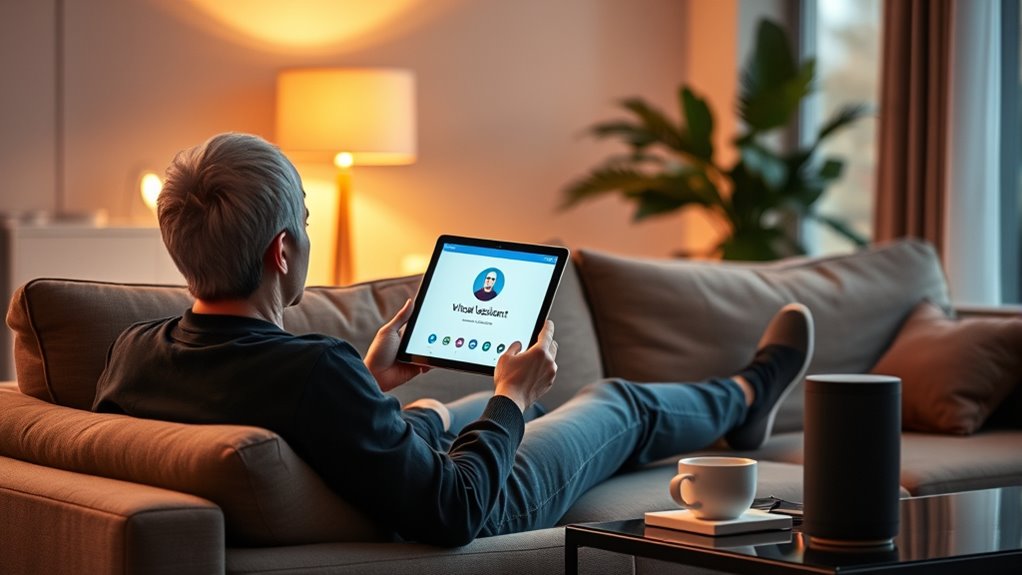
Virtual assistants have become essential tools for managing daily tasks more efficiently. They help streamline routines, set reminders, answer questions, and control smart home devices, all with simple voice commands. To make the most of your virtual assistant, it’s important to explore its customization options. Many assistants allow you to personalize settings such as preferred news sources, daily routines, and even voice recognition for different users. Customization ensures that the assistant responds in ways that suit your habits and preferences, making interactions feel more natural and tailored to your needs. For example, you can set specific reminders for appointments, create custom routines that turn on lights and play music simultaneously, or even change the assistant’s voice tone. These options help you save time and create a more seamless experience. However, as you customize your virtual assistant, it’s vital to stay aware of privacy concerns. These devices often collect a significant amount of personal data, including voice recordings, location information, and usage habits. While this data helps improve the assistant’s responsiveness and personalization, it also raises questions about how securely your information is stored and who has access to it. You should regularly review privacy settings, restrict data sharing, and be cautious about what information you disclose through voice commands. Some virtual assistants offer privacy controls that allow you to delete recordings or limit data collection, so take advantage of these features to protect your information. Additionally, it’s wise to be selective with your voice commands, especially when discussing sensitive topics around the device. Keep in mind that voice recordings may be stored on servers and could potentially be accessed by third parties or in the event of a security breach. Being informed about your device’s privacy policies and managing your settings helps you maintain control over your personal information. As you explore customization options, remember that striking a balance between personalization and privacy is key. While tailoring your virtual assistant to fit your life makes it more useful, safeguarding your data ensures your privacy remains protected. Regularly updating your device’s software and privacy settings can help patch security vulnerabilities and keep your information safe. Incorporating security best practices from content management systems can further enhance your control over personal data. Ultimately, leveraging the customization features while remaining vigilant about privacy concerns allows you to utilize your virtual assistant effectively without compromising your personal security. By understanding these aspects and actively managing your preferences, you’ll enjoy a more efficient, personalized experience that respects your privacy and supports your daily routines.
Amazon Alexa smart home control device
As an affiliate, we earn on qualifying purchases.
As an affiliate, we earn on qualifying purchases.
Frequently Asked Questions
Can Virtual Assistants Manage Multiple User Profiles?
Yes, virtual assistants can manage multiple user profiles. With multi-user support, you can set up individual profiles, allowing each person to have personalized settings and preferences. Profile switching is straightforward, enabling you to quickly shift between users without hassle. This feature is especially useful for families or shared devices, ensuring everyone’s tasks and information remain private and organized. Just enable multi-user support, and you’re all set to manage profiles easily.
How Secure Is My Personal Data With Virtual Assistants?
Think of your personal data with virtual assistants as a delicate butterfly in your hand. While they use data encryption to protect your information, privacy concerns still exist. Virtual assistants are designed to keep your data secure, but it’s wise to review privacy policies regularly. By staying informed and adjusting settings, you can help safeguard your personal info and enjoy the convenience without unnecessary worry.
Do Virtual Assistants Work Offline or Require Internet?
Virtual assistants generally require an internet connection to function fully, as they rely on cloud servers for processing. However, some offer offline capabilities for basic tasks like setting alarms or opening apps, which helps enhance data privacy. When you’re offline, your data stays on your device, reducing security risks. For more complex tasks, an internet connection is essential, but offline modes help balance convenience and data privacy.
Can Virtual Assistants Integrate With Smart Home Devices?
Yes, virtual assistants can integrate with smart home devices. They use voice recognition to understand your commands and work seamlessly if your devices are compatible. You just need to connect your smart devices to the assistant’s app or platform, ensuring device compatibility. Once set up, you can control lights, thermostats, and security systems effortlessly through voice commands, making your home smarter and more convenient.
What Languages Do Virtual Assistants Support?
Virtual assistants support multiple languages, showcasing their multilingual capabilities. You can communicate in languages like English, Spanish, French, German, and many more, depending on the device. These assistants also help with language learning, allowing you to practice pronunciation and vocabulary. To get the most out of your virtual assistant, explore its language settings and try switching between languages to enhance your multilingual skills and make everyday tasks more accessible.
Conclusion
Now that you know how to use virtual assistants, you’ll find them as helpful as a trusted friend guiding you through your day. They can handle your reminders, answer questions, and even control smart devices, making your life smoother. Just think of your virtual assistant as a trusty compass, always pointing you in the right direction. With a little practice, you’ll wonder how you ever managed without it—like sailing smoothly on calm waters.
Fall Picks
fall essentials
As an affiliate, we earn on qualifying purchases.