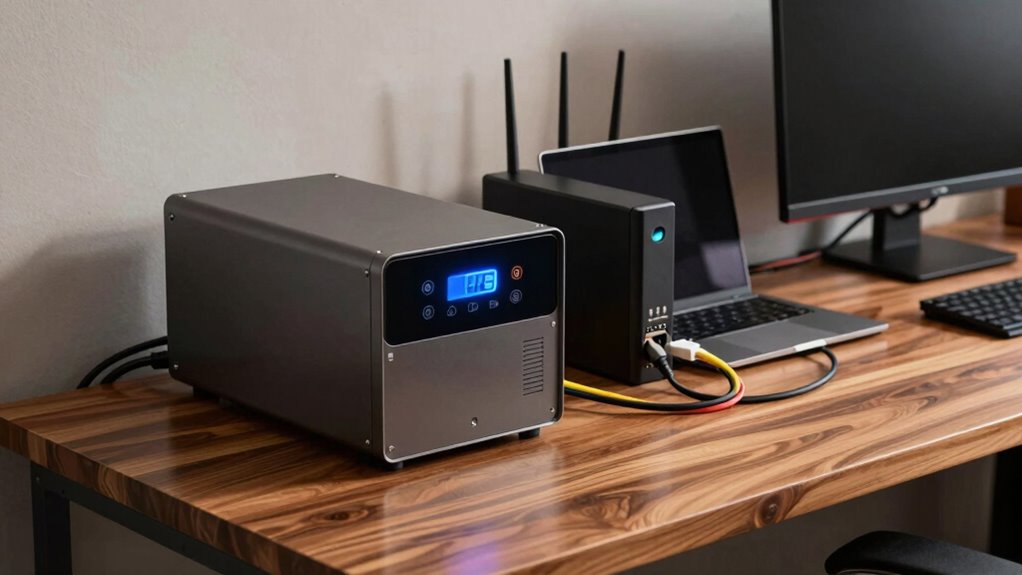

To choose the right UPS, you need to understand the difference between VA and watts. Watts measure the actual power your devices use, while VA reflects the apparent power, including power factor effects. To determine what size you need, add up your device wattages and include a buffer of 20-25% for surge and future growth. Continuing further will help you see how to match your requirements precisely and avoid common pitfalls.
Key Takeaways
- Understand that Watts measure actual power, while VA reflects apparent power; choose based on your device’s power factor.
- Match UPS capacity to your total device wattage, adding 20-25% buffer for surges and future expansion.
- Prioritize surge protection and battery backup time over just VA or watt ratings.
- Ensure the UPS’s VA and watt ratings meet or exceed your equipment’s requirements for safe operation.
- Consider overall build quality and features like power management, not just VA or watt specifications.
UPS with surge protection and battery backup
As an affiliate, we earn on qualifying purchases.
As an affiliate, we earn on qualifying purchases.
How Do I Determine the Right UPS Size for My Devices?

How do you guarantee your UPS can handle all your devices without overpaying? First, check the total power draw of your devices, focusing on their wattage and surge protection needs. A UPS with adequate battery capacity ensures your equipment stays powered during outages, giving you time to save work or shut down safely. Avoid overspending by selecting a model with a slightly higher capacity than your current needs, providing room for future upgrades. Surge protection is essential to shield your devices from power spikes, so choose a UPS that offers reliable surge suppression. Additionally, understanding power management can help optimize your UPS choice for efficiency and reliability. For example, considering the electric power capabilities of your devices can help you select an appropriately sized unit. By understanding your devices’ power requirements and balancing battery capacity with surge protection features, you can select the right UPS size—cost-effective and capable of supporting all your equipment safely. Paying attention to power requirements is crucial to prevent unnecessary expenses and ensure your setup is both reliable and scalable for future needs. Properly assessing device power needs can also prevent overloads and potential damage.
What Are VA and Watts: And Why Do They Matter?

Understanding the difference between VA (volt-amperes) and watts is essential when selecting a UPS, as it directly affects the device’s ability to support your equipment. Watts measure real power, the energy your devices consume, while VA accounts for apparent power, including power lost due to battery chemistry and power factor. A UPS with a higher surge capacity can handle power spikes, protecting your gear during outages. This distinction matters because some UPSs may advertise high VA ratings but deliver fewer watts, risking insufficient support for your devices. Knowing both ratings helps guarantee you choose a UPS that offers reliable backup without overloading. Proper understanding of these specs assures your equipment’s safety and longevity during power fluctuations. Additionally, understanding power factor can help you select a UPS that efficiently matches your load requirements. Recognizing the difference between VA and watts ensures you make an informed decision that aligns with your power needs. Being aware of real and apparent power can further optimize your selection process for maximum efficiency and protection. Moreover, paying attention to UPS efficiency ratings can help you choose models that minimize energy waste and reduce operational costs. Considering load capacity is also crucial to ensure the UPS can handle your equipment’s peak power demands without failure.
How to Calculate Your Power Needs for a UPS
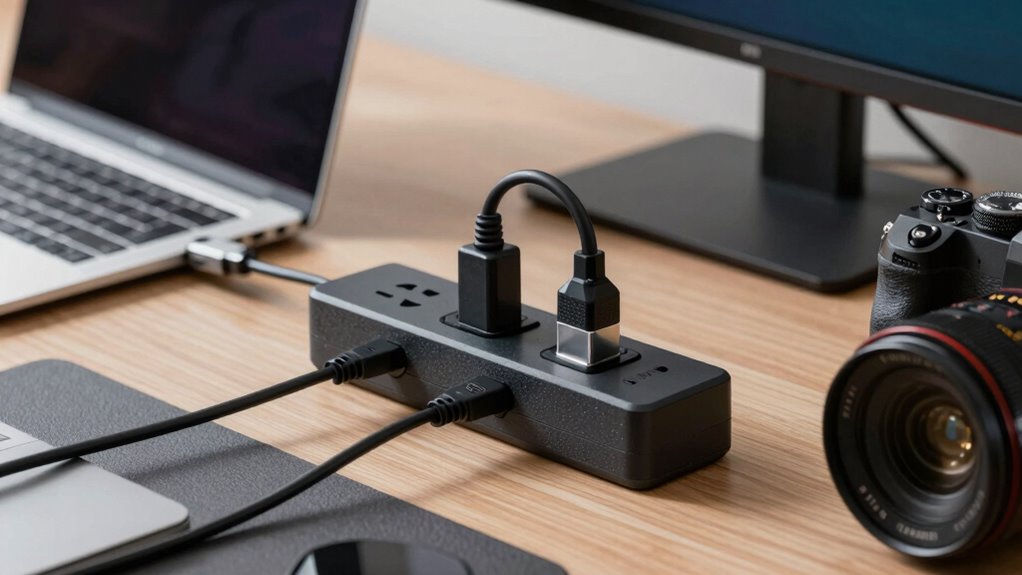
To accurately determine your UPS needs, you first need to calculate the total power consumption of your equipment. List all devices and note their wattage or VA ratings. Add a 20-25% buffer to account for startup surges and future upgrades. Consider the battery capacity needed for backup time, ensuring your critical devices stay powered during outages. Proper surge protection is essential to shield your gear from voltage spikes. Use this table to help:
| Device Type | Power Needs | Buffering Tip |
|---|---|---|
| Essential Devices | Sum of wattage + surge | Add 20-25% for startup surges |
| Non-Essential | Less critical, lower wattage | Use smaller UPS or separate surge protection |
This approach helps you choose a UPS that matches your true power needs. Additionally, understanding the power ratings of your equipment can improve your calculations and ensure reliable backup performance. Being familiar with electrical specifications can further optimize your selection process and prevent over- or under-provisioning. Recognizing the importance of load management can also help distribute power more effectively and extend the lifespan of your UPS system. Moreover, regularly monitoring your power consumption can help you adjust your setup as your needs evolve. Accurately assessing your power requirements is crucial for selecting the right UPS capacity and ensuring reliable backup during outages.
Which UPS Size Is Best for My Setup?
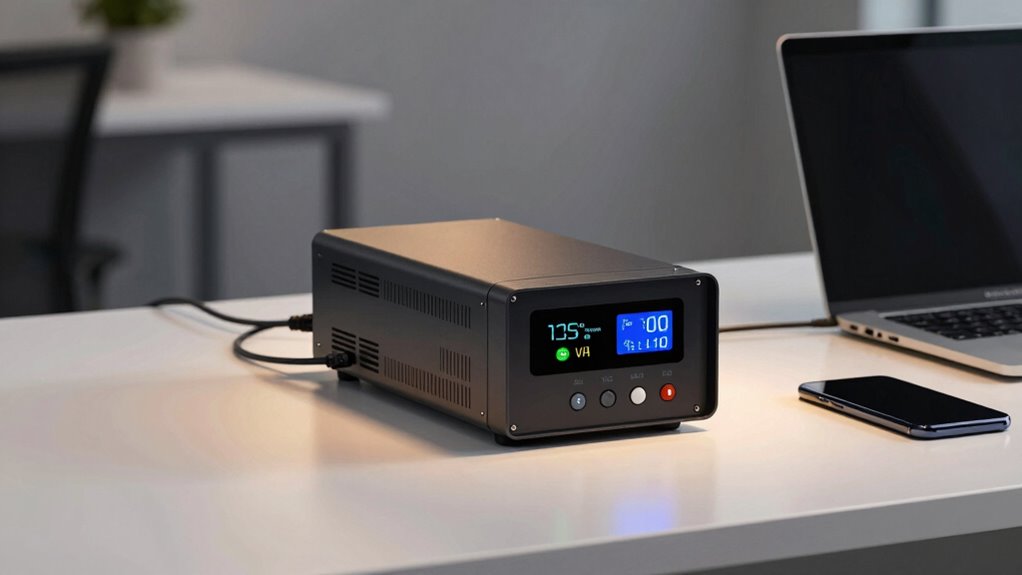
Choosing the right UPS size depends on your equipment’s total power requirements and the backup time you need. A larger unit provides longer battery longevity and better surge protection, but may be unnecessary if your setup is minimal. To select the best size, consider the following:
- Total wattage of your devices
- Desired backup duration
- Future expansion plans
- Quality of surge protection offered
- Battery longevity for consistent performance
- Proper sizing techniques can help optimize your investment and ensure adequate power during outages.
Oversized UPS units can extend battery life but cost more, while undersized ones may cut power short. Matching your needs ensures reliable backup and maintains surge protection. Focus on a unit that balances capacity and efficiency to keep your setup safe and operational during outages. Additionally, understanding the power requirements of your equipment helps in choosing an appropriately sized UPS. Evaluating your system’s scalability can also assist in making an informed decision for future growth. Proper assessment of your backup capacity needs ensures that your system remains functional and protected during power interruptions.
Avoid These Common Mistakes When Comparing UPS Options
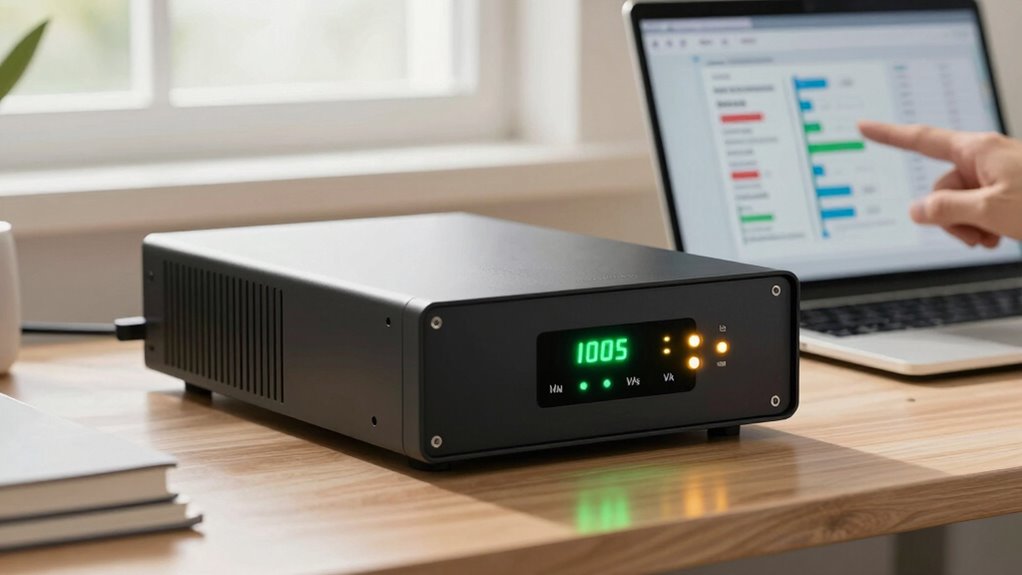
When comparing UPS options, it’s easy to fall into common traps that can lead to poor choices. One mistake is focusing solely on battery capacity without considering surge protection capabilities, which are vital for safeguarding your devices. Don’t assume that a higher VA or watt rating automatically means better protection or longer runtime; verify that the UPS provides adequate surge protection to shield against power spikes. Also, avoid overlooking the importance of runtime when your power is out—some units may have large battery capacity but short backup durations. In addition, pay attention to UPS certifications to ensure the unit meets safety and performance standards. Properly assessing power management features can help you select a model that offers both reliability and efficiency. Additionally, evaluating the overall build quality can prevent early failures and ensure consistent performance over time. Ensuring the correct specifications include both runtime and surge protection helps you select a unit that truly meets your needs.
Frequently Asked Questions
Can I Connect Multiple Devices to a Single UPS Safely?
Yes, you can connect multiple devices to a single UPS safely, but you need to take into account outlet compatibility and avoid overloading. Make sure the UPS has enough VA or watt capacity for all your devices, and use surge protection to guard against power surges. Don’t plug high-power appliances into a UPS meant for smaller electronics, as this can cause overloads or damage. Always check the manufacturer’s guidelines for safe device connections.
How Does Battery Runtime Impact My UPS Choice?
Battery runtime directly affects your UPS choice because it determines how long your devices stay protected during an outage. You should consider the UPS’s battery capacity and perform a runtime estimation based on your connected load. If you need longer backup time, look for models with larger batteries or lower power requirements. This way, you’ll guarantee your critical devices stay powered when it matters most.
Are Online or Offline UPS Systems Better for Home Use?
Online UPS systems are better for home use because they provide consistent power, enhance battery preservation, and offer superior surge protection. They automatically regulate voltage and prevent power fluctuations, reducing wear on your batteries and extending their lifespan. While offline models are cheaper, they don’t deliver the same level of protection. If you want reliable backup and safeguard your electronics, investing in an online UPS is the smarter choice for your home.
What Maintenance Is Required to Keep My UPS Functioning?
To keep your UPS functioning well, you should regularly check the battery and replace it when needed, typically every 3-5 years. Keep dust away by cleaning vents and fans with a soft cloth, preventing overheating. Also, make sure the UPS stays in a cool, dry place. Regular testing helps spot issues early, and maintaining these simple steps keeps your system reliable during power outages.
How Do Environmental Factors Affect UPS Performance and Lifespan?
Environmental factors like temperature fluctuations and your local power grid greatly influence your UPS performance and lifespan. High temperatures can cause overheating, reducing battery life and risking failures, so keep it in a cool, ventilated area. Fluctuations in the power grid can lead to surges or dips, stressing the system. For peak performance, maintain stable environmental conditions and make certain your UPS is protected from extreme temperatures and unstable power supply.
Conclusion
Understanding VA and watts helps you choose the right UPS for your devices. Did you know that over 60% of users choose an undersized UPS, risking data loss? By calculating your power needs accurately, you guarantee your equipment stays protected during outages. Don’t make common mistakes like ignoring surge capacity or runtime. With the right knowledge, you can confidently select a UPS that keeps your setup safe and reliable.