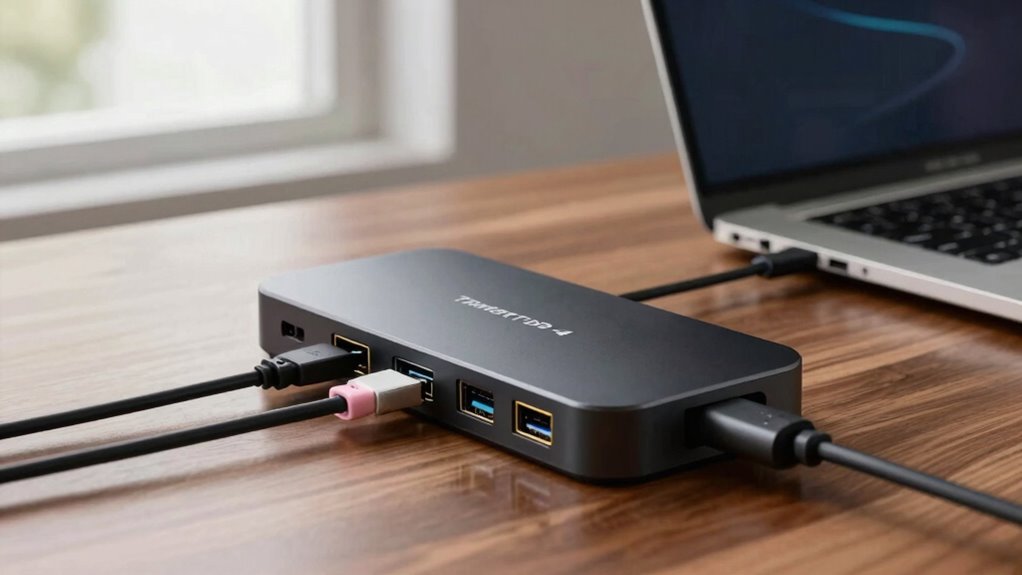

Thunderbolt 4 docks fix workspace clutter by consolidating connections into one device, offering high-speed data transfer up to 40Gbps, and supporting multiple peripherals including monitors and charging options. However, they don’t solve compatibility issues with older hardware or peripherals that lack Thunderbolt 4 support. Wireless charging isn’t universal, and performance depends on your device’s capabilities. Keep exploring to discover how these docks can truly optimize your setup.

Get the latest gadgets delivered free — and shop member deals
- Fast, free delivery on millions of items
- Access to Prime Big Deal Days deals on October 6–7
- Prime Video, Amazon Music and more included
Key Takeaways
- Thunderbolt 4 docks streamline workspace by consolidating multiple cables into a single connection for peripherals and monitors.
- They provide ultra-fast data transfer speeds up to 40Gbps, enhancing productivity.
- Compatibility depends on device hardware; not all devices support Thunderbolt 4 or its features.
- They may face limitations with older hardware, external monitor integration, and wireless charging support.
- Higher cost compared to USB hubs, with performance impacted by device hardware and compatibility constraints.

Are you looking for a versatile and high-speed way to expand your device’s connectivity? Thunderbolt 4 docks might be just what you need. They deliver rapid data transfer, support multiple peripherals, and often include features like power delivery and even wireless charging. These docks are designed to simplify your workspace by consolidating several connections into a single, sleek device. With Thunderbolt 4, you can connect external monitors, external drives, and accessories all at once, making your setup cleaner and more efficient. Plus, they’re backward compatible with previous Thunderbolt and USB standards, giving you flexibility across different devices.
One of the main issues these docks aim to fix is the clutter caused by multiple cables. Instead of juggling separate connections for your monitor, external storage, and charging cables, a Thunderbolt 4 dock streamlines everything into one Thunderbolt port. This not only declutters your desk but also reduces the time spent plugging and unplugging devices. The high data transfer speeds—up to 40Gbps—are a huge upgrade over standard USB-C hubs, meaning you can transfer large files quickly and work smoothly without lag. Many docks also incorporate power delivery, so you can keep your laptop charged while working, which is especially handy if you’re on the move or working in tight spaces. Additionally, the compatibility of Thunderbolt 4 with various devices depends heavily on your hardware support, highlighting the importance of checking your device’s specifications. It’s also worth noting that the availability of Thunderbolt 4 ports can vary widely among different device models, impacting how universally these docks can be utilized.
Streamline your workspace with Thunderbolt 4 docks—fast data transfer, fewer cables, and power delivery in one sleek device.
However, despite these advantages, Thunderbolt 4 docks aren’t perfect. They don’t completely eliminate compatibility issues. While they support a broad range of devices, some peripherals still struggle to work seamlessly, especially older or non-standard hardware. Compatibility issues can crop up with certain external monitors, audio devices, or specialized equipment that may not support Thunderbolt or USB-C standards fully. Compatibility issues are often influenced by the hardware support of your devices, which can vary significantly across different brands and models. Also, the wireless charging feature that some docks include isn’t always compatible with every device. Not all smartphones or wireless charging-enabled gadgets will work with every dock, creating some frustration if you’re expecting universal wireless charging support. Furthermore, the performance of Thunderbolt 4 docks can be limited by the capabilities of your device’s hardware, meaning you might not see the full benefits if your device isn’t designed to leverage Thunderbolt 4 technology.
Moreover, while Thunderbolt 4 offers impressive performance, it still depends on your device’s compatibility. Not all laptops or desktops come equipped with Thunderbolt 4 ports, which can limit the usefulness of these docks. If your device only supports USB-C or older standards, you might not unlock the full potential of a Thunderbolt 4 dock. Additionally, these docks can be pricier than standard USB hubs, so you need to weigh whether the extra cost aligns with your needs. All in all, Thunderbolt 4 docks do a lot to enhance your connectivity, but they’re not a catch-all solution. You’ll still need to watch out for compatibility issues and ensure your devices support the features offered. Recognizing the limitations of device hardware can help you make a more informed decision about whether a Thunderbolt 4 dock is right for you.
As an affiliate, we earn on qualifying purchases.
Frequently Asked Questions
Can Thunderbolt 4 Docks Charge Multiple Devices Simultaneously?
Yes, Thunderbolt 4 docks can charge multiple devices simultaneously, thanks to their high power delivery capabilities. You can connect your laptop, smartphone, or accessories at the same time without sacrificing charging speed. Just make certain your dock supports enough power output for all devices. Compatibility is also key; most modern devices work seamlessly, but double-check that your devices are compatible with Thunderbolt 4 to avoid any charging or connection issues.
Are Thunderbolt 4 Docks Compatible With Older USB Standards?
Yes, Thunderbolt 4 docks are compatible with older USB standards, ensuring legacy compatibility. You can connect devices that use USB 2.0, USB 3.0, or USB 3.1 through the dock’s USB ports. This seamless integration allows you to use your existing peripherals without needing new cables or adapters. Just keep in mind that data transfer speeds will default to the maximum supported by each connected device’s USB standard.
How Do Thunderbolt 4 Docks Impact Data Transfer Speed?
You might think Thunderbolt 4 docks considerably boost data transfer speeds, but in reality, they mainly eliminate data transfer bottlenecks caused by older interfaces. They provide high bandwidth, up to 40Gbps, reducing limitations that slow down transfers. However, actual speeds depend on your device’s capabilities and the data source. So, while they substantially enhance performance, they don’t always surpass the maximum potential of your storage devices or cables.
Do All Thunderbolt 4 Docks Support 8K Displays?
Not all Thunderbolt 4 docks support 8K displays. You need to check the display resolution specifications of each dock, as some only support up to 4K or 5K. Cable compatibility is essential too because not every Thunderbolt 4 cable can handle 8K signals. Always verify the dock’s specs and guarantee you’re using a compatible cable to achieve the full 8K display resolution.
What Are Common Troubleshooting Steps for Thunderbolt 4 Dock Issues?
To troubleshoot Thunderbolt 4 dock issues, start by checking for firmware updates, as they often improve connection stability. Make certain your dock’s drivers are up to date and that your cables are secure. Restart your computer and reconnect the dock. If problems persist, try connecting to a different port or device. Resetting the dock or updating your system’s BIOS can also resolve connectivity issues, guaranteeing better performance.
Conclusion
Think of Thunderbolt 4 docks as trusty bridges spanning your device and the world’s possibilities. They’ve fixed many gaps, making your connections smoother and faster. But like any bridge, they don’t eliminate every obstacle—some issues still linger. So, as you cross this bridge, remember it’s a reliable path, yet not a magic portal. Embrace what it offers, and navigate your tech landscape with confidence, knowing some journeys still require your own ingenuity.
Fall Picks
fall essentials
As an affiliate, we earn on qualifying purchases.