
Many prebuilt gaming desktops cut costs by using low-quality components and inadequate cooling solutions, which can hurt your system’s performance and lifespan. You might notice overheating, throttling, or frequent failures over time. Cheap parts often mean less reliable gaming experiences. To get the best value, focus on quality components and proper cooling options. If you want to learn more about how to spot these issues, keep exploring what makes a system truly reliable.

Get the latest gadgets delivered free with Prime
- Fast, free delivery on millions of items
- Prime Video, Amazon Music and more included
- Member-only deals all year
Key Takeaways
- Brands often use low-quality cooling solutions, risking overheating and thermal throttling during gaming sessions.
- Budget prebuilt systems may include inferior components that compromise system stability and longevity.
- Cost-cutting on airflow design and fan quality can lead to poor cooling efficiency and hardware damage.
- Cheaper brands might select incompatible or generic parts, limiting future upgrade options and system performance.
- Limited warranty coverage and poor support can leave users vulnerable to hardware failures and cooling issues.
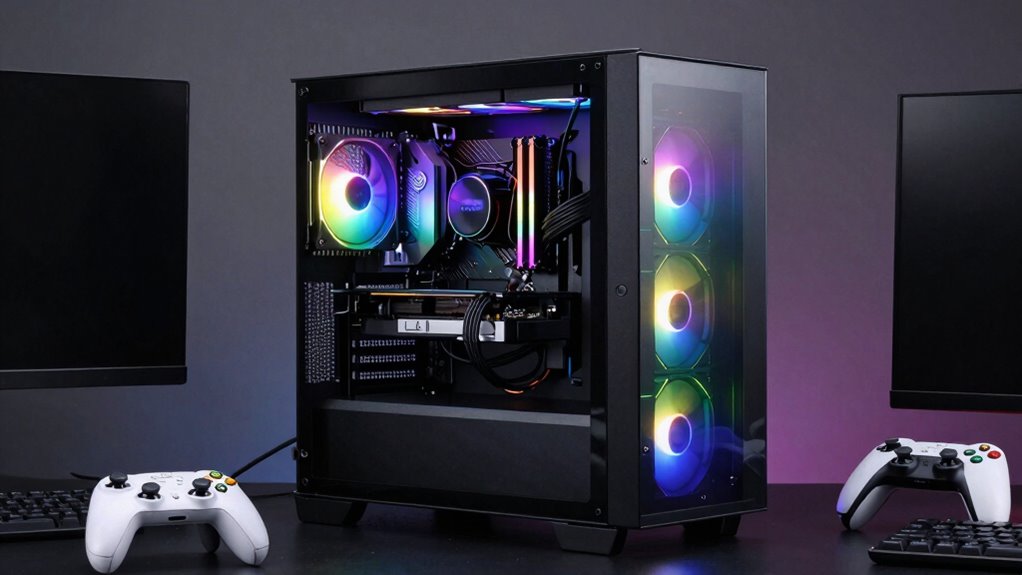
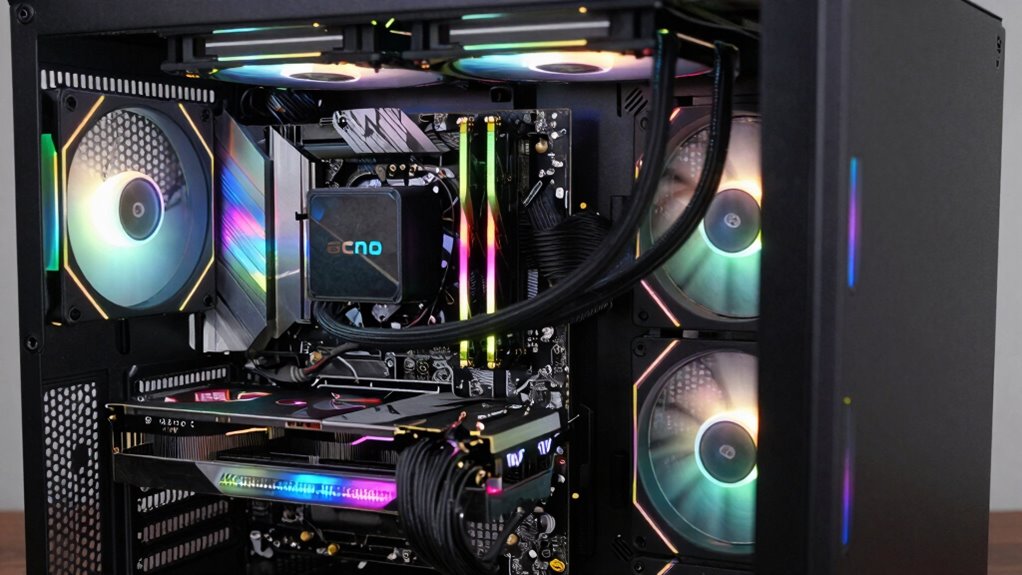
Are you looking for a hassle-free way to plunge into gaming without building a PC from scratch? Prebuilt gaming desktops are a popular choice because they save you time and effort, but not all systems are created equal. When you’re shopping, it’s essential to pay attention to the components brands tend to skimp on, as these can affect your gaming experience and future upgrades. One common area where manufacturers often skimp is with the cooling solutions. Many prebuilt systems come with basic air cooling or generic fans that can’t handle the heat generated by high-performance hardware. Over time, inadequate cooling can lead to thermal throttling, reducing your CPU and GPU speeds, or worse, causing hardware failures. To avoid this, look for systems that feature custom cooling options—whether it’s premium air cooling or liquid cooling. These setups not only keep temperatures in check but also extend the lifespan of your components, ensuring you get the most out of your investment. Additionally, paying attention to component quality can help you avoid potential issues down the line. Selecting high-quality components can also improve overall system stability and performance, making your gaming experience smoother and more reliable. Moreover, component compatibility is crucial to ensure that all parts work harmoniously, especially if you plan to upgrade your system later. Investing in reputable brands known for reliable hardware components can further prevent compatibility issues and enhance your system’s longevity. Furthermore, understanding the importance of system airflow can significantly impact cooling efficiency and overall hardware health. Warranty coverage is another vital aspect that’s often overlooked. Some brands offer limited warranties that cover only parts, leaving out labor or damage caused by overheating or improper cooling. When choosing a prebuilt, check what kind of warranty coverage is included and whether it’s extensive enough to protect you in the long run. A good warranty can save you money and headaches if something goes wrong, especially since prebuilt systems tend to have less flexibility for DIY repairs compared to custom builds. Many reputable brands provide longer warranty periods or even on-site support, giving you peace of mind in case of hardware failures or defects. Be sure to review the warranty details carefully to understand what is covered and how to access support if needed.
Products Worth Considering

LG UltraGear 32GX850A-B 32-inch 4K UHD Glossy OLED Gaming Monitor

LG UltraGear 34GX90SA-W 34-inch WQHD Curved OLED Gaming Monitor

LG UltraGear 32GS60QC-B 32-inch Curved QHD Gaming Monitor (180Hz, 1ms, 1000R, AMD FreeSync, HDR10)
As an affiliate, we earn on qualifying purchases.
Frequently Asked Questions
Can I Upgrade Prebuilt Gaming Desktops Easily?
Yes, you can upgrade prebuilt gaming desktops easily if you’re comfortable with DIY assembly and understand component compatibility. Start by checking your system’s specifications and ensuring new parts fit. Open the case carefully, replace or add components like RAM, GPU, or storage, and update drivers. Keep in mind, some models may have proprietary parts, making upgrades trickier, so research your specific desktop before proceeding.
Are Prebuilt Desktops More Cost-Effective Than Custom Builds?
Prebuilt desktops usually aren’t more cost-effective than custom builds because of customization challenges and brand reputation issues. While they save you time, you might pay a premium for components that are lower quality or hard to upgrade later. If you’re comfortable with building or upgrading, a custom build often offers better value and flexibility, especially since some brands cut corners to keep costs low, affecting overall performance and longevity.
What Warranty Coverage Comes With Prebuilt Gaming Desktops?
You get warranty coverage that typically includes parts and labor, but watch out for limitations and coverage exclusions. Many prebuilt gaming desktops come with manufacturer warranties of one to three years, covering hardware defects and repairs. However, you might face warranty limitations on accidental damage or software issues. Always read the fine print to understand what’s covered and what’s not, ensuring you’re protected without surprises.
Do Prebuilt Desktops Include Bloatware or Unnecessary Software?
Prebuilt desktops often come with pre-installed software, including factory bloatware that you might not need. These unnecessary programs can slow down your system and clutter your experience. While some brands include useful tools, many load up their systems with trial versions and unwanted apps. You’ll want to clean out this pre-installed software to optimize performance and free up storage, ensuring your gaming experience isn’t hindered by unwanted bloatware.
How Long Do Prebuilt Gaming Desktops Typically Last?
Think of your prebuilt gaming desktop like a marathon runner—if built with quality parts, it can keep pace for 3-5 years. Typically, its hardware durability and component lifespan depend on the brand and how well you maintain it. With proper care, you might enjoy smooth gameplay for several years, but lower-quality components may need upgrades sooner. Investing in reputable brands extends your desktop’s useful life.
Conclusion
So, as you weigh your options, remember that not all prebuilt gaming desktops are created equal. Beneath their sleek exteriors, cheap components lurk, waiting to undermine your gaming experience. Will you risk investing in a machine that might falter when you need it most? Or will you dig deeper, uncovering hidden gems that promise power and longevity? The choice is yours—but the clock’s ticking, and the perfect build might be closer than you think.