
To protect your OLED monitor from burn-in, avoid leaving static images or logos on-screen for long periods. Adjust your display settings, like lowering brightness and enabling pixel-shifting features, to reduce uneven wear. Use screensavers or turn off your monitor when not in use. Changing content position regularly and using protective filters can help too. Keep these tips in mind, and you’ll discover more ways to extend your display’s lifespan.

Get the latest gadgets delivered free — and shop member deals
- Fast, free delivery on millions of items
- Access to Prime Big Deal Days deals on October 6–7
- Prime Video, Amazon Music and more included
Key Takeaways
- Enable pixel-shifting and screensavers to distribute static content and prevent prolonged static image exposure.
- Lower screen brightness and increase refresh rates to reduce organic material strain and uneven wear.
- Regularly change or resize static elements and avoid leaving static images on screen for extended periods.
- Use protective filters or monitor features designed to minimize burn-in risks.
- Turn off the monitor when not in use and perform routine maintenance to prolong panel lifespan.
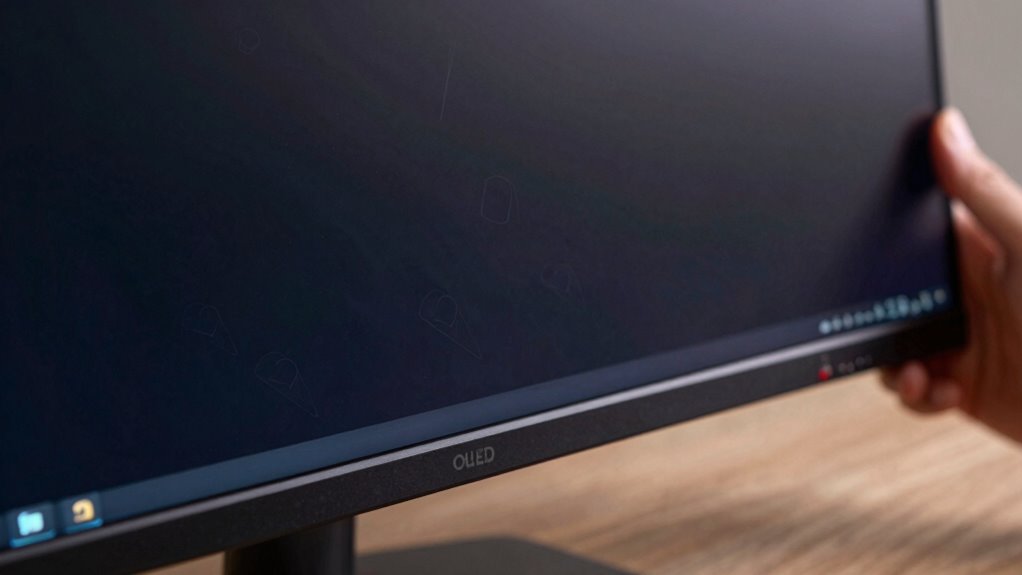
OLED monitors offer stunning image quality with vibrant colors and deep blacks, but they come with a notable risk: burn-in. This phenomenon happens when static images linger on the screen for too long, leaving a ghostly imprint that can be permanent. To keep your display looking its best, you need to be proactive about protecting it. One key step is ensuring proper color calibration. When your monitor isn’t correctly calibrated, you might unintentionally display static elements or overly bright images that increase the risk of burn-in. Maintaining accurate color settings helps you avoid unnecessary strain on specific areas of the panel, reducing the chance of uneven wear. Moreover, adjusting your refresh rate can make a difference. Higher refresh rates not only provide smoother visuals but also help in reducing image retention by minimizing static image exposure over time. If your monitor allows, set it to the highest refresh rate compatible with your hardware, especially when you’re working with fast-moving content or gaming. It’s also wise to avoid leaving static images on the screen for extended periods. If you’re working on a document or a webpage with persistent elements, consider changing the position or size periodically, or enable screensavers and automatic sleep modes when not in use. Using built-in pixel-shifting features—many OLED monitors now include this as a protective measure—can help distribute static content across different pixels, preventing any particular area from being overused. Regularly adjusting the display’s brightness can also be beneficial. Lower brightness levels reduce the strain on the organic materials in the panel, which can slow down the burn-in process. Additionally, be mindful of the content you display; avoid static interfaces, logos, or HUDs that stay in the same spot for hours. If you work with applications that require static elements, try to incorporate background changes or overlays to minimize the risk. Routine maintenance, like turning off your monitor when not in use, allows the organic components to rest and recover, further delaying burn-in. Being aware of the burn-in risks associated with OLED displays helps you make informed decisions about usage and care. In sum, protecting your OLED monitor involves a combination of proper color calibration, adjusting the refresh rate, managing static content, and employing built-in protective features. Staying attentive to display longevity and maintenance practices can extend the lifespan of your monitor significantly. Incorporating usage habits that limit static images can further prolong the life of the panel. Implementing additional precautions such as using screen filters or external covers can provide extra protection in environments prone to static content. It is also helpful to understand panel wear and how different usage patterns can impact the organic materials over time. By staying attentive to these practices, you’ll enjoy the stunning visuals OLED technology offers while minimizing the potential for burn-in damage. With a little care, your monitor can deliver vibrant, high-quality images for years to come.
OLED monitor burn-in protection screen filters
As an affiliate, we earn on qualifying purchases.
As an affiliate, we earn on qualifying purchases.
Frequently Asked Questions
Can OLED Burn-In Occur on All Types of Content Equally?
No, OLED burn-in doesn’t happen equally with all content. Static images or long-lasting icons can cause image retention, leading to uneven burn-in and color fading over time. Moving images or varied content help prevent this by reducing static elements on the screen. To protect your panel, avoid displaying the same images for prolonged periods, and regularly change content to minimize the risk of uneven burn-in and preserve color quality.
How Long Does It Typically Take for Burn-In to Appear?
Burn-in can appear within a few months if you don’t manage your screen calibration and ambient lighting properly. If you consistently display static images or high-contrast content, you might notice burn-in sooner. To prevent this, regularly adjust your screen’s calibration, avoid static images, and optimize ambient lighting to reduce contrast and glare. These steps help extend your OLED panel’s lifespan and keep your display looking fresh longer.
Are There Specific Brands With Less Risk of Burn-In?
Some brands have nearly superhero-level reputations for panel durability, making them less prone to burn-in. You’ll find that companies like LG and Sony, known for their stellar brand reputation, produce OLED monitors with advanced technology that considerably reduces burn-in risk. While no monitor is immune, choosing a reputable brand with a focus on panel durability can save you from the nightmare of permanent image retention, giving you peace of mind.
Can Software Updates Reduce the Risk of Burn-In?
Yes, software updates can help reduce burn-in risk by improving features like screen calibration and implementing pixel shifting. When you update your OLED monitor’s software, it often includes enhanced algorithms that manage static images better and optimize pixel usage. This way, you can enjoy sharper visuals while minimizing burn-in. Keep your firmware current to benefit from these protective measures, ensuring your display stays vibrant longer.
Is Burn-In Permanent or Reversible Once It Occurs?
You might think burn-in is permanent, but it’s often reversible with proper screen calibration and changing usage patterns. While severe cases can cause lasting damage, lighter or early-stage burn-in may improve over time. Regularly adjusting settings and avoiding static images can help reduce visibility. So, don’t lose hope—by actively managing your display habits, you can sometimes restore a more uniform screen and minimize the appearance of burn-in.
Conclusion
To keep your OLED monitor looking its best, follow these simple tips and avoid prolonged static images. Did you know that just 30 minutes of static display can cause noticeable burn-in? By being mindful of your screen usage, you can considerably extend your panel’s lifespan and enjoy vibrant visuals for years to come. Protect your investment and enjoy stunning, worry-free viewing every time you turn on your OLED monitor.
Fall Picks
fall essentials
As an affiliate, we earn on qualifying purchases.