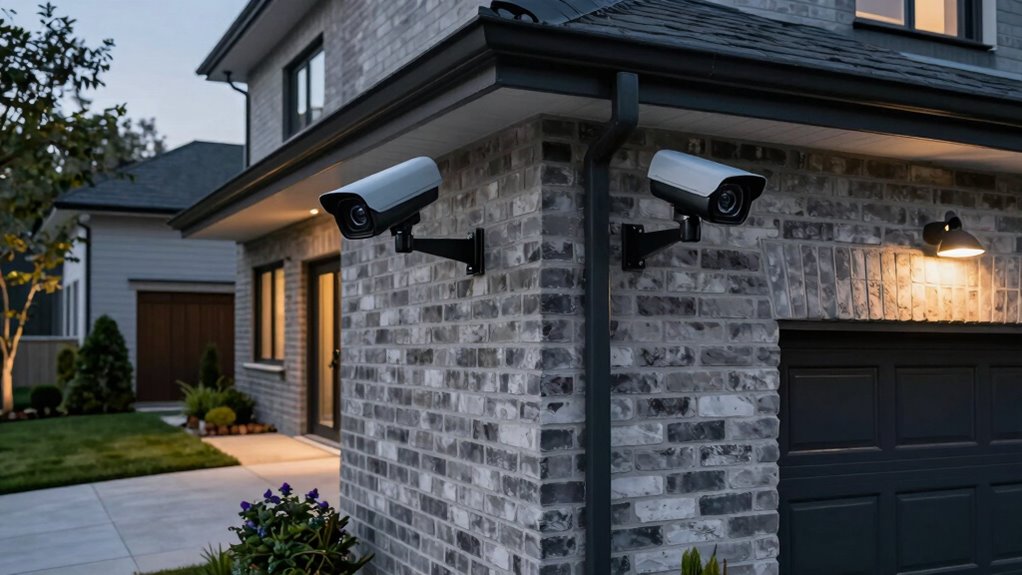

To guarantee complete coverage without blind spots, position your cameras at slight downward angles from 8 to 10 feet high, avoiding obstructions like trees or shrubs. Focus on key areas such as entrances, driveways, and corners, and review angles from multiple vantage points. Use good lighting near entryways and add supplemental lights in dark spots for clarity at night. If you want to maximize security and see detailed footage, there’s more to take into account—keep exploring for expert tips.
Key Takeaways
- Mount cameras at slight downward angles to maximize coverage and reduce blind spots.
- Position cameras 8-10 feet high for clear footage and tamper resistance.
- Cover all entrances, driveways, and blind spots with multiple vantage points.
- Ensure proper lighting near cameras for night visibility and avoid glare.
- Regularly review and adjust camera angles to maintain comprehensive, unobstructed coverage.
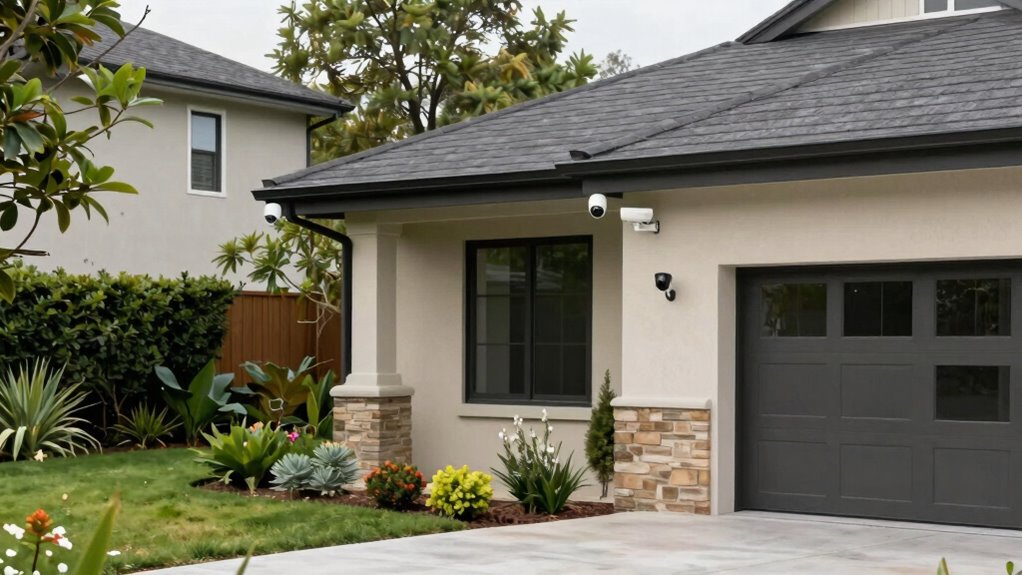
Have you ever wondered where to position your security cameras for maximum effectiveness? The right placement can make a huge difference in keeping your property safe. One of the most important factors to consider is camera angles. You want to set your cameras so they have a clear, unobstructed view of the areas you’re most concerned about. Angle your cameras downward slightly to avoid blind spots beneath or behind them, guaranteeing they capture faces and license plates clearly. Avoid mounting cameras directly facing the sun or bright lights, as glare can obscure footage. Instead, position them where lighting is even and manageable.
Position cameras at slight downward angles for clear views and avoid direct sunlight to prevent glare.
Lighting considerations are essential because poor lighting can render even the best camera useless at night or in shaded areas. If possible, install cameras in spots with good ambient lighting—like near porch lights or street lamps—to improve visibility. If your outdoor areas are poorly lit, consider adding supplemental lighting, such as motion-activated floodlights, to illuminate the scene without causing glare or shadows. Avoid placing cameras too close to bright light sources, as overexposure can wash out details. Instead, aim for a balance where the camera can see clearly without being blinded by direct light.
When positioning cameras, think about the most common angles needed to monitor entrances, driveways, and backyard zones. For entry points, angle the camera so it captures anyone approaching or entering. For driveways, set the camera to cover the entire length, ensuring it can record license plates and any activity happening there. In the backyard, focus on blind spots like fences or corners that intruders might use to hide. Remember, the goal is to eliminate as many blind spots as possible, so review your camera angles from multiple vantage points. Properly planning your camera placement involves understanding the coverage area to ensure comprehensive security. Additionally, considering the placement height** can contribute to better footage and deter tampering. Knowing how camera positioning** affects overall security can help you make more informed decisions.
You should also consider the height at which you install your cameras. Mount them high enough to prevent tampering but low enough to capture clear facial features and other details. Typically, 8 to 10 feet above ground works well. When placing cameras, keep in mind that trees, shrubs, or other objects could obstruct the view, so choose a spot with a clear line of sight. Additionally, understanding the importance of camera coverage can help ensure you maximize the area monitored while minimizing blind spots. Regularly reviewing your camera feeds can help you identify potential blind spots or obstructions you might have overlooked initially.
Ultimately, the key to effective camera placement is a combination of ideal camera angles and proper lighting considerations. When you get these right, you’ll ensure your footage is clear, extensive, and useful for security or evidence purposes. With thoughtful positioning, you’ll minimize blind spots and maximize the safety of your property. Proper planning and periodic review are essential to maintaining an effective security setup.
outdoor security cameras with night vision
As an affiliate, we earn on qualifying purchases.
As an affiliate, we earn on qualifying purchases.
Frequently Asked Questions
How Many Cameras Do I Need for Complete Coverage?
You’ll likely need 4 to 8 cameras for complete coverage, depending on your property size and layout. Use installation tips like mounting cameras high and angling them for maximum visibility. Consider cost considerations by balancing the number of cameras with your budget, prioritizing high-traffic areas first. Think about strategic placement to avoid blind spots, and remember that adding more cameras enhances security, but plan carefully to keep costs manageable.
What Camera Angles Provide the Best Visibility?
The best camera angles maximize visibility through strategic camera positioning and angle optimization. Keep cameras mounted high, angled downward to cover wider areas, and avoid obstructions. Use a wide-angle lens to capture more detail and angle cameras toward entry points, driveways, or dark corners. Adjust the tilt and rotation to eliminate blind spots, ensuring thorough coverage. Proper camera placement and optimized angles help you monitor your property effectively and deter potential intruders.
How Can I Prevent Cameras From Being Tampered With?
Imagine a business installing cameras in a busy parking lot. To prevent tampering, you should use tamper-proof enclosures and secure mounting brackets, making it difficult for intruders to disable or remove the cameras. Proper camera placement is key—place cameras high and out of reach, and consider using vandal-resistant models. Regularly check your surveillance system and use security signage to deter tampering attempts effectively.
Are Wired or Wireless Cameras More Secure?
Wireless cameras tend to be more vulnerable to hacking and signal interference, making wired cameras generally more secure. With wired setups, you have direct connections, reducing risks of signal interference or tampering. When placing cameras, make certain your wired system is protected from potential tampering points. However, wireless cameras offer flexibility in placement; just be sure to secure the network with strong passwords and encryption to prevent unauthorized access.
How Often Should I Update or Upgrade My Security System?
A stitch in time saves nine, so you should update your security system at least once a year. Regular maintenance routines guarantee your cameras stay reliable and effective. Keep an eye on system compatibility when upgrading to new devices or software, so everything works seamlessly. By staying current, you prevent vulnerabilities and ensure your security measures adapt to evolving threats, giving you peace of mind and a safer home.
Conclusion
Now that you know how to position your security cameras for maximum coverage, the real test begins. Will you spot every blind spot, catching every suspicious movement? Or will an unnoticed corner remain hidden? The choice is yours—careful placement could mean the difference between peace of mind and missed threats. Stay alert, adapt your setup, and always be ready for surprises lurking just beyond the camera’s view. The safety of your space depends on it.