
When choosing a UPS, don’t rely solely on VA ratings—make certain to check the device’s wattage, which shows actual power consumption. Match your equipment’s wattage requirements with the UPS’s watt capacity to avoid underprotection. Remember, VA measures apparent power, which might be misleading without considering watts. To guarantee proper protection and longer battery life, understanding these differences is key. If you keep exploring, you’ll discover how to select the perfect UPS for your needs.

Get the latest gadgets delivered free with Prime
- Fast, free delivery on millions of items
- Prime Video, Amazon Music and more included
- Member-only deals all year
Key Takeaways
- Check device power ratings in watts, not just VA, for accurate UPS sizing.
- Convert VA to watts using the power factor to understand true power needs.
- Match the UPS watt capacity to your total device wattage to prevent overloads.
- Use the formula: Watts = VA × Power Factor, typically around 0.8.
- Prioritize real device wattage over VA ratings for precise UPS selection.
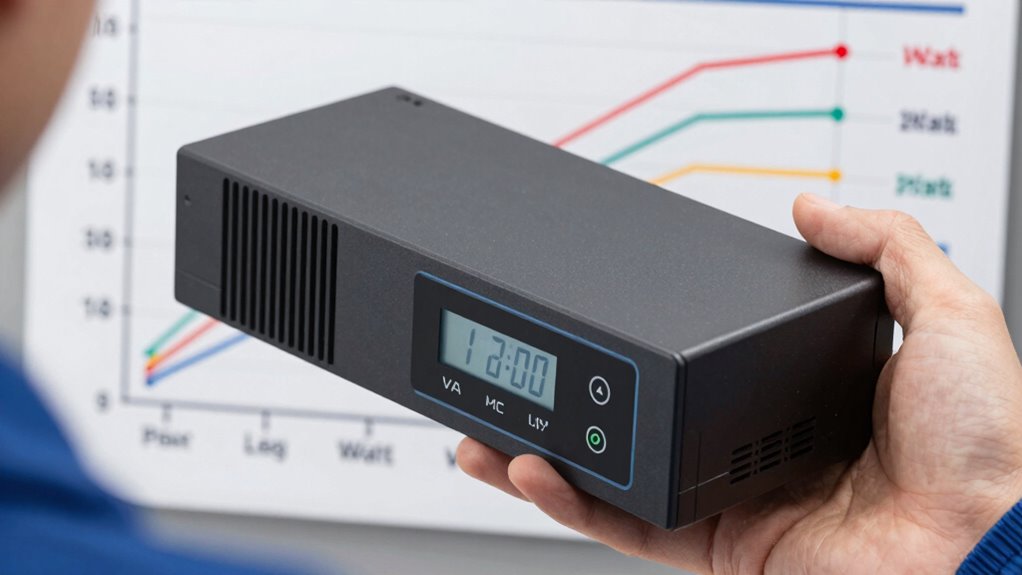
Are you unsure how to choose the right UPS for your needs? It can feel overwhelming with so many options and technical specifications to consider. Understanding the difference between VA and watts is essential, but it’s equally important to focus on key features like battery capacity and surge protection. These elements determine how well your UPS will perform during power fluctuations or outages.
First, think about your power requirements. VA, or volt-ampere, measures apparent power, which includes both real power used by your devices and reactive power. Watts, on the other hand, represent real power, the actual energy your devices consume. When selecting a UPS, it’s tempting to just pick a high VA rating, but what truly matters is matching the UPS’s watt capacity with your equipment’s needs. If you only look at VA, you might underestimate or overestimate what your setup requires. To get it right, check the power ratings of your devices, often marked in watts. This way, you guarantee the UPS can handle your entire load without being overwhelmed. Remember, a UPS with a higher VA rating but insufficient wattage won’t necessarily protect your gear effectively.
Match your UPS’s watt capacity to your device’s power ratings for reliable protection and performance.
Next, pay close attention to battery capacity. The battery determines how long your devices stay powered during an outage. A larger capacity means longer backup time, but it also usually comes with increased size and cost. You should assess how long you need your critical devices to stay on during a blackout. For example, if you run a server or sensitive equipment, look for models with higher battery capacities to guarantee uninterrupted operation. Also, consider the ease of replacing or upgrading batteries, as this impacts long-term reliability and maintenance costs. Additionally, understanding biodiversity in your environment helps you choose a UPS with features suited to your specific electrical conditions, especially in areas prone to power fluctuations. Recognizing the importance of power quality can guide you in selecting models with the right protection features to handle local power issues effectively. Moreover, selecting a UPS with features like automatic voltage regulation can help protect sensitive electronics from frequent power irregularities. Considering the electrical environment where your UPS will operate can further ensure you select a model with the appropriate power management capabilities to handle local power issues effectively.
As an affiliate, we earn on qualifying purchases.
Frequently Asked Questions
How Does Power Factor Affect UPS Sizing?
Power factor directly affects UPS sizing because it determines how effectively the UPS uses its battery capacity and provides surge protection. A lower power factor means you need a larger UPS to handle the same load, as the apparent power (VA) is higher than the real power (Watts). Ensuring the UPS has a high power factor helps optimize battery capacity and surge protection, preventing overloads and extending device runtime.
Can I Use VA Ratings for All Devices?
You can’t rely solely on VA ratings for all devices because voltage compatibility varies and impacts performance. Always check if the device’s voltage requirements match the UPS output. Using a UPS with the correct VA rating helps protect your device and extends battery longevity. Remember, a mismatch can lead to inefficient power delivery, shorter battery life, and potential damage, so choose a UPS tailored to your device’s specific voltage and power needs.
What’s the Difference Between Apparent and Real Power?
The difference between apparent and real power lies in power measurement and electrical efficiency. Apparent power, measured in volt-amperes (VA), reflects the total power supplied by the source, including reactive components. Real power, measured in watts (W), is the actual power used to perform work. Understanding this distinction helps you select a UPS that matches your device’s power needs, ensuring maximum electrical efficiency and preventing system overloads.
How Accurate Are Manufacturer Wattage Ratings?
You can’t always take manufacturer wattage ratings at face value; they’re often a bit optimistic. Think of it as a ballpark figure—battery capacity and power efficiency influence actual performance. While ratings give you a starting point, real-world conditions like device startup surges or aging batteries can affect accuracy. To stay safe, consider adding a buffer and testing your UPS under load to make sure it meets your needs without surprises.
Do UPS Ratings Vary by Country Standards?
Yes, UPS ratings can vary by country standards due to different electrical regulations and voltage requirements. This affects surge protection capabilities and battery lifespan, as some regions use higher or lower voltage standards. When choosing a UPS, consider these differences to guarantee ideal surge protection and battery life. Always check local specifications to match your needs, as ratings are tailored to regional electrical standards, impacting overall performance and safety.
Conclusion
Think of choosing a UPS like selecting the right guardian for your digital world. Just as a sturdy shield protects a knight, understanding VA and watts shields your devices from unexpected power surges. When you pick wisely, you’re not just choosing a backup—you’re forging a loyal protector that stands firm in the face of chaos. With the right knowledge, you’ll confidently stand guard, knowing your devices are wrapped in a fortress built on understanding, not guesswork.
Evergreen bestsellers Picks
bestsellers
As an affiliate, we earn on qualifying purchases.