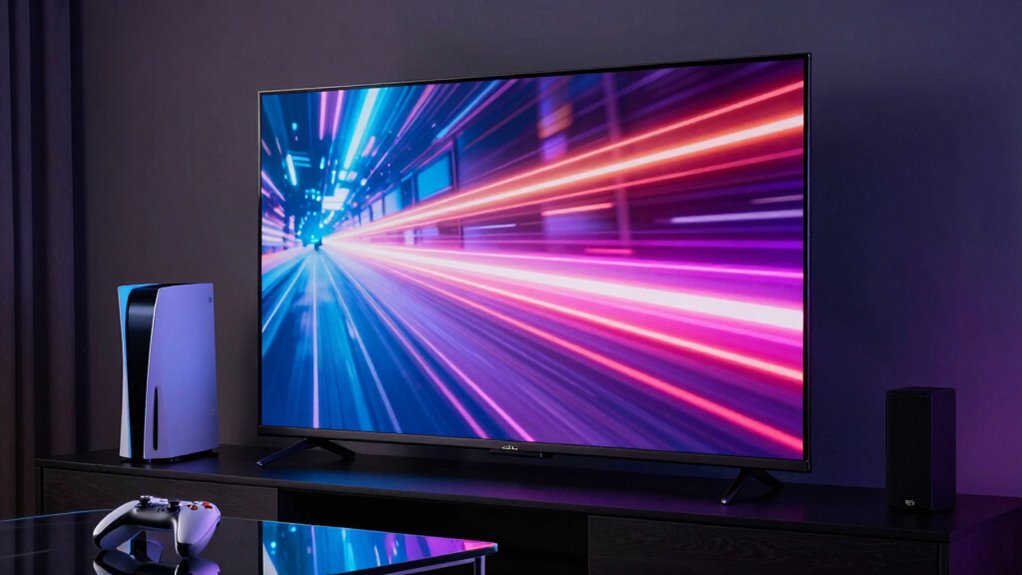

For smooth gaming on a big TV, focus on reducing input lag by enabling low-latency or gaming modes. Turn on VRR to eliminate tearing and stuttering during fast-paced scenes. Adjust your picture and sound settings for maximum response and synchronization, and use a comfortable remote to navigate menus easily. Proper calibration can boost visuals and audio. If you want to learn how to fine-tune these settings for the best experience, there’s more to discover ahead.
Key Takeaways
- Enable low-latency or gaming mode to minimize input lag and improve responsiveness during gameplay.
- Activate VRR to eliminate screen tearing and ensure smoother, more fluid visuals.
- Use an ergonomic, user-friendly remote for quick menu access and setting adjustments.
- Adjust audio sync settings or use external sound systems to prevent audio lag and enhance immersion.
- Properly calibrate picture and sound settings for optimal visual clarity and audio-video synchronization.
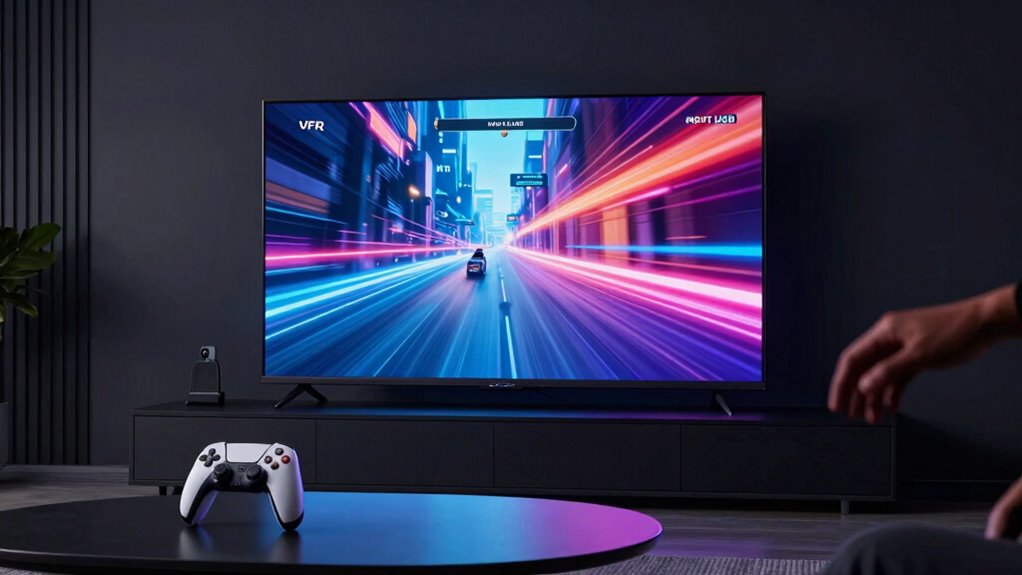
Playing games on a large TV can considerably enhance your gaming experience, making visuals more immersive and details sharper. But to truly maximize that experience, you need to pay attention to a few key settings and factors. One of the first things to contemplate is input lag, which can ruin your gameplay if it’s too high. Big screen TVs often have higher input lag compared to monitors, so look for models with low-latency modes or gaming-specific settings. Enabling these features can dramatically reduce delay between your controller or keyboard and the action on-screen, giving you a more responsive feel.
Another essential aspect is variable refresh rate (VRR) technology, which helps eliminate screen tearing and stuttering by syncing the TV’s refresh rate with your console or PC’s frame rate. If your TV supports VRR, activating this feature makes gameplay smoother and more fluid, especially during fast-paced scenes. This is particularly noticeable in competitive games, where every millisecond counts. However, keep in mind that some TVs might have inconsistent VRR performance or compatibility issues, so it’s worth researching your specific model to guarantee optimal results. Ensuring your TV supports VRR technology can significantly impact your gaming performance.
When adjusting your settings, don’t overlook remote control ergonomics. A comfortable, intuitive remote makes maneuvering menus and adjusting game settings easier, especially if you prefer to switch between inputs or tweak picture modes frequently. Some remotes are better designed, with well-placed buttons and a user-friendly layout, which can save you from frustration during intense gaming sessions. Also, pay attention to audio synchronization. Big TVs can sometimes introduce audio lag, creating a delay between what you see and what you hear. This mismatch can distract you and throw off your timing in gameplay. To fix this, check your TV’s audio settings and enable any lip-sync or audio delay correction options. Using external speakers or soundbars with adjustable audio sync can further improve this aspect, making your game audio feel perfectly aligned with visuals. Additionally, choosing a TV with low input lag is crucial for competitive gaming, as it minimizes the delay between your input and on-screen response. Proper calibration of your TV’s picture and sound settings also plays a significant role in creating an optimal gaming environment, ensuring that visuals and audio work together seamlessly.
A helpful tip is to review TV calibration settings or profiles specifically designed for gaming, which can further enhance your viewing experience. Ultimately, mastering these settings helps you get the most out of gaming on a big TV. Reducing input lag, enabling VRR, and fine-tuning audio synchronization create a more responsive, immersive experience. Coupled with a remote control that’s comfortable and easy to use, you’ll find yourself more engaged and less frustrated. The right combination of technology and setup turns your big-screen gaming into an enjoyable, seamless adventure.

BenQ TH671ST 3000 Lumens 1080p Short Throw Home Entertainment Projector
- High-Resolution Display: Native Full HD 1080p resolution
- Vivid Color Accuracy: 92% Rec. 709 color accuracy
- Bright Image: 3000 lumens brightness
As an affiliate, we earn on qualifying purchases.
As an affiliate, we earn on qualifying purchases.
Frequently Asked Questions
How Does Screen Size Affect Gaming Performance?
Your screen size impacts gaming performance mainly through viewing distance and screen resolution. Larger screens can enhance immersion, but if you’re too close, it might cause eye strain or reduce sharpness. A bigger TV usually has a higher resolution, which improves image clarity. Adjust your viewing distance accordingly—sitting too close can hinder your reaction time, while sitting farther away helps you see the full picture, optimizing your gaming experience.
Can I Use a Soundbar for Better Audio During Gaming?
Imagine your gaming room filled with immersive sound, echoing every move. Yes, you can use a soundbar for better audio during gaming. Just check soundbar compatibility with your TV, ensuring it supports features like HDMI ARC or eARC. A good soundbar reduces audio delay, syncing sound perfectly with visuals. This setup enhances your experience, making every shot, step, and explosion feel more real and immediate.
What Are the Best Settings for HDR Gaming?
For the best HDR gaming, start with proper HDR calibration to guarantee your TV displays bright highlights and dark shadows accurately. Adjust the picture settings to improve color accuracy, making sure colors look vibrant but natural. Turn off any unnecessary motion smoothing or post-processing features that can reduce picture quality. Use a dedicated HDR mode if available, and tweak contrast and brightness to optimize the visual experience, enhancing your immersion and gameplay clarity.
How Do I Reduce Motion Sickness While Gaming on a Big Screen?
To tame motion sickness on a big screen, think of it like steering a ship through choppy waters—smoothness is your anchor. Reduce visual fatigue by adjusting motion blur and turning on black frame insertion or flicker reduction. Limit rapid camera movements and take regular breaks. These tweaks help your brain resolve cognitive dissonance, making gameplay feel more natural and preventing dizziness, so you can enjoy your gaming voyage without seasickness.
Are There Specific Controllers Optimized for Large TV Gaming?
Yes, there are controllers optimized for large TV gaming. Look for ones with good controller compatibility across consoles or PCs, ensuring seamless use. An ergonomic design is essential, as it reduces fatigue during extended play sessions on a big screen. Popular options include the Xbox Elite Series and PlayStation DualSense, which offer comfortable grips and responsive controls, enhancing your gaming experience while reducing discomfort on large displays.
Conclusion
So, when you’re gaming on a big TV, think of it as tuning a finely crafted instrument. Adjust the input lag, enable VRR, and tweak your settings to create a seamless symphony of visuals and responsiveness. With these tweaks, your gaming experience transforms from a rough sketch into a vibrant masterpiece. Embrace the magic of perfect timing and smooth gameplay, turning your big screen into a portal to worlds where every pixel dances in harmony with your commands.