![Meta enables ADB on deprecated Portal devices [video]](https://t3chbillion.com/wp-content/uploads/2026/06/meta-enables-adb-on-deprecated-portal-devices-video-featured-200x110.jpg)
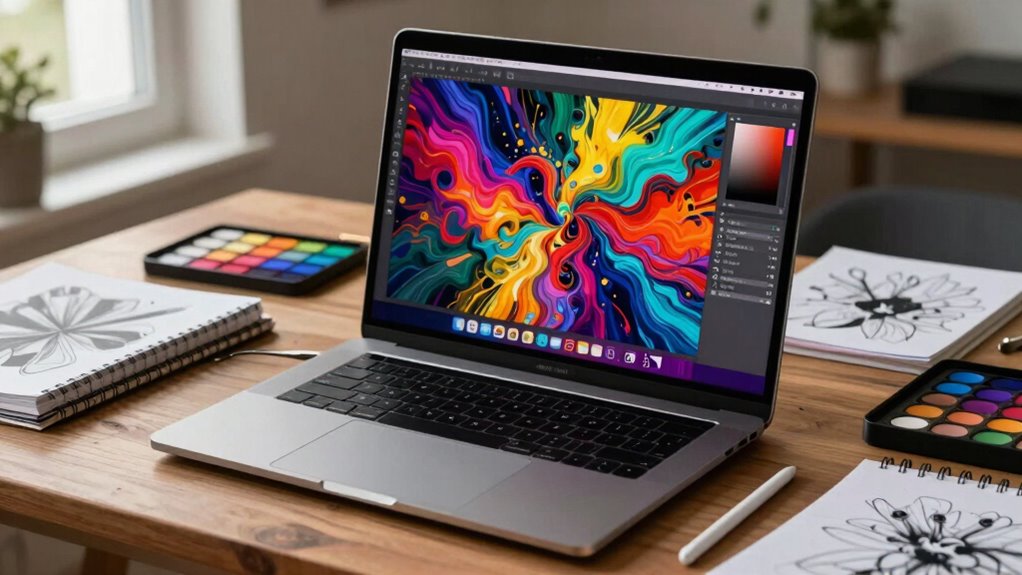
When choosing a creator laptop, prioritize display specs like high resolution, excellent color accuracy, and good contrast ratios to guarantee your edits are precise and vibrant. Look for screens that can be calibrated correctly to match your workflow. Long battery life and durability are also important for working on the go, but the right display makes the biggest difference in quality. Keep exploring to discover which features will elevate your creative projects even further.
Key Takeaways
- High resolution (4K or higher) enhances detail and visual fidelity for precise editing.
- Accurate color reproduction with wide color gamuts (DCI-P3, AdobeRGB) ensures true-to-life visuals.
- Proper calibration maintains color accuracy and consistency across editing sessions.
- High contrast ratios improve visual clarity and enable better differentiation of subtle tones.
- Display brightness and HDR support enhance visibility and dynamic range in editing workflows.
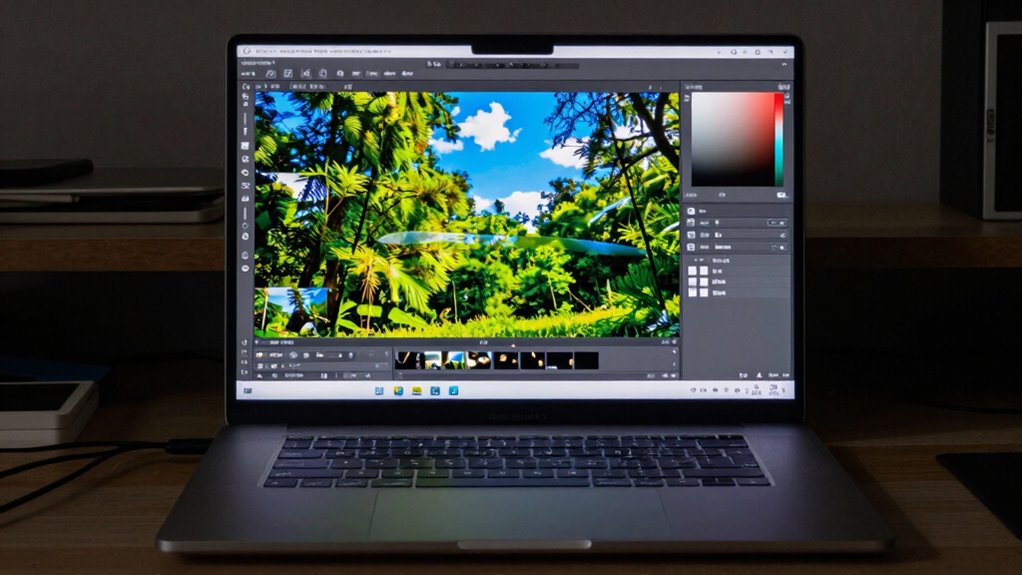
In today’s digital age, creator laptops have become essential tools for artists, designers, and content creators who need powerful, reliable devices to bring their ideas to life. When it comes to editing, the display is arguably the most critical component, but you can’t overlook the importance of other features that support your workflow. Two of these crucial aspects are battery life and build quality. A laptop with impressive display specs won’t be as effective if it can’t keep up with your work sessions or if it feels flimsy and unreliable.
Battery life is vital because editing, rendering, and previewing high-resolution content demand a lot of power. The last thing you want is for your creative process to be interrupted by constant charging or, worse, unexpected shutdowns. Look for a creator laptop that offers at least 8-10 hours of battery life under typical editing workloads. This ensures you can work on the go, whether you’re traveling, working in a coffee shop, or attending a client meeting. Long-lasting battery performance helps maintain your productivity without the stress of finding the nearest power outlet. Keep in mind, though, that battery life can vary depending on the display’s resolution and brightness settings. Higher-resolution screens and increased brightness tend to drain batteries faster, so you’ll want to balance display quality with power efficiency. Additionally, display specs play a crucial role in delivering accurate colors and clarity essential for detailed editing work. To maximize efficiency, understanding how display specifications impact your editing experience can help you select the right device for your needs. Recognizing the importance of color accuracy ensures your work remains true to your creative vision. Furthermore, choosing a display with proper calibration can significantly enhance your editing precision and overall output. Selecting a device with adequate contrast ratios can also improve visual clarity and make editing subtle color differences easier.
Aim for 8-10 hours of battery life to stay productive during editing, travel, or meetings.
Build quality is another factor that directly impacts your experience and the longevity of your device. A premium build means your laptop can withstand daily wear and tear, accidental bumps, and transport without falling apart. Metal chassis, reinforced hinges, and sturdy materials not only give you peace of mind but also contribute to a more stable and comfortable editing experience. When you’re working on complex projects, you need a device that feels solid and reliable, not flimsy or prone to breaking. Good build quality also often correlates with better heat dissipation, which is crucial during intensive tasks like video rendering or 3D modeling. A well-constructed laptop minimizes vibrations, noise, and overheating, all of which can disrupt your workflow.
Ultimately, selecting a creator laptop with a great display, solid battery life, and robust build quality creates a seamless editing environment. You want a device that can handle your creative demands, keep up with your busy schedule, and endure the rigors of daily use. Focusing on these factors ensures your investment pays off, giving you the confidence to produce your best work without technical limitations holding you back.
4K creator laptop with high color accuracy
As an affiliate, we earn on qualifying purchases.
As an affiliate, we earn on qualifying purchases.
Frequently Asked Questions
How Does Screen Size Affect Editing Workflow?
A larger screen size boosts your editing workflow by offering more space for timelines and detailed views, reducing eye strain. You’ll appreciate the increased screen brightness, which helps see fine details clearly, especially in bright environments. Bezel design matters too; slimmer bezels maximize screen real estate, giving you a more immersive editing experience. Overall, a bigger display with high brightness and sleek bezels makes editing smoother and more efficient.
Are There Specific Display Features for Color Grading?
For color grading, look for displays with high color accuracy, ideally covering 100% of sRGB and Adobe RGB. Use calibration tools to guarantee your screen maintains precise color, preventing shifts that could affect your work. Features like hardware calibration support and wide color gamuts help you achieve consistent, professional results. A display with these features allows you to make accurate adjustments, ensuring your final product looks perfect across various devices.
What Is the Importance of Refresh Rate in Creator Laptops?
The refresh rate benefits you when working on creator laptops by delivering smoother visuals, reducing motion blur, and enhancing your editing precision. A higher refresh rate guarantees display calibration remains accurate during fast-paced editing or animations, helping you see true motion and details. You’ll experience more fluid playback, better responsiveness, and less eye strain, making your editing process more efficient and enjoyable. Prioritize a high refresh rate for ideal creative output.
How Do Matte and Glossy Screens Impact Editing?
Matte screens reduce glare and reflections, making it easier for you to see details clearly, especially in bright environments. Glossy screens enhance color accuracy and vibrancy, giving you richer visuals and better detail for editing. However, they can cause glare, which might be distracting. Your choice depends on your work setting: if you prioritize glare reduction, go for matte; if color accuracy is key, glossy might be better.
Do Higher Resolution Screens Improve Editing Accuracy?
Higher resolution screens definitely boost your editing accuracy, providing sharper, more detailed visuals. With increased pixel density, you get better precision, which enhances color accuracy and allows for meticulous adjustments. However, ambient lighting can influence how you perceive these details, so a high-resolution display combined with proper lighting conditions is crucial. This combo helps you make confident, consistent edits and ensures your work looks perfect across different environments.
Conclusion
So, after all this, it turns out that the perfect creator laptop isn’t just about eye-popping resolutions or dazzling brightness. Nope, it’s about those subtle display specs that quietly make or break your editing experience. Ironically, those flashy features you thought were essential might just be distractions in disguise. Ultimately, the real magic lies in understanding what truly enhances your workflow—because sometimes, the simplest specs make all the difference, even if they fly under the radar.