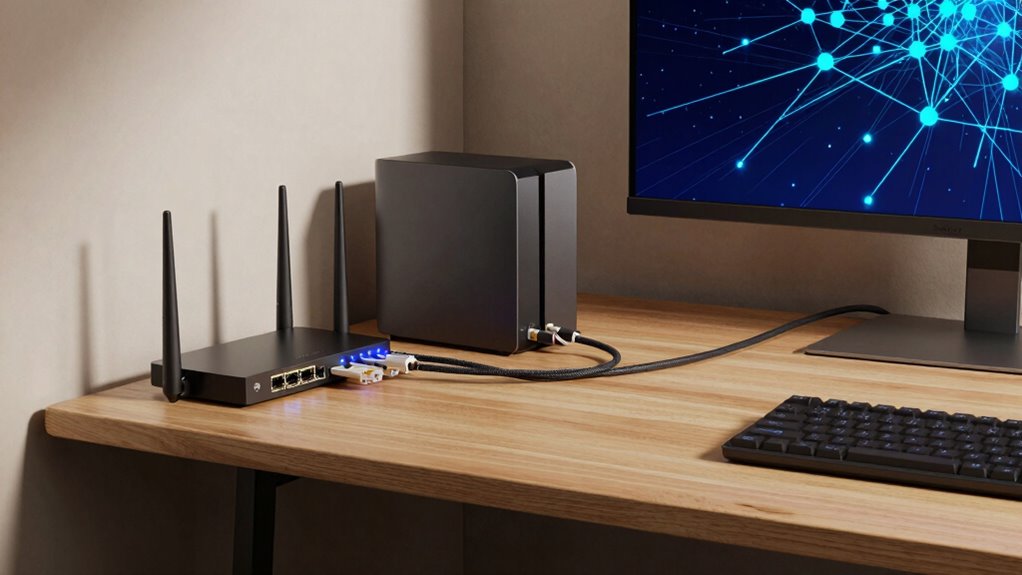

If you often transfer large files, stream high-resolution content, or run a home lab, 10GbE can considerably boost your network speed and stability. It’s ideal if you need fast data transfers and smoother performance across multiple devices, especially for tasks like video editing or 4K/8K streaming. However, for casual browsing or basic streaming, it might be overkill. Keep exploring to find out if your home network really needs this upgrade and how it can benefit you.

Get the latest gadgets delivered free with Prime
- Fast, free delivery on millions of items
- Prime Video, Amazon Music and more included
- Member-only deals all year
Key Takeaways
- Ideal for users transferring large files or working with high-resolution media regularly.
- Beneficial for home labs, virtualization, and media editing requiring rapid data transfer.
- Overkill for basic browsing, streaming, or casual internet use with minimal data demands.
- Suitable for future-proofing high-bandwidth activities as home network needs grow.
- Requires specialized hardware and cabling, making it more complex and costly for typical users.
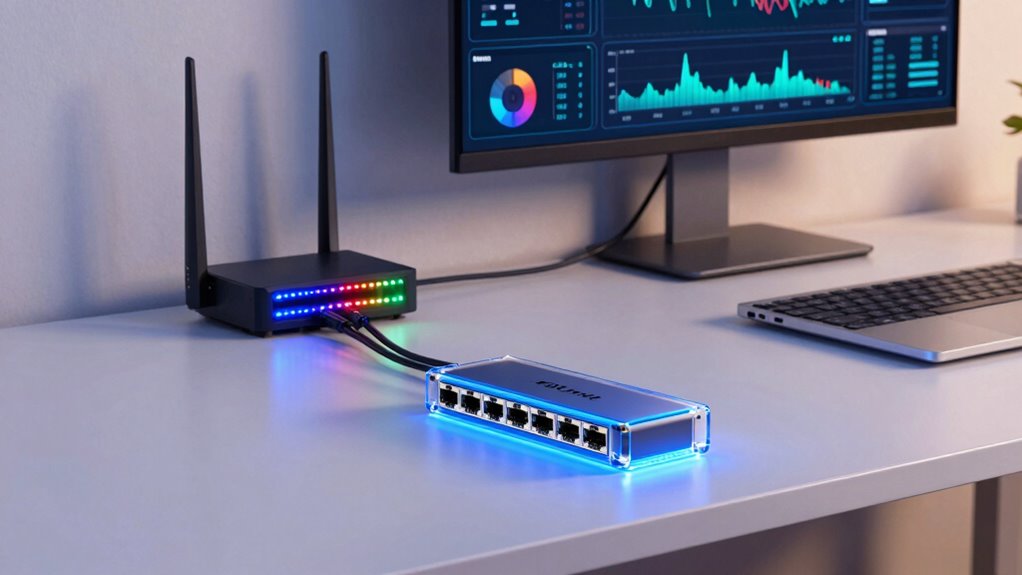
As home networks increasingly demand faster data transfers, 10GbE (10 Gigabit Ethernet) has become a game-changer for enthusiasts and professionals alike. If you’re working with large files, streaming 4K or 8K content, or running a home-based media server, traditional Ethernet speeds might hold you back. With 10GbE, you get significantly higher throughput, making data transfer almost instantaneous and reducing lag during intensive tasks. But before jumping in, you need to understand whether this upgrade is truly necessary for your setup.
One of the key advantages of 10GbE is its ability to handle high-bandwidth tasks without bottlenecks. If you regularly transfer multi-gigabyte files between devices, or you’re running a home lab for virtualization or video editing, the speed boost is undeniable. However, it’s not just about raw speed. A 10GbE network can also improve your overall experience by reducing latency and ensuring smooth gameplay or video conferencing, especially when multiple devices are sharing your bandwidth. But this comes with some considerations, like potential wireless interference. While 10GbE is wired, many home networks rely on Wi-Fi for convenience, and Wi-Fi signals can suffer from interference caused by cordless phones, microwaves, or neighboring Wi-Fi networks. Upgrading to 10GbE doesn’t eliminate these issues but can help you keep your wired connections stable and fast, minimizing disruptions caused by wireless interference.
Network security also becomes more critical as you upgrade your network. Higher speeds mean more data flowing through your home, making it a tempting target for cyber threats. Implementing proper security measures like strong passwords, network segmentation, and regular firmware updates becomes essential. A 10GbE setup often involves more sophisticated hardware, which can be susceptible to vulnerabilities if not properly secured. You need to ensure that your switches, routers, and connected devices have the latest security patches to prevent unauthorized access or data breaches. Additionally, since 10GbE often requires direct cabling—like fiber or high-quality Ethernet cables—you’ll want to make sure your physical setup is secure from tampering. Understanding network infrastructure is crucial to maximizing the benefits and ensuring a secure environment. Moreover, being aware of the security vulnerabilities associated with high-speed networks can help you implement proactive defenses. Recognizing the importance of network equipment compatibility can also prevent potential bottlenecks or issues with your existing hardware. As technology advances, staying informed about the latest security standards can further protect your high-speed network from emerging threats. Incorporating proper network design principles can also optimize performance and security.
Ultimately, whether you truly need 10GbE depends on your specific use cases. If your daily activities involve large data transfers, high-resolution content creation, or you simply want the fastest possible network, it’s worth considering. But if your activities are limited to basic browsing, streaming, and casual use, the cost and complexity might outweigh the benefits. Still, for power users, the speed, stability, and security enhancements make 10GbE an attractive upgrade that can future-proof your home network for years to come.
Products Worth Considering

LG UltraGear 34GX90SA-W 34-inch WQHD Curved OLED Gaming Monitor

LG UltraGear 32GS60QC-B 32-inch Curved QHD Gaming Monitor (180Hz, 1ms, 1000R, AMD FreeSync, HDR10)

Samsung Galaxy Tab A11 Wi‑Fi (International Version), 8.7, 64GB + 4GB, Gray
As an affiliate, we earn on qualifying purchases.
Frequently Asked Questions
How Does 10GBE Compare to Wi-Fi in Home Setups?
10GbE outperforms Wi-Fi in home setups by offering lower wireless latency and more stable connections. Unlike Wi-Fi, which can suffer from signal interference and fluctuations, 10GbE provides consistent, high-speed wired connections ideal for demanding tasks like gaming or large data transfers. You’ll notice faster response times and fewer disruptions, making 10GbE a better choice if you prioritize reliability and minimal latency over wireless convenience.
What Is the Average Cost of Upgrading to 10GBE?
Upgrading to 10GbE typically costs between $300 and $600, depending on your setup. A thorough cost analysis shows that market availability of 10GbE components has improved, making it more accessible. You’ll need a 10GbE network card, switches, and compatible cables, which can be pricey. While the initial investment is higher, the speed gains can justify the expense if you handle large data transfers regularly.
Are There Compatibility Issues With Existing Home Network Devices?
You might face device compatibility issues with existing home network devices when upgrading to 10GbE. Some devices may not support the new speeds or require firmware updates to function properly. It is crucial to check your device specifications and update firmware if needed. Ensuring your hardware is compatible and up-to-date helps prevent connectivity problems, making the upgrade smoother and more effective.
How Much Power Does a 10GBE Network Consume?
Think of a 10GbE network as a sleek sports car—powerful yet surprisingly efficient. Its energy efficiency keeps power consumption in check, typically using about 15-30 watts under normal load. While it’s more demanding than standard Ethernet, advancements in hardware have made it more power-conscious. So, if you’re considering upgrading, rest assured that a 10GbE network balances high speed with reasonable power use, without draining your energy budget.
Can 10GBE Improve Gaming or Streaming Experiences at Home?
Yes, 10GbE can improve your gaming and streaming experiences at home. By using fiber optics, your network gains faster data transfer speeds, reducing network latency considerably. This means smoother gameplay with less lag and higher-quality streaming without interruptions. Upgrading to 10GbE guarantees your devices communicate efficiently, making your online activities more responsive and enjoyable, especially if multiple users are sharing the network simultaneously.
Conclusion
So, is 10GbE home networking a must-have? Think of it as the secret weapon in your digital arsenal—powerful enough to transform your streaming, gaming, and file sharing experience. But remember, not everyone needs this speed of light. Like a finely-tuned racecar, it’s perfect for those who crave top-tier performance. For most, standard gigabit might just be enough. Will you race ahead or stay comfortably in the lane? The choice is yours.