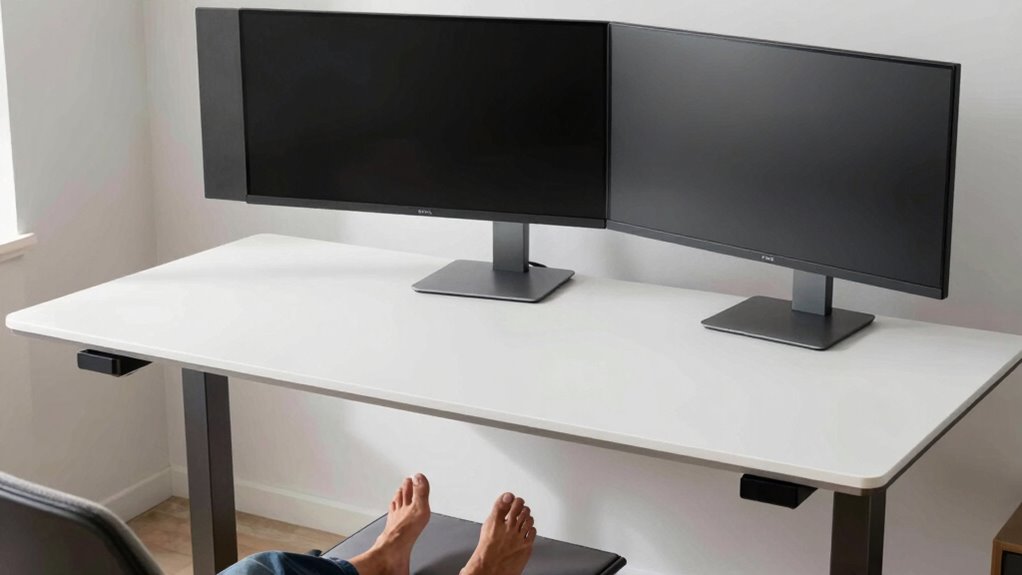

To set up your standing desk comfortably, position your monitor so its top is at eye level, keeping your neck relaxed. Keep your elbows close to your sides at about a 90-degree angle for ideal arm support. Support your feet flat on the floor or on a sturdy footrest to promote stability and circulation. Adjust all these elements using adjustable features, and you’ll find ways to improve your posture—continue exploring for more tips.
Key Takeaways
- Position the monitor so the top aligns with eye level to prevent neck strain while standing.
- Maintain elbows at a 90-110 degree angle, close to the body, with forearms parallel to the floor.
- Use an adjustable monitor stand or riser to achieve optimal height and reduce tilting.
- Support feet flat on the ground or on a stable footrest to promote circulation and stability.
- Adjust desk height to ensure elbows are at a comfortable 90-degree bend during standing work.
Why Proper Monitor Height Matters for Standing Desk Comfort
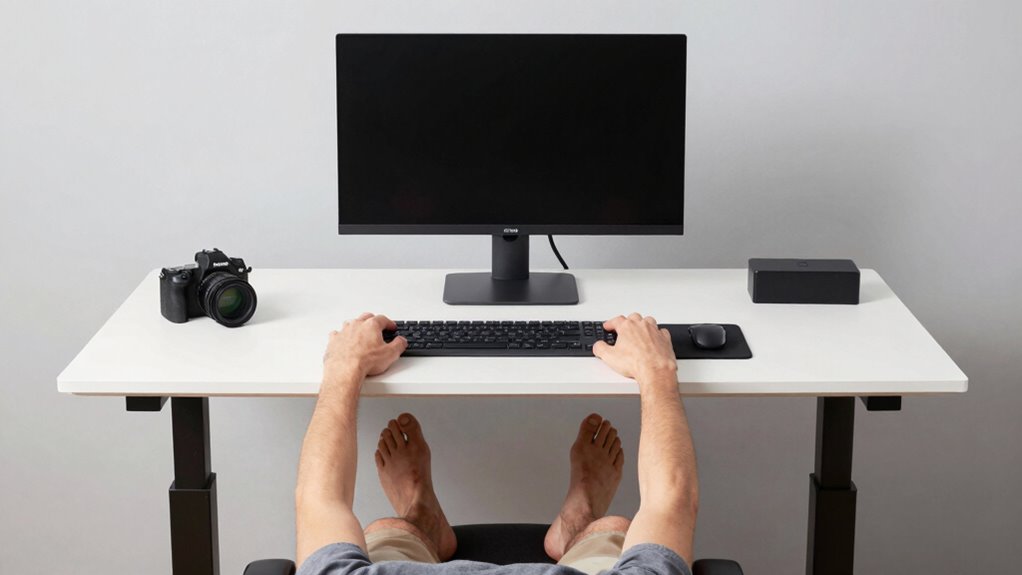
Ensuring your monitor is at the right height is crucial for maintaining comfort and preventing strain during your workday. Proper monitor placement helps keep your neck and shoulders relaxed, reducing fatigue. The key is eye level alignment, meaning your screen should be positioned so that you look straight ahead without tilting your head up or down. When your monitor is too low or too high, you may develop discomfort or even long-term musculoskeletal issues. Adjusting the height of your standing desk or monitor stand can help achieve the ideal position. Remember, your eyes should naturally focus on the top third of the screen, promoting good posture and minimizing eye strain. Correct monitor height is essential for a comfortable, productive standing desk setup. Proper ergonomics play a vital role in preventing discomfort and ensuring you stay comfortable during prolonged periods of standing. Additionally, adjustable monitor stands can facilitate quick and easy height modifications for optimal ergonomics. Incorporating ergonomic accessories can further improve your overall setup and comfort. For example, regularly checking and adjusting your monitor height can prevent posture-related issues over time. Maintaining an awareness of ergonomic principles can help you fine-tune your workspace for maximum comfort and efficiency.
How to Adjust Your Elbow Angle for Better Posture

To improve your posture, focus on maintaining a comfortable elbow flexion angle that doesn’t cause strain. Keep your elbows close to your body to reduce shoulder tension, and adjust your desk height so your arms rest naturally. These small changes can make a big difference in preventing discomfort during long work sessions. Additionally, consider ergonomic principles to optimize your workstation setup effectively. Proper body alignment can further enhance comfort and reduce fatigue throughout the day, especially when incorporating ergonomic accessories such as wrist supports or footrests. Paying attention to workstation ergonomics can also help prevent repetitive strain injuries and improve overall comfort during extended periods of sitting. Incorporating awareness of spirituality can foster a more mindful workspace environment, promoting mental clarity and reducing stress.
Maintain Elbow Flexion Angle
Adjusting your elbow flexion angle is key to maintaining a comfortable and healthy posture at your standing desk. Aim for a slight bend, around 90 degrees, to prevent strain. Keep your wrists in a neutral position with wrist extension minimal, avoiding excessive bending that can cause discomfort. Proper shoulder alignment is also essential; your shoulders should remain relaxed and aligned over your hips, not hunched or elevated. To achieve this, adjust your desk height or keyboard position so your elbows stay close to your sides while maintaining a comfortable bend. This setup reduces tension in your neck, shoulders, and arms. Regularly check your posture, making small adjustments to keep your elbows flexed appropriately for prolonged comfort and support. Incorporating ergonomic principles can further enhance your overall workstation setup.
Keep Elbows Close To Body
Keeping your elbows close to your body helps improve posture by reducing strain on your shoulders and neck. Proper elbow positioning supports better arm ergonomics, preventing fatigue and discomfort during prolonged standing. To achieve this, guarantee your elbows stay near your sides with a relaxed bend, avoiding outward extension that strains shoulder muscles. Consider these tips:
- Keep elbows at a 90-degree angle for ideal arm support
- Maintain close contact between your upper arms and torso
- Adjust your shoulder width to facilitate natural elbow positioning
- Use ergonomic accessories if needed to support arm alignment
- Regularly check and correct your posture to prevent slouching
- Being mindful of ergonomic design principles and artificial intelligence can help optimize your workspace setup
- Incorporating posture awareness techniques can further enhance your comfort and reduce musculoskeletal strain
- Paying attention to workspace ergonomics can contribute to maintaining proper elbow positioning throughout your workday
- Additionally, practicing muscle relaxation exercises can help maintain flexibility and reduce tension in your shoulders and arms.
Focusing on elbow positioning helps align your shoulders and spine, promoting a healthier, more comfortable standing desk setup. Proper arm ergonomics is key to sustaining productivity without discomfort.
Adjust Desk Height Accordingly
Ever wondered how to set your desk height for ideal posture? The key is to adjust your desk so your elbows form a 90-degree angle, promoting proper ergonomic alignment. To do this, stand comfortably with your arms relaxed at your sides, then raise or lower the desk until your forearms are parallel to the floor when you type or use your mouse. Your monitor should be at eye level to prevent neck strain. Ensuring your desk height supports a natural elbow angle helps reduce tension in your shoulders and back. Small adjustments can make a big difference in comfort and posture. Proper desk height isn’t just about convenience; it’s essential for long-term ergonomic health. Additionally, paying attention to Free Floating can help create a more adaptable and comfortable workspace. Being aware of ergonomic principles can further enhance your setup for sustained comfort. Incorporating adjustable desks allows for easy customization to match your ideal ergonomic position, and considering proper workspace organization can also contribute to better posture and efficiency.
Choosing Foot Support to Improve Stability and Circulation

Choosing foot support to improve stability and circulation is crucial for enhancing both stability and circulation when using a standing desk. Proper footrest options help distribute your weight evenly, reducing fatigue and improving comfort. Incorporating effective foot positioning techniques encourages better posture and prevents strain. Consider these key aspects:
- Adjustable footrests for customized height
- Ergonomic footstools that promote natural positioning
- Cushioned supports to reduce pressure points
- Non-slip surfaces for stability
- Portable options for flexibility throughout your day
Selecting the appropriate foot support ensures you stay comfortable and focused, avoiding discomfort that can lead to poor circulation or instability. Experiment with different footrest options to find what best supports your stance. Remember, proper foot positioning is essential for maintaining good ergonomics during prolonged standing. Additionally, understanding air fryer accessories can help you create comfortable and efficient workspaces by integrating ergonomic tools and accessories into your setup. Incorporating foot support accessories can further enhance your comfort and promote better circulation during long periods of standing. Using ergonomic accessories can also optimize your overall workspace and reduce discomfort. Exploring ergonomic adjustments can provide further benefits for long-term comfort and health.
How to Set Up Your Standing Desk for Optimal Ergonomics

Setting up your standing desk correctly is essential to prevent discomfort and promote productivity. Begin by positioning your keyboard so that it’s directly in front of you, at elbow height, allowing your arms to stay relaxed and close to your sides. Proper keyboard placement reduces strain on your wrists, so make certain your wrists are straight and supported. Use wrist supports if needed to maintain a neutral wrist position and avoid bending or twisting. Adjust your monitor so the top of the screen is at eye level, reducing neck strain. Keep your feet flat on the floor or on foot support, and maintain a slight bend in your knees. This ergonomic setup minimizes discomfort and helps you work comfortably for longer periods.
Using Adjustable Features to Customize Your Standing Desk Setup

Adjustable features on your standing desk allow you to fine-tune your workspace for maximum comfort and efficiency. By leveraging these options, you can achieve ideal desk customization and ergonomic personalization. This ensures your workspace supports your body’s natural movements and reduces strain.
- Use height adjusters to set your monitor at eye level, reducing neck fatigue
- Fine-tune keyboard and mouse height for elbow and wrist comfort
- Incorporate footrests to provide stability and promote proper posture
- Adjust desk tilt to improve wrist positioning and reduce pressure
- Customize the workspace width to accommodate different tasks and accessories
These adjustable features empower you to create a tailored setup that promotes productivity and minimizes discomfort. Taking advantage of these options helps you maintain proper ergonomics throughout your workday.
Common Mistakes When Setting Up a Standing Desk: and How to Fix Them

Many people overlook common setup mistakes that can lead to discomfort and decreased productivity. One mistake is poor keyboard placement—you might position it too high or low, causing strain on your wrists and arms. Make sure your keyboard is at elbow height, allowing your forearms to be parallel to the floor. Additionally, pay attention to desk surface materials; some materials, like glass or metal, can be uncomfortable or cause glare, leading to eye strain. Using a desk with a smooth, non-reflective surface or adding a mat can improve comfort. Avoid placing your keyboard too far away, which forces you to reach and strain your shoulders. Correcting these issues will help you maintain proper posture and reduce fatigue throughout your workday.
Best Ergonomic Accessories to Enhance Your Standing Desk
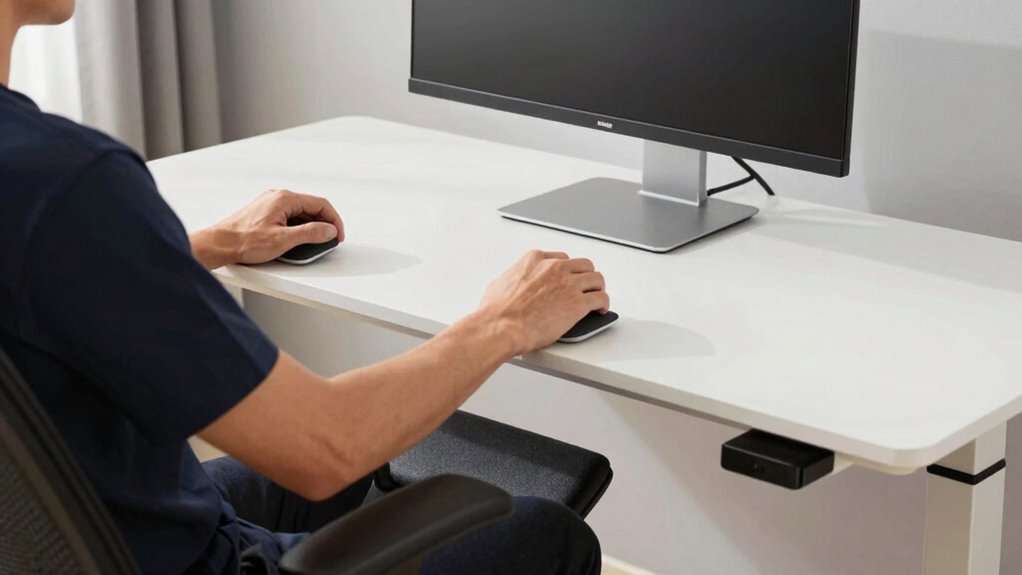
To maximize comfort and productivity at your standing desk, adding the right ergonomic accessories can make a significant difference. These desk accessories and ergonomic tools help reduce strain and improve your workspace efficiency. Consider investing in a footrest to support proper posture, or an anti-fatigue mat to lessen foot discomfort during long standing periods. Monitor risers or adjustable arms ensure your screen stays at eye level, preventing neck strain. Wrist rests can promote better elbow angles and reduce repetitive stress. Cable management solutions keep your workspace tidy, preventing clutter that hampers focus. By choosing these ergonomic tools, you create a more comfortable, health-conscious environment that encourages better posture and sustained productivity.
Tips for Seamlessly Switching Between Sitting and Standing
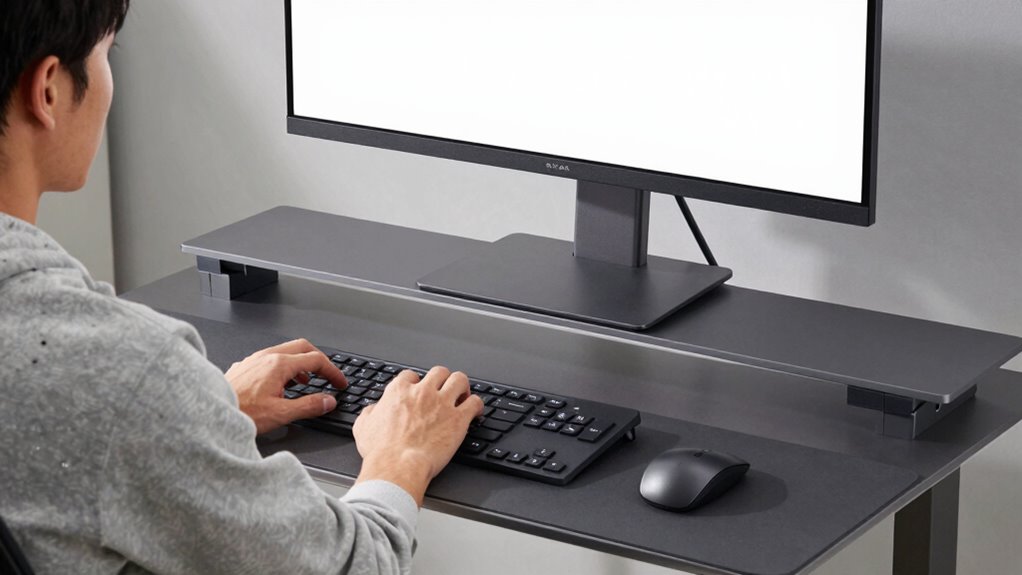
Switching smoothly between sitting and standing requires intentional planning and practice. To facilitate a seamless desk transition, set timers or use reminders to switch positions regularly, preventing prolonged periods in one posture. When shifting, focus on maintaining posture consistency; align your monitor, keyboard, and mouse at the correct height for both sitting and standing. Move slowly to avoid strain or discomfort, and adjust your foot support or anti-fatigue mat as needed. Keep your core engaged and avoid rushing, which can disrupt your posture. Establish a routine that balances sitting and standing throughout the day, helping your body adapt and reducing fatigue. With consistent effort, you’ll find it easier to change effortlessly, supporting better comfort and overall ergonomics.
Maintaining Good Posture Throughout Your Workday

Maintaining good posture throughout your workday is key to maximizing comfort and preventing strain, especially as you move between sitting and standing. Use an ergonomic chair with proper lumbar support when seated, and ensure your keyboard placement allows your elbows to stay close to your sides at a 90-degree angle. Keep your monitor at eye level to avoid neck strain, whether standing or sitting. Regularly adjust your stance to prevent stiffness. Focus on these key points:
Prioritize good posture with ergonomic support, monitor at eye level, and regular movement to stay comfortable all day.
- Keep your feet flat on the floor or a footrest
- Maintain a slight bend in your knees
- Align your monitor with your eye level
- Position your keyboard directly in front of you
- Sit or stand with a neutral spine position
These habits help sustain good posture and reduce fatigue during your workday.
Troubleshooting Common Comfort Issues With Standing Desks
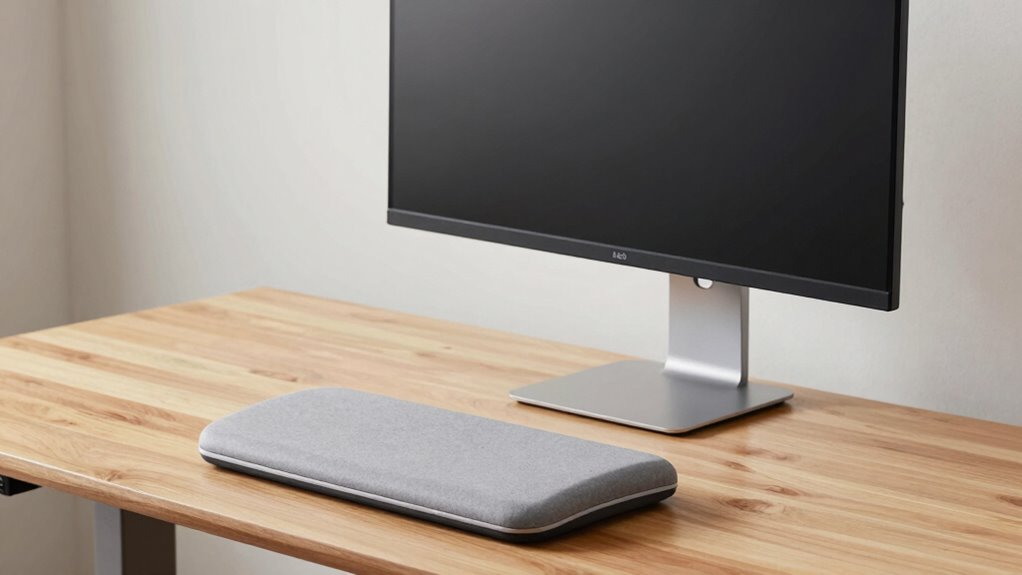
If your neck feels strained or your monitor seems too low or high, adjusting the monitor height can make a big difference. Properly supporting your feet with a mat or ensuring your footwear is comfortable helps reduce fatigue and improve stability. Addressing these common comfort issues can make your standing desk experience much more enjoyable.
Adjusting Monitor Height
Adjusting your monitor height is essential for maintaining proper ergonomics and preventing neck strain. To achieve this, ensure your screen is at eye level, so you avoid tilting your head up or down. Proper monitor calibration helps in setting the right display settings, reducing eye strain and enhancing clarity. Be mindful of screen glare by positioning your monitor away from direct light sources or using anti-glare filters. Consider the following tips:
- Adjust monitor height so the top of the screen aligns with your eye level
- Use height-adjustable stands or mounts for precise positioning
- Calibrate display settings for ideal brightness and contrast
- Position the monitor to minimize reflections and glare
- Regularly check and fine-tune the monitor’s height for comfort
These steps help promote a healthier, more comfortable standing desk setup.
Supporting Feet Properly
Supporting your feet properly is essential for staying comfortable and avoiding fatigue during long periods at your standing desk. Proper foot arch support helps distribute your weight evenly, reducing strain on your feet and legs. If you find yourself standing for hours, consider using shoe insoles designed for arch support; they can make a significant difference. Avoid standing flat-footed or on hard surfaces without support, as this can lead to discomfort and circulation issues. Adjustable mats or cushioned pads can further improve comfort and reduce pressure on your feet. Take regular breaks to shift your weight and stretch. Ensuring your feet are well-supported helps maintain good posture, prevents soreness, and keeps you energized throughout your workday.
Frequently Asked Questions
How Often Should I Switch Between Sitting and Standing During the Day?
You should switch between sitting and standing every 30 to 60 minutes to prevent fatigue and promote ergonomic scheduling. Incorporate alternating routines throughout your workday, ensuring you don’t stay in one position too long. Listening to your body helps; if you feel discomfort, adjust sooner. Regular movement boosts circulation and reduces strain. Remember, consistency is key—making these small changes improves comfort and productivity over time.
What Are the Signs of Poor Ergonomic Setup at a Standing Desk?
Did you know that poor ergonomic setup can lead to posture deterioration in over 60% of standing desk users? You might notice signs like aching wrists, especially from wrist strain, or discomfort in your neck and shoulders. If your monitor is too low or high, or if your elbows aren’t at a comfortable angle, your body will tell you — so watch for these warning signs and adjust your setup promptly.
Can Adjustable Monitor Arms Improve Overall Desk Ergonomics?
Yes, adjustable monitor arms can considerably improve your overall desk ergonomics. Their flexibility allows you to easily modify monitor height, tilt, and distance, ensuring ideal ergonomic adjustments for your posture. By positioning your screen at eye level, you reduce neck strain and improve comfort during long work sessions. With a well-designed monitor arm, you gain better control over your workspace, promoting healthier habits and reducing the risk of musculoskeletal issues.
How Do I Prevent Foot Pain When Standing for Long Periods?
To prevent foot pain when standing for long periods, choose supportive footwear designed for comfort and cushioning. You should also consider using anti-fatigue mats, which reduce pressure on your feet and improve circulation. Shift your weight regularly, take breaks to sit or stretch, and make sure your footwear fits well. These strategies help minimize discomfort and keep you comfortable during extended standing sessions.
Are There Specific Exercises to Reduce Discomfort From Standing Desks?
To reduce discomfort from standing desks, incorporate stretching routines like calf raises, hamstring stretches, and ankle circles throughout your day. Regularly practice posture adjustments, such as shifting your weight and maintaining a slight bend in your knees, to prevent stiffness and strain. These exercises and posture tweaks improve circulation, reduce muscle tension, and help you stay comfortable during extended standing periods. Consistency makes a significant difference in alleviating discomfort.
Conclusion
By fine-tuning your monitor height, elbow angle, and foot support, you craft a workspace that feels like a well-tailored suit—comfortable and supportive. Remember, your standing desk setup isn’t a set-it-and-forget-it deal; it’s an ongoing dance of adjustments. Stay mindful of your posture, switch between sitting and standing, and use ergonomic accessories to keep discomfort at bay. With these tweaks, you’ll turn your workspace into a sanctuary where productivity and comfort grow hand in hand.