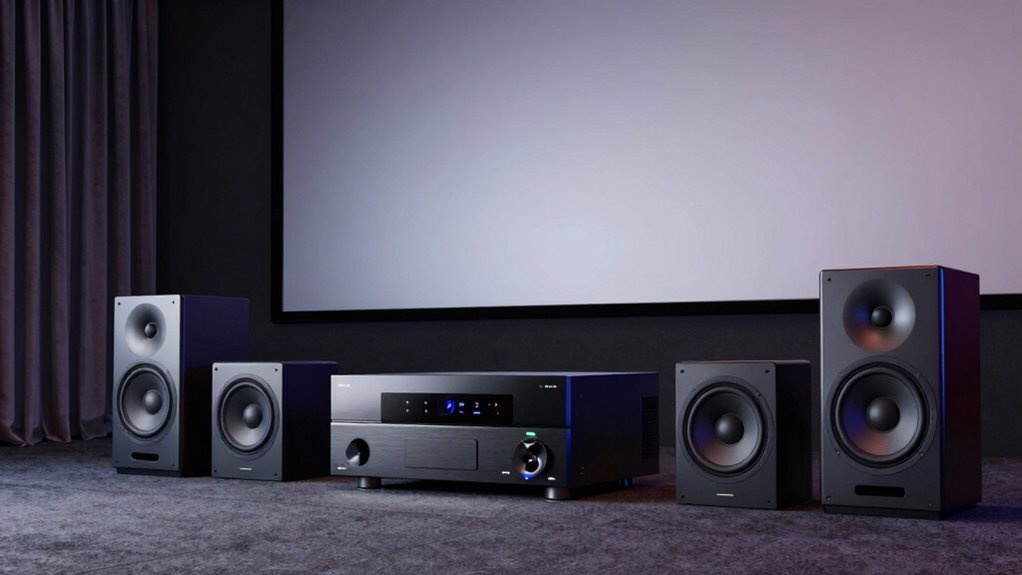
AV receiver channels tell you how many speakers or subwoofers it can power at once, shaping your home theater’s sound experience. Common setups like 5.1, 7.1, 9.2, and 11.2 differ in speaker placement and immersive capabilities, especially with formats like Dolby Atmos and DTS:X. The right choice depends on your room size, budget, and desired sound quality. Keep exploring to learn how to optimize your system for the best sound environment.
Key Takeaways
- Channel numbers like 5.1, 7.1, 9.2, and 11.2 indicate the total speakers/subwoofers supported and their configuration.
- Higher channel counts provide more immersive surround sound, supporting formats like Dolby Atmos and DTS:X for added dimension.
- 5.1 systems include five speakers and one subwoofer, ideal for smaller rooms and basic surround sound.
- 7.1 and above add rear or side speakers for enhanced spatial effects, suitable for larger or dedicated home theaters.
- Proper calibration and speaker matching are essential regardless of channel count to ensure balanced, high-quality audio.
Understanding What AV Receiver Channel Numbers Mean
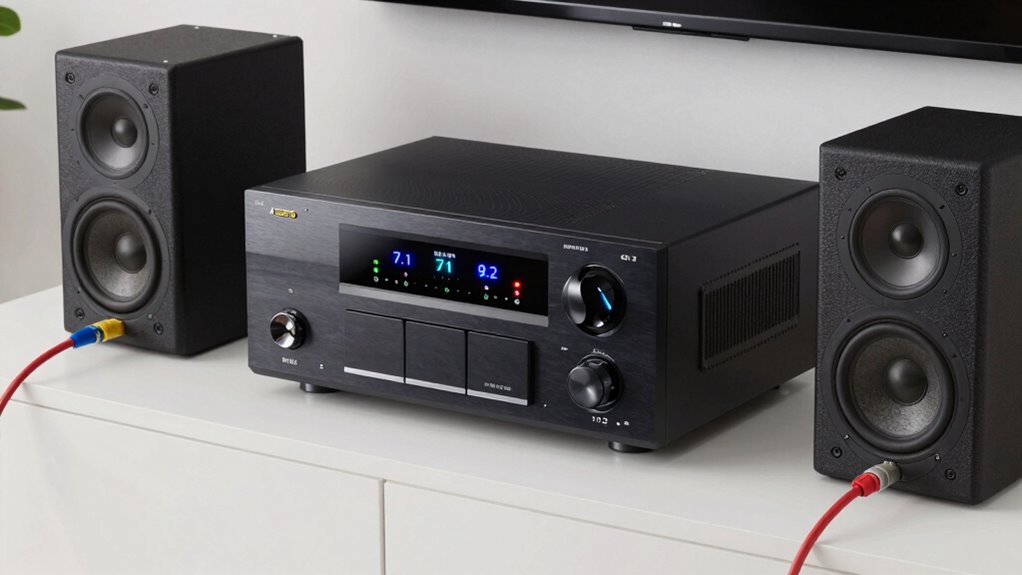
When you see an AV receiver with a certain number of channels, it indicates how many speakers it can power simultaneously. Each channel corresponds to a speaker or subwoofer, shaping your home theater experience. However, understanding these numbers also involves considering speaker impedance, which affects how much power each speaker needs and how the receiver handles different speakers. Some receivers support various audio formats, like Dolby Atmos or DTS:X, which can influence the number of channels you might choose. Higher channel counts often mean more speakers for surround sound, but they also require compatible speakers with appropriate impedance ratings. Additionally, understanding digital content formats and their requirements can further optimize your home theater setup. Being aware of power handling capabilities helps prevent overloads and ensures a safe, high-quality audio experience. Recognizing channel configurations can help you select the right setup for your space and preferences. Knowing what these numbers mean helps you match your speakers and audio formats to ensure peak performance without overloading your receiver.
How Channel Count Affects Your Home Theater Sound
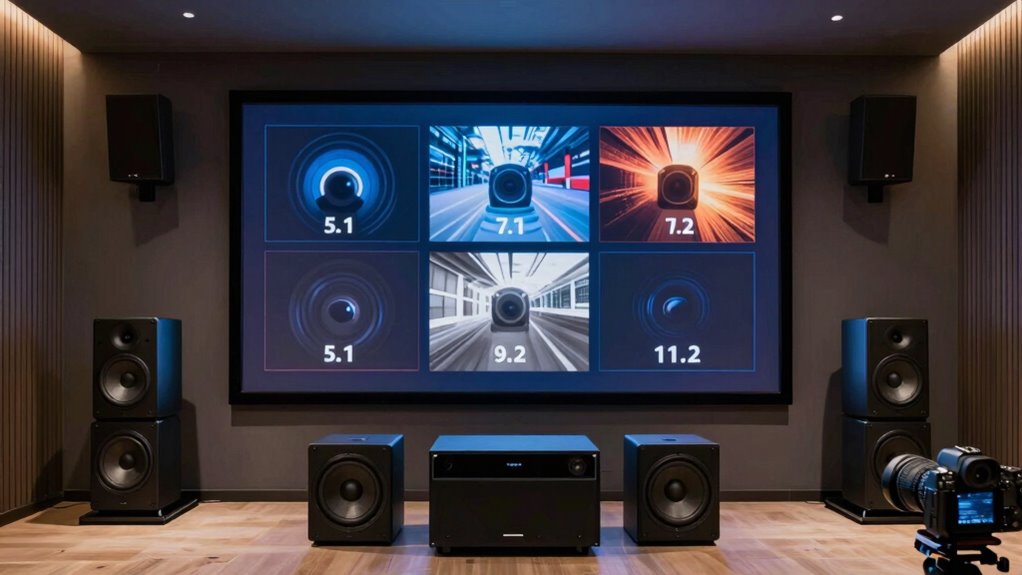
A higher channel count in your AV receiver can considerably enhance your home theater sound by creating a more immersive and detailed audio environment. With more channels, you’ll experience richer audio formats like Dolby Atmos and DTS:X, which add height and dimension to your soundstage. This allows sounds to move seamlessly across different directions, heightening realism. However, to maximize these benefits, proper speaker calibration is essential. Correct calibration ensures each speaker is balanced, preventing sound muddiness or imbalance that can diminish the experience. More channels also mean you can add additional speakers for surround and height effects, further immersing you in the audio. Ultimately, increasing channel count offers a more dynamic and engaging audio experience, provided your setup is properly calibrated and compatible with your chosen audio formats.
Comparing Popular AV Receiver Channel Configurations (5.1, 7.1, 9.2, 11.2)
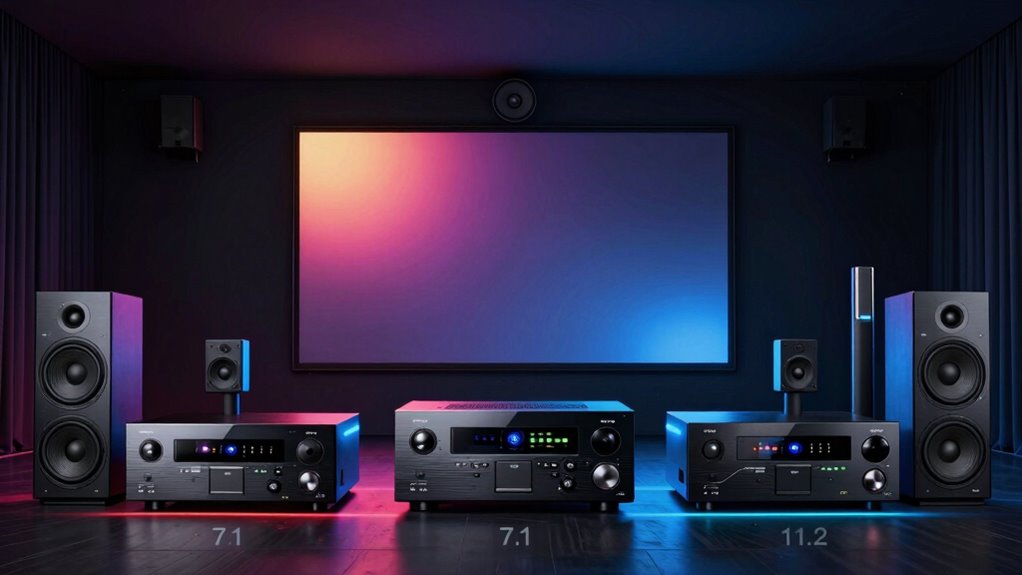
Selecting the right AV receiver configuration depends on your room size, speaker setup, and desired audio experience. Each setup offers different sound staging and speaker placement options to enhance immersion. Proper sound staging can significantly improve your listening experience by creating a more realistic and enveloping sound environment. Additionally, understanding speaker placement principles can help you optimize your system for the best possible audio performance. For optimal results, consider how speaker calibration techniques can fine-tune your system to match your unique space and preferences. Being aware of channel configurations can help you choose the most suitable setup for your specific needs.
How to Choose the Best AV Receiver Channels for Your Room and Budget
Choosing the right AV receiver channels depends on your room size, listening preferences, and budget constraints. If you want deep bass, prioritize models with good subwoofer integration and sufficient power for your subwoofer. For smaller rooms, a 5.1 setup with lower speaker wattage may suffice, while larger spaces benefit from 7.1 or 9.2 configurations that offer more channels and power. Consider your speaker wattage needs to ensure your system can deliver clear, dynamic sound without distortion. Budget-wise, balance the number of channels with features like multi-zone capabilities or advanced audio formats. Remember, more channels don’t always mean better sound; focus on matching your system to your room size, desired sound experience, and affordability. Additionally, understanding speaker wattage helps ensure your setup provides enough power for optimal sound quality without risking damage to your equipment. Knowing channel configurations can help you choose the best setup for your specific needs and room layout.
Tips for Setting Up Your Multi-Channel AV System
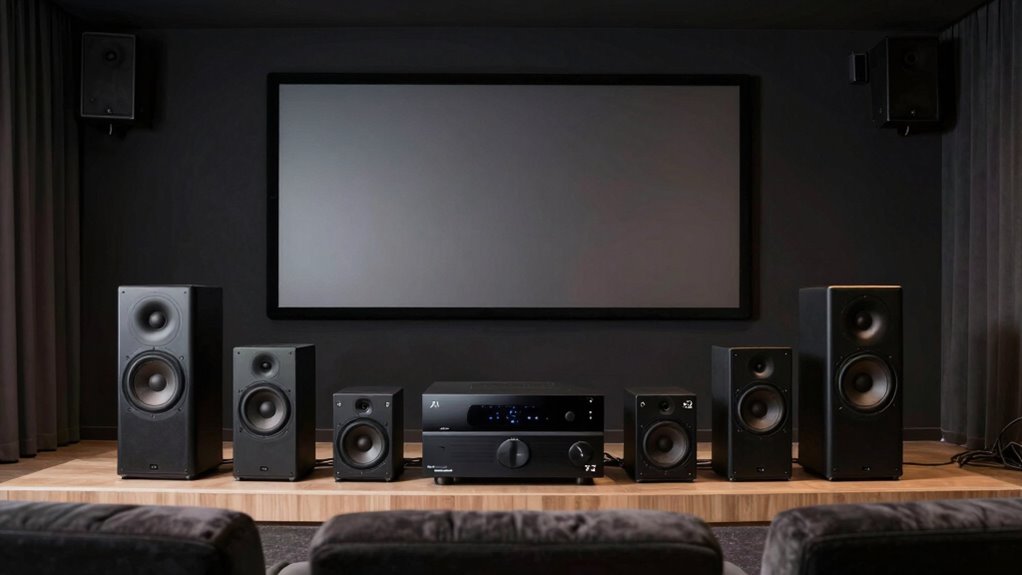
Getting your multi-channel AV system set up properly makes a big difference in sound quality. You’ll want to focus on speaker placement, calibration, and making sure your wiring is neat and secure. These key points help guarantee you get the best possible performance from your setup.
Speaker Placement Strategies
Proper speaker placement is essential to creating an immersive audio experience in your multi-channel AV system. Position your speakers thoughtfully, considering the room’s acoustics to avoid sound reflections that can muddy clarity. For ideal sound, place front speakers at ear level, angled toward your listening position. Surround speakers should be slightly behind and to the sides, forming an even arc around you. Use the following guide:
| Speaker Type | Placement | Tips |
|---|---|---|
| Front Left/Right | Along the front wall, near TV or screen | Aim speakers directly at listening spot |
| Center | Directly above or below the screen | Keep centered for dialogue clarity |
| Surrounds | Slightly behind and to the sides of seating area | Create an enveloping sound field |
Additionally, understanding speaker calibration can help optimize your system’s audio performance for the best listening experience. Proper speaker placement not only enhances sound quality but also minimizes undesired echoes and reflections that can interfere with clarity. Considering room acoustics can further improve the overall audio environment, ensuring a balanced and natural sound. Incorporating sound reflection management techniques can significantly improve sound clarity in challenging spaces. Being aware of listening position is also crucial to achieve the most accurate sound reproduction and surround effects.
Calibration and Tuning
Calibrating your AV receiver is essential to achieve balanced sound and ideal performance. Your room acoustics heavily influence how audio reaches your ears, so proper calibration guarantees you compensate for any acoustic issues. Use calibration tools like a microphone and auto-tuning software to measure speaker levels, distances, and room reflections. These tools analyze how sound behaves in your space, allowing the receiver to adjust settings automatically. If you prefer manual tuning, tweak speaker levels and delays based on the measurements. Keep in mind that room acoustics can cause sound distortions, so consider adding acoustic treatments if needed. Regular calibration helps maintain optimal sound quality, ensuring you get the best possible experience from your multi-channel system. Additionally, understanding Free Floating concepts can help optimize your room layout for better sound distribution.
Wiring and Connectivity
Once you’ve calibrated your system for ideal sound, the next step is to focus on wiring and connectivity to guarantee everything functions smoothly. Proper wiring ensures clear audio and minimizes interference, especially when managing multiple channels. Use quality cables and organize them neatly to avoid tangles. For wireless connectivity, ensure your devices support your system’s protocols and are within range for seamless streaming. Power distribution is vital—use a surge protector and distribute outlets to prevent overloads. Here’s a quick guide:
| Connection Type | Tips | Benefits |
|---|---|---|
| Speaker wiring | Use high-quality speaker cables, match impedance | Clearer sound, less distortion |
| HDMI/Audio cables | Keep cables short, avoid bending excessively | Better signal transfer |
| Wireless streaming | Secure your network, update firmware | Reliable connection |
| Power setup | Use dedicated outlets, surge protection | Protects equipment |
| Connectivity management | Label cables, organize neatly | Easy troubleshooting |
Common Questions About AV Receiver Channels and System Expansion
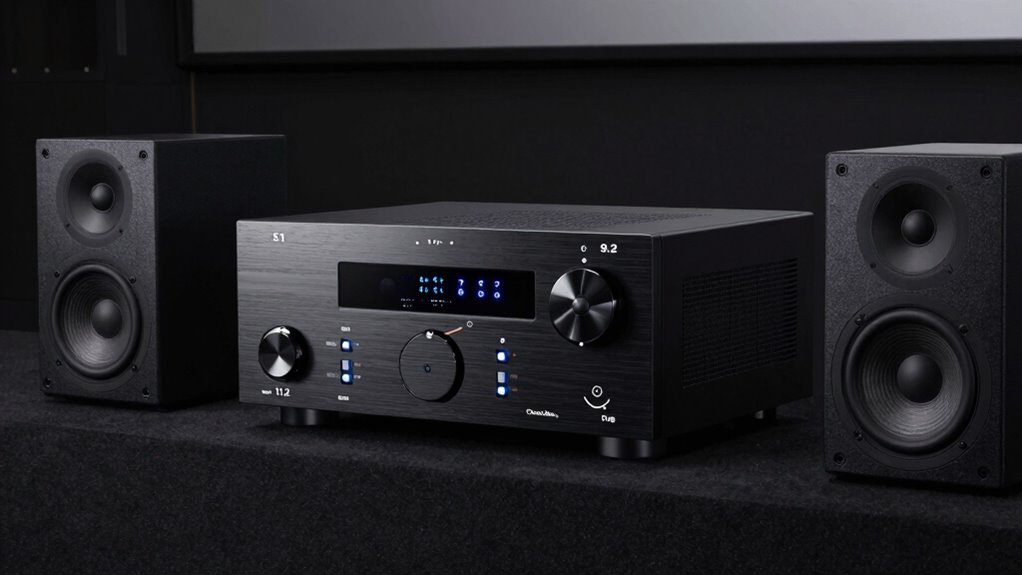
Are you wondering how much your AV receiver can grow with system expansion? Understanding channel compatibility is key to adding speakers or upgrading your setup without issues. Let’s explore your options and what to contemplate for a seamless system upgrade. For example, knowing the AV receiver channels supported can help you determine the maximum number of speakers you can add or upgrade effectively. Additionally, familiarizing yourself with folklore-inspired props and aged effects can enhance your Halloween display. Being aware of the best bedding options can also contribute to a more comfortable environment for your viewing or listening area. Staying informed about tax law changes can ensure your financial planning remains optimized as technology and regulations evolve. Moreover, understanding channel configurations can assist in planning future upgrades to match your desired sound experience.
System Expansion Possibilities
Expanding your AV system is a common goal, and understanding how additional channels can enhance your setup is essential. Many receivers support wireless expansion, allowing you to add speakers without running cables, making future upgrades easier. This flexibility lets you create more immersive sound environments as your needs evolve. Some systems offer dedicated wireless rear or surround channels, simplifying setup and reducing clutter. When planning for future upgrades, check if your receiver supports additional channels and wireless options, ensuring compatibility. Wireless expansion options are especially beneficial if you want to avoid extensive wiring or plan to upgrade your system gradually. Additionally, audio channel configuration plays a crucial role in customizing your home theater experience. By understanding these possibilities, you can tailor your home theater to fit your space and preferences, maximizing your audio experience. Incorporating system compatibility considerations early on can help you seamlessly integrate new components as your setup grows. Considering wireless technology options can further streamline your expansion process and reduce installation effort. Being aware of expansion capabilities can also help you future-proof your home theater setup.
Channel Compatibility Considerations
Understanding channel compatibility is vital when upgrading or expanding your AV receiver because not all models support the same configurations. You need to contemplate speaker size, as larger speakers often require more power to perform at their best, and your receiver must be able to deliver that power without distortion. Additionally, check the power requirements of your speakers; some may need more wattage or specific impedance ratings. If your current AV receiver can’t supply enough power or isn’t compatible with your speaker size, you might experience sound imbalance or damage. When planning system expansion, make sure your receiver has enough channels and that its amplifier can handle the increased load. Compatibility between speaker size, power requirements, and receiver channels is vital for a balanced, high-quality audio setup. Moreover, understanding Nest Thread can help you appreciate the importance of integrating cultural and aesthetic elements into your home, creating a more harmonious environment.
Frequently Asked Questions
Can I Upgrade My AV Receiver Channels Later?
Yes, you can upgrade your AV receiver channels later, but you need to take into account future expandability and compatibility. Make sure your receiver supports additional channels or speaker configurations you might want to add in the future. Check the number of pre-outs, speaker terminals, and supported formats. Planning ahead helps ensure your upgrade process is smooth, avoiding the need to replace the entire system down the line.
How Does Speaker Placement Impact Channel Performance?
Imagine watching a movie where the sound feels like it’s coming from all around you. Proper speaker positioning enhances sound staging, making channels perform better by aligning speakers with your listening area. If you place speakers too close or unevenly, sound becomes muddled and less immersive. To maximize channel performance, experiment with speaker placement, ensuring each speaker is aimed correctly, creating a balanced, engaging audio experience.
Are Higher Channel Counts Always Better?
Higher channel counts aren’t always better; it depends on your space, content, and system compatibility. More channels can deliver immersive sound, but only if your speakers are properly calibrated and compatible with your AV receiver. If you don’t calibrate your speakers correctly, you won’t get the full benefit. Focus on optimizing speaker placement and calibration first, then consider increasing channels if your setup and room support it.
What Are the Power Requirements for Various Channels?
You should check the power consumption and wattage requirements for each channel to guarantee your receiver can handle your setup. Generally, more channels or powerful speakers demand higher wattage, often between 50 to 200 watts per channel. Make sure your amplifier supplies enough wattage to drive all speakers effectively without distortion. Matching wattage requirements with your speakers’ needs ensures superior sound quality and prevents damage.
How Do Room Acoustics Influence Multi-Channel Sound?
Room acoustics greatly influence your multi-channel sound experience. Sound reflection can cause echoes and muddle audio clarity, making it harder to enjoy precise sound placement. Effective room treatment, like adding acoustic panels, bass traps, or rugs, helps absorb and diffuse reflections. This creates a balanced sound environment, ensuring your multi-channel system delivers clear, immersive audio, and enhances your overall listening experience.
Conclusion
Choosing the right AV receiver channels is like assembling a symphony—you want each element to harmonize perfectly. By understanding the different configurations, you can tailor your home theater to fit your space and budget. Whether you opt for 5.1 or 11.2, the key is to set up thoughtfully and expand gradually. With a little planning, you’ll create an immersive sound experience that feels as natural as a live concert.