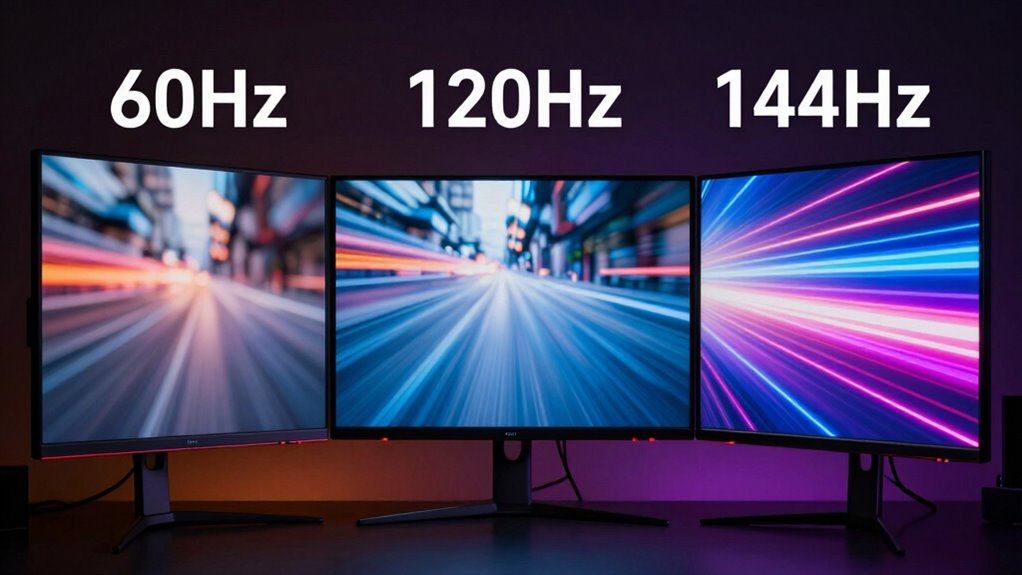
Higher refresh rates like 120Hz and 144Hz provide smoother motion and quicker responsiveness, making them great for fast-paced gaming. However, for movies shot at 24fps, the benefits are less noticeable unless you use specialized features like motion smoothing, which can sometimes reduce cinematic feel. Your choice depends on how you use your display—if you’re into gaming or fast action, higher rates help. To discover the full picture, explore what impacts each type of content.

Get the latest gadgets delivered free — and shop member deals
- Fast, free delivery on millions of items
- Access to Prime Big Deal Days deals on October 6–7
- Prime Video, Amazon Music and more included
Key Takeaways
- Higher refresh rates like 120Hz and 144Hz provide smoother motion in gaming but offer limited benefits for movies shot at 24fps.
- For fast-paced gaming, higher refresh rates reduce motion blur, input lag, and screen tearing, enhancing responsiveness.
- Movies generally do not benefit from refresh rates above 60Hz unless supplemented by motion smoothing or interpolation.
- The difference between 120Hz and 144Hz is subtle; most users won’t notice significant visual improvements.
- Compatibility and content type are key; upgrading only helps if your hardware can output higher frame rates and your activity demands it.
As an affiliate, we earn on qualifying purchases.
What Do Refresh Rates Like 60Hz, 120Hz, and 144Hz Actually Mean?
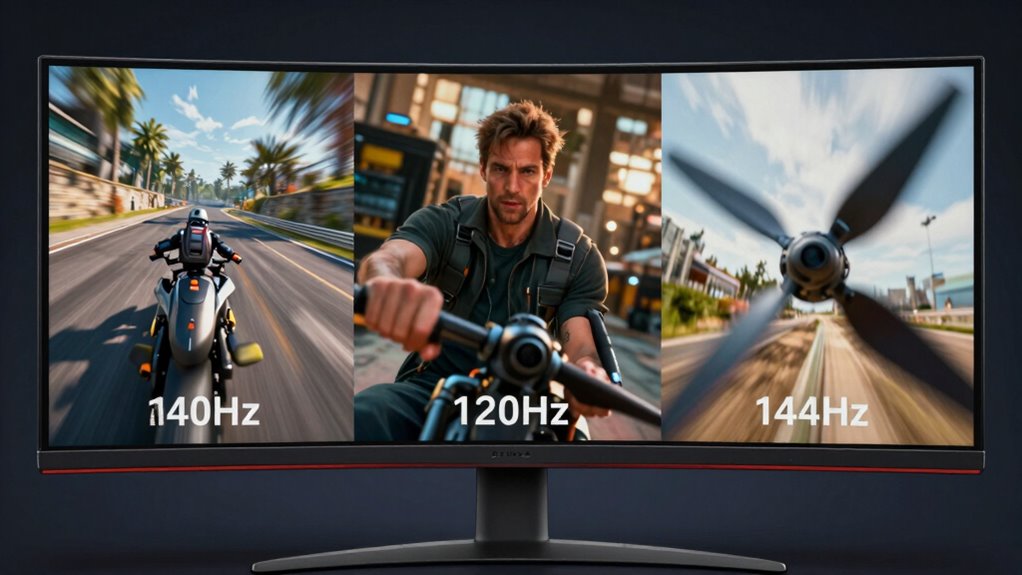
Understanding refresh rates like 60Hz, 120Hz, and 144Hz is essential for grasping how smooth your display appears. Many people believe higher refresh rates automatically mean better visuals, but this is a common refresh rate myth. Frame interpolation, a technique used to create smoother motion, can sometimes give the illusion of higher refresh rates, yet it doesn’t actually change the display’s native refresh rate. Knowing what these numbers truly represent helps you set realistic expectations. A 60Hz display updates 60 times per second, while a 120Hz or 144Hz refresh rate updates more frequently, providing potentially smoother motion. Additionally, display technology plays a crucial role in how effectively higher refresh rates translate into real-world improvements. Moreover, refresh rate fundamentals clarify how your display’s specifications impact motion clarity and responsiveness. Understanding refresh rate fundamentals helps you make informed decisions for movies and gaming. It’s also important to consider how input lag affects responsiveness, especially in fast-paced gaming scenarios, to fully benefit from higher refresh rates.
How Do Refresh Rates Impact Motion Clarity in Movies and Gaming?
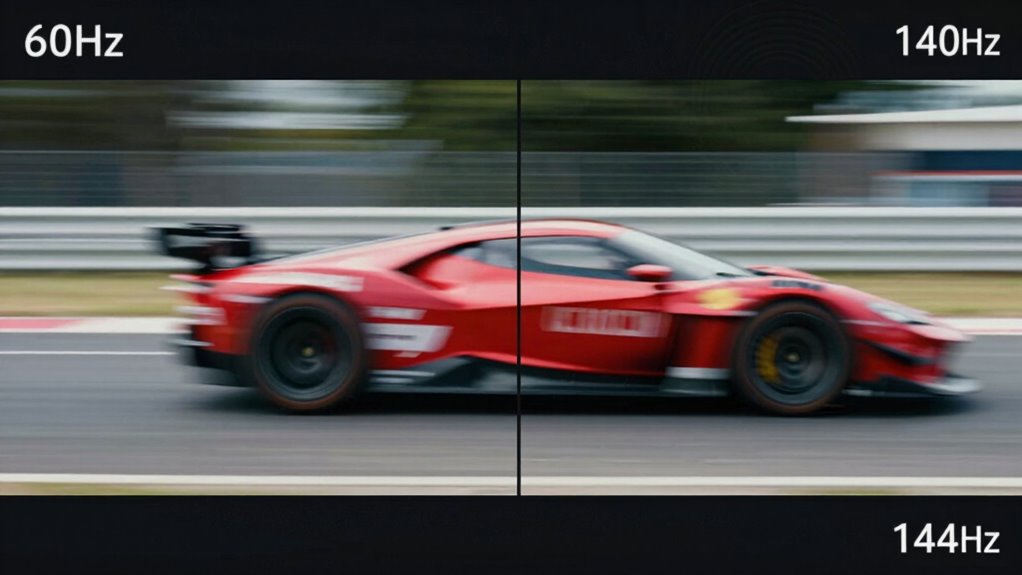
Higher refresh rates can improve motion clarity in movies and gaming, but they don’t guarantee perfect visuals. When you increase the refresh rate, you reduce motion blur, making fast-moving objects appear sharper and smoother. This is especially noticeable in gaming, where quick movements can blur on a 60Hz screen. However, some content uses frame interpolation, which artificially creates additional frames to smooth motion further. While this can enhance clarity, it may also introduce a distracting “soap opera” effect. For movies, higher refresh rates help reduce blur, but they still rely on the quality of the original footage and display technology. Ultimately, higher refresh rates improve motion clarity, but they’re not a magic fix for all motion-related issues.
Should You Upgrade From 60HZ to 120HZ or 144HZ for Gaming?

Is upgrading from 60Hz to 120Hz or 144Hz worth it for gaming? If you want smoother gameplay and reduced motion blur, a higher refresh rate can make a difference. It minimizes screen tearing and provides a more fluid experience, especially in fast-paced games. However, keep in mind that some monitors use motion interpolation, which can create a soap opera effect and may not be desirable for gaming. Also, verify your hardware can deliver higher frame rates; otherwise, you won’t see much benefit. If your system can push 120Hz or 144Hz smoothly, upgrading is worth considering. The improved responsiveness and reduced input lag can give you an edge in competitive gaming. Overall, a higher refresh rate enhances immersion and reduces visual artifacts like tearing, making your gaming more enjoyable.
Do Higher Refresh Rates Make Watching Movies Smoother?

While higher refresh rates improve gameplay smoothness, their impact on watching movies isn’t as straightforward. Most movies are shot at 24 frames per second, so simply increasing your monitor’s refresh rate doesn’t automatically make them look smoother. However, many TVs and monitors offer features like frame interpolation and motion smoothing, which artificially increase the frame rate to reduce judder and motion blur. These features can create a smoother viewing experience, but they often introduce a “soap opera” effect, making movies look less natural. If you enable motion smoothing, you might notice a slight improvement in smoothness, but it can also compromise the cinematic feel you’re used to. Ultimately, higher refresh rates alone don’t guarantee smoother movies without these additional processing features. Additionally, understanding the role of free floating in display technology can help you make more informed choices about optimizing your viewing experience.
Is the Difference Between 120Hz and 144Hz Noticeable for Fast-Paced Games?

When it comes to fast-paced gaming, the jump from 120Hz to 144Hz can feel subtle but noticeable to many players. The higher refresh rate reduces motion blur, making fast movements clearer. This can help you react more quickly, lowering input lag slightly. However, the difference between 120Hz and 144Hz isn’t drastic; most players won’t see a huge boost in response time. Some may notice less frame tearing, especially if your system struggles with synchronization, but it’s not guaranteed. Keep in mind, if your hardware can’t consistently produce stable frame rates, even a higher refresh rate won’t eliminate frame tearing. Overall, while 144Hz offers a marginal edge, the real-world impact depends on your setup and personal sensitivity to minor performance improvements. Additionally, monitor response time can influence how smooth the experience feels beyond just the refresh rate.
How to Choose the Right Refresh Rate for Gaming or Watching Movies
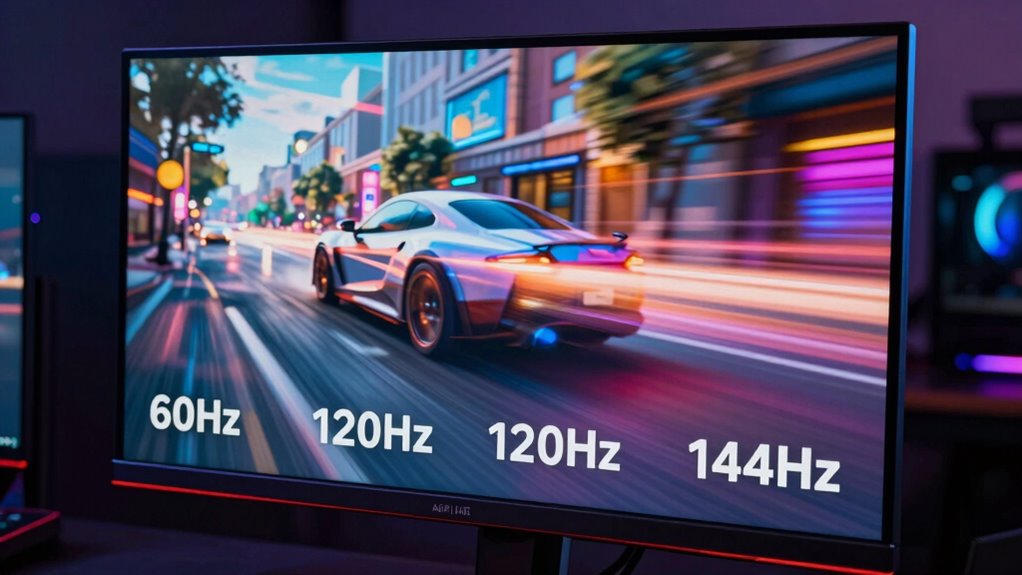
Choosing the right refresh rate depends on whether you’re gaming or watching movies, as each activity benefits from different settings. Make sure your hardware can support the refresh rate you want, or you might not see a real difference. Consider your primary use to find the best balance between smooth visuals and hardware capabilities.
Gaming vs. Watching Movies
Your choice of refresh rate considerably impacts your viewing experience, whether you’re gaming or watching movies. For gaming, higher refresh rates like 120Hz or 144Hz provide smoother motion and reduce motion blur, helping you react faster. Watching movies, however, often benefits from 60Hz, where motion is more natural and cinematic. Be aware of refresh rate myths that suggest higher rates always mean better quality; in reality, content type matters. For example, fast-paced games demand higher rates, while movies prioritize a steady, flicker-free experience. Consider these points:
- Higher refresh rates improve responsiveness in gaming but may be unnecessary for movies
- Motion blur reduction is more noticeable in gaming than in cinematic content
- Matching refresh rate to the primary activity ensures superior viewing without overpaying
Matching Hardware Capabilities
Matching your hardware’s capabilities to your viewing habits guarantees you get the most out of your monitor or TV without overspending. Start by evaluating your device’s hardware compatibility, which determines the maximum refresh rate it can support. Proper refresh rate calibration is essential to ensure smooth visuals, so check your GPU and display specifications. If your hardware is limited to 60Hz, upgrading to a higher refresh rate won’t improve gaming or movies unless you also upgrade your graphics card and monitor. Conversely, if your system supports 120Hz or 144Hz, make sure your settings align with your intended use—gaming benefits from higher rates, while movies may not. Matching hardware capabilities with your refresh rate needs guarantees optimal performance and a better viewing experience.
Do You Really Need a High Refresh Rate Monitor or TV? Tips for Different Users

Whether a high refresh rate monitor or TV is necessary depends on how you use your device. Many fall prey to refresh rate misconceptions, assuming higher rates always mean better quality. Your display technology considerations matter: gaming benefits from 120Hz or 144Hz, while movies usually don’t require such speeds. If you mainly watch content or do basic tasks, a standard 60Hz display often suffices. For gamers, higher refresh rates can improve responsiveness, but casual users might not notice the difference. Consider these points:
- Your primary activity: gaming, movies, or productivity
- The importance of smooth visuals versus visual fidelity
- Whether your current setup already meets your needs
- Display technology factors can influence the optimal refresh rate for your setup
This helps you decide if upgrading aligns with your actual usage, avoiding unnecessary costs.
When Should You Prioritize Higher Refresh Rates for Better Viewing?

Higher refresh rates become essential when you prioritize fast-paced, action-packed content, such as competitive gaming or fast-moving sports. If you’ve fallen for refresh rate myths suggesting higher rates always mean better visuals, remember they mainly improve motion smoothness and reduce screen flicker during rapid movements. When gameplay or sports involve quick camera shifts and rapid action, a higher refresh rate minimizes motion blur and provides a more fluid experience. This isn’t just about preference; it’s about clarity and responsiveness. If you notice screen flicker or choppy visuals at lower refresh rates, upgrading can make a significant difference. Additionally, understanding the impact on visual comfort can help you decide when investing in higher refresh rates will benefit your viewing experience. Recognizing how frame interpolation affects motion perception can also be valuable in choosing the right refresh rate for your needs.
Frequently Asked Questions
Can My Current Hardware Support Higher Refresh Rates Effectively?
Your current hardware’s ability to support higher refresh rates depends on its graphics card and display compatibility. Check your GPU’s specifications to see if it can output at 120Hz or 144Hz, and make sure your monitor supports these refresh rates. If not, you’ll need to think about an upgrade. Upgrading your hardware might be necessary to fully enjoy smoother gaming and movie experiences at higher refresh rates.
How Do Refresh Rates Affect Input Lag in Competitive Gaming?
Higher refresh rates reduce input lag, making your gameplay feel more responsive. When you increase the refresh rate, your monitor updates images more frequently, so your actions register faster. This means less delay between your input and what you see on screen, giving you an edge in competitive gaming. To maximize benefits, make certain your hardware and game settings support higher refresh rates, so you experience the smoothest, most responsive gameplay possible.
Is There a Significant Difference in Power Consumption Between 60HZ and 144HZ Displays?
The proof is in the pudding—higher refresh rates do lead to increased power draw. While 144Hz displays consume more energy than 60Hz ones, the difference isn’t huge; modern screens are designed with energy efficiency in mind. If you’re looking to save on electricity, sticking with 60Hz can help, but if you want smoother visuals, the extra power consumption at 144Hz is a small trade-off for better performance.
Do All Movies Benefit From Higher Refresh Rates or Only Specific Genres?
Not all movies benefit from higher refresh rates, especially since cinematic flow often relies on traditional 24fps, which creates that classic film look. Motion interpolation can smooth out motion, but it may also introduce artifacts or disrupt the cinematic experience. Higher refresh rates are more noticeable in fast-paced genres like action or sports, where they enhance clarity and reduce motion blur, but for most movies, sticking to 24fps maintains the intended aesthetic.
What Are Common Compatibility Issues When Upgrading to Higher Refresh Rate Monitors?
Upgrading to a higher refresh rate monitor is like switching to a faster sports car—you’ll need the right driver compatibility and graphics card requirements. Common issues include outdated drivers that cause flickering or screen tearing, and insufficient GPU power leading to lower frame rates. Double-check your graphics card specs and update drivers to guarantee smooth performance, so you avoid frustrations like lag or display glitches during your gaming or movie sessions.
Conclusion
Ultimately, higher refresh rates can enhance your gaming and viewing experience, but they aren’t always necessary. The truth is, your choice depends on how you use your device and what you value most—smooth gameplay or cinematic quality. Don’t fall for the myth that more is always better; instead, weigh your needs and budget carefully. Sometimes, understanding the real benefits helps you make smarter, more satisfying tech decisions.
Fall Picks
fall essentials
As an affiliate, we earn on qualifying purchases.