
TL;DR
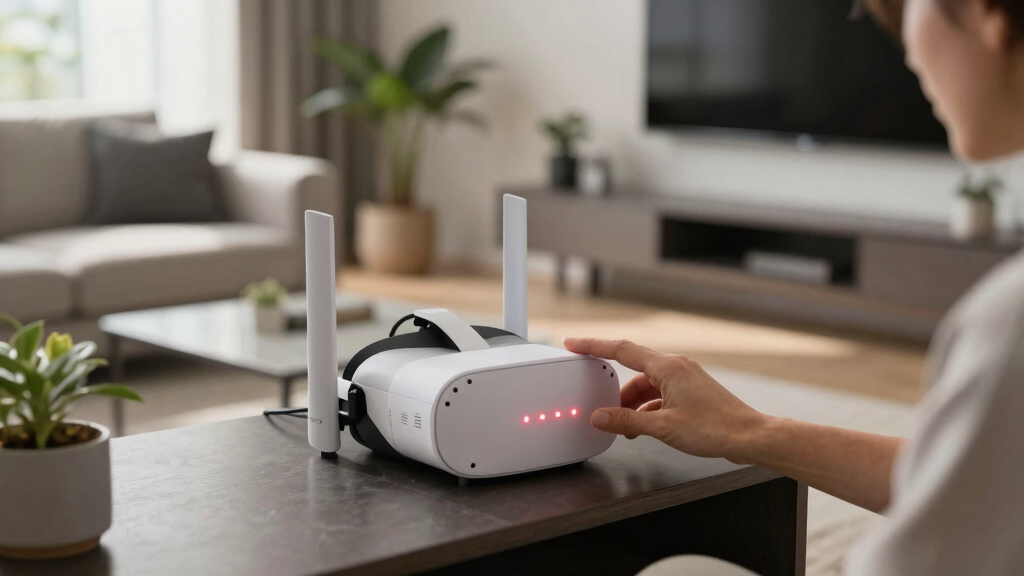
A blinking red light on your VR base station indicates a connectivity or hardware issue. This guide outlines confirmed troubleshooting steps from user reports to resolve the problem.
A blinking red light on a VR base station has become a common issue among users, signaling a hardware or connectivity problem that disrupts tracking. This article provides confirmed troubleshooting steps to resolve the issue, which is critical for maintaining optimal VR performance.
Multiple users on r/Vive have reported their base stations displaying a blinking red light, which prevents proper tracking and hampers VR experience. According to user reports, the issue appears to be related to either hardware faults, power supply problems, or signal interference. The most common initial step recommended is to check the power connection and ensure the base station is receiving adequate power. Users are advised to reset the base station by unplugging it, waiting for at least 30 seconds, and then reconnecting it. Additionally, verifying that the base station is within the recommended range of the VR headset and other base stations is crucial. If the problem persists, some users have found success by updating firmware or performing a factory reset, although these steps are not officially confirmed by the manufacturer. It is important to note that the blinking red light typically indicates a hardware fault or communication error rather than a simple calibration issue.
Why a Blinking Red Light Disrupts Your VR Experience
The blinking red light on a base station directly affects the accuracy of tracking in VR setups, leading to a degraded or unusable experience. For gamers and professionals relying on precise spatial tracking, resolving this issue quickly is essential to avoid interruptions or delays. Additionally, understanding the cause can prevent further hardware damage and reduce troubleshooting time, saving users both time and money.
As an affiliate, we earn on qualifying purchases.
Common Causes of Red Blinking Lights in VR Base Stations
The issue of blinking red lights has been widely reported since early 2024, often linked to power supply problems, firmware glitches, or signal interference. Users have noted that the problem can sometimes be resolved through simple resets or repositioning but may also require hardware repairs or replacements. The problem is not officially documented by the manufacturer but has become a recurring topic in user forums and support communities, highlighting the need for clear troubleshooting guidance.
“Many users have found that unplugging the base station, waiting for a few seconds, and plugging it back in can resolve the blinking red issue, but if it persists, it might indicate a hardware fault.”
— an anonymous researcher from r/Vive
Unresolved Causes and Manufacturer Guidance Gaps
It remains unclear whether the blinking red light is caused primarily by hardware failures, firmware issues, or external interference. Official guidance from the manufacturer has not been updated to address this specific problem, leaving users to rely on community-sourced solutions. The effectiveness of troubleshooting steps varies, and some cases may require professional repairs or replacements, which are not yet confirmed as necessary by official support channels.
Next Steps for Users Facing the Red Blinking Light
Manufacturers are expected to release updated troubleshooting guides or firmware updates addressing this issue. Users experiencing persistent blinking red lights should contact official support for diagnosis and potential repair options. Meanwhile, community forums and support groups are likely to continue sharing practical tips, but users should be cautious about attempting hardware repairs without professional guidance.
Key Questions
What does a blinking red light on my base station mean?
A blinking red light generally indicates a hardware fault, power issue, or communication error that disrupts tracking in your VR setup.
Can I fix the blinking red light myself?
Basic steps like unplugging, waiting, and reconnecting may resolve the issue. However, persistent problems could require professional repair or replacement.
Should I update firmware to fix the blinking red light?
Updating firmware might help if the issue is related to software glitches, but it is not guaranteed. Check official support channels for guidance.
Is this a hardware defect or a software issue?
It is currently unclear; community reports suggest it could be either, with hardware faults being more common in persistent cases.
When will official support provide a fix?
There is no confirmed timeline for an official fix. Users are advised to monitor manufacturer updates and support announcements.
Source: r/Vive