
TL;DR

Get the latest gadgets delivered free with Prime
- Fast, free delivery on millions of items
- Prime Video, Amazon Music and more included
- Member-only deals all year
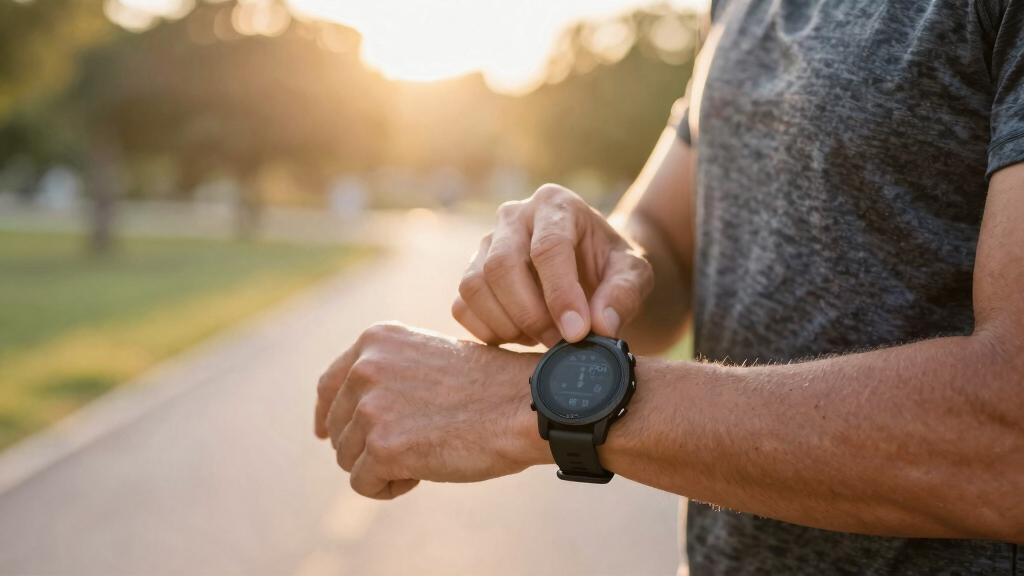
This article reveals five confirmed tips to improve your Garmin Forerunner 970 usage, including customizing controls, managing data screens, and optimizing battery life. These hacks help runners get more accurate insights and better performance from their watch.
Five practical hacks for Garmin Forerunner 970 users have been identified that can improve usability, data accuracy, and battery life, according to recent user reports and Garmin guidance. These tips help runners maximize their device’s potential beyond default settings, making the watch more tailored to individual training needs.
One confirmed tip involves customizing the watch buttons to streamline common actions like auto-pause or toggling ‘Do Not Disturb,’ which can save time during workouts. Users can access this feature through the Garmin Connect app or directly on the watch by navigating to Watch Settings > System > Shortcuts.
Another verified hack is managing data screens to prevent information overload during intense runs. Runners can customize their screens to display only essential metrics such as pace, heart rate, and cadence, while secondary data can be accessed during recovery phases. This customization can be done via the watch’s activity settings or Garmin Connect.
Additionally, experts advise delaying Strava uploads by two to three minutes after finishing a run. This pause allows Garmin to complete GPS processing, reducing errors like pace spikes or missed segments. For users integrating with TrainingPeaks, setting up automatic transfer of training stress scores (TSS) can streamline workout logging.
Other confirmed tips include running at least two to three varied workouts to calibrate the device’s performance metrics accurately and using ‘Record Only’ mode for navigation on unfamiliar routes. This mode creates a lightweight breadcrumb trail, conserving battery while providing a retraceable path.
Why These Hacks Improve Your Running Experience
Implementing these hacks ensures more accurate data, better device responsiveness, and longer battery life, which collectively enhance training effectiveness. Runners can avoid common frustrations like data overload, misreported metrics, or battery drain, making their Garmin Forerunner 970 a more reliable training partner.
These tips also help users better interpret Garmin’s advanced metrics, such as performance condition and running economy, which require proper calibration. Overall, optimizing these settings can lead to more informed training decisions and improved performance outcomes.
Garmin Forerunner 970 customizable watch bands
As an affiliate, we earn on qualifying purchases.
As an affiliate, we earn on qualifying purchases.
Background on Garmin Forerunner 970 Features and User Tips
The Garmin Forerunner 970 is a high-end GPS running watch packed with sensors and metrics designed for serious athletes. It offers features like Auto Laps, PacePro, and performance metrics like lactate threshold and running economy. However, user feedback indicates that its default setup can be overwhelming and not fully optimized for everyday use.
Previous guides have highlighted its advanced capabilities, but many runners have struggled to customize the device effectively. Garmin’s firmware updates and user community discussions have emphasized the importance of personalizing controls and data screens to maximize utility. These recent hacks build on that knowledge, offering practical, confirmed methods to improve daily usage and training accuracy.
“Customizing your shortcuts and data screens can significantly improve your experience and data accuracy.”
— Garmin Support
Unconfirmed Aspects and Ongoing User Feedback
It is not yet clear how firmware updates might alter or enhance these hacks, or if some settings require specific device versions. User experiences may vary, and some customization options could be limited by software restrictions or regional differences.Next Steps for Garmin Forerunner 970 Users and Updates
Garmin is expected to release firmware updates that could improve customization features and data management. Users should stay informed through Garmin’s official channels and community forums for new tips and official enhancements. Continued user feedback will likely shape future software improvements, making these hacks even more effective or easier to implement.
Key Questions
How do I customize the buttons on my Garmin Forerunner 970?
You can customize buttons by holding the Up button on the watch face, navigating to Watch Settings > System > Shortcuts, and selecting the desired button combination and functions.
Why should I delay uploading my run to Strava?
Waiting two to three minutes allows Garmin to complete GPS smoothing and segment matching, reducing errors like jagged pace spikes or missed segments.
Can I use the ‘Record Only’ mode for navigation?
Yes, ‘Record Only’ mode creates a lightweight breadcrumb trail, ideal for retracing your steps without draining battery life excessively.
How long should I run varied workouts before trusting the device’s metrics?
Run at least two to three different types of workouts—tempo, interval, long runs—to help the device calibrate its performance metrics accurately over a few weeks.
Will firmware updates affect these hacks?
It’s possible. Firmware updates can introduce new features or change existing ones, so users should verify their device’s capabilities after each update.
Source: Lifehacker
Halloween Picks
halloween
As an affiliate, we earn on qualifying purchases.