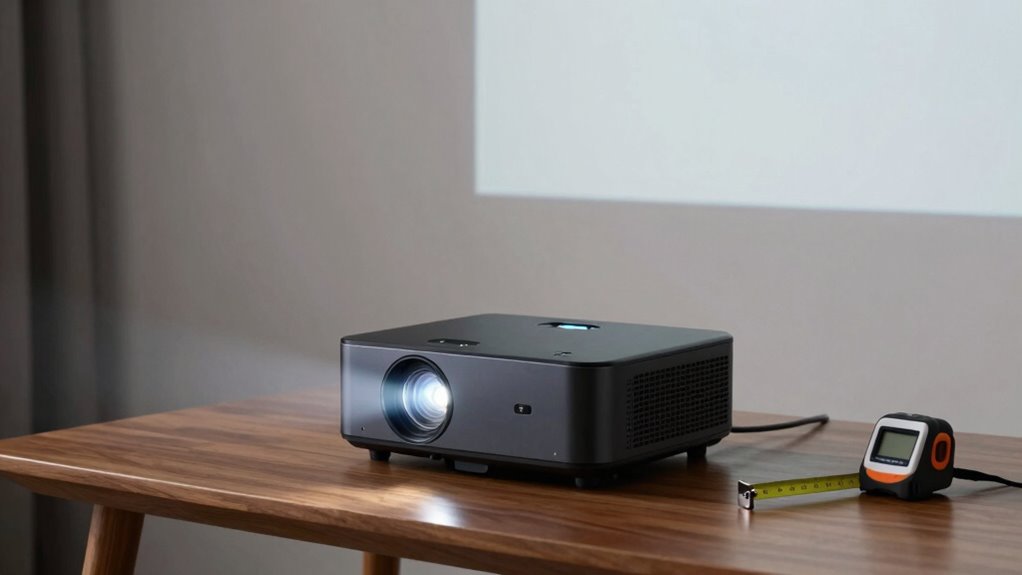
Setting up your projector for the perfect image is easier than you think. Focus on the throw ratio, which tells you how far the projector should be from the screen based on its size. Higher lumens give more flexibility for placement, while smaller screens need less distance. Use built-in calculators or guides to simplify the process—you’ll avoid guesswork and get a sharp, bright picture. Keep exploring to discover more tips for effortless setup.
Key Takeaways
- Use built-in calculators or guides to determine optimal projector placement without complex math.
- Understand your projector’s throw ratio to easily estimate distance for your desired screen size.
- Match lamp brightness (lumens) to room lighting for clear images at recommended distances.
- Place the projector within the recommended throw ratio range to avoid distortion and shadows.
- Focus on achieving a sharp, bright image by balancing projector position and room conditions effortlessly.
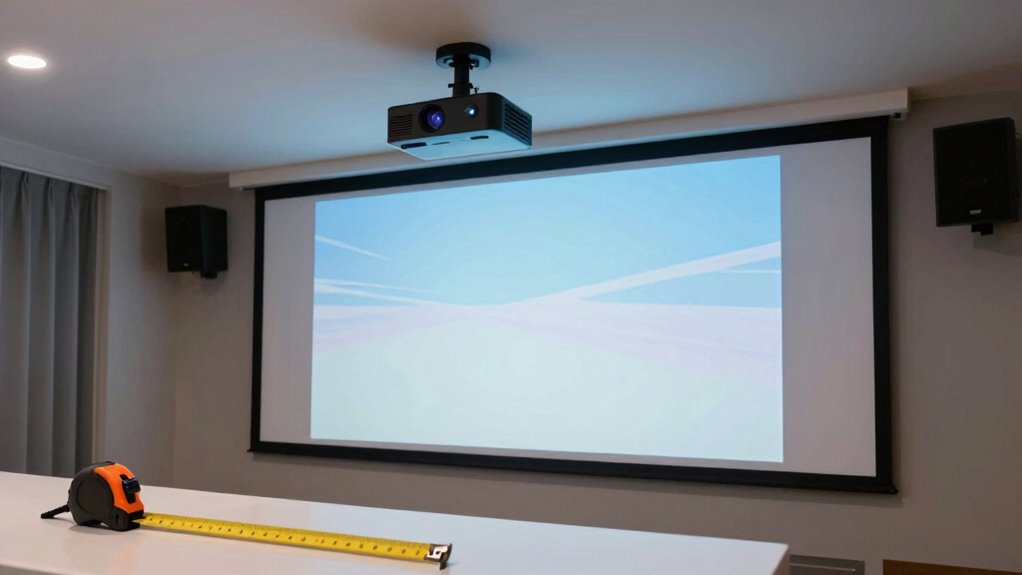
Understanding projector throw distance might seem tricky at first, but once you get the basics, it becomes straightforward. The key is knowing how far your projector needs to be from the screen to produce a clear, bright image of your desired size. The relationship between throw ratio** and screen size is fundamental in achieving the perfect setup. It’s all about balancing the projector’s lamp brightness and screen size. If your lamp brightness isn’t strong enough, you’ll need to position the projector** closer to the screen to ensure the image isn’t dim. Conversely, if you want a larger screen, you’ll need to move the projector further away, but only within the limits of its throw ratio.
Your projector’s throw ratio is a simple number that tells you how far back you need to place it for a specific image size. For example, if your projector has a throw ratio of 1.5:1, and you’re aiming for a 100-inch screen, you’d place the projector about 12.5 feet away (since 100 inches divided by 8.5 equals approximately 12.5 feet). If the throw ratio is 2:1, you’d need to position it about 16.7 feet back for the same screen size. This calculation isn’t complex once you understand the relationship between throw ratio, screen size, and distance. Knowing the projector specifications helps you plan your space more accurately and avoid unnecessary repositioning. Understanding these core concepts can also improve your ability to troubleshoot and optimize your setup.
When selecting your projector, pay close attention to its lamp brightness, usually measured in lumens. A brighter lamp allows you to place the projector further away from the screen without sacrificing image quality. If your room is bright or you want a very large screen, opt for a projector with higher lumens so the image remains vivid and clear. If the room is dark or you’re using a smaller screen, a lower lamp brightness might suffice, and you can position the projector closer.
To make setup even easier, many projectors come with built-in calculators or guides that recommend ideal distances based on your desired screen size and lamp brightness. Using these tools can help you avoid complex math and get your setup right quickly. Additionally, understanding the throw ratio helps you plan your space more accurately, especially when room dimensions are limited. Remember, the goal is to find a placement that produces a sharp, bright image without distortion or shadow interference, and understanding these simple relationships makes that process much easier. Once you’ve grasped the basics of throw distance, selecting the right spot for your projector becomes a seamless part of creating your perfect viewing experience.
projector throw distance calculator
As an affiliate, we earn on qualifying purchases.
As an affiliate, we earn on qualifying purchases.
Frequently Asked Questions
Can I Use a Projector Outdoors With the Same Throw Distance Guidelines?
Yes, you can use a projector outdoors with the same throw distance guidelines, but you need to take into account outdoor setup challenges. Weather considerations like rain, humidity, and wind can impact your projector’s performance and safety. Ensure you place it in a protected, stable location, and use weatherproof covers if necessary. Adjust your throw distance based on your outdoor space, but always prioritize weather safety to prevent damage.
What Is the Impact of Ambient Light on Throw Distance Accuracy?
Ambient light is like fog blurring your view — it directly impacts throw distance accuracy. Light interference reduces your projector’s brightness impact, making images appear dimmer and less sharp. When there’s too much ambient light, you might need to move the projector closer to maintain image clarity. Managing ambient light guarantees your projected image stays crisp, and understanding how it affects brightness impact helps you optimize your setup for the best viewing experience.
How Do I Adjust for Different Screen Sizes Without Recalculating?
To adjust for different screen sizes without recalculating, use lens calibration to fine-tune focus and image clarity for each size. Additionally, apply keystone correction to fix any distortion caused by changing the projector’s position or screen dimensions. These adjustments allow you to adapt to various screen sizes quickly and accurately, ensuring a sharp, properly aligned image without needing to redo complex calculations each time.
Does Projector Height Affect the Throw Distance?
Is the height of your projector a secret to better image placement? Absolutely. Your projector’s height influences the throw distance because of lens shift and keystone correction. When you raise or lower your projector, these adjustments help maintain a perfect image without recalculating distance. By leveraging lens shift and keystone correction, you can fine-tune your setup effortlessly, ensuring your picture stays sharp and correctly aligned regardless of height changes.
Are There Projectors That Automatically Adjust for Throw Distance?
Yes, some projectors feature automatic adjustment for throw distance, thanks to advanced sensor technology. These projectors detect the position of the device relative to the screen and automatically adjust the lens and image size for ideal display. When you set up one of these models, you don’t need to manually tweak settings, making installation simpler and more precise. This technology guarantees a clear, properly sized image every time, with minimal effort on your part.

Alvar Smart Projector 2026 Upgraded, 2500 ANSI, 4K Supported, Built in NetfIix App, DoIby Audio & 50W Speakers, Auto Focus, WiFi 6, Bluetooth 5.3, Home Theater & Outdoor Movie Projector, Black
[Better Sound – DoIby Audio with 50W Speakers] Powered by DoIby Audio and dbx-tv Total Sonics, Alvar movie…
As an affiliate, we earn on qualifying purchases.
As an affiliate, we earn on qualifying purchases.
Conclusion
Now that you’ve got the hang of projector throw distances, setting up your perfect viewing experience becomes effortless. Did you know that the right throw distance can improve image clarity by up to 30%? With just a few simple steps, you can avoid blurry images and enjoy crisp, vibrant visuals every time. No math needed—just follow these tips, and you’ll be ready for movie night in no time!

Mdbebbron 120 inch Projector Screen 16:9 Foldable Anti-Crease Portable Projector Movies Screens for Home Theater Outdoor Indoor Support Double Sided Projection
CONVENIENT TO STORAGE AND CARRY : Compact one-piece,lightweight and folding design. You can fold the projector screen in…
As an affiliate, we earn on qualifying purchases.
As an affiliate, we earn on qualifying purchases.

【Built-in APPS & Electric Focusing & 210° Rotation】Mini Projector With Wifi And Bluetooth, 1080P Portable Projector, Movie Projector for Bedroom, Supports Smartphones/TV Stick/iPad/PS5/Laptop/HDMI/USB
【The Latest WIFI 6 Technology And Bluetooth 5.3】This projector with Wi-Fi and Bluetooth is equipped with the latest…
As an affiliate, we earn on qualifying purchases.
As an affiliate, we earn on qualifying purchases.