
TL;DR
Many Oculus Quest users are experiencing difficulties launching PCVR games. This guide outlines confirmed troubleshooting steps based on user reports, helping users resolve common issues. Some problems are still unresolved, and further updates are expected.
Oculus Quest users are experiencing persistent problems launching PCVR games, with many unable to start their VR experiences despite following standard setup procedures. This issue has been widely reported on r/SteamVR, prompting a community-led troubleshooting effort. Resolving these launch failures is critical for users relying on Quest for PCVR gaming, as it impacts accessibility and user experience.
Multiple users on r/SteamVR have reported that their Oculus Quest devices fail to launch PCVR games, often showing error messages or simply not starting. The problem appears to be linked to compatibility issues between Quest’s software and SteamVR, as well as potential conflicts with PC drivers or firmware. Several confirmed fixes include restarting the Oculus app, updating firmware, and reinstalling SteamVR. However, some users report that these steps do not resolve the problem entirely, and the root cause remains under investigation.
According to reports from the community, a common troubleshooting step involves disconnecting and reconnecting the Quest device, ensuring that the Oculus app and SteamVR are both updated to their latest versions, and verifying that the PC’s graphics drivers are current. Some users have found success by disabling certain background applications or resetting their Oculus device to factory settings. Despite these efforts, a subset of users still cannot launch PCVR titles, indicating that the issue may be hardware-related or tied to specific software configurations.
Oculus and SteamVR have not officially commented on the problem, and there is no confirmed patch or update addressing these launch failures. The community continues to share solutions and report new findings, but a definitive fix has not yet emerged.
Impact of PCVR Launch Failures on Oculus Quest Users
This issue directly affects the accessibility of PCVR gaming for Oculus Quest owners, potentially limiting their ability to use the device for its intended purpose. As Quest continues to be a popular standalone VR headset with PCVR capabilities, unresolved launch problems could lead to frustration and decreased user satisfaction. The situation underscores the importance of compatibility and support updates from Oculus and SteamVR, especially as VR hardware becomes more integrated with PC platforms.
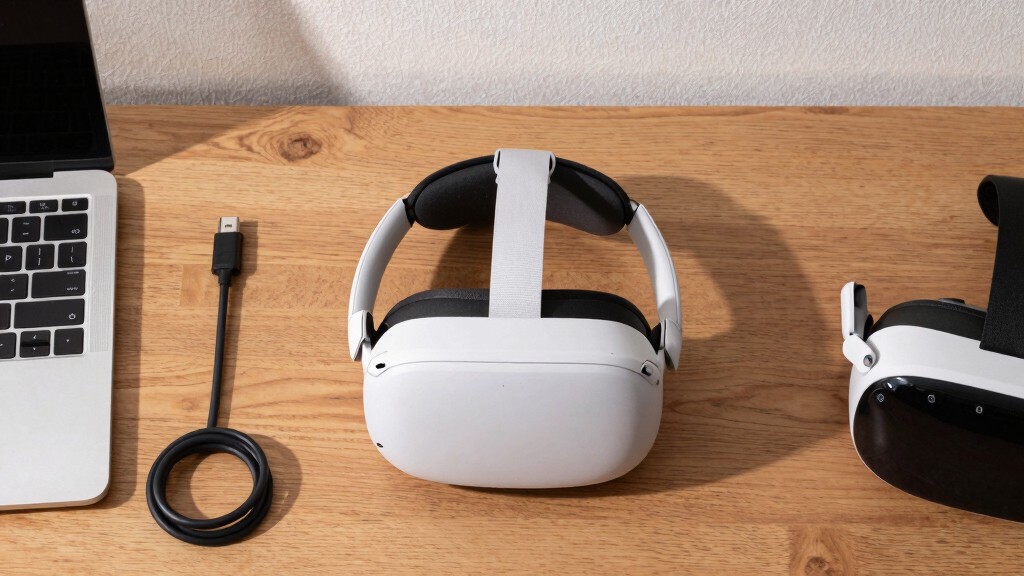
Oculus Quest PCVR troubleshooting kit
As an affiliate, we earn on qualifying purchases.
As an affiliate, we earn on qualifying purchases.
Background of PCVR Compatibility Challenges on Oculus Quest
Oculus Quest’s ability to run PCVR titles relies on a stable connection with SteamVR and proper software integration. Past updates have occasionally introduced compatibility issues, but widespread launch failures have become more prominent recently, as reported by the community on r/SteamVR. Troubleshooting guides and community advice have been the primary resources for users facing these problems, with no official statement from Oculus or Valve at this time.
Prior to these issues, Quest users generally experienced smooth PCVR launches when following standard setup procedures. The current wave of problems appears to be linked to recent updates or configuration conflicts, though the exact cause is still under investigation by the community and experts.
“Many users report that simply restarting the Oculus app and updating their drivers can resolve the launch issues, but this is not a universal fix.”
— an anonymous researcher
Unresolved Causes and Ongoing Investigation
It is not yet clear what precisely causes the PCVR launch failures on Oculus Quest. The issue may be related to software conflicts, hardware compatibility, or recent updates from Oculus or SteamVR. The community continues to share potential solutions, but no official statement or patch has been issued to definitively resolve the problem.
Expected Updates and Community-Driven Solutions
Oculus and SteamVR are expected to release updates addressing compatibility issues if they are confirmed to be the root cause. Meanwhile, users should monitor official channels for announcements and continue applying community-recommended troubleshooting steps. Further community testing and reports will help clarify the problem and guide future fixes.
Key Questions
What are the most effective troubleshooting steps for PCVR launch issues on Oculus Quest?
Update Oculus firmware, restart the Oculus app, update graphics drivers, disconnect and reconnect the Quest device, and reinstall SteamVR. If problems persist, resetting the Quest to factory settings may help.
Are there any official fixes available for this problem?
As of now, Oculus and SteamVR have not issued official fixes or statements regarding this specific issue. Community advice remains the primary resource for troubleshooting.
Could hardware issues be causing the launch failures?
It is possible, but most reports point to software or compatibility problems. Hardware issues have not been definitively linked, but cannot be ruled out entirely.
Will future updates fix these launch problems?
It is expected that Oculus and SteamVR will release updates if the root causes are identified, but no official timeline has been provided.
How can I confirm if my system is compatible with PCVR on Quest?
Ensure your PC meets the minimum specifications for SteamVR, update all drivers, and verify that your Oculus software is up to date. Compatibility issues may also arise from specific hardware configurations.
Source: r/SteamVR