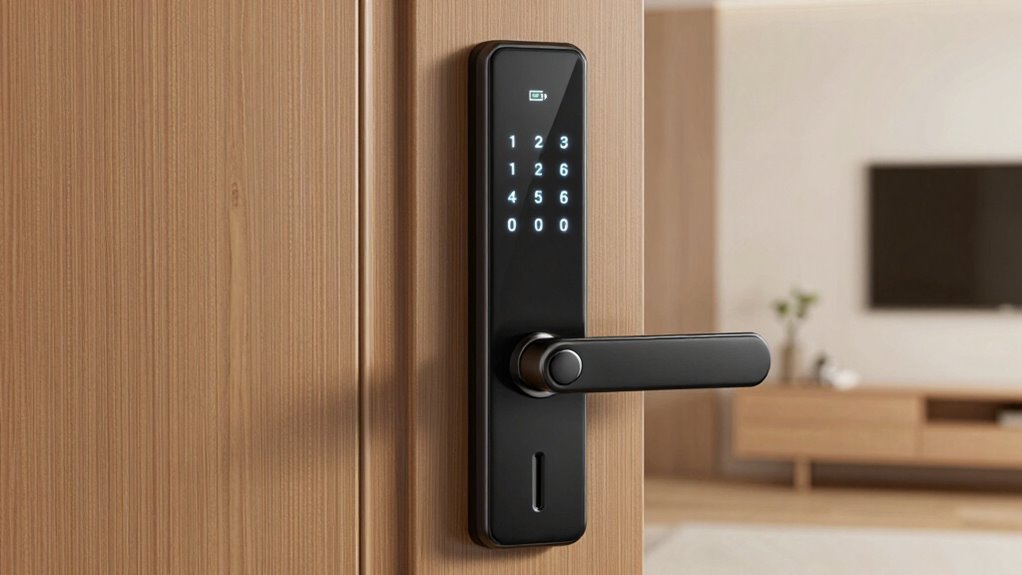

When choosing a smart lock, consider the deadbolt grade to match your security needs—Grade 1 offers the highest resistance, while Grade 3 suits basic use. Modern keypads are often backlit and allow you to set unique codes for family or visitors, reducing risks tied to physical keys. Battery life varies; staying aware of power levels and managing batteries guarantees your lock stays reliable. Continue exploring to discover how these features work together to protect your home more effectively.
Key Takeaways
- ANSI Grade 1 deadbolts offer the highest security, suitable for main entrances, while Grade 2 and 3 are for secondary or interior doors.
- Modern keypads are backlit and touchscreen, allowing easy code management for family, visitors, and service providers.
- Battery life varies; efficient power management and regular monitoring prevent lock failures and ensure continuous security.
- Remote control, activity monitoring, and automation features enhance home security and convenience with smart locks.
- Proper maintenance and understanding power sources extend the reliability and lifespan of smart locks.
Have you ever wondered how smart locks are changing home security? These innovative devices are transforming the way you protect your home, seamlessly blending with your home automation systems and offering advanced security integration. Unlike traditional locks, smart locks allow you to control access remotely, monitor who enters and exits, and even automate locking schedules—all from your smartphone or compatible device. This level of control not only enhances convenience but also substantially boosts your home’s security by reducing the risk of lost keys or unauthorized entry.
When contemplating smart locks, understanding deadbolt grades is essential. Deadbolt grades, such as ANSI Grade 1, 2, or 3, indicate the lock’s durability and security level. Grade 1 locks provide the highest security, offering resistance against forced entry and tampering, making them ideal for front doors or high-traffic areas. Grade 2 locks are suitable for interior doors or secondary entrances, while Grade 3 locks are basic and best for interior use or low-security needs. Choosing a lock with the appropriate grade guarantees you’re investing in a device that meets your security expectations without overpaying for features you don’t need.
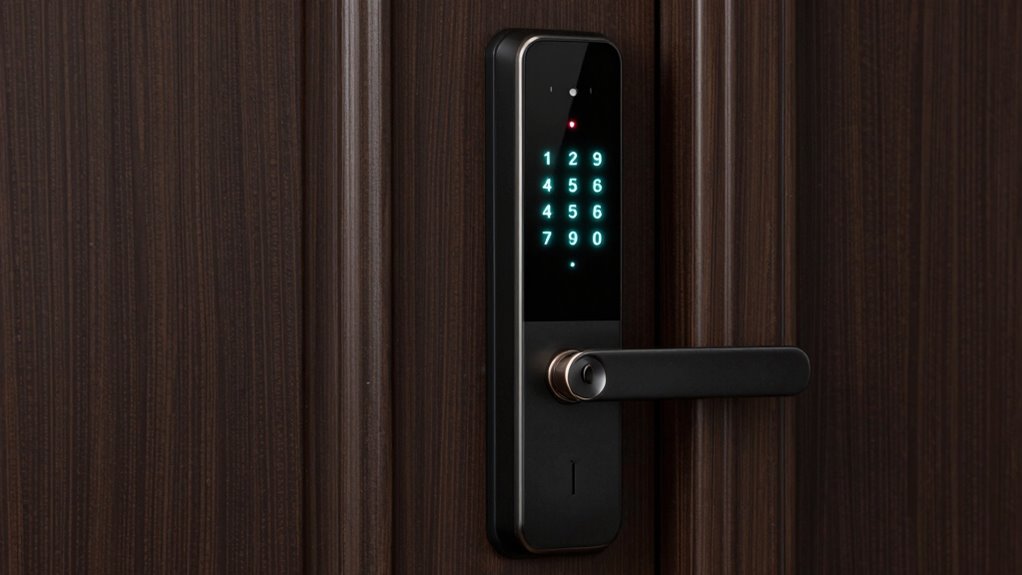
Additionally, deadbolt grades help consumers make informed decisions about their home security investments, ensuring they select a lock that offers the necessary strength and reliability. Modern keypads are a common feature in many smart locks, allowing you to set unique codes for family members, friends, or service providers. This eliminates the need for physical keys, which can be lost or copied without your knowledge. Modern keypads are often backlit and touchscreen, making them easy to use even in the dark. You can program temporary codes for visitors or service workers and disable them once their access is no longer needed. This flexibility enhances security while providing convenience, especially when managing multiple users. Furthermore, battery life can vary significantly between models, so choosing a lock with efficient power consumption can save you from frequent replacements. Being aware of your lock’s battery reality helps prevent surprises, keeping your home secure and accessible at all times. Regular maintenance and understanding the power source are also key to ensuring your smart lock remains operational and reliable. Incorporating power management features can further extend your lock’s usability and reduce maintenance concerns.
ANSI Grade 1 smart deadbolt lock
As an affiliate, we earn on qualifying purchases.
As an affiliate, we earn on qualifying purchases.
Frequently Asked Questions
How Long Do Smart Lock Batteries Typically Last?
Smart lock batteries usually last between six months to a year, depending on your lock’s battery lifespan and power consumption. If you use your smart lock frequently or have features like keyless entry and auto-locking, the battery might drain faster. To guarantee smooth operation, keep an eye on battery levels and replace or recharge them promptly. Proper maintenance helps prolong battery life and keeps your smart lock functioning reliably.
Are Smart Locks Vulnerable to Hacking?
You should know that about 20% of smart lock owners worry about hacking. Smart locks can be vulnerable to cybersecurity concerns if they lack strong encryption protocols. Hackers use various methods to exploit vulnerabilities, but choosing locks with advanced encryption greatly reduces risks. Always keep your firmware updated and opt for reputable brands to safeguard your home. Staying aware of cybersecurity concerns helps you enjoy the convenience without compromising security.
Can Smart Locks Be Installed on Existing Deadbolts?
Yes, you can install smart locks on existing deadbolts through traditional installation methods. Many smart locks are designed for mechanical integration with your current hardware, making the upgrade straightforward. You simply remove your old deadbolt and attach the smart lock in its place, often without needing to drill new holes or replace the entire mechanism. This guarantees a seamless shift to smart security while maintaining your existing deadbolt structure.
Do Smart Locks Work During Power Outages?
When the power goes out, your smart lock becomes a fortress that still protects you. Most smart locks are designed with backup options, like physical keys or batteries, so they work during outages. However, security concerns may arise if firmware updates are delayed or neglected, potentially leaving vulnerabilities. To stay vigilant, make certain your smart lock has a reliable backup power source and keep firmware current, so your home remains secure no matter what.
Are Smart Locks Compatible With All Home Automation Systems?
Smart locks aren’t compatible with all home automation systems due to integration challenges and compatibility issues. You might find some models work seamlessly with platforms like Alexa or Google Assistant, but others may require additional hubs or apps. Before purchasing, check the lock’s compatibility with your existing system. If they aren’t compatible, you may need to contemplate alternative smart locks or upgrade your home automation setup for smooth integration.
Conclusion
In the world of smart locks, understanding deadbolt grades, keypads, and battery life is your map through the maze. Think of these features as the sturdy locks on a treasure chest, guarding your valuables with unwavering strength. By choosing wisely, you turn your home into a fortress that’s both smart and secure. Remember, your peace of mind hinges on these tiny but mighty guardians—making your home safer, one click at a time.