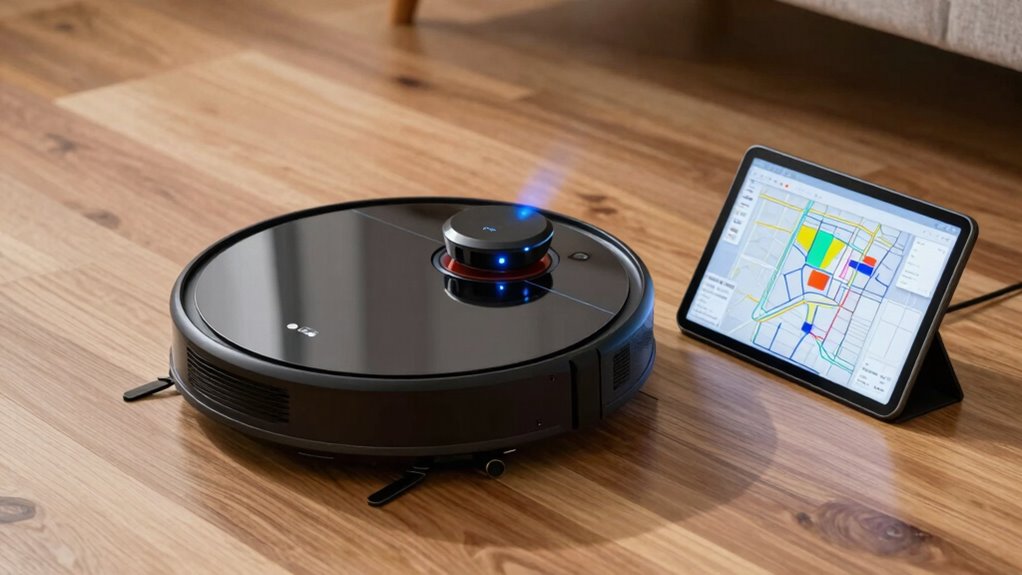

To fix bad mapping and no-go zones on your robot vacuum, start by cleaning sensors and recalibrating them to improve obstacle detection. Reset the map in the app and run a full cleaning cycle to help it relearn your home. Adjust sensor placement and fine-tune navigation settings, such as no-go zones, for better accuracy. Regular updates, maintenance, and troubleshooting will keep your map precise; learn more to optimize your device’s performance.

Get the latest gadgets delivered free — and shop member deals
- Fast, free delivery on millions of items
- Access to Prime Big Deal Days deals on October 6–7
- Prime Video, Amazon Music and more included
Key Takeaways
- Regularly update your vacuum’s firmware and app to improve mapping accuracy and fix bugs.
- Recalibrate sensors and clean them to ensure proper obstacle detection and map creation.
- Reset and rebuild the map after home changes to keep navigation current and accurate.
- Adjust or redefine no-go zones and map boundaries to reflect real obstacles and restricted areas.
- Inspect sensors for dirt or misalignment, and fine-tune navigation settings for better map quality.
robot vacuum sensor cleaning kit
As an affiliate, we earn on qualifying purchases.
As an affiliate, we earn on qualifying purchases.
Why Accurate Maps Matter for Robot Vacuum Performance
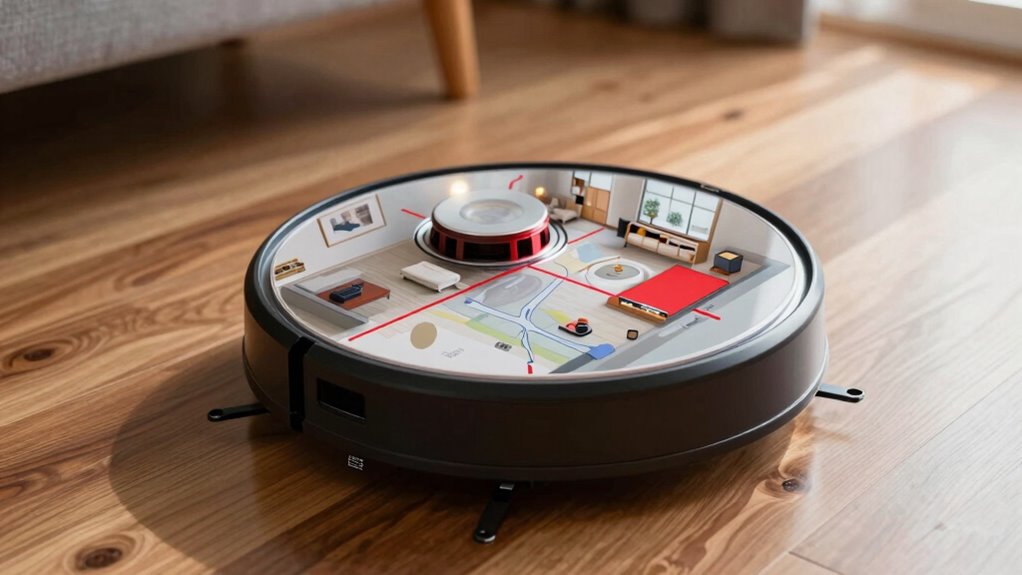
Accurate mapping is vital for a robot vacuum to clean efficiently and thoroughly. When your device uses advanced mapping technology, it can create a detailed layout of your space, guaranteeing complete coverage. Proper sensor calibration is essential here; if sensors are misaligned or dirty, the map becomes unreliable, leading to missed spots or unnecessary no-go zones. Precise maps help your robot plan ideal routes, reducing cleaning time and conserving battery life. Without accurate mapping, your vacuum might repeatedly clean the same area or neglect certain sections altogether. Investing in good mapping technology and regularly calibrating sensors guarantees your robot understands your home’s layout. This results in a smarter, more effective cleaning process that keeps your space spotless.
Common Causes of Map Inaccuracies and No-Go Zones
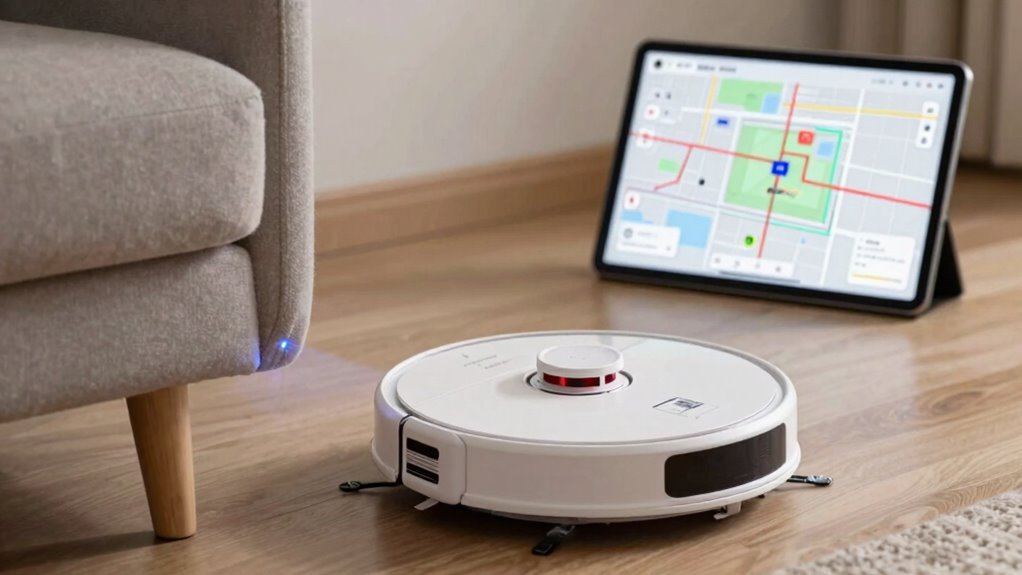
Your robot vacuum’s maps can be thrown off by obstructed sensor lines or outdated data, causing it to miss areas or create false no-go zones. Limited sensor range also hampers its ability to detect obstacles accurately, leading to inaccuracies. Understanding these common issues helps you troubleshoot and improve your robot’s mapping performance. Regularly updating your device’s firmware ensures optimal functioning and map accuracy. Ensuring your vacuum’s sensors are clean and unobstructed can also significantly enhance its mapping precision. Additionally, proper sensor calibration can further reduce errors and improve overall mapping reliability. Regular maintenance, including inspecting sensor alignment, can prevent misreads and improve the robot’s navigation accuracy. Maintaining sensor health by checking for dust or damage is also essential for consistent mapping performance.
Obstructed Sensor Lines
Obstructed sensor lines are a common cause of map inaccuracies and no-go zones in robot vacuums. When sensor lines are blocked or dirty, obstacle detection becomes unreliable, leading to incorrect mapping. This issue often triggers the need for sensor calibration, but even a well-calibrated sensor can struggle if lines remain hindered. Make sure to regularly clean sensors and free any debris or dust that might block their view. Properly functioning sensor lines ensure accurate obstacle detection, helping your vacuum create a precise map of your space. If sensors are obstructed, your robot might mark areas as no-go zones or miss spots entirely. Keeping sensor lines clear is essential for maintaining accurate mapping and reliable navigation during cleaning.
Outdated Mapping Data
When a robot vacuum’s map becomes outdated, it can lead to errors like no-go zones or missed spots, disrupting its cleaning efficiency. These issues often stem from declining mapping accuracy or poor sensor calibration. To fix this, consider these steps:
- Regularly update the map to guarantee your robot reflects recent changes in your home.
- Recalibrate sensors to improve detection and mapping precision.
- Perform firmware updates to enhance overall map accuracy and stability.
Outdated data causes the vacuum to treat familiar areas as new, resulting in misplaced no-go zones. Maintaining proper sensor calibration and keeping the map current are vital for optimal cleaning performance and avoiding unnecessary errors.
Limited Sensor Range
Limited sensor range is a common cause of map inaccuracies and no-go zones in robot vacuums, especially in complex or cluttered environments. When sensors can’t detect obstacles clearly, the robot struggles with accurate obstacle detection and proper navigation. This often leads to missed spots or overly cautious no-go zones. To improve performance, guarantee your sensors are correctly calibrated. Keep sensors clean and free of dust or debris that can impair detection.
| Issue | Effect | Solution |
|---|---|---|
| Limited sensor range | Inaccurate mapping, no-go zones | Calibrate sensors regularly |
| Obstacle detection | Missed obstacles, collisions | Clean sensors, check placement |
| Cluttered environment | Reduced sensor effectiveness | Minimize clutter, update maps |
How to Reset and Rebuild Your Robot’s Map Step-by-Step
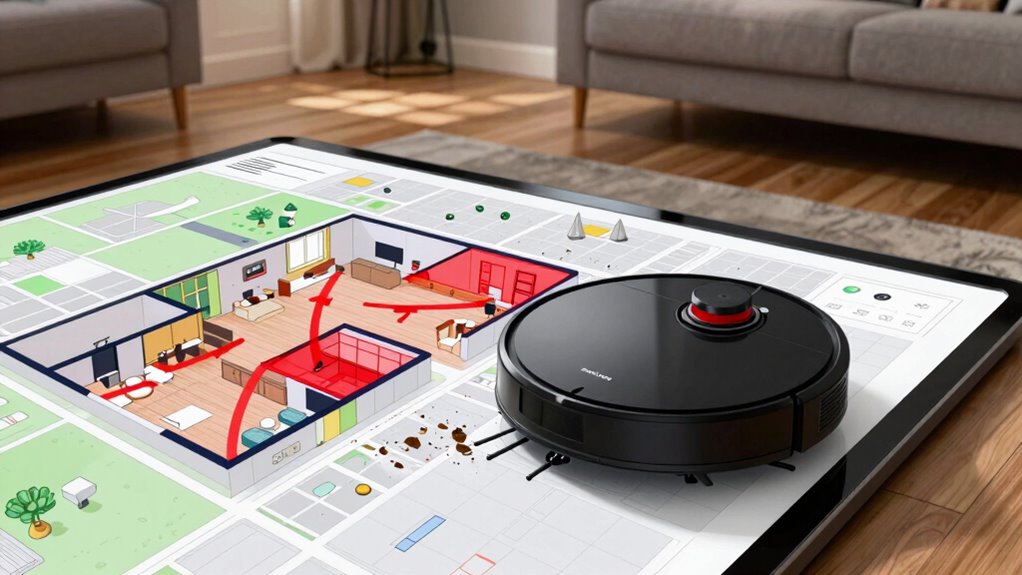
Resetting and rebuilding your robot vacuum’s map is a straightforward process that guarantees peak cleaning performance. First, access your app and select the option to reset the map, guaranteeing a fresh start for improved mapping accuracy. Second, perform a sensor calibration if available, which helps your robot better interpret its environment. Third, run a full cleaning cycle to allow the robot to relearn the layout and update its map. This process helps eliminate errors caused by outdated data and bad mapping. By following these steps, you ensure your vacuum builds a precise, reliable map—making future cleanings more efficient and effective. Regular resets and calibrations keep your robot’s navigation sharp and its no-go zones accurately defined.
Improve Mapping by Adjusting Sensor Placement
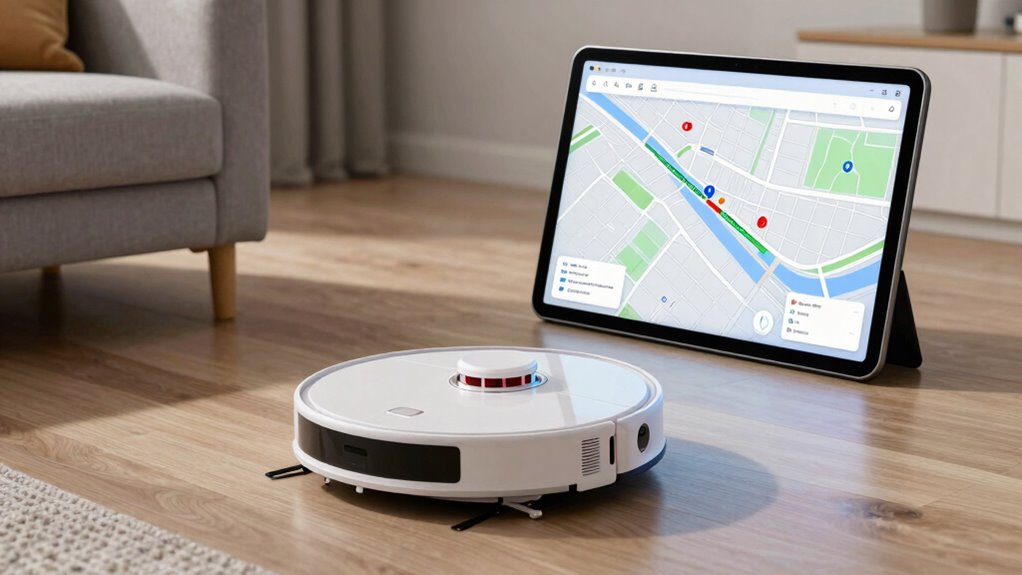
Adjusting your robot vacuum’s sensor placement can considerably improve its mapping accuracy. Proper sensor calibration ensures the device detects obstacles accurately, preventing missed objects or false alarms. If your vacuum struggles with obstacle detection, repositioning sensors or cleaning their surfaces can make a big difference. Avoid placing sensors near reflective surfaces or areas with strong lighting, as these can interfere with sensor readings. Make sure sensors are free of dust and debris to maintain ideal performance. Sometimes, slight adjustments in sensor angles or heights help the vacuum better perceive room boundaries and obstacles. Improving sensor placement leads to more precise mapping, reduces errors, and helps your vacuum create a reliable map of your home. This simple step can markedly enhance overall navigation and cleaning efficiency. Understanding sensor placement can further optimize your vacuum’s performance and ensure accurate obstacle detection. Proper sensor positioning aligns with pinball machine weights, which vary significantly and require careful handling to ensure optimal performance.
Fine-Tune Navigation Settings in the App
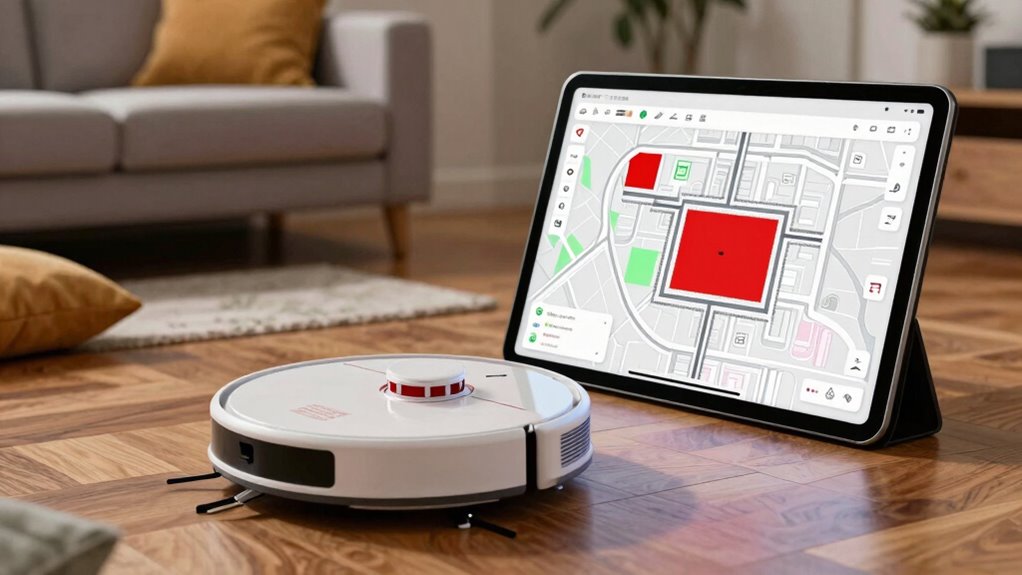
You can optimize your robot vacuum’s performance by adjusting navigation preferences in the app. Customizing no-go zones helps prevent it from entering certain areas, while fine-tuning settings improves cleaning efficiency. Take a moment to explore these options and make your device work better for your space. For added security, consider integrating a smart lock to control access to your home or office. Adjusting navigation settings can also help your robot better adapt to your home’s unique layout, especially when utilizing cabling solutions to create clear pathways and improve overall performance. Additionally, understanding best anime movies can inspire you to enjoy well-crafted stories during your cleaning breaks. Using eco-friendly craft patterns for home organization projects can enhance your space while reducing environmental impact.
Adjust Navigation Preferences
Fine-tuning your robot vacuum’s navigation settings in the app allows you to customize how it moves around your home. If you experience mapping challenges, adjusting preferences can restore accuracy and efficiency. Start by recalibrating sensors to improve sensor calibration, ensuring your vacuum detects obstacles correctly. Next, consider setting navigation speed to balance thorough cleaning with gentle movement, reducing errors. Finally, enable or disable specific mapping features to better suit your space, preventing misreads. Additionally, optimizing navigation components can significantly enhance your vacuum’s mapping precision. Properly configuring sensor calibration can help avoid common issues with obstacle detection and improve overall accuracy. Adjusting mapping algorithms can further refine the navigation process for better results. Reviewing inclusive casting practices can inspire more equitable and accurate mapping strategies, ensuring your device serves every part of your home effectively. Be sure to also review golf heritage to understand how precision and technology have evolved, which can inspire improvements in your vacuum’s navigation. Here are three key adjustments you can make: 1. Recalibrate sensors to fix mapping glitches. 2. Adjust cleaning speed for precision. 3. Toggle advanced navigation modes for better control. These tweaks help your vacuum navigate smoothly, avoiding common issues and improving overall performance.
Customize No-Go Zones
To prevent your robot vacuum from entering areas where it shouldn’t go, customizing no-go zones in the app is essential. Map customization allows you to create precise boundaries, ensuring the vacuum avoids specific rooms or objects. Use zone editing tools to draw or modify no-go zones directly on your map, tailoring them to your home’s layout. This process helps prevent accidents, preserves delicate items, and keeps the vacuum out of restricted spaces. By fine-tuning these zones, you gain better control over your cleaning routine and reduce the need for manual interventions. Regularly update and adjust the no-go zones as your home changes to maintain ideal navigation. Proper zone editing ensures your robot vacuum operates efficiently while respecting your preferences and household layout. Additionally, understanding Map customization techniques can improve overall navigation accuracy and cleaning performance, especially when considering natural features and obstacles in your environment. Incorporating sensor calibration can further enhance the robot’s ability to recognize and adapt to your home’s unique layout. Maintaining an updated map with accurate data is crucial for optimal performance over time.
Update Firmware to Fix Mapping Issues
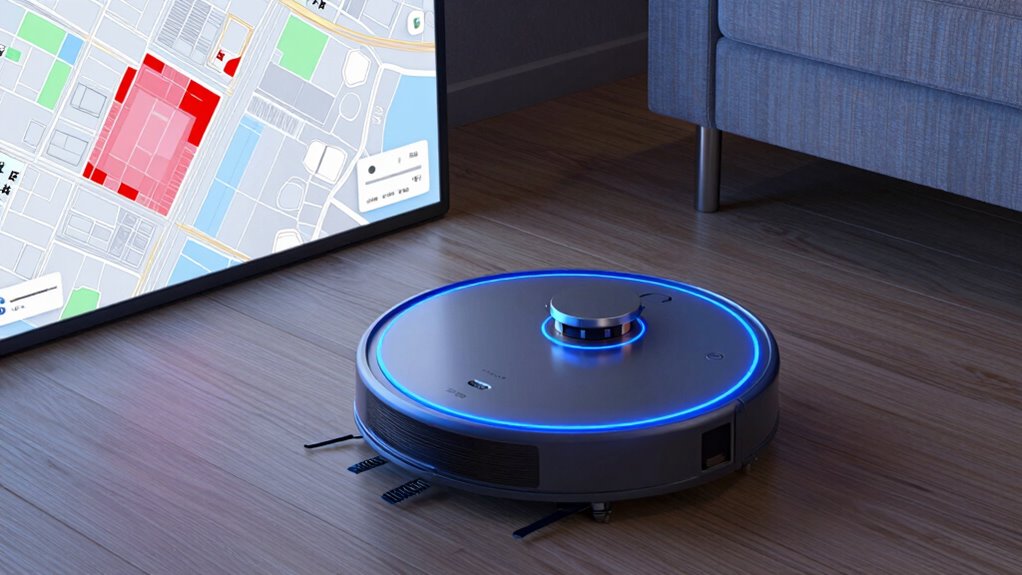
Updating your robot vacuum’s firmware can often resolve mapping issues by improving the device’s navigation algorithms. Firmware updates often include vital improvements like better map calibration, which guarantees your robot understands your space accurately. To make the most of these updates, follow these steps:
- Check for firmware updates regularly to keep your map calibration sharp.
- Make sure your device is connected to Wi-Fi so updates download smoothly.
- Install updates promptly—delaying can cause your robot to misinterpret your home layout.
- Understanding navigation algorithms can help you better interpret and troubleshoot mapping issues. Staying informed about sensor calibration ensures your robot maintains accurate mapping over time, much like how urban pursuits in Harrisburg and other regional activities rely on precise measurements and proper setup to offer the best experience.
Troubleshoot Persistent Map Errors and No-Go Zones
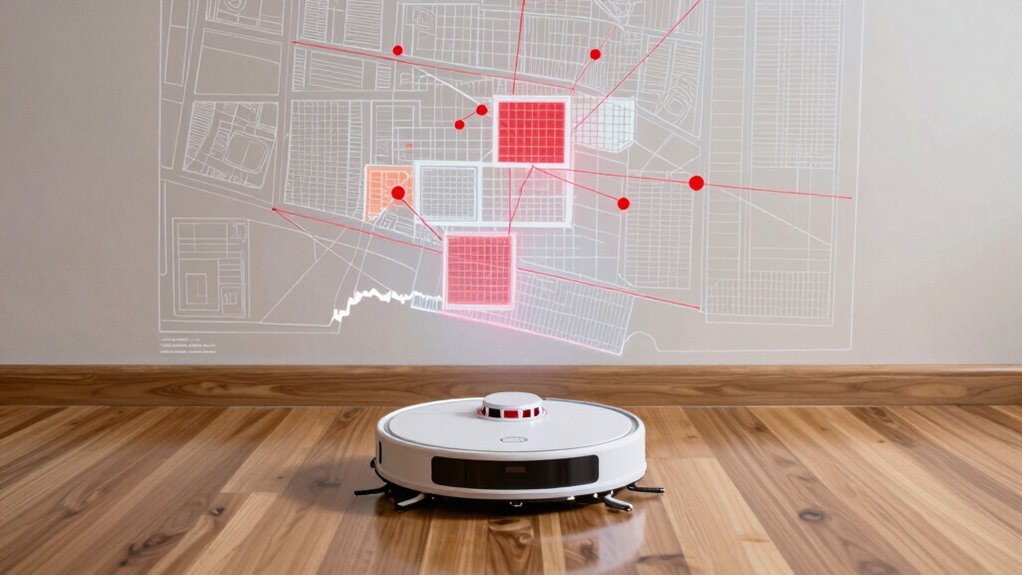
If your robot vacuum continues to encounter map errors or persistent no-go zones despite updating the firmware, it’s time to troubleshoot deeper issues. Mapping glitches often stem from sensor calibration problems, causing your device to misinterpret its surroundings. Start by recalibrating the sensors, following your model’s specific instructions, to ensure accurate obstacle detection and mapping. Check for dirt, dust, or debris on the sensors, as these can interfere with proper calibration. Restart your vacuum and run a short cleaning cycle to see if the map stabilizes. If issues persist, perform a factory reset to clear corrupted data, then recalibrate sensors again. These steps help eliminate common causes of persistent errors and improve map accuracy, reducing unwanted no-go zones and enhancing your vacuum’s overall performance.
Best Practices to Maintain Accurate Maps Over Time
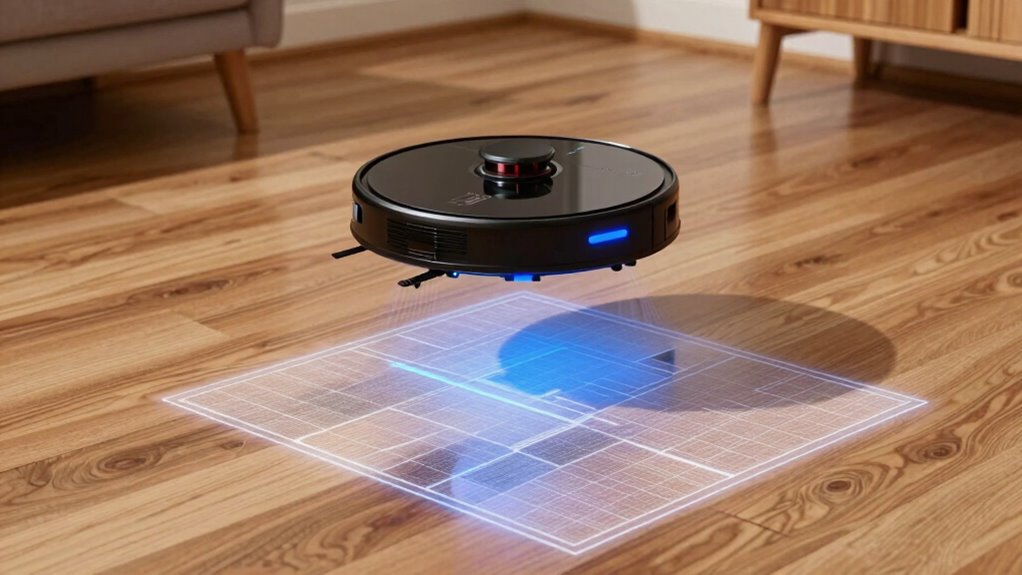
Maintaining accurate maps over time requires regular attention to your robot vacuum’s environment and performance. To guarantee your maps stay reliable, focus on these best practices:
Regularly update maps and calibrate sensors to ensure your robot vacuum navigates accurately over time.
- Schedule regular mapping updates so your robot can adapt to changes like new furniture or layout modifications.
- Perform sensor calibration periodically to keep its sensors precise, preventing misreads that lead to mapping errors.
- Clear clutter and review no-go zones, making sure obstacles are well-marked and consistent, helping your robot navigate smoothly.
How Often Should You Reset Your Robot’s Map?
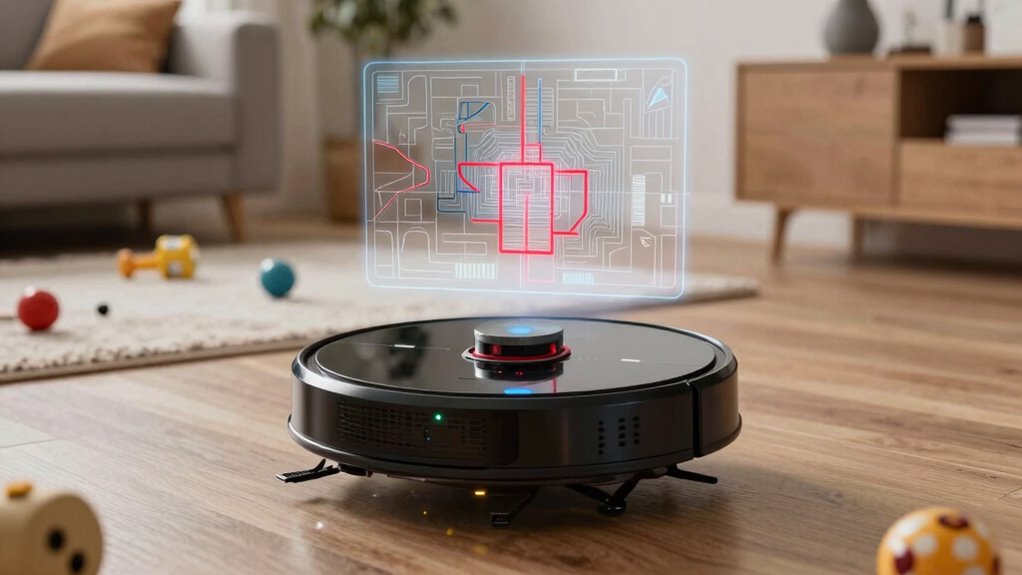
Typically, you should reset your robot’s map only when significant changes occur in your home, such as major furniture rearrangements or new obstacles that the current map no longer reflects accurately. The map update frequency depends on how often your environment changes. If you notice the robot missing spots or bumping into new furniture, it’s time for a reset. Reset intervals can vary from a few months to a year, depending on your home’s stability. Regularly updating the map ensures excellent cleaning and prevents navigation issues. Avoid resetting too frequently, which can cause unnecessary re-mapping, but don’t delay if changes impact cleaning performance. Keep an eye on your robot’s behavior, and reset the map when environmental changes warrant it for consistent results.
When to Contact Support or Upgrade Your Robot

Knowing when to contact support or consider upgrading your robot vacuum is essential to maintaining peak performance. If you notice persistent issues, such as rapidly declining battery life, it’s time to seek help. Additionally, if your robot struggles to follow cleaning schedules or skips areas despite resets, support can guide you through troubleshooting or repairs. Consider upgrading if:
- Your battery no longer holds a charge, reducing cleaning time.
- No‑go zones or maps aren’t improving despite reset efforts.
- The robot’s performance declines, and scheduled cleanings become unreliable.
Addressing these signs promptly ensures your vacuum continues to meet your cleaning needs efficiently. Don’t wait until it’s completely outdated—support can prolong its lifespan, and upgrades can restore peak performance.
Frequently Asked Questions
Can Environmental Changes Affect My Robot Vacuum’s Map Accuracy Long-Term?
Environmental changes can affect your robot vacuum’s map accuracy over time. If your environment isn’t stable, the vacuum’s sensors might struggle to calibrate correctly, leading to less precise maps. To fix this, make sure your space remains consistent and regularly recalibrate the sensors. Stable environments help maintain accurate mapping, while frequent changes might require you to reset or update your robot’s map to keep it functioning at its best.
Are There Compatibility Issues Between Different Brands of Sensors and Robot Vacuums?
Sensor compatibility can be an issue between different brands of robot vacuums, potentially affecting mapping integration. You might find that sensors from one brand don’t seamlessly work with another, leading to inaccurate maps or no-go zones. To avoid problems, check the manufacturer’s specifications for sensor compatibility before purchasing or upgrading your vacuum. Ensuring compatible sensors helps maintain accurate mapping and smooth integration, so your robot cleans efficiently without mapping errors.
How Does Map Quality Impact the Robot’s Cleaning Efficiency?
Think of your robot vacuum like a GPS navigator; better mapping precision means it knows exactly where to go. If the map’s quality is poor, obstacle detection suffers, causing missed spots or repeated passes. I once watched my vacuum struggle around a cluttered corner, wasting time and energy. When the map is accurate, your vacuum cleans efficiently, saving battery and ensuring every nook gets attention.
What Are the Signs That My Vacuum’s Mapping System Needs an Upgrade?
If your vacuum’s mapping software seems outdated or inaccurate, it’s a sign you need an upgrade. You might notice inconsistent cleaning patterns or missed spots, indicating poor map quality. Check if your device requires sensor calibration, as misaligned sensors can cause mapping errors. Updating the software and recalibrating sensors can improve mapping accuracy, ensuring your vacuum navigates efficiently and cleans thoroughly.
Can Third-Party Accessories Improve My Robot Vacuum’s Mapping Capabilities?
Third-party accessories can considerably boost your robot vacuum’s mapping mastery, but only if sensor compatibility aligns. Upgrading sensors or adding external devices can enhance accuracy and obstacle detection, transforming messy maps into meticulous models. The accessory benefits include better boundary setting and fewer missed spots. Just ensure compatibility before installation, so your vacuum’s mapping system gets the upgrade it needs without causing compatibility conflicts or calibration concerns.
Conclusion
Regularly resetting and fine-tuning your robot vacuum’s map guarantees ideal cleaning. For example, if your robot struggles with no-go zones after furniture rearrangement, a quick map reset can fix the issue. By maintaining accurate maps, you prevent missed spots and avoid repeated errors. Stay proactive—adjust sensors, update settings, and seek support if needed. A well-maintained map means a cleaner home with less hassle and more reliable performance.
Fall Picks
fall essentials
As an affiliate, we earn on qualifying purchases.