

TL;DR

Get the latest gadgets delivered free with Prime
- Fast, free delivery on millions of items
- Prime Video, Amazon Music and more included
- Member-only deals all year
You can produce a complete set of publishing assets—like media kits, social clips, and promotional materials—from one video without depending on cloud services. This approach speeds up workflows, enhances privacy, and keeps everything on your local machine.
Imagine turning one raw video into a full-blown media kit—ready for press, social media, and marketing—all without uploading a single file to the cloud. It sounds like a dream, but it’s now possible with tools designed for local processing. This approach not only accelerates your workflow but also keeps your content secure from prying eyes and data breaches.
In this article, you’ll learn how a single video can produce a complete publishing kit, what that kit typically includes, and why going offline might be the smarter choice for creators who value control and speed. We’ll explore concrete examples and real-world scenarios so you can see exactly how this works in practice.
Key Takeaways
- A single video can generate a complete set of publishing assets—titles, descriptions, social clips, media kits—without cloud reliance.
- Local-first workflows enhance privacy, speed, and control, especially for sensitive or proprietary content.
- Automated tools that analyze both audio and visuals produce more accurate and engaging assets, reducing manual effort.
- Preparing a media kit from your video streamlines your launch process, saving hours and ensuring consistency.
- Always verify auto-generated assets and keep organized backups to avoid chaos and maintain quality.
As an affiliate, we earn on qualifying purchases.
How one video transforms into a full publishing kit
Starting from a single video file, a local-first system analyzes and extracts every usable asset. Think of it like a chef taking raw ingredients—your video—as the base, then carefully prepping everything needed for launch: titles, descriptions, social clips, and media assets.
For example, upload your 10-minute interview, and within minutes, you get a catchy title, a detailed description, thumbnail options, short clips for TikTok, and even a press-ready media kit. All the work happens on your machine, with no need for cloud uploads, which means faster turnarounds and total privacy.
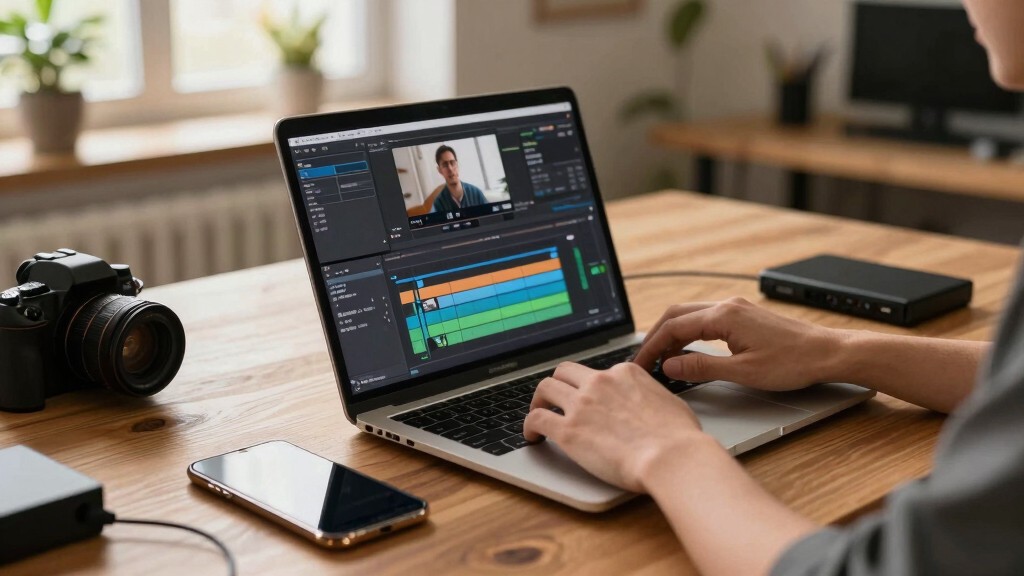
What exactly belongs in a modern author/media kit?
A media kit isn’t just a press release. It’s a collection of assets that makes your launch look professional and consistent across platforms. Think high-res and web-ready images, a compelling one-sheet, detailed bios, and sample promotional copy.
When you generate these assets from a single video, it ensures that your branding remains cohesive and that no detail gets overlooked. The process allows you to maintain visual and thematic consistency, which enhances your credibility and makes your outreach more effective. The tradeoff, however, is that auto-generating assets may sometimes produce outputs that need manual refinement to match your tone or style, so understanding how to review and tweak these elements is crucial for maintaining quality.

Local-first vs cloud-based workflows: What’s better?
| Feature | Local-First Workflow |
|---|---|
| Privacy | All files stay on your machine. No third-party servers involved. This is especially important if you’re handling sensitive or unpublished content, as it minimizes exposure to data breaches or leaks. |
| Speed | Faster turnaround—no upload/download delays. Processing happens instantly on your device, which can be a game-changer during tight deadlines or when working with large files. |
| Cost | No ongoing cloud fees. One-time setup costs for software or tools, making it more economical over time, especially for small operations. |
| Collaboration | Requires physical file sharing or local networks—less seamless than cloud. While this may seem like a drawback, it actually enforces stricter version control and reduces the risk of accidental overwrites or data loss, which can be critical for maintaining asset integrity. |
| Backup & Security | Control over backups and data security; less risk of breaches. You can implement your own backup routines, such as external drives or local servers, giving you peace of mind that your assets are protected and under your control. |
While cloud tools support collaboration and scalability, they introduce recurring costs and potential privacy vulnerabilities. The tradeoff with local workflows is that you sacrifice some ease of sharing in favor of greater control, speed, and security. For many independent creators and small teams, this tradeoff is worth it, especially when dealing with sensitive or proprietary content.

Offline asset generation: How fast and secure is it?
Generating assets offline means everything is processed on your computer, without relying on an internet connection. This isn’t just about convenience; it fundamentally changes how you manage your content. Offline processing allows you to analyze, transcribe, and produce social clips, images, and documents with a higher degree of privacy since your data never leaves your device. It also eliminates upload and download delays, which can significantly speed up your workflow, especially when working with large files or sensitive material.
Imagine working late at night on a confidential project. With offline tools, you can complete all steps without concern about internet outages or data interception. Additionally, since processing is local, you can run complex AI analyses or video edits without worrying about bandwidth limitations or service interruptions, giving you full control over your creative process and data security.

Use cases for self-publishers and small presses
Self-publishers often juggle multiple roles—from writing to marketing—and creating a media kit from a single video streamlines this multitasking. For instance, a YouTuber launching a book can quickly generate a media kit, social clips, and press releases—all from one source—saving valuable time and reducing the risk of inconsistencies across assets. This automation allows creators to focus more on content quality and engagement rather than tedious manual editing.
Small presses benefit significantly as well. They often work under tight deadlines and limited staff, so batch producing promotional assets for multiple titles from a single source can be a game-changer. It ensures brand consistency and speeds up the promotional cycle, allowing publishers to respond quickly to market opportunities. However, they must also be aware that automated assets might require manual refinement to align perfectly with their branding or messaging, so integrating review steps into the workflow is advisable.

Security, privacy, and owning your assets
When you process everything locally, you retain full ownership of your files. This means no third-party servers storing your unpublished work, proprietary branding, or sensitive drafts. Such control is crucial for maintaining confidentiality and avoiding potential leaks or data breaches. For example, an indie author can keep their manuscript and promotional assets secure until they’re ready for release, ensuring that competitors or unauthorized parties cannot access sensitive information prematurely.
Additionally, local processing enables you to implement your own backup routines—such as external drives, NAS devices, or local servers—giving you flexibility and peace of mind. This approach minimizes reliance on third-party providers, reducing risks associated with cloud outages, hacking, or policy changes that could jeopardize your content’s security. Ultimately, owning your assets means you decide how and when they are accessed, shared, or updated, which is vital for maintaining your creative control and confidentiality.

Speeding up your workflow: from raw video to launch assets
This four-step process can significantly reduce your production time, often cutting it in half compared to manual creation. For example, what might normally take a full day of editing, drafting, and assembling assets can now be accomplished in just a few hours. This accelerated workflow not only speeds up your launch but also allows for more iterations and refinements before release, ultimately leading to higher-quality content. The key advantage is that all steps happen locally, giving you immediate control over each phase without waiting on uploads or external processing, which can introduce delays or compromise confidentiality.
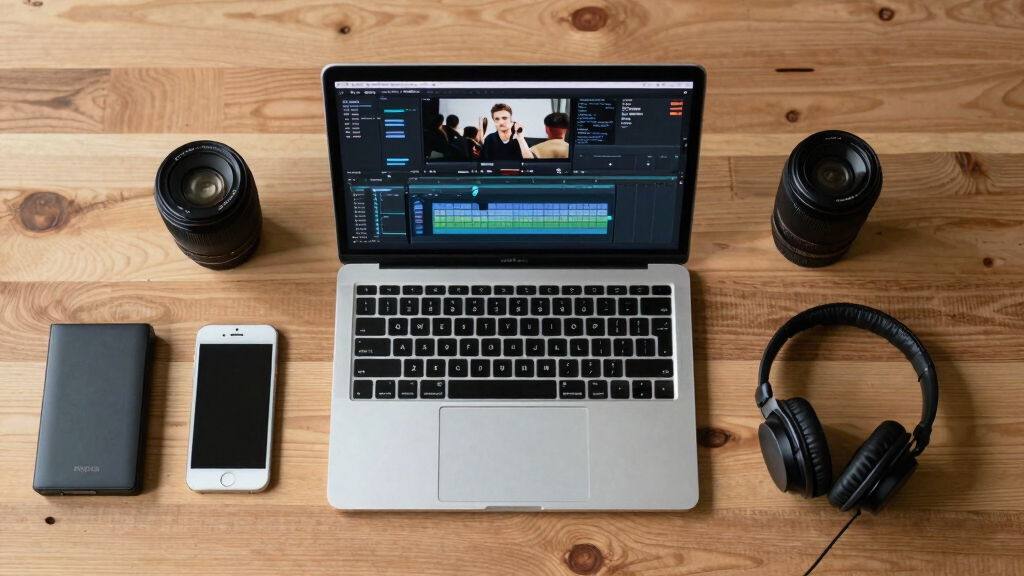
Common mistakes when building a publishing kit from video
One common mistake is relying solely on auto-generated assets without thorough review. Automated tools may misinterpret content or produce outputs that don’t fully align with your branding or message. It’s essential to verify the quality, relevance, and tone of each asset before publication. Overloading your toolkit with unnecessary assets can also be counterproductive; focus on those that truly add value to your campaign, such as key social clips or critical media materials. Additionally, neglecting proper file organization can lead to chaos, especially when managing multiple assets. Keeping your files well-labeled and backed up locally ensures you can quickly locate and update materials as needed. Remember, automation facilitates efficiency, but maintaining quality control is vital for a professional outcome.
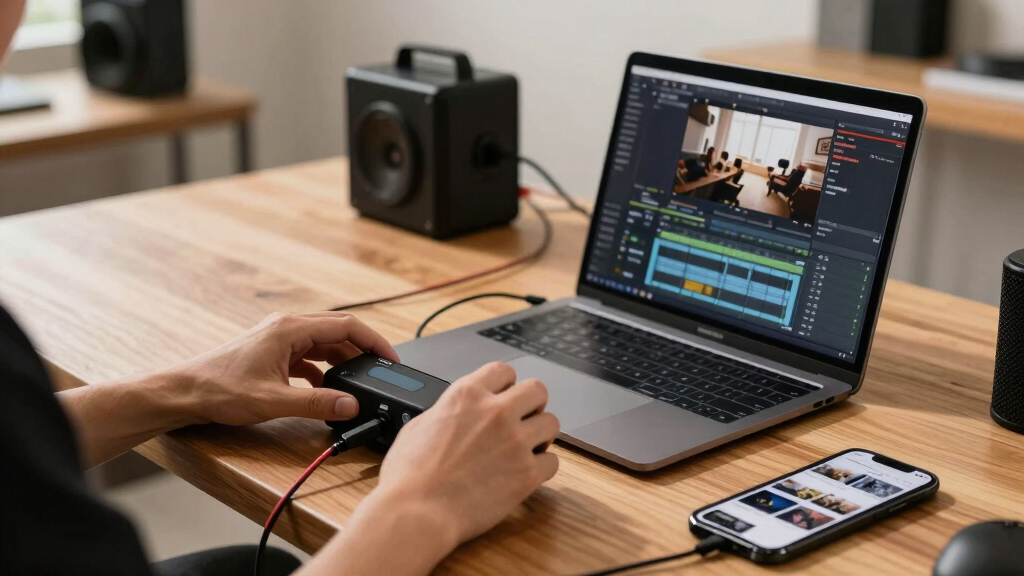
Questions to ask before choosing a no-cloud workflow
- Does it support all the asset types I need? (images, videos, documents)
- Can I process everything offline without sacrificing quality?
- How easy is it to review, edit, and approve assets locally?
- What are the backup options for my files?
- Will this setup grow with my needs?
These questions help ensure you pick a tool that balances control, speed, and flexibility. Carefully evaluating these aspects ensures your workflow remains scalable and adaptable, reducing the risk of hitting technical or operational bottlenecks as your projects grow or diversify.
Frequently Asked Questions
Can I process all types of videos offline?
Yes. Most local tools support common formats like MP4, MOV, and AVI. They analyze audio, visuals, and text directly on your device, making it suitable for interviews, tutorials, and vlogs.
Assets are typically exported as JPEG, PNG for images, MP4 or MOV for clips, and PDF for documents like press releases or media sheets. These formats are widely supported across platforms.
Does this work for large-scale campaigns or only small projects?
While ideal for small to medium projects, advanced setups can handle larger campaigns. The key is to ensure your hardware can process multiple assets simultaneously without slowdown.
Is it easy to update assets if I revise my video later?
Absolutely. Since all assets are generated locally, you can reprocess your video and quickly update titles, clips, or documents without re-uploading everything.
What are the tradeoffs of avoiding the cloud?
The main tradeoff is that collaboration becomes more manual—sharing files and revisions requires local transfer methods. However, the benefits in privacy, speed, and control often outweigh these challenges for solo creators and small teams.
Conclusion
Going offline with your publishing process isn’t just about privacy—it’s about reclaiming control and speeding up your launch. From a single video, you can craft a professional media kit, social assets, and promotional materials—all on your own terms.
Next time you finish a video, ask yourself: how much faster and safer could I be if I did all this without relying on the cloud? The answer might just reshape how you think about content creation and publishing.

Fall Picks
fall essentials
As an affiliate, we earn on qualifying purchases.