
TL;DR
Smart-lighting kits from Philips Hue, Govee and Nanoleaf can mirror screen colors or create a neon-inspired atmosphere for playing GTA VI. Matter can help compatible lights from different brands share basic smart-home controls, but advanced screen synchronization and segmented effects generally remain within each manufacturer’s ecosystem. No GTA VI-specific lighting integration is confirmed.
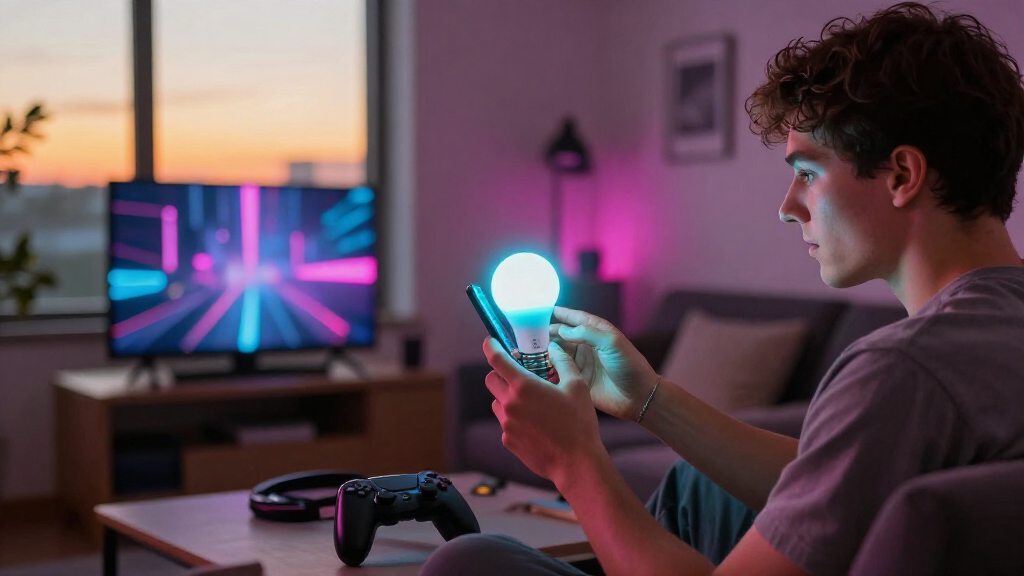
Smart-lighting products from Philips Hue, Govee and Nanoleaf can help players create a neon, Vice City-inspired room for Grand Theft Auto VI, but the effects come from existing TV-sync and smart-lighting systems—not a confirmed feature built into the game. A roundup of the options describes HDMI boxes and camera-based kits that match lights to on-screen colors, while noting that Matter supports basic cross-brand controls rather than automatically sharing every advanced lighting effect.

Get the latest gadgets delivered free with Prime
- Fast, free delivery on millions of items
- Prime Video, Amazon Music and more included
- Member-only deals all year
The most direct approach is an HDMI sync box, which reads video passing from a console or other source and tells compatible lights to react. Philips Hue’s Play HDMI sync box 8K supports HDMI 2.1 passthrough at up to 4K/120Hz or 8K/60Hz, according to the product details in the source. It can synchronize compatible Hue lighting without a camera mounted on the TV. The wider Hue setup can include a Play gradient lightstrip, which covers the top and sides of the screen, and additional lamps. A Hue Bridge may be needed for expanded entertainment setups and Matter integration, adding to the cost.
Govee’s AI Sync Box Kit 2 is another HDMI option. The source lists passthrough up to 4K/144Hz or 8K/60Hz, plus VRR and ALLM support, and says the kit can extend screen effects to compatible Govee lights through DreamView. Its AI features can recognize some game content and generate lighting scenes from prompts, but those functions are part of Govee’s own ecosystem; the source does not identify them as GTA VI-specific features. The kit also adds a device and cabling to an entertainment setup.
Camera-based alternatives, including Govee TV Backlight 3 and 3 Pro and Nanoleaf 4D, sample the TV screen and send colors to a rear light strip. Because the console does not need to pass through an HDMI box, these kits can work with a TV’s built-in apps. The trade-off is that results may be affected by calibration, reflections and room lighting. Nanoleaf 4D can work with compatible Nanoleaf products through Sync+, while its separate AI scene tools can create themed palettes. The source describes these as creative lighting features, not GTA VI gameplay recognition.
Could smart lights bring Vice City home?
Existing lighting kits can match a TV’s colors or add a neon-inspired glow for GTA VI. No game-specific lighting integration is confirmed.
Two ways to sync
Both approaches can send screen colors to lights behind the TV.
- Reads video routed through the box.
- Adds hardware and connections.
- Check passthrough, refresh rate and console compatibility.
- Samples the TV screen externally.
- Can work with built-in TV apps.
- Calibration, reflections and room lighting may affect results.
What Matter connects
Cross-brand support depends on the exact product and the effect you want.
| Capability | What to expect |
|---|---|
| Basic controls | Compatible lights can share controls such as power, brightness and color. |
| Live screen sync | Generally stays within each manufacturer’s ecosystem. |
| Nanoleaf 4D | Does not support Matter, though some newer Nanoleaf lights do. |
Build the room’s glow
A synced strip can extend screen colors; lamps and manual scenes can add a broader neon palette.
Expand the screen
A Play gradient lightstrip and additional lamps can spread compatible Hue effects around the room. A Hue Bridge may add to setup cost.
Extend with DreamView
The AI Sync Box Kit 2 can extend screen effects to compatible Govee lights. Its AI scenes are not described as GTA VI features.
Sync or set a scene
Nanoleaf 4D samples the TV, while Sync+ can connect compatible Nanoleaf products.
Check before buying
The right fit depends on your screen, setup and preferred installation.
- Confirm support for your screen size, console output, refresh rate and HDR features.
- Check which lights can join the same synchronized scene in the manufacturer’s app.
- Compare installation needs: direct HDMI capture or an external camera.
- Verify product-level Matter support; it does not guarantee cross-brand live effects.
How Sync Kits Change Game Lighting
For players, the main difference is between ambient color and screen-matched effects. A floor lamp or light strip can add a pink-and-blue palette to a room, but a sync system can change colors as the picture changes. That could make nighttime driving and neon-heavy scenes feel more immersive, while leaving the game itself—and its graphics—unchanged.
The choice also affects price, setup and compatibility. HDMI boxes read a direct video signal but add hardware and connections; camera kits avoid routing video through another device but can be less precise. Players should check the kit’s supported screen size, console output and refresh-rate needs before buying. The source provides product specifications and feature descriptions, but no independent performance testing or pricing comparison, so it does not establish which kit produces the best results or value.
Matter’s role is narrower than the term “smart home integration” can suggest. It can let compatible products from different brands share common controls such as power, brightness and color. The live screen-matching and segmented LED effects described here generally rely on each brand’s own app and system. A Matter label alone does not mean that a Hue, Govee or Nanoleaf effect will synchronize across all brands.
Products Worth Considering

Sonos Five Wireless HiFi Speaker, Black

Bose QuietComfort True Wireless Earbuds with Active Noise Cancellation, Bluetooth 5.3, USB-C Charging, IPX4, Black

Amazon Kindle Scribe Colorsoft 64GB with Premium Pen
As an affiliate, we earn on qualifying purchases.
Existing Kits, Not a GTA VI Feature
The supplied material frames these products as ways to extend the atmosphere of Vice City, whose neon signs, streets and skyline are part of GTA VI’s appeal. It does not report a Rockstar Games announcement, a dedicated GTA VI lighting mode, or a partnership between the game’s developers and a lighting company. The suggested setup is an accessory choice made around a game, not a new game feature.
The options use two common methods. HDMI sync boxes analyze a signal connected through the box; camera kits view the screen externally. Both can drive a strip behind a TV, while companion lamps or other lights can spread the colors around the room. Some systems also offer manually created scenes, which can establish a neon look without tracking the game image.
Matter provides a shared smart-home standard, but the source distinguishes everyday device controls from the richer effects in manufacturers’ apps. It says Govee’s kit supports Matter for basic control, while advanced syncing remains in Govee’s ecosystem. It also says Nanoleaf 4D itself does not support Matter, even though some newer Nanoleaf lamps and bulbs do. The range of support varies by product, rather than applying uniformly to every light from a brand.
What Compatibility Still Depends On
No GTA VI-specific lighting compatibility is confirmed in the supplied source, and it does not identify any announcement from Rockstar Games. It is also unclear which particular scenes or colors would work best with screen synchronization; that would depend on the game image and the lighting kit’s processing, calibration and placement.
The source does not provide prices, independent test results, exact release timing for the products, or a full comparison of latency and image quality. Buyers would need to verify current device specifications and compatibility for their own TV, console, room and existing lights. Matter support should also be checked at the product level: it does not by itself confirm that a device can participate in another brand’s live entertainment-sync effects.
Check Setup Before Buying
For now, anyone planning a GTA VI lighting setup can compare the available systems against their TV size, video requirements and preferred installation. An HDMI box may suit players who want direct signal capture and whose display setup matches the box’s passthrough limits. A camera kit may be a simpler route for households that use built-in TV apps or want to avoid adding an HDMI device. Both approaches can be expanded with lamps or strips, though cross-brand effects may be limited.
Before purchasing, check whether the exact kit supports the desired screen size, refresh rate, HDR features and smart-home controls. Players should also confirm which lights can join the same synchronized scene through the manufacturer’s app. Any future claim of an official GTA VI lighting mode or dedicated partnership would require a separate announcement; none is included in the source material.
Key Questions
Will smart lights sync directly with GTA VI?
The source describes existing TV-sync products that react to the picture on screen. It does not confirm a GTA VI-specific integration or a game setting for controlling smart lights.
What is the difference between an HDMI sync box and a camera kit?
An HDMI box reads video routed through it, while a camera kit samples the TV screen from outside. Camera kits can work with built-in TV apps and avoid adding an HDMI device, but reflections, lighting and calibration can affect their results.
Does Matter make all brands’ lighting effects work together?
No. The source describes Matter as providing common controls such as power, brightness and color for compatible devices. Advanced screen synchronization and segmented effects generally stay within the manufacturer’s own system.
Can I create a Vice City-style scene without a sync kit?
Yes. Compatible lamps, light strips or panels can be set to a neon-inspired palette without responding to the game. Some products also offer themed scene tools, but these are lighting effects, not confirmed GTA VI features.
Source: matteralpha.com