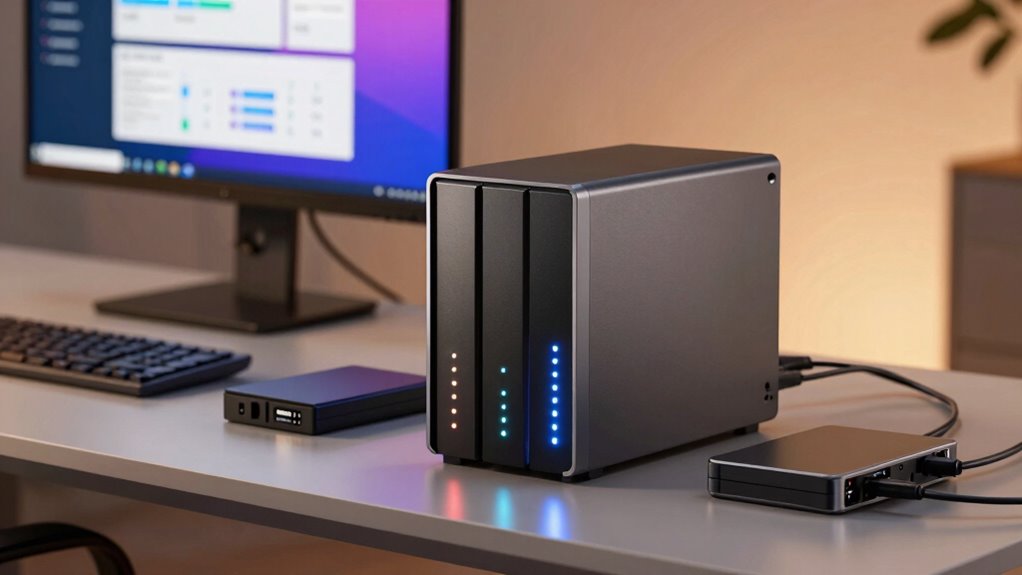

A NAS with RAID helps improve performance and provides drive redundancy, but it’s not a complete backup. RAID protects against drive failure, but it doesn’t prevent data loss from accidental deletion, corruption, or theft. To truly safeguard your data, you need a proper backup strategy and consider cloud sync options for extra security. If you keep exploring, you’ll discover essential tips to keep your data safe and protected.

Get the latest gadgets delivered free with Prime
- Fast, free delivery on millions of items
- Prime Video, Amazon Music and more included
- Member-only deals all year
Key Takeaways
- RAID provides drive redundancy and performance but does not protect against data loss from accidental deletion or corruption.
- Regular backups to external drives or cloud services are essential for complete data protection.
- Cloud synchronization creates a mirror of your files, adding an extra layer of security beyond RAID.
- Encrypt sensitive data during transfer and storage to prevent unauthorized access and ensure confidentiality.
- Implement best practices like scheduled backups and security protocols to safeguard data beyond the NAS’s RAID capabilities.
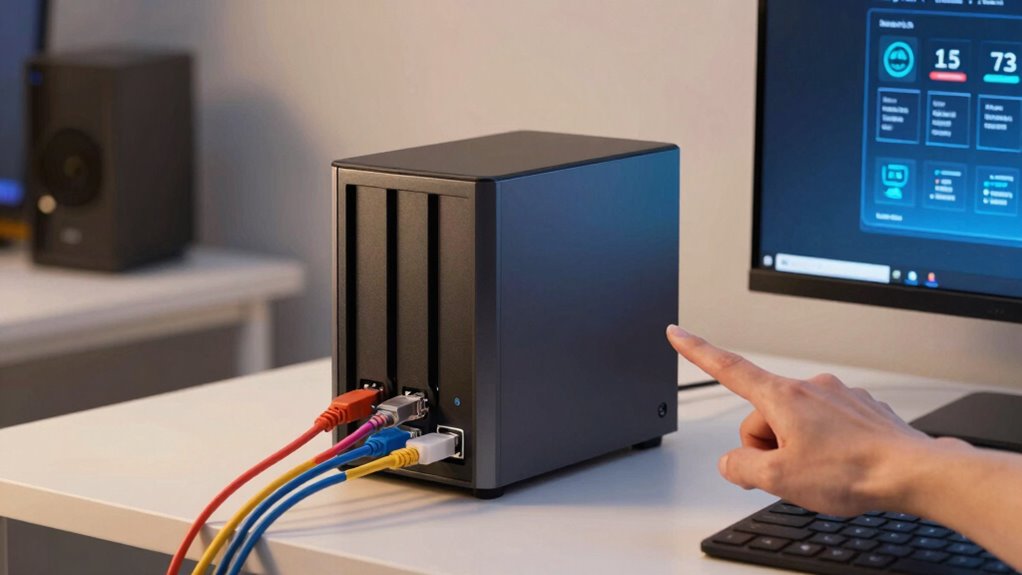
Have you ever wondered how to share files easily or back up your data securely at home or small office? A NAS (Network-Attached Storage) device could be the perfect solution. It acts like a personal cloud, giving you centralized storage that you can access from multiple devices. But just setting up RAID isn’t enough to protect your data. RAID helps with drive redundancy and performance, but it’s not a backup. If a file gets corrupted, accidentally deleted, or if your NAS is compromised, RAID alone won’t save you. That’s where understanding the importance of proper backup strategies comes in.
One of the key features you should consider with your NAS is cloud synchronization. Cloud sync allows you to continuously mirror important files to a secure cloud service. This adds an extra layer of protection, ensuring your data isn’t solely dependent on your local hardware. If your NAS suffers hardware failure, theft, or physical damage, your files are still safe in the cloud. Plus, cloud synchronization makes collaboration easier—allowing you or your team to access updated files from anywhere. Pairing cloud sync with your NAS creates a hybrid storage setup that balances local speed with remote security, giving you peace of mind.
Another critical aspect is data encryption. When you’re backing up sensitive data, encryption ensures that even if someone gains unauthorized access to your backups, they can’t read your files. Many modern NAS devices support built-in encryption options, allowing you to lock down your data during transfer and storage. This is especially important if you’re using cloud services, as encryption helps keep your information private in transit and at rest. Without proper encryption, your backups could become vulnerable to hacking or interception. So, always enable encryption features when syncing data to the cloud or backing up to external drives. Additionally, understanding data security principles is essential to safeguarding your stored information effectively. Implementing encryption as part of your backup plan can significantly reduce the risk of data breaches. Moreover, being aware of cloud security best practices will help you further protect your data in online environments. Recognizing the importance of regular backups is also crucial to ensure your data remains safe over time. Incorporating best practices in data management can also help you optimize your backup process and avoid common pitfalls.
Products Worth Considering

LG UltraGear 32GX850A-B 32-inch 4K UHD Glossy OLED Gaming Monitor

Jackery HomePower 3600 Plus Portable Power Station, 3584Wh, 3600W

Kindle Paperwhite Signature Edition 32GB (2024) – Auto-adjusting front light, wireless charging, weeks of battery life – Metallic Black
As an affiliate, we earn on qualifying purchases.
Frequently Asked Questions
How Often Should I Perform Data Backups on My NAS?
You should back up your NAS regularly, ideally weekly or biweekly, depending on how often your data changes. Keep in mind, backups should include data encryption for security and consider user access controls to prevent unauthorized changes. Automate backups where possible to guarantee consistency. Regular backups protect against data loss from hardware failures, accidental deletion, or cyber threats, keeping your data safe and accessible when needed.
Can I Upgrade My NAS Storage Capacity Easily Later?
Nearly 40% of NAS users upgrade their storage within two years, showing it’s quite feasible. You can upgrade your NAS storage capacity later, but it depends on hardware compatibility. Check your device’s specifications and follow the upgrade procedures carefully. Most modern NAS units support expanding storage via additional drives or replacing existing ones with larger ones, making it easier to scale your storage as your needs grow.
What Security Measures Protect Data on a NAS?
You protect your NAS data with encryption protocols that secure files both at rest and in transit, preventing unauthorized access. Physical security measures, like locking cabinets or server rooms, deter theft and tampering. Regular firmware updates also patch security vulnerabilities. By combining encryption and physical security, you guarantee your data stays safe from cyber threats and physical breaches, giving you peace of mind that your information remains protected.
Is It Necessary to Use Cloud Backup With a NAS?
Yes, it’s necessary to use cloud backup with your NAS. Cloud redundancy offers an extra layer of protection, guaranteeing your data stays safe even if your local setup encounters issues. By enabling data synchronization, you keep your files updated across both your NAS and cloud storage. This combination provides thorough data security, minimizes risk, and guarantees quick recovery in case of hardware failure, theft, or disasters.
How Does RAID Performance Vary With Different Configurations?
You might worry that RAID performance varies too much with different setups, but it actually depends on your chosen RAID levels. For example, RAID 0 offers high performance by striping data, ideal for speed, while RAID 5 balances performance and redundancy. To optimize performance, focus on the right RAID level for your needs and consider performance optimization techniques like using faster drives and enabling write caching.
Conclusion
Remember, a NAS is like a trusty library—great for storage but not a safeguard against all disasters. Think of it as a helpful neighbor, not your only shield. To truly protect your data, you need backups that act like an umbrella in a storm—ready to shield you when things go wrong. Don’t let your digital treasures be left vulnerable; back them up, and keep your data safe no matter what life throws your way.