Your doorbell camera records everything in front of your door, including visitors, packages, and surrounding activity, but it can also capture parts of your neighbor’s yard or street if misaligned. Others with access—like family or neighbors—can view or share footage if you give permission or if security settings are loose. To better protect your privacy, you need to review your settings and zone out sensitive areas. Keep exploring to discover simple ways to stay secure and private.
Key Takeaways
- Doorbell cameras record activity in front of your door, but privacy zones can limit views of neighbors or private areas.
- Access to footage is restricted to authorized users with specific roles, reducing unauthorized viewing risks.
- Sharing footage or access credentials can expose your data; use secure methods and review permissions regularly.
- Video encryption during storage and transmission helps protect against hacking and unauthorized access.
- Position and angle adjustments, including privacy zones, help prevent capturing public spaces or neighbors’ private areas.

Ring Doorbell Cover Weatherproof, Metal Doorbell Rain Cover Compatible with Ring/Blink/Arlo/Nest/Reolink Doorbell Camera, Doorbell Sun Shade, Sun Glare Reduction, No Drill Installation
Compatible Doorbell Models: Compatible with Ring Video Doorbell (1st–4th Gen, 2020 Release), Ring Battery Doorbell (2024 Release), Ring…
As an affiliate, we earn on qualifying purchases.
As an affiliate, we earn on qualifying purchases.
What Do Doorbell Cameras Actually Record?
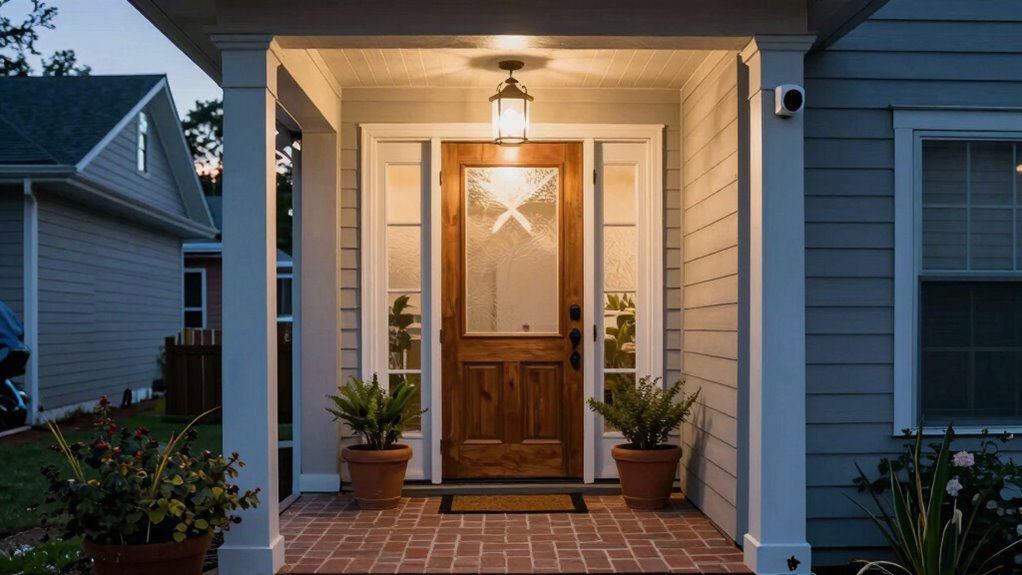
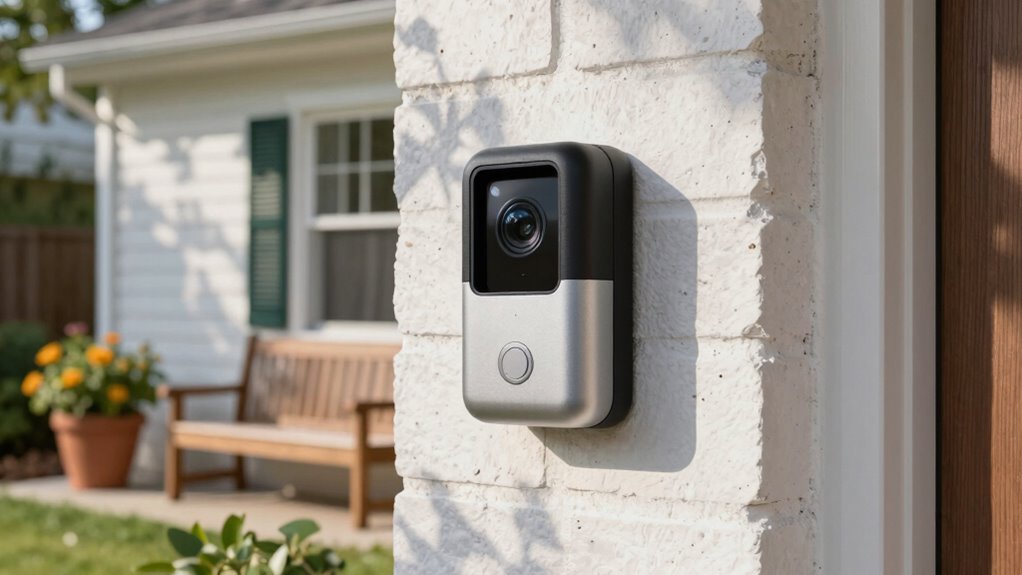
Doorbell cameras primarily record what happens in front of your door, capturing video footage of visitors, delivery personnel, and any activity in the immediate area. The video quality varies depending on the camera model, with some offering high-definition clarity that clearly shows faces and details. Many cameras feature motion detection technology, which triggers recording only when movement is detected, saving storage and making it easier to review important events. This means you don’t have to sift through hours of footage; instead, the camera focuses on relevant activity. The combination of sharp video quality and intelligent motion detection ensures you get clear, useful footage of anyone approaching your door, giving you peace of mind and better security. Additionally, it’s important to consider privacy concerns related to continuous recording and who else might have access to your footage.

eufy Security Video Doorbell E340,No Subscription,Dual Cameras,2K FHD,Head-to-Toe View, Doorbell Camera Wireless & Wired, Color Night Vision, Two-Way Talk, AI Motion/Package Detection, Built-in 8GB
𝐃𝐮𝐚𝐥 𝐂𝐚𝐦𝐞𝐫𝐚𝐬, 𝐃𝐨𝐮𝐛𝐥𝐞 𝐒𝐞𝐜𝐮𝐫𝐢𝐭𝐲 | Dual cameras work seamlessly together. The front camera captures visitors head-to-toe, while the…
As an affiliate, we earn on qualifying purchases.
As an affiliate, we earn on qualifying purchases.
Who Can Access and Share Your Doorbell Camera Footage?
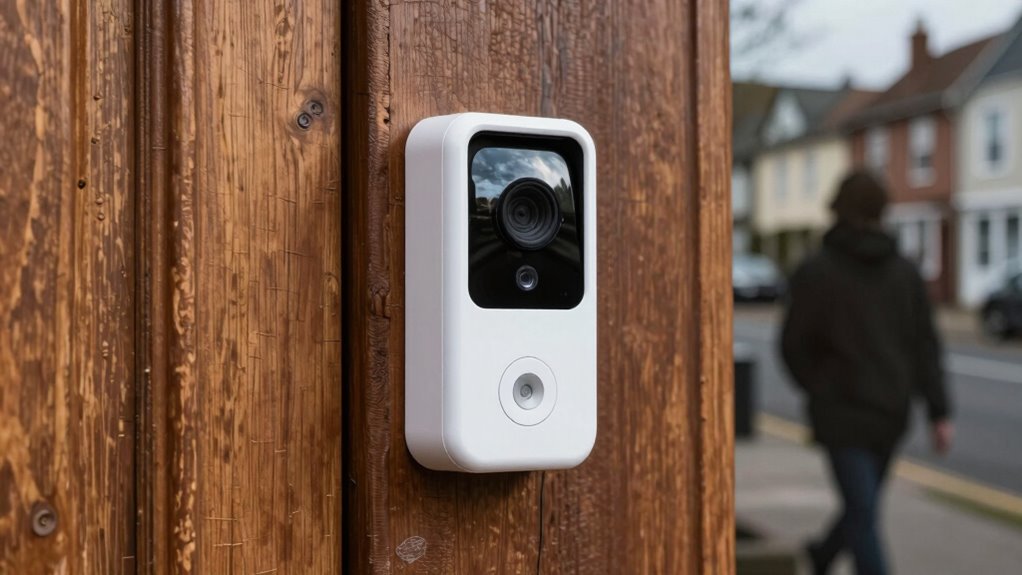
You might wonder who can see and share your doorbell camera footage. Usually, only authorized users have access, but cloud storage sharing can expand that circle. Third-party apps and integrations can also introduce additional risks, so it’s essential to understand who’s involved. Additionally, using vetted security solutions can help ensure your footage remains protected from unauthorized access. Incorporating privacy controls can further limit who has viewing rights and prevent unintended sharing. The level of color accuracy in your camera’s sensors also impacts how well details are preserved, which is crucial for identifying visitors or suspicious activity. Being aware of access permissions is key to maintaining control over your footage and safeguarding your privacy. Understanding data encryption methods used by your security system can provide an extra layer of protection for your recordings.
Authorized Access Rights
While your doorbell camera captures valuable footage, access to that footage is typically limited to specific individuals or entities. Access control and user permissions determine who can view or share your footage. Usually, you’re the primary person with full control, but others may have limited access. These are often categorized into three roles:
- Admin: Has complete access to settings, footage, and sharing capabilities.
- User: Can view live feeds and recorded videos but cannot change permissions.
- Guest: Might have temporary access to specific footage or live views, often limited in duration. Understanding access rights management involves setting clear boundaries on who can perform what actions, which is essential for safeguarding your privacy and maintaining control over your data. Additionally, security features provided by manufacturers can help you customize and enforce these permissions to prevent unauthorized access. Implementing access controls is a crucial step in safeguarding your smart home ecosystem from potential threats. Properly configuring user permissions ensures that sensitive footage remains protected and only accessible to trusted individuals.
Cloud Storage Sharing
Access to your doorbell camera footage stored in the cloud is controlled by sharing settings and permissions. When you share access, others can view or download footage, impacting your doorbell security. Be aware that some providers allow you to set permissions, but others may not. Make sure your footage is encrypted to prevent unauthorized access. Sharing options often include family members or trusted neighbors, but beware of accidental sharing with strangers. Additionally, choosing a system with encryption standards can further protect your footage from unauthorized access. Regularly reviewing your privacy settings helps ensure your footage remains secure and accessible only to trusted individuals.
Third-Party Integrations
Third-party integrations can considerably expand your doorbell camera’s functionality, but they also introduce new risks for your footage’s privacy. When you connect third-party apps, you might unknowingly grant access to your video feed, increasing vulnerability. To protect yourself, consider these points:
- Verify if third-party apps use robust data encryption to secure your footage during transmission and storage.
- Understand who has access to your data and whether they share it with other entities or sell it.
- Regularly review and revoke permissions for apps or integrations you no longer use or trust.
- Be aware that Free Floating features might influence how your footage is shared or accessed by third parties. Additionally, understanding the inclusive casting practices of these apps can help ensure diverse representation and privacy.
- Recognize the importance of data security measures to prevent unauthorized access and ensure your footage remains private. Also, check if the third-party providers adhere to privacy policies that outline how your data is handled and protected. Implementing encryption protocols adds an extra layer of security, safeguarding your footage from potential breaches.
Being cautious about these integrations helps prevent unauthorized access and maintains control over your footage. Always prioritize security features like data encryption and transparency before enabling third-party connections.

ieGeek Wireless Doorbell Camera No Subscription with Adjustable Angle Mount, 2K Smart Video Doorbell with Chime, Motion Detection, Real-time Alert, 2-Way Talk Voice Changer, Only 2.4GHz WiFi
Adjustable Monitoring Angle: Use the included bracket to adjust the monitoring angle 25~50° horizontally or 8° vertically; supports…
As an affiliate, we earn on qualifying purchases.
As an affiliate, we earn on qualifying purchases.
How Does Doorbell Camera Footage Affect Your Privacy?
Doorbell camera footage can considerably impact your privacy by continuously capturing images and videos of your property and guests. If this footage isn’t properly protected, unauthorized access becomes a real concern. Implementing video encryption guarantees that your recordings are secure during storage and transmission, reducing the risk of interception. Additionally, data anonymization techniques can help protect identities by removing or obscuring personal details from the footage. This means even if someone gains access, they can’t easily identify individuals captured on camera. Furthermore, understanding the importance of data security can help you make informed choices about your camera’s settings and protection measures. Staying informed about privacy risks associated with surveillance technology is crucial for safeguarding your personal space. However, you should stay aware that the constant recording and storage of footage inherently increase privacy risks. Ensuring your doorbell camera employs strong encryption and anonymization methods helps safeguard your personal space and limits potential misuse of your data. Video security measures are essential for maintaining control over who can access your footage and how it is used. Moreover, selecting reliable data storage solutions ensures that your footage remains protected and accessible only to authorized users.
BLOCKED Webcam/Camera Vinyl Covers | Low-Tack Restickable Webcam Sticker | Multiple Sizes | Black 57-Pack Tabbed (Muted Matte)
New! Solid Color Vinyl Webcam Covers – No Inks
As an affiliate, we earn on qualifying purchases.
As an affiliate, we earn on qualifying purchases.
How Can Your Data Be Shared or Leaked?
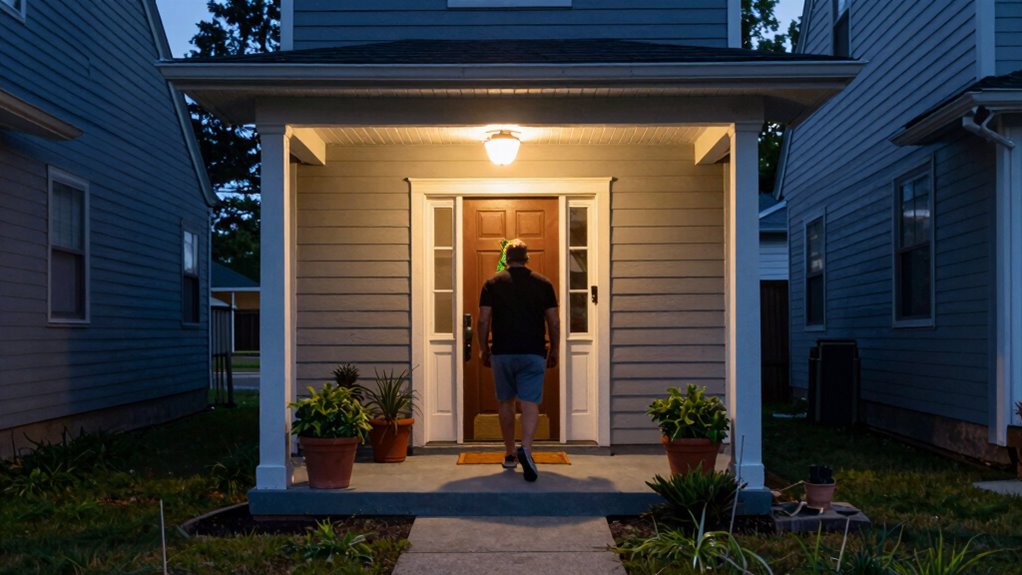
Your doorbell camera data can be shared or leaked in several ways, often unintentionally. First, data breaches occur when hackers exploit security vulnerabilities, exposing your footage and personal information. Second, if the manufacturer or cloud service experiences a breach, your data could be accessed without your knowledge. Third, sharing footage or access credentials without proper user consent can lead to leaks, either intentionally or accidentally. Additionally, security vulnerabilities in smart home devices can be exploited by malicious actors, increasing the risk of data leaks. These situations highlight the importance of understanding how your data might be compromised. Always review your device’s security measures and privacy policies. Be cautious about granting access or sharing footage, and ensure your provider has strong safeguards against data breaches. Regularly updating your device firmware and understanding data privacy policies can significantly reduce the risk of leaks. Staying vigilant helps protect your privacy from unauthorized access or leaks, especially by being aware of potential data sharing practices.
How to Adjust Your Doorbell Camera Settings for Better Privacy
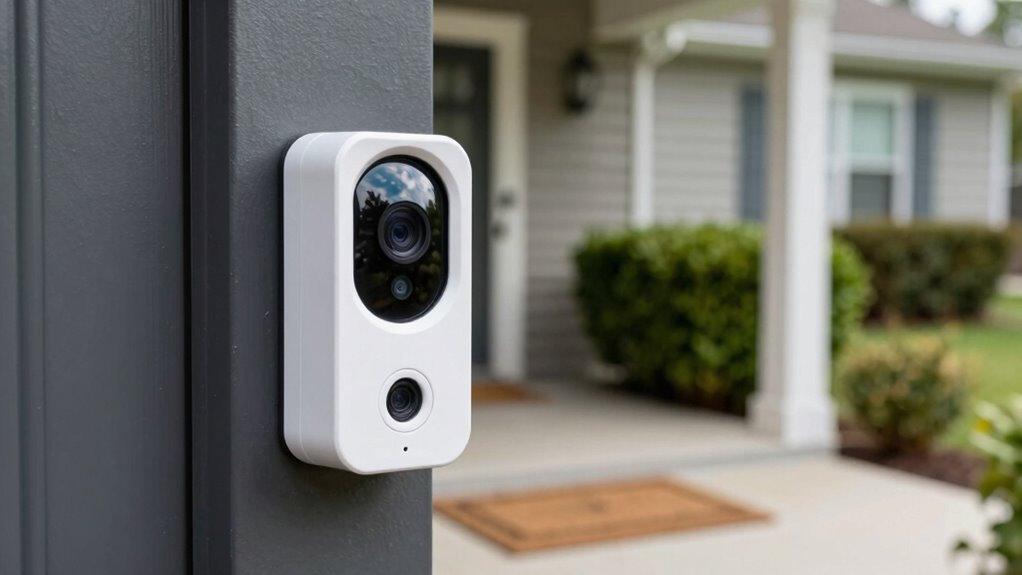
To protect your privacy, start by adjusting your doorbell camera’s angle so it only captures necessary areas. Set up privacy zones to block out spaces where you don’t want footage recorded, like your neighbor’s yard or sidewalk. Finally, control notification settings to limit alerts and reduce unnecessary data sharing.
Adjust Camera Angle
Adjusting the camera angle is a straightforward way to enhance your doorbell camera’s privacy. Proper camera positioning ensures you capture only what’s necessary while avoiding intrusive views. To do this effectively, consider these steps:
- Use the angle adjustment feature to tilt or rotate the camera, minimizing views of neighboring properties or public areas.
- Aim the camera downward to focus on your doorstep, reducing the chance of capturing private spaces beyond your property.
- Regularly review the camera’s view to ensure it’s correctly aligned and avoid blind spots or overly broad coverage.
Set Privacy Zones
Setting privacy zones on your doorbell camera allows you to block out areas that don’t need monitoring, helping protect your neighbors’ privacy and reducing unnecessary footage. By adjusting these zones, you can prevent the camera from recording sensitive or private spaces, ensuring your privacy and that of others. Use camera masking to draw boundaries around specific areas, effectively hiding them from recording. To make this clearer, here’s an example of how you might set privacy zones:
| Zone Name | Area Covered |
|---|---|
| Neighbor’s Driveway | Left side of the frame, near neighbor’s yard |
| Sidewalk | Bottom right corner, public sidewalk |
| Porch Window | Upper middle, private porch window |
| Street | Outer edges, to avoid recording street |
This helps focus monitoring while respecting privacy.
Control Notification Settings
Controlling your notification settings plays a key role in maintaining privacy with your doorbell camera. Proper notification control guarantees you’re only alerted to relevant activity, reducing unnecessary exposure. To optimize your privacy settings, start by:
- Adjust notification preferences so you only receive alerts for specific events or times.
- Disable notifications from sharing sensitive footage or activity with third-party apps.
- Review app permissions regularly and revoke access for devices or users you no longer trust.
What Are Your Legal Rights Regarding Doorbell Camera Footage?

Are you aware of your legal rights when it comes to your doorbell camera footage? Your privacy rights are protected by privacy laws, but these rights can vary depending on your location. Generally, you have the right to control footage captured on your property, including how it’s stored and shared. However, recording public areas or neighbors’ properties can lead to legal complications. Laws often require you to respect others’ privacy and avoid invasive recording. If someone else records or shares footage unlawfully, you may have grounds to take legal action. It’s crucial to understand that while your doorbell camera helps enhance security, it doesn’t give you unlimited rights to record or distribute footage without considering applicable privacy laws. Stay informed to protect your rights and privacy.
Practical Tips to Protect Your Privacy Without Losing Security
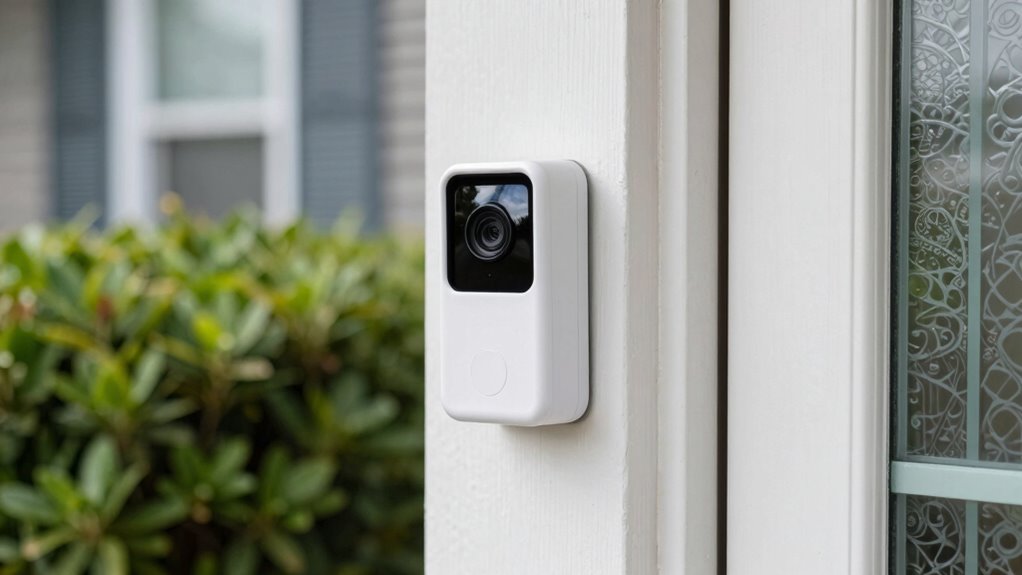
Balancing your security needs with privacy concerns is possible with practical strategies. First, optimize doorbell security by updating firmware regularly and using strong, unique passwords. Second, consider camera placement carefully; position your doorbell so it covers your entryway without capturing neighbors’ private spaces or public areas. Third, limit access by creating user-specific accounts and enabling two-factor authentication to prevent unauthorized viewing. Additionally, use privacy zones if your camera app offers this feature, to block out areas you don’t want recorded. Regularly review your footage and security settings to ensure they align with your privacy preferences. These steps allow you to safeguard your home without compromising your privacy, maintaining a balance between security and discretion.
How to Choose a Doorbell Camera That Respects Your Privacy
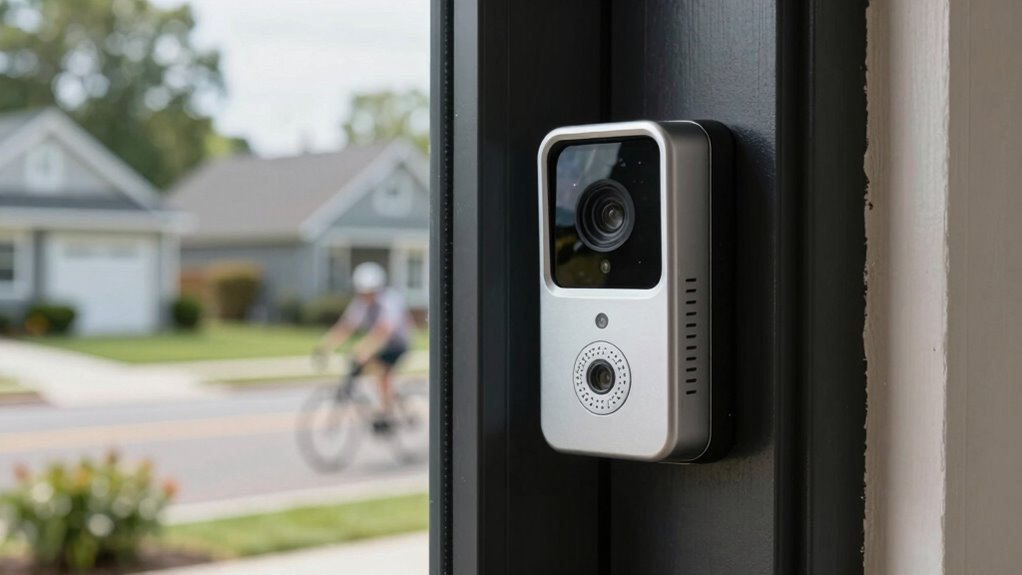
When choosing a doorbell camera, prioritizing privacy means looking for features that give you control over what’s recorded and who can see it. Focus on cameras with customizable privacy zones, so you can exclude areas like your neighbors’ property or public spaces. Look for devices that support local storage options to reduce security concerns related to cloud vulnerabilities. Guarantee the camera offers encryption and access controls to follow privacy best practices.
| Feature | Benefit |
|---|---|
| Privacy Zones | Limit recording to necessary areas |
| Local Storage | Reduce risks of hacking and unauthorized access |
| End-to-End Encryption | Protect footage from interception |
| User Access Controls | Manage who can view or modify recordings |
Frequently Asked Questions
Can Doorbell Cameras Record Audio Along With Video?
Yes, many doorbell cameras can record audio along with video. However, this feature raises privacy concerns, especially if you don’t inform visitors or neighbors. You should check your device’s settings and local laws, as audio recording may require consent. Being transparent about recording helps protect your privacy and avoids potential legal issues. Always consider the privacy implications before enabling audio recording on your doorbell camera.
Are There Laws Regulating Doorbell Camera Surveillance?
Yes, there are laws regulating doorbell camera surveillance. Privacy laws and surveillance regulations aim to safeguard your neighbors’ privacy while allowing you to monitor your property. You need to be aware that recording audio might be subject to stricter rules, and you should inform visitors if they’re being recorded. Staying informed about local regulations ensures you use your doorbell camera responsibly and legally, respecting everyone’s privacy rights.
How Secure Are the Data Transmissions From My Doorbell Camera?
Your doorbell camera’s data transmissions are generally secure, thanks to data encryption that protects your footage during transfer. Additionally, strong user authentication methods, like two-factor authentication, help prevent unauthorized access. However, always verify your device’s firmware is up to date and use a secure Wi-Fi network. Staying vigilant with security settings minimizes risks and keeps your footage private from potential intruders.
Can Hackers Access My Doorbell Camera Footage Remotely?
Think of your doorbell camera as a guarded castle; hackers are sneaky invaders trying to breach the walls. Yes, they can access footage remotely if security isn’t tight, especially through weak passwords or unsecured Wi-Fi. Cloud storage and facial recognition features can be vulnerable if not protected properly. To keep them out, use strong passwords, enable two-factor authentication, and regularly update your device’s firmware.
What Privacy Features Do Newer Doorbell Cameras Offer?
Newer doorbell cameras offer advanced privacy features like customizable privacy settings and user permissions. You can control who accesses your footage, set temporary access for guests, and disable recording during certain hours. These features help you protect your privacy and prevent unauthorized viewing. By managing user permissions and adjusting privacy settings, you guarantee your footage stays secure and accessible only to trusted individuals.
Conclusion
Your doorbell camera is a window into your world, but it shouldn’t become a open book for everyone. By understanding what it records, controlling who can access it, and adjusting your settings, you can keep your privacy safe without sacrificing security. Think of it as a delicate dance—you want to stay protected while respecting your own boundaries. Stay vigilant and take control, so your home remains both secure and private, like a fortress with a guarded gate.