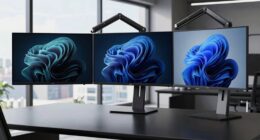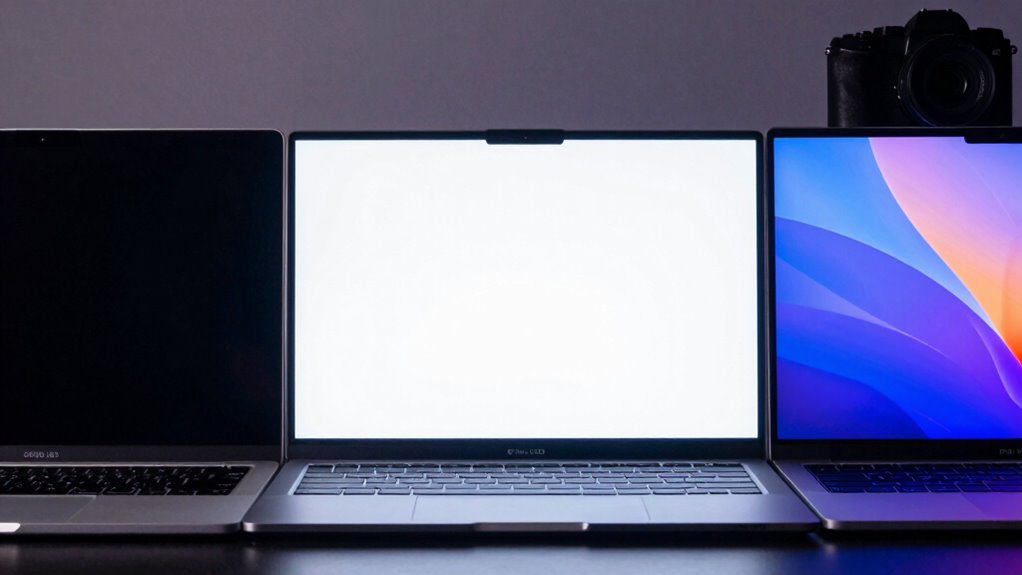

Choosing between OLED, Mini-LED, and IPS displays depends on your needs. OLED offers stunning contrast and deep blacks, ideal for immersive viewing but can face burn-in and costs. Mini-LED delivers brighter images with excellent color and contrast, great for multimedia. IPS panels provide reliable color accuracy and wide angles, perfect for work and casual use. To get the best fit, consider durability, budget, and how you’ll use your laptop—more details to come.
Key Takeaways
- OLED offers superior contrast and deep blacks, ideal for immersive media and creative work, but has higher costs and burn-in risks.
- Mini-LED provides high brightness and localized dimming for vibrant visuals and better contrast than traditional LEDs.
- IPS panels deliver consistent color accuracy and wide viewing angles, suitable for professional tasks and casual use.
- OLED screens are more fragile and susceptible to static image burn-in, affecting long-term durability for frequent static content.
- Mini-LED and IPS displays generally offer greater durability and longer lifespan at a lower cost compared to OLED.
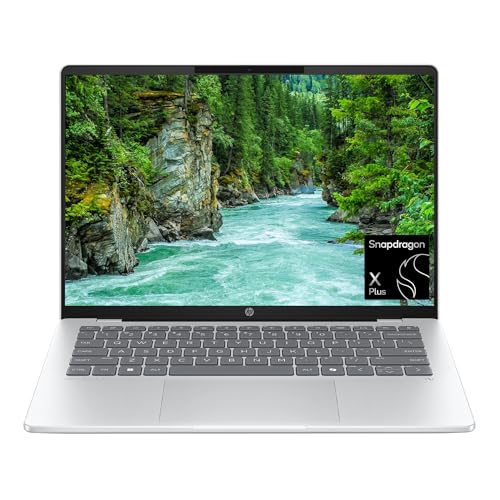
HP OmniBook 5 14 inch Next Gen AI PC, OLED Display, Snapdragon X Plus X1P-42-100, 16 GB RAM, 1 TB SSD, Qualcomm Adreno GPU, Windows 11 Home, Glacier Silver, 14-he0099nr
ENJOY UP TO 34 HOURS OF BATTERY LIFE – Unleash your creativity with exceptional on-the-go performance with HP's…
As an affiliate, we earn on qualifying purchases.
As an affiliate, we earn on qualifying purchases.
What Are the Main Differences Between OLED, Mini‑LED, and IPS Displays?

When choosing a laptop display, understanding the main differences between OLED, Mini‑LED, and IPS panels is essential. OLED screens are created through display manufacturing processes that emit light individually for each pixel, offering vibrant colors and deep blacks. They tend to have a shorter panel lifespan due to pixel degradation over time, especially with static images. The fragility of OLED pixels can influence long-term durability considerations. Proper usage and screen management can help mitigate some of these issues. Additionally, OLED panels typically have a higher power consumption compared to other display types, which can affect battery life. The organic light-emitting diode technology also makes OLED screens more susceptible to burn-in if static images are displayed for prolonged periods. The manufacturing complexity of OLED panels can contribute to higher costs and potential production challenges. Mini-LED displays use thousands of tiny LEDs for backlighting, providing better contrast than traditional LED screens and improved brightness. Their manufacturing involves precise layering, which can extend panel lifespan with proper use. The backlighting technology in Mini-LEDs allows for localized dimming, enhancing contrast ratios. This advanced backlighting can lead to more uniform brightness and reduced halo effects around bright objects. This technology offers a good balance between performance and durability for many users. IPS panels rely on liquid crystal technology, delivering consistent color accuracy and wide viewing angles. While more durable, they generally lack the contrast levels of OLED and Mini-LED displays. Your choice depends on balancing display quality with longevity and manufacturing considerations.

AOC Q27G3XMN 27" QHD Gaming Monitor, 2560×1440, Mini LED, 180Hz 1ms GtG, HDR 1000, sRGB137.5%, HDMI 2.0 x 1, DisplayPort 1.4 x1, Adaptive Sync, 3-Year Zero-Bright-dot
Witness virtual worlds come to life on a stunning VA panel equipped with state-of-the-art Mini-LED backlight technology and…
As an affiliate, we earn on qualifying purchases.
As an affiliate, we earn on qualifying purchases.
Why Do OLED Screens Offer Better Contrast and Deeper Blacks?
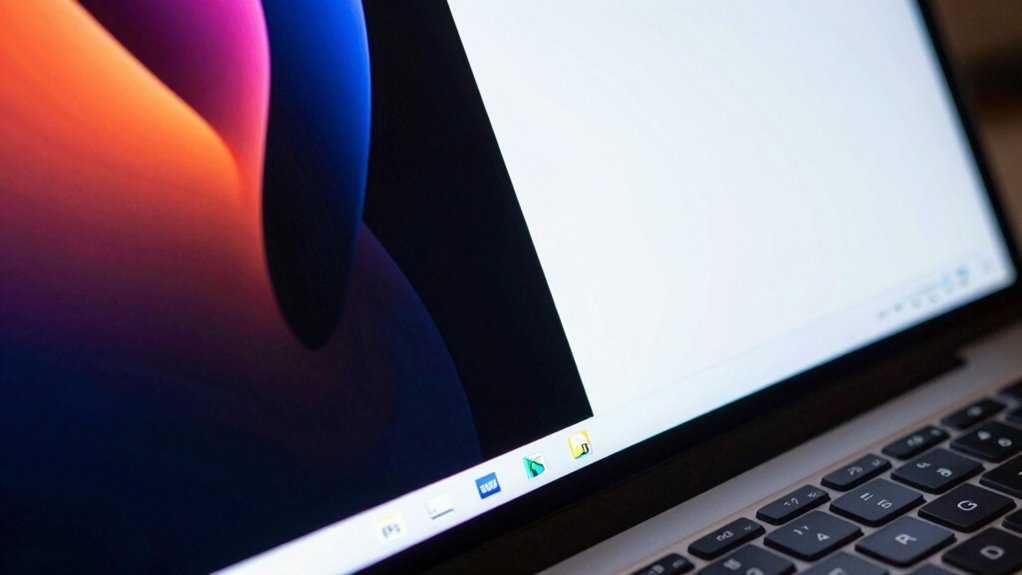
OLED screens deliver superior contrast and deeper blacks because each pixel emits its own light and can be turned off completely. This precise control allows for true blacks, enhancing the contrast ratio profoundly. Because pixels can be fully off, the display achieves a higher contrast ratio than other technologies. Additionally, OLEDs offer greater color depth, making colors appear more vibrant and nuanced, especially in dark scenes. The ability to control individual pixels ensures that bright and dark areas are rendered independently, resulting in richer, more immersive images. This contrast and depth in blacks improve the overall visual experience, whether you’re watching videos, gaming, or working with detailed images. In short, OLED’s pixel-level control is key to its remarkable contrast and black levels. The technology also benefits from efficient energy use, since black pixels are completely off, reducing power consumption during dark scenes. Moreover, the precise pixel control minimizes light bleed, further enhancing the black levels and contrast in various viewing conditions. For those seeking the most accurate and stunning visuals, OLED displays are often regarded as the top choice due to their superior contrast performance.

KYY Portable Monitor 15.6inch 1080P FHD USB-C, HDMI Computer Display HDR IPS Gaming Monitor w/Premium Smart Cover & Screen Protector, Speakers, for Laptop PC MAC Phone PS4 Xbox Switch
[ FHD 1080P PORTABLE MONITOR ]: KYY using a 15.6''(8.8"x14.2") advanced IPS screen with 178° wide viewing angle,…
As an affiliate, we earn on qualifying purchases.
As an affiliate, we earn on qualifying purchases.
How Do Mini‑LED Displays Deliver Brighter Images and Better Colors?
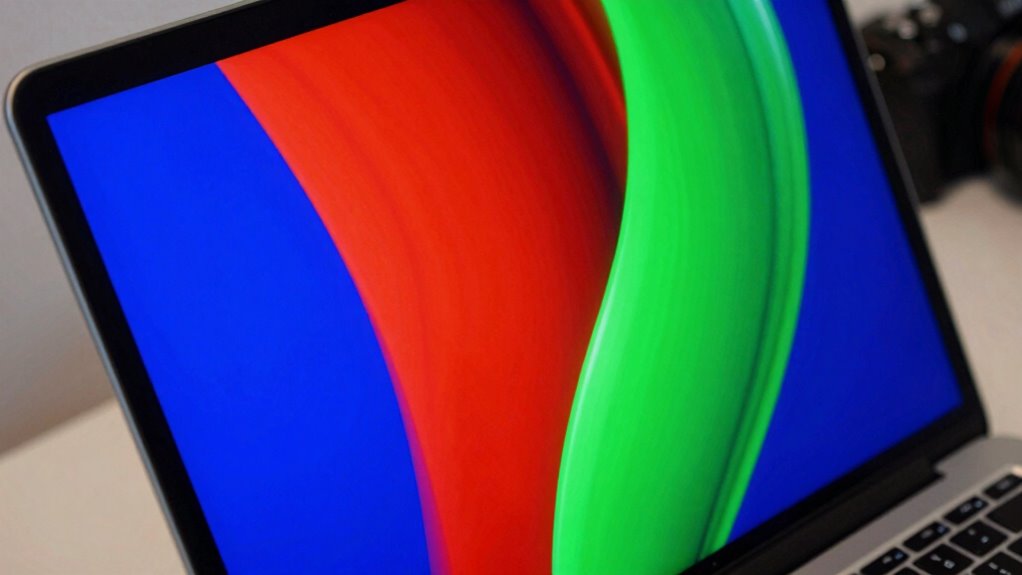
Mini-LED displays achieve brighter images and richer colors through higher brightness levels and more precise control of light. With improved color accuracy, your screen shows more vibrant and true-to-life visuals. Local dimming zones allow for better contrast by selectively darkening areas of the display, enhancing overall picture quality. Additionally, smart brightness adjustment helps optimize display settings based on ambient lighting conditions for a more comfortable viewing experience.
Enhanced Brightness Levels
Enhanced brightness levels in modern displays are achieved through advanced backlighting techniques that allow for higher luminance without sacrificing contrast. Mini-LED technology uses thousands of tiny LEDs to create more precise local dimming, resulting in brighter images and improved color vibrancy. This means you’ll see vivid colors even in well-lit environments, making your content pop. Unlike traditional LED screens, mini-LED displays can boost brightness considerably, enhancing overall visual impact. Additionally, because the backlight is more evenly distributed, you experience consistent brightness across different viewing angles. This advanced backlighting approach also reduces blooming artifacts and enhances black levels, providing a more immersive viewing experience. The use of free floating backlighting techniques allows for dynamic adjustment of luminance levels, optimizing the viewing experience for various content types. The increased control over brightness and contrast in mini-LED displays is made possible through local dimming technology, which further refines image quality. Moreover, the precise control offered by these displays helps prevent uneven brightness and improves energy efficiency. Overall, these enhanced brightness levels make mini-LED displays ideal for both work and entertainment, delivering striking visuals with better clarity and color depth.
Improved Color Accuracy
Because precise control over backlighting is essential, mini-LED displays deliver brighter images and more accurate colors by using thousands of tiny LEDs that can be independently dimmed or brightened. This granular control enhances color calibration, ensuring that each hue appears more true to life. With increased color depth, mini-LED screens can display a broader range of shades, resulting in richer, more vibrant images. This improved color accuracy benefits both work and entertainment, making photos, videos, and design work more precise. The ability to fine-tune the backlight contributes to consistent color performance across various viewing angles and content types. Additionally, Vetted – Perfect Fit Living offers insights into advanced display technologies to optimize your viewing environment. Understanding color calibration is essential for maximizing the benefits of these display improvements, especially when considering display technology differences. Exploring advanced display control techniques can further enhance your viewing experience and color fidelity.
Furthermore, advancements in local dimming technology enable even greater control over brightness levels, further improving contrast and color accuracy.
Local Dimming Zones
Local dimming zones play a crucial role in how mini-LED displays produce brighter images and richer colors. By dividing the screen into multiple zones, local dimming allows precise control over brightness levels, ensuring that bright areas glow without washing out darker regions. This zone control enables the display to dim or turn off specific zones where black or dark content appears, resulting in deeper blacks and enhanced contrast. This targeted adjustment improves overall picture quality, making images more vivid and dynamic. Unlike traditional backlighting, mini-LEDs with advanced local dimming can deliver high brightness levels while maintaining excellent contrast. Increased brightness capabilities enable mini-LED displays to handle high dynamic range (HDR) content more effectively, providing a more immersive viewing experience whether you’re working on detailed projects or enjoying high-quality videos. Additionally, local dimming zones help reduce blooming artifacts, further enhancing image clarity and quality. The precise control over brightness offered by local dimming also contributes to better energy efficiency, reducing power consumption during use. Moreover, the ability to adjust brightness dynamically helps optimize power usage based on content and ambient lighting conditions, further improving efficiency. Incorporating advanced zone management techniques can further enhance the overall image quality and user experience.
![[2-Pack] Kids Art Frames, 8.5x11 Front Opening Kids Artwork Frames Changeable, White Artwork Display Storage Frame for Wall, Holds 50 Pcs, for 3D Picture, Crafts, Hanging Art, Portfolio](https://m.media-amazon.com/images/I/51TPjAHM-0L._SL500_.jpg)
[2-Pack] Kids Art Frames, 8.5×11 Front Opening Kids Artwork Frames Changeable, White Artwork Display Storage Frame for Wall, Holds 50 Pcs, for 3D Picture, Crafts, Hanging Art, Portfolio
【High Capacity】Perfectly suited for 8.5×11 inch or smaller artwork, our frame has a depth of 0.6 inches, making…
As an affiliate, we earn on qualifying purchases.
As an affiliate, we earn on qualifying purchases.
What Makes IPS Panels Reliable for Consistent Color and Wide Viewing?

IPS panels are known for their ability to deliver consistent colors and maintain wide viewing angles, making them a reliable choice for both professional and casual use. Their advanced technology ensures that colors stay accurate across the screen, reducing the need for frequent color calibration. Whether you’re working on detailed design projects or enjoying a movie, you’ll appreciate the clarity and stability of the display. The wide viewing angles mean you can share your screen without losing color accuracy or contrast, no matter your position. This reliability fosters confidence in your visual experience. Additionally, Flat Iron Bike features often include high-quality IPS screens to ensure durability and consistent performance over time.
Which Display Is Best for Creative Work and Photo Editing?
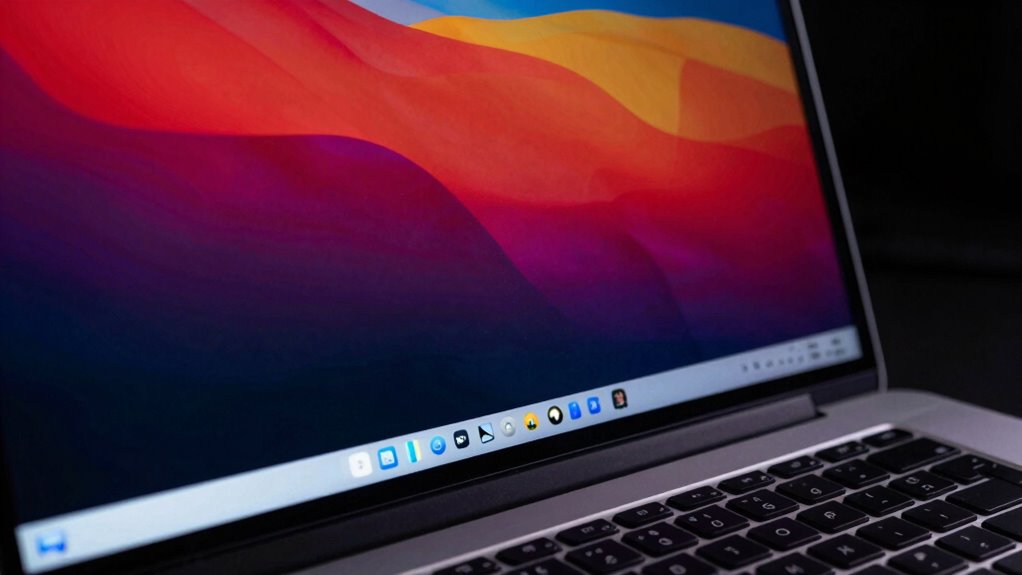
Are you looking for a display that offers precise colors and sharp detail for your creative projects? If so, consider panels with excellent color calibration and high panel durability. OLED screens provide vivid colors and deep contrast, perfect for photo editing, but may require careful calibration for color accuracy. Mini-LED displays often deliver impressive brightness and uniformity, making them suitable for detailed work. IPS panels are known for their consistent color reproduction and wide viewing angles, ensuring your work looks accurate from different perspectives. When choosing, prioritize screens with factory-calibrated color profiles to reduce post-processing. Additionally, opt for displays with durable materials that resist image retention or burn-in, especially in OLED models. Being aware of potential issues like image retention and choosing panels with mitigation features can extend the lifespan of your display. Incorporating panel durability considerations into your selection process helps ensure your investment remains reliable over time. Considering panel lifespan can further help you select a display that maintains quality over years of use. The right balance of color accuracy and panel durability helps you produce professional-quality results reliably.
How Do These Technologies Affect Battery Life and Power Use?
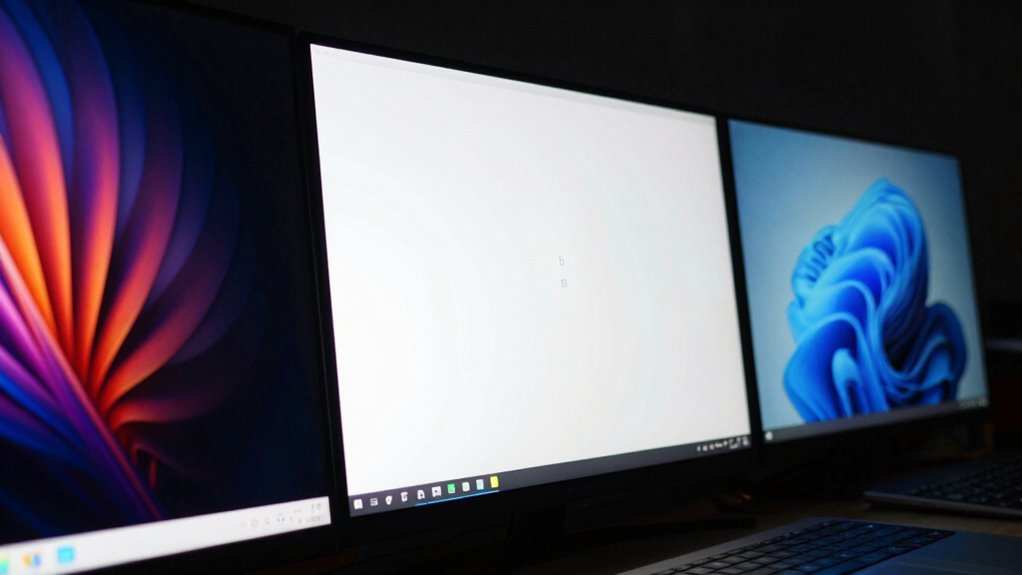
While high-quality display technologies can enhance your visual experience, they often impact battery life in different ways. OLED screens, with their vibrant color accuracy, tend to consume more power when displaying bright images or videos, reducing battery longevity. Mini-LED displays are more efficient but still draw significant power during high-brightness tasks, impacting overall battery life. IPS panels typically use less energy, making them more battery-friendly for everyday use. Keep in mind that display durability also plays a role—screens that are more fragile may require more careful handling, affecting long-term use. Consider these factors when choosing a display to balance stunning visuals with practical power management.
High-quality displays boost visuals but can reduce battery life and durability.
- Experience richer visuals that demand more power but bring your content to life
- Rely on durable screens designed to withstand daily wear without compromising performance
- Maximize battery life with efficient displays that balance color accuracy and energy consumption
Are OLED and Mini‑LED Screens Durable? What About Burn-In Risks?

OLED and Mini-LED screens offer impressive visuals, but their durability can vary. OLED screens are known for excellent contrast and vibrant colors, yet their screen longevity can be affected by burn-in risks, especially if static images remain on the display for extended periods. Modern OLED technology has improved, reducing burn-in concerns, but it still requires careful use to avoid permanent image retention. Mini-LED displays provide high brightness and good color accuracy, with better technology durability against burn-in. Overall, both technologies have made strides in longevity, but you should still be mindful of static content to prevent long-term damage. If durability and screen longevity are priorities, understanding these risks helps you choose a display that best fits your usage habits.
What’s the Cost Difference? Which Display Gives You the Best Value?
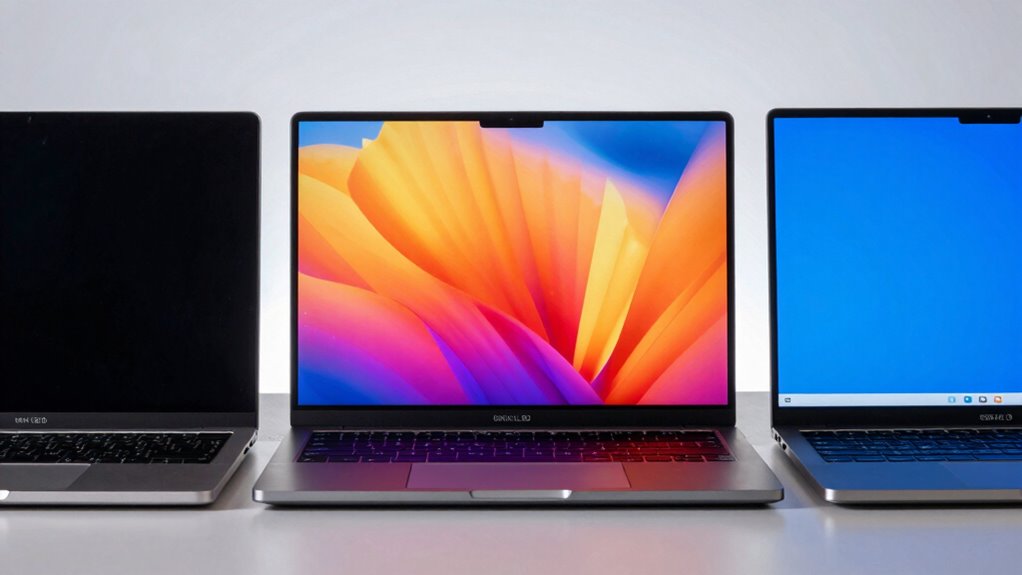
Choosing the right display often comes down to balancing cost and quality, as high-end screens tend to come with a higher price tag. When comparing costs, OLED displays usually lead in price due to their advanced technology, but they offer stunning visuals and deep blacks. Mini-LED screens fall in the middle, providing great brightness and contrast at a lower cost. IPS panels are typically the most affordable, delivering solid color accuracy and wide viewing angles but may lack the premium features of OLED and Mini-LED.
Consider these points:
- OLED offers exceptional image quality but can be expensive, impacting your overall budget.
- Mini-LED provides a good balance of performance and longevity without breaking the bank.
- IPS displays are budget-friendly and reliable for everyday use, though their display longevity may be lower.
Should You Pick OLED, Mini‑LED, or IPS for Gaming, Streaming, or Everyday Use?
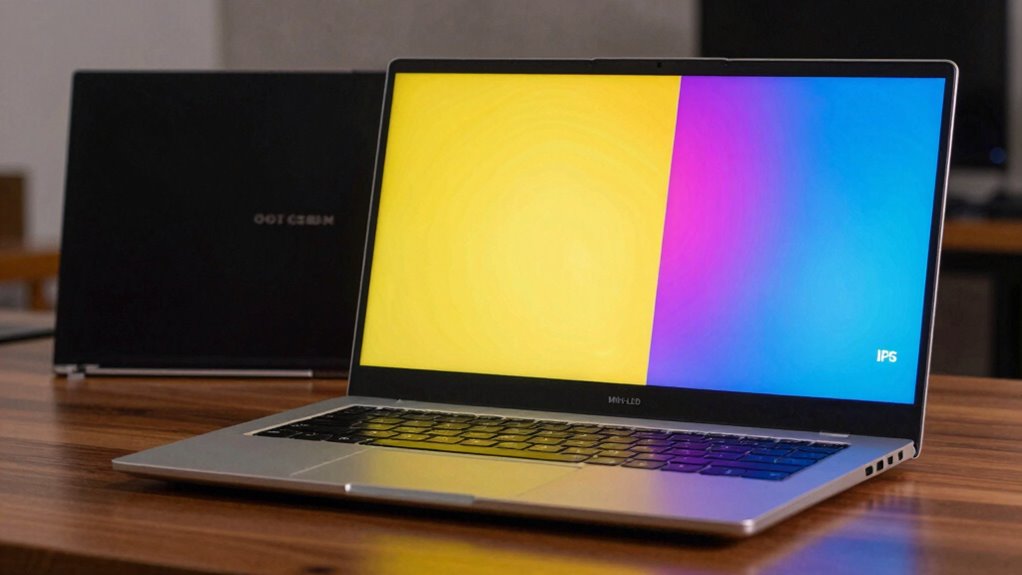
Selecting the right display technology depends on how you plan to use your laptop. If you prioritize vivid colors and sharp contrast for gaming or streaming, OLED offers exceptional color accuracy and deep blacks, enhancing visual experience. However, OLEDs can be more susceptible to burn-in, affecting display durability over time. Mini‑LED displays provide bright, vibrant images with good contrast and improved durability, making them suitable for daily use and gaming. IPS panels excel in color accuracy and viewing angles, making them ideal for work, browsing, and streaming, though they may not match OLED’s contrast. Consider your needs: for immersive visuals and higher display durability, OLED is excellent; for balanced performance and longevity, Mini‑LED or IPS might be better choices.
How to Choose the Right Laptop Display for Your Needs
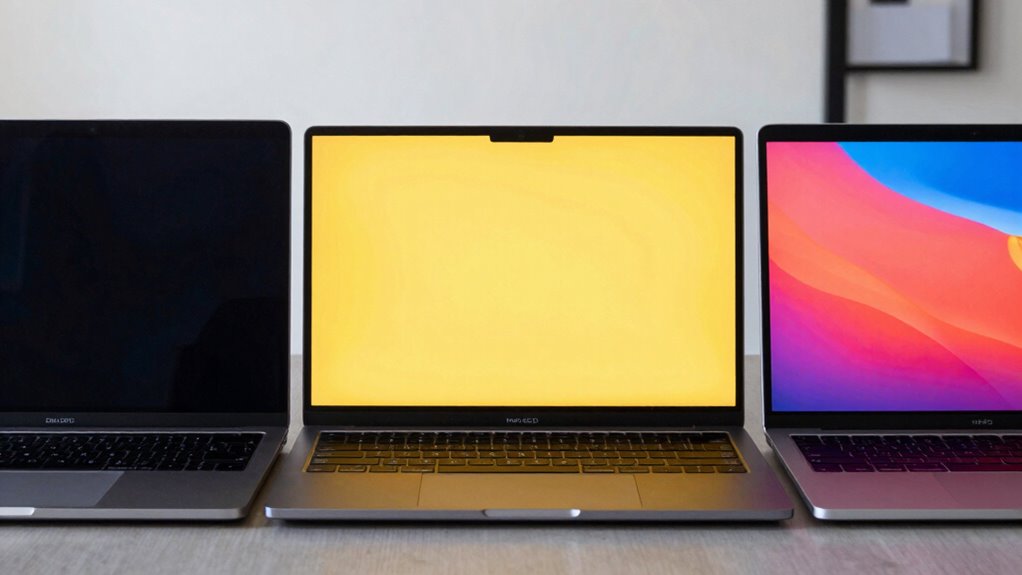
To choose the right laptop display, start by considering what you’ll use it for most—gaming, work, or entertainment. Next, look at key quality factors like resolution, color accuracy, and brightness to match your needs. Finally, keep your budget in mind to find a display that balances features and affordability.
Purpose and Usage
Since your laptop display plays a crucial role in your daily tasks, understanding your specific needs is essential for making the right choice. Whether you focus on color grading for creative work or need a portable design for travel, your usage determines the ideal display. If precision matters, opt for a screen with accurate color reproduction to ensure your work looks exactly as intended. For on-the-go use, prioritize a lightweight, portable design that doesn’t compromise performance. Consider how you’ll use the device daily—gaming, professional editing, or casual browsing—and choose a display that enhances your experience. Remember, the right display can boost productivity, inspire creativity, and make your digital life more enjoyable. Make your choice based on what truly matters to your routine.
Display Quality Factors
Choosing the right display involves understanding the key quality factors that impact your viewing experience. Two essential aspects are color gamut and screen refresh rate. A wider color gamut delivers richer, more accurate colors, indispensable for creative work or media consumption. The screen refresh rate affects how smooth motion appears, critical for gaming or fast-paced tasks.
| Factor | Consideration |
|---|---|
| Color Gamut | Look for high coverage (e.g., DCI-P3) for vivid visuals |
| Screen Refresh | 60Hz is standard; higher rates (120Hz+) enhance fluidity |
Balancing these factors ensures your display meets your needs—whether for vibrant visuals or smooth interactions.
Budget Considerations
Budget plays a vital role in selecting the right laptop display, as it determines the range of features and quality you can afford. To make an informed choice, conduct a thorough price comparison of OLED, Mini-LED, and IPS options within your budget. Remember, investing in a higher-quality display can boost productivity and enjoyment, but it shouldn’t break the bank. Consider future trends—such as advancements in OLED and Mini-LED technology—that may lower costs or improve performance over time. Keep these in mind:
- Finding the perfect balance between cost and performance can open better work and entertainment experiences.
- Prioritizing features aligned with your needs ensures you don’t overspend on unnecessary specs.
- Staying aware of future trends helps you make a purchase that remains relevant and valuable longer.
Frequently Asked Questions
How Do Display Refresh Rates Vary Among OLED, Mini‑Led, and IPS Screens?
You’ll notice refresh rate differences among OLED, Mini‑LED, and IPS screens, which impact gaming performance. Typically, IPS displays often offer higher refresh rates, like 120Hz or more, making fast-paced gaming smoother. OLED and Mini‑LED screens usually have 60Hz to 120Hz, with some models reaching higher. Higher refresh rates reduce motion blur, so if gaming’s your focus, prioritize IPS or high-refresh OLED or Mini‑LED screens for better responsiveness.
Can These Display Types Be Easily Repaired or Replaced if Damaged?
Think of your laptop display as a delicate painting—you might want to replace it easily, but repairability challenges exist. OLED screens, with their complex layers, are harder to repair and often require full replacement. Mini-LED and IPS displays are somewhat easier but still pose challenges due to their integrated designs. Overall, these screens aren’t designed for simple repairs, so replacement remains the most practical option when damage occurs.
How Do Ambient Lighting Conditions Impact Each Display’s Visibility?
Ambient lighting considerably affects each display’s visibility, making glare reduction essential. In bright environments, IPS screens often struggle with glare, reducing clarity, while OLED and Mini-LED displays provide better contrast and color accuracy. To optimize viewing, adjust your room lighting or use anti-glare filters. Proper lighting conditions help you enjoy vibrant colors and sharp details, whether you’re working or playing, ensuring your screen remains clear and true to life.
Are There Environmental Benefits or Concerns Associated With Each Technology?
Sure, these fancy screens come with environmental baggage. OLEDs use rare materials, raising recyclability concerns, while Mini-LEDs consume more power, contributing to energy worries. IPS panels are less eco-friendly due to their manufacturing processes. So, if you care about Mother Earth, know that choosing a display isn’t just about visuals—it’s about the environmental impact and how easily you can recycle or dispose of these tech marvels responsibly.
What Are the Long-Term Maintenance Requirements for OLED, Mini‑Led, and IPS Displays?
You’ll want to regularly calibrate your OLED, Mini-LED, and IPS displays to maintain color accuracy over time. OLED screens may experience burn-in if static images are left on too long, so avoid prolonged static content. Mini-LEDs require occasional backlight checks, while IPS displays are quite durable but may need cleaning to preserve clarity. All three benefit from power-efficient settings to extend lifespan and keep your display looking fresh longer.
Conclusion
Choosing the right display is like finding your perfect window to the world—whether it’s the vivid black depths of OLED, the bright clarity of Mini-LED, or the reliable consistency of IPS. Consider your needs, budget, and passions. Like a trusted compass, your choice guides your experience, turning everyday tasks into moments of brilliance. Trust your instincts, and let your display be the window through which your world shines brightest.